 ENEnglish
 LTLietuviškai
 DEDeutsch
 FRFrançais
 RUРусский
 ESEspañol
 PLPolski
 ITItaliano
 UKУкраїнська
 CSČeština
 PTPortuguês
 JA日本語
JA日本語 LVLatviešu valoda
 ETEesti
 HUMagyar
 IDBahasa Indonesia
 TRTürkçe
 HIहिन्दी
 ELΕλληνικά
 ARالعربية
 THไทย
THไทย VITiếng Việt
 RORomână
 MSBahasa Melayu
 BNবাংলা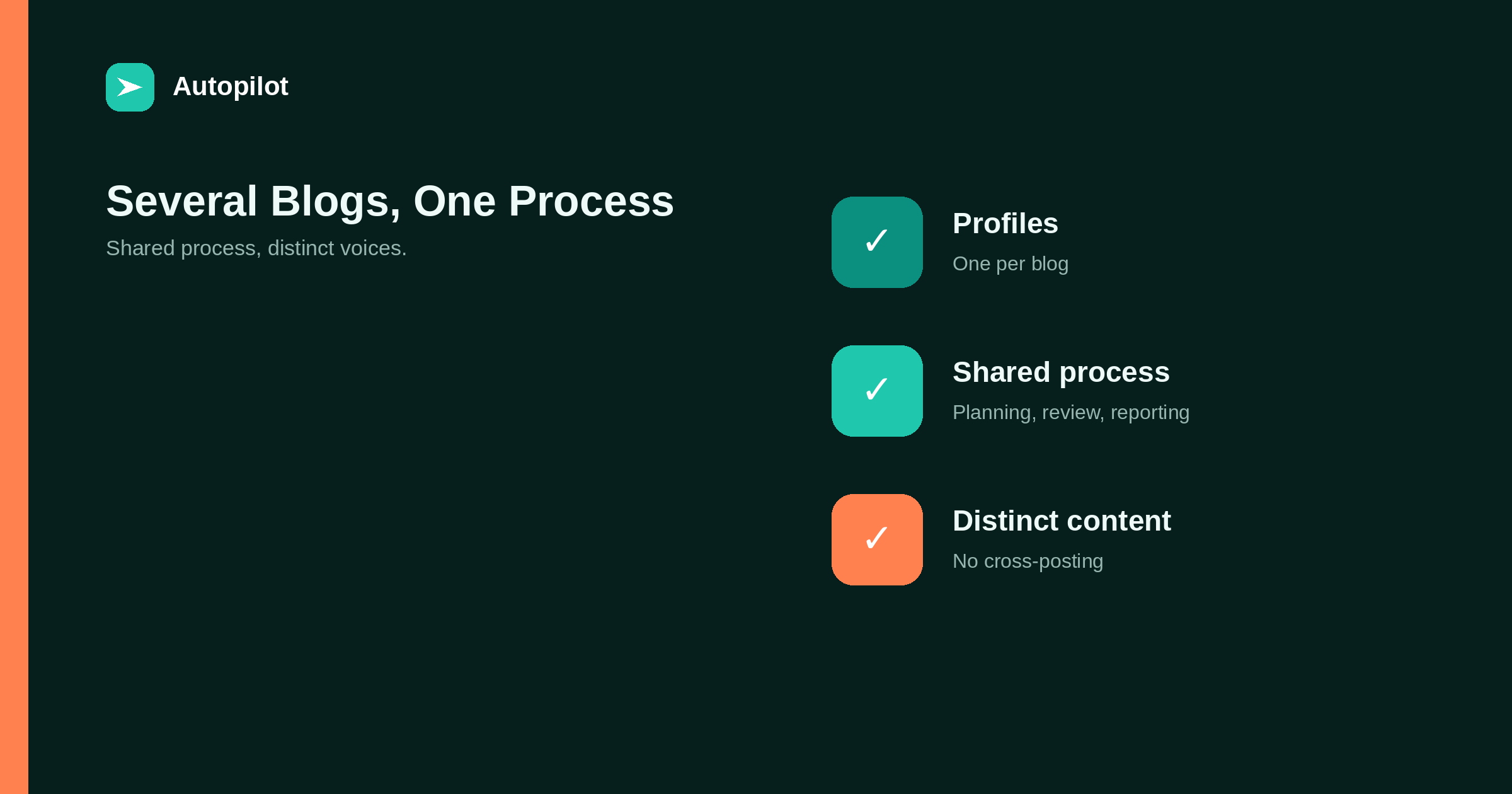
Short answer: give each blog its own profile — audience, voice, subjects, approver, goal — and share everything else: the planning process, review checklist, publishing tools, inventory format and reporting. Avoid publishing the same article on several blogs, which creates duplicate content and dilutes each site. Keep connections separate and limited for each site. Review each blog’s output side by side periodically to make sure they have not converged into one voice, and measure each against its own goal.
Businesses end up running several blogs for many reasons: several brands, several markets, several product lines, or, for agencies and consultants, several clients.
Doing each one separately multiplies effort. Doing them all the same way risks turning them into copies of each other. The balance is shared process with distinct content.
One profile per blog
Each blog needs its own short profile, agreed with whoever is responsible for it.
| Section | Contents |
|---|---|
| Audience | Who reads it, what they already know |
| Voice | Rules, a never list, example paragraphs |
| Subjects | Three to five, linked to what the brand sells |
| Approver | One named person |
| Goal | The outcome it is measured on |
The profile is what keeps each blog distinct. writing down your brand voice covers the voice section.
Share the process
Everything that does not define a blog’s identity can be shared: the monthly planning routine, the brief template, the review checklist, the publishing workflow, the inventory format and the reporting structure.
Shared process means improvements made for one blog benefit all of them, and anyone on the team can work on any blog.
Do not cross-post
Publishing the same article on several blogs creates duplicate content, splits whatever signals the article earns, and makes each blog less distinctive.
If a subject suits two blogs, write two articles for their different audiences, or publish on one and link from the other. duplicate content covers the duplicate content issue.
Separate connections
Each site should have its own connection for publishing tools: a separate user with a limited role and its own application password. That limits the damage if one is compromised and makes it easy to remove access for one site without affecting others.
connecting WordPress safely covers the setup.
Planning across blogs
A shared planning session each month, covering all blogs, helps avoid overlap and spot opportunities: a subject covered well on one blog may suggest a different angle for another.
Keep separate topic lists and inventories per blog, but review them together.
Review capacity
Running several blogs multiplies review work. Plan review capacity before increasing volume, and decide review levels per blog: a blog on a sensitive subject may need full review, while another can run lighter checks — draft, approve or full auto covers the options.
Watch for convergence
Over time, blogs managed by the same people drift towards the same voice and subjects. Every few months, read recent articles from each blog side by side. If you could swap the logos without anyone noticing, tighten the profiles.
Measure separately
Report each blog against its own goal. Combined totals hide blogs that are struggling and flatter blogs that are not. measuring whether a blog is working covers measuring outcomes.
Keeping inventories and calendars separate but visible
Each blog needs its own content inventory and topic list, but it helps to be able to see them together. A shared spreadsheet with one tab per blog, or a single sheet with a blog column, lets you spot overlaps and gaps across all of them while keeping each blog’s planning distinct.
The same applies to the publishing calendar. Seeing all blogs’ schedules in one view prevents bunching, where several blogs publish on the same subject in the same week, and helps spread review work evenly.
Brand families and shared audiences
When several blogs belong to related brands with overlapping audiences, readers may encounter more than one. That makes distinct voices and distinct subjects more important, not less. It also creates opportunities: a reader of one brand’s blog may benefit from an article on another, and a link between them can help both.
Link between related blogs where it genuinely helps readers, sparingly and with descriptive anchor text. Avoid networks of sites linking to each other purely to pass ranking signals, which search guidelines treat as a link scheme.
When to stop running a blog
Not every blog deserves to continue. If one produces nothing after a fair trial, or the brand or market it served has changed, consider pausing it, merging its best articles into another site with redirects, or leaving it as an archive.
Fewer, stronger blogs usually outperform many weak ones, and the review capacity freed up can improve the rest.
Onboarding a new blog
When adding a blog, use the same sequence each time: profile agreed, site connected with a limited account, existing content inventoried, first month planned, first articles reviewed closely and the profile adjusted from what the review finds. A repeatable sequence means the tenth blog starts as well as the first.
Reporting across blogs
A single monthly report can cover several blogs if it is structured well: one short section per blog showing its outcome against its own target, followed by a brief overview of shared observations and the next month’s priorities.
Keep the per-blog sections comparable so trends across blogs are visible, but resist ranking blogs against each other on raw traffic. A small blog serving a specialist market may be the most valuable of all.
Access and permissions
With several blogs, keep track of who has access to what. Each person should have access only to the sites they work on, with the lowest role that lets them do their job. Review access when people join or leave, and remove connections for tools no longer used.
A simple access list per site, reviewed quarterly, prevents the common situation where former staff or old tools still hold publishing rights on several sites years later.
Tools for several sites
Publishing tools that support several sites from one account simplify the work. AI Blog Autopilot plans cover different numbers of websites, from one on the Starter plan to twenty on the Agency plan, as listed on the pricing page. Whatever tool you use, keep each site’s instructions and connection separate.
Related reading
If this was useful, these cover the questions that usually come next.
- Running blogs for clients — the agency version
- Scaling from 4 to 30 posts a month — volume on one blog
- Writing down your brand voice — keeping each blog distinct
The bottom line
Give each blog its own profile and share everything else: planning, briefs, review, publishing, inventory and reporting. Never cross-post, keep each site’s publishing connection separate, plan across blogs to avoid overlap, watch for convergence, and measure each blog against its own goal.
FAQ
How do I manage several blogs efficiently?
Share process, tools and templates across blogs, while giving each its own profile for audience, voice, subjects and goals.
Can I publish the same article on several blogs?
It creates duplicate content and dilutes each site. Write separate articles or link between blogs.
How do I keep each blog’s voice distinct?
Use a separate voice profile for each and periodically compare their articles side by side.
Should each site have its own publishing connection?
Yes: a separate limited user and application password per site.
How should several blogs be measured?
Each against its own goal, rather than as a combined total.
Does running several blogs multiply work?
Review and planning work grows with each blog. Plan capacity before adding more.


