 ENEnglish
 LTLietuviškai
 DEDeutsch
 FRFrançais
 RUРусский
 ESEspañol
 PLPolski
 ITItaliano
 UKУкраїнська
 CSČeština
 PTPortuguês
 JA日本語
JA日本語 LVLatviešu valoda
 ETEesti
 HUMagyar
 IDBahasa Indonesia
 TRTürkçe
 HIहिन्दी
 ELΕλληνικά
 ARالعربية
 THไทย
THไทย VITiếng Việt
 RORomână
 MSBahasa Melayu
 BNবাংলা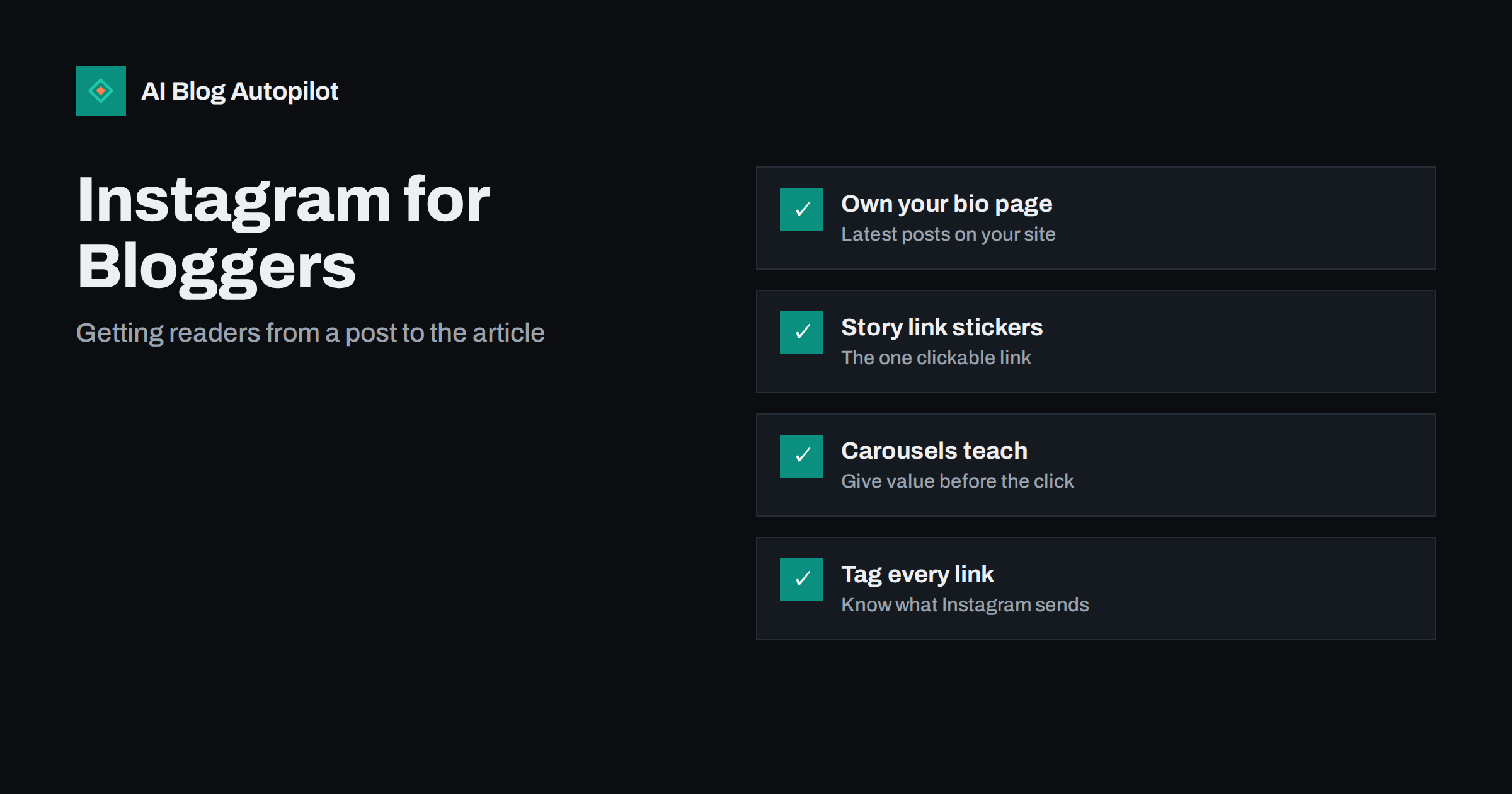
Short answer: Instagram does not make links in regular post captions clickable, so sending readers to a blog post takes a deliberate route: links in your profile bio, link stickers in Stories, and content that makes people want to tap through. Point your bio to a simple page on your own site listing recent articles, use a Story with a link sticker for each new post, and make carousels and Reels valuable on their own. Tag every link with UTM parameters so you can see what Instagram actually sends.
Instagram is a strange channel for a blog. It is visual, fast and designed to keep people inside the app, while a blog post asks readers to leave and spend several minutes reading. Many bloggers post a pretty image, write “link in bio” and wonder why almost nobody clicks. The answer is not that Instagram cannot work for a blog; it is that it works differently from Facebook, LinkedIn or X.
This article covers realistic expectations, the routes that actually carry readers to your articles, and how to turn a blog post into Instagram content that people value.
Set realistic expectations
For most blogs, Instagram is better at building familiarity than at sending large volumes of traffic. People discover you through a helpful carousel, follow you, see your name again and again, and eventually visit your site, sometimes by searching for you rather than clicking a link. Analytics will undercount that effect.
That does not mean you should ignore clicks. It means judging Instagram by a mix of signals: saves and shares, profile visits, link clicks and, over time, brand searches and direct visits. If your audience is visual, such as food, travel, design, fitness, crafts or fashion, Instagram can be one of your most important channels. If your audience is technical or B2B, it may be a minor one.
Route 1: links in your bio
The bio is the main permanent place for links. Instagram lets you add several links to your profile, which shows the first and lets visitors expand the rest. Use them deliberately:
- Point the first link to a page on your own site. A simple page that lists your latest articles, with large images that match your Instagram posts, is more useful than a single article link that goes out of date. Because the page is on your domain, visitors are already on your site after one tap.
- Keep the page fast and minimal. People arrive on a phone, from inside the Instagram browser. A heavy page with pop-ups loses them.
- Match posts to the page. If a post says “full guide via link in bio”, the guide should be at the top of the bio page, with the same image, so people recognise it immediately.
- Use the other links for evergreen destinations: your newsletter sign-up, your most popular guide, a contact page.
Third-party “link in bio” services work too, but a page on your own site keeps visitors on your domain and gives you full control of the design and tracking.
What should the bio page contain? Keep it to a short header with your name and one line about what you write, then a list of the six to twelve most recent articles, each with its image, title and a single-sentence summary. Below that, add one or two evergreen links, such as a starter guide or newsletter sign-up. On WordPress, this can be an ordinary page with a latest-posts block, which updates itself whenever you publish. Exclude it from search results if you do not want a thin listing page indexed, and check it on a phone after every theme change.
Consider also where your audience is in their relationship with you. New followers need to understand what you offer, so evergreen guides deserve a place near the top of the bio page. Long-time followers want what is new, so the latest article belongs first. A page that shows both, recent posts first and a small “start here” section after them, serves both groups without extra effort.
Route 2: link stickers in Stories
Stories support a link sticker, which is the most direct clickable link available on Instagram. For each new article:
- Post one to three Story frames: a hook, the key takeaway and a frame with the link sticker.
- Write a clear sticker label, such as “Read the checklist” rather than the default URL.
- Place the sticker where it will not be covered by interface elements at the top or bottom of the screen.
- Save the best Stories to a Highlight named after the topic or “Blog”, so the links stay accessible after 24 hours.
Stories reach people who already follow you and engage with you, which makes them a good place for links: these viewers are the most likely to tap.
Route 3: content that earns the tap
No link placement helps if the post itself gives no reason to care. On Instagram, the post must be valuable on its own, and the article must be the natural next step for people who want more.
| Format | How to build it from an article | What it does |
|---|---|---|
| Carousel | One idea per slide: the problem, three to seven tips, a closing slide pointing to the full guide | Saves, shares, deeper reading |
| Reel | A 15 to 60 second demonstration of one tip, with text on screen | Reach beyond followers |
| Single image | One striking photo or a clear quote from the article | Brand familiarity |
| Story sequence | Hook, takeaway, link sticker | Direct clicks from followers |
A carousel that teaches five useful steps, with a last slide saying “the full guide covers three more, plus a printable checklist”, gives people something now and a concrete reason to visit.
Writing captions for a blog post
- Open with the hook. Only the first line or two show before the caption is truncated. Make them count.
- Add substance. Instagram captions can be long. A short summary of the article’s main point, or a tip that is not in the images, adds value.
- Point to the link clearly. “Full guide: tap the link in my bio” is fine, as long as the bio page shows it first.
- Use a few relevant hashtags. A small number of specific hashtags describing the topic helps categorise the post. Long lists of generic tags add little.
- Write alt text. Instagram lets you add alt text to images, which helps people using screen readers and describes the content clearly.
Measuring what Instagram sends
Traffic from the Instagram app often arrives with limited referrer information, so analytics may classify some of it as direct or as a generic social source. To measure properly:
- Add UTM parameters to every link you place on Instagram, such as
?utm_source=instagram&utm_medium=social&utm_campaign=bio, with different campaign values for the bio, Stories and other placements. - Check Instagram’s own insights for profile visits, link taps and sticker taps.
- Compare saves and shares on carousels with link taps; posts people save are often the ones that lead to visits later.
Review monthly. Look for which topics and formats bring both engagement and clicks, and do more of those.
A weekly routine from one article
You do not need to create Instagram content from scratch. One good article can feed a week:
- Publication day: the article goes to the top of your bio page, and a Story sequence with a link sticker announces it.
- Day two or three: a carousel with the article’s main steps or tips, ending with a slide that points to the bio link.
- Later in the week: a short Reel showing one tip in action, or a single image with the article’s most useful quote.
- Throughout: reply to comments and direct messages, and reshare the Story to a Highlight.
This rhythm gives the same idea three chances to reach people in formats that suit Instagram, and each one points to the same article. Over a month, four articles become a full, consistent feed without extra writing.
Common mistakes
- Posting the blog’s featured image with “link in bio” and nothing else. It gives followers no reason to engage and the feed no reason to show it.
- A bio link that goes to the home page. Visitors looking for a specific article have to hunt for it. Most will not.
- Outdated bio links. A post promoting today’s article while the bio still points to last month’s creates frustration.
- Text-heavy images that are unreadable on a phone. Use large type and few words per slide.
- Treating Instagram like a feed of links. The network rewards native content. Links are the destination, not the post.
How AI Blog Autopilot helps
AI Blog Autopilot shares every new article to your connected networks, Instagram included, with text written for each network and its own timing. For businesses without a website, it can also create native social posts such as tips, how-tos and questions on its own. A bio page on your site that lists recent articles pairs naturally with this, because each new post has an obvious place to send readers. See which networks Autopilot posts to.
Related reading
- Turning an Article Into Social Posts That Get Read
- Repurposing an Article: One Piece, Several Formats
- Sharing Blog Posts on a Facebook Page: What Still Works
- Auto-Post Every New Blog Article to Social Media Automatically
The bottom line
Instagram does not hand out clickable links in captions, so bloggers need a route: a bio page on your own site listing recent articles, Story link stickers for new posts, and carousels and Reels that are valuable before anyone taps. Keep expectations realistic, tag every link and judge Instagram on familiarity as well as clicks. Done this way, it becomes a steady source of readers rather than a place where links go to be ignored.
FAQ
Can I put a clickable link in an Instagram caption?
No. Links in regular post captions are not clickable. Use the links in your profile bio, link stickers in Stories, or other placements Instagram provides.
What is the best “link in bio” setup for a blog?
A simple, fast page on your own site that lists your latest articles with images matching your posts. It keeps visitors on your domain after one tap and never goes out of date if it updates automatically.
Do Instagram Story links work for blogs?
Yes. The link sticker in Stories is the most direct clickable link on Instagram. Use a clear label, place it where it is not covered, and save important Stories to a Highlight so the link stays available.
How do I track traffic from Instagram to my blog?
Add UTM parameters to every link you use on Instagram, with different values for the bio and Stories, and compare your analytics with Instagram’s insights on link and sticker taps.
Which Instagram format works best for blog content?
Carousels usually suit blog content best because they can teach several steps in one post and are often saved. Reels help reach people who do not follow you yet, and Stories carry the clickable link.


