ENEnglish
 LTLietuviškai
 DEDeutsch
 FRFrançais
 RUРусский
 ESEspañol
 PLPolski
 ITItaliano
 UKУкраїнська
 CSČeština
 PTPortuguês
 JA日本語
JA日本語 LVLatviešu valoda
 ETEesti
 HUMagyar
 IDBahasa Indonesia
 TRTürkçe
 HIहिन्दी
 ELΕλληνικά
 ARالعربية
 THไทย
THไทย VITiếng Việt
 RORomână
 MSBahasa Melayu
 BNবাংলা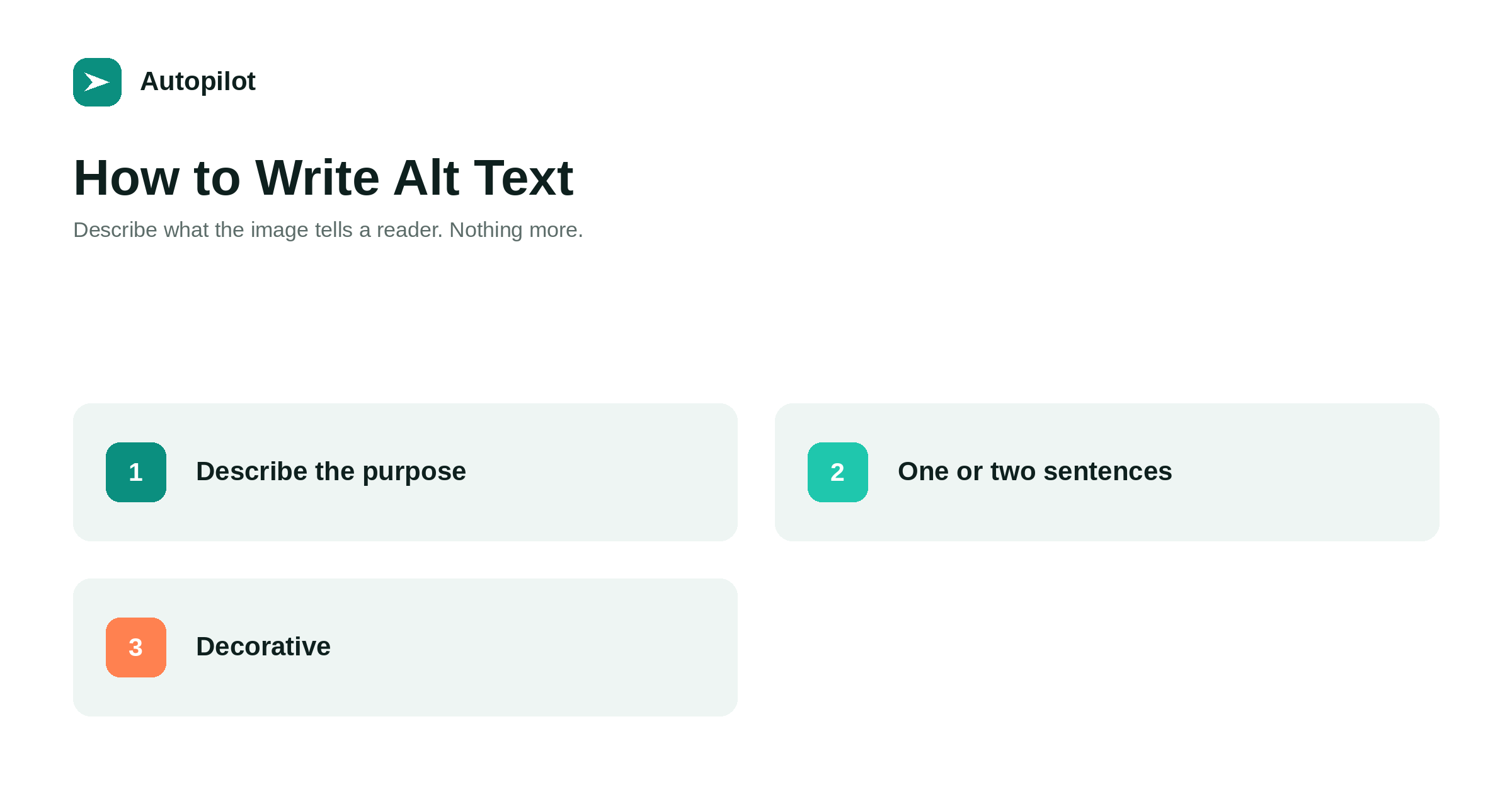
Short answer: alt text is a short written description of an image, read aloud by screen readers and shown when the image fails to load. Write what the image communicates in context, in one or two sentences — roughly 125 characters is a sensible guide. If the image is a chart, give its conclusion. If it is a screenshot, say what it shows the reader to do. If it is purely decorative, leave the alt attribute empty so screen readers skip it. Never fill it with keywords; it is for people who cannot see the page.
Alt text is one of the few parts of a web page written for a reader who cannot see it. That alone is the reason to do it well: for someone using a screen reader, an image with no alt text is a gap, and an image with a keyword list is noise.
It also helps search engines understand images, which is a genuine secondary benefit and the reason it is so often done badly.
What alt text is for
Alt text replaces the image for anyone who does not receive it: screen reader users, people with images disabled, slow connections where the image fails, and search engines reading the page.
The test for good alt text is simple. If the image vanished and the alt text were read in its place, would the reader lose anything important? If not, the alt text is doing its job.
That framing matters because it means alt text describes purpose, not appearance. The same image needs different alt text in two different articles, because it is doing different work in each.
Writing it for different kinds of image
The right description depends on what the image is doing.
| Image type | What to write |
|---|---|
| Photograph illustrating a point | What it shows that matters to the point |
| Chart or graph | The conclusion, plus key numbers if short |
| Screenshot of a setting | What it shows the reader to do |
| Featured image with a headline | The headline text it carries |
| Logo | The organisation’s name |
| Purely decorative flourish | Nothing: an empty alt attribute |
For a chart, the conclusion is what a sighted reader takes away in a glance; a list of every data point is not. If the data itself matters, put it in a table on the page, where everyone can read it — when a table beats three paragraphs explains when that is the better form.
Length and style
One or two sentences. Around 125 characters is a common guide, because some screen readers handle longer text awkwardly, but it is a guide rather than a limit.
Some habits to drop:
- Image of or picture of. Screen readers already announce that it is an image.
- File names. IMG_2041.jpg tells nobody anything.
- Repeating the caption. If a visible caption already says it, the alt text can be shorter or complementary.
- Describing irrelevant detail. The colour of a shirt matters only if the article is about the shirt.
Write it in a normal sentence, with normal punctuation, as if describing the image to someone on the phone.
When to leave it empty
An empty alt attribute — alt with nothing in the quotes — tells a screen reader to skip the image. That is correct for images that add nothing: decorative borders, background flourishes, spacers, icons next to text that already says the same thing.
Note the difference between an empty attribute and a missing one. A missing attribute can cause some screen readers to read out the file name instead, which is worse than either option.
If you are unsure whether an image is decorative, ask whether the article would lose anything without it. If not, it is decorative.
Keywords and search
Search engines use alt text to understand images, which has led to a long tradition of stuffing it with phrases. It does not help, and it actively harms the people alt text exists for.
A screen reader user hearing blog automation tool AI blog writer automated blogging software has been given nothing. A search engine seeing the same thing has been given a spam signal.
Describe the image accurately and the relevant words appear naturally, because an image in an article about blog automation will generally depict something about blog automation. That is the same principle as everywhere else on the page, set out in how many keywords one article should target.
Featured images
Featured images deserve a specific note because they often contain text: a headline, a label, a short list.
Text inside an image is invisible to screen readers unless the alt text repeats it. For a featured image carrying the article’s headline, the alt text should carry the headline too. That is exactly what this blog does for every article, and it is covered further in featured images for automated posts.
If an image contains substantial text — a diagram with labels, an infographic — the better answer is to put that information on the page as real text, and keep the alt text to a short summary.
Making it routine
Alt text gets skipped because it is added last, in a separate field, after the article feels finished.
Two habits fix that. Write the alt text when you choose the image, while you still know why you chose it. And include it in the review checklist, alongside the title and description.
For an existing blog, an audit is straightforward: most SEO and accessibility tools list images with missing alt attributes. Work through them in order of page importance rather than trying to fix everything at once. It will not transform rankings; it will make every page usable by people who were previously locked out of part of it, which is reason enough.
Related reading
If this was useful, these cover the questions that usually come next.
- Featured images for automated posts — the image most posts carry
- When a table beats three paragraphs — the other accessibility structure on a page
- Page speed on a content site — the other thing images affect
The bottom line
Write what the image communicates in context, in a sentence or two. Give a chart its conclusion, a screenshot its instruction, a headline image its headline. Leave decorative images with an empty alt attribute rather than none. Skip image of, file names and keywords. And write it when you choose the image, not after the article is finished.
FAQ
What is alt text?
A short written description of an image, stored in the image’s alt attribute. Screen readers read it aloud, browsers show it when an image fails to load, and search engines use it to understand the image.
How long should alt text be?
One or two sentences, with roughly 125 characters as a common guide. Describe what the image communicates, not every visual detail.
Should every image have alt text?
Every image should have an alt attribute. Meaningful images need a description; purely decorative ones should have an empty attribute so screen readers skip them. A missing attribute is the worst option.
Does alt text help SEO?
It helps search engines understand images, which is a real benefit. Stuffing it with keywords does not help and harms the people alt text is meant for.
What alt text should a featured image have?
If the image carries the article’s headline, repeat the headline. Text inside an image is otherwise invisible to screen readers.
Should I start alt text with image of?
No. Screen readers already announce that it is an image, so the phrase only adds words before the useful part.