 ENEnglish
 LTLietuviškai
 DEDeutsch
 FRFrançais
 RUРусский
 ESEspañol
 PLPolski
 ITItaliano
 UKУкраїнська
 CSČeština
 PTPortuguês
 JA日本語
JA日本語 LVLatviešu valoda
 ETEesti
 HUMagyar
 IDBahasa Indonesia
 TRTürkçe
 HIहिन्दी
 ELΕλληνικά
 ARالعربية
 THไทย
THไทย VITiếng Việt
 RORomână
 MSBahasa Melayu
 BNবাংলা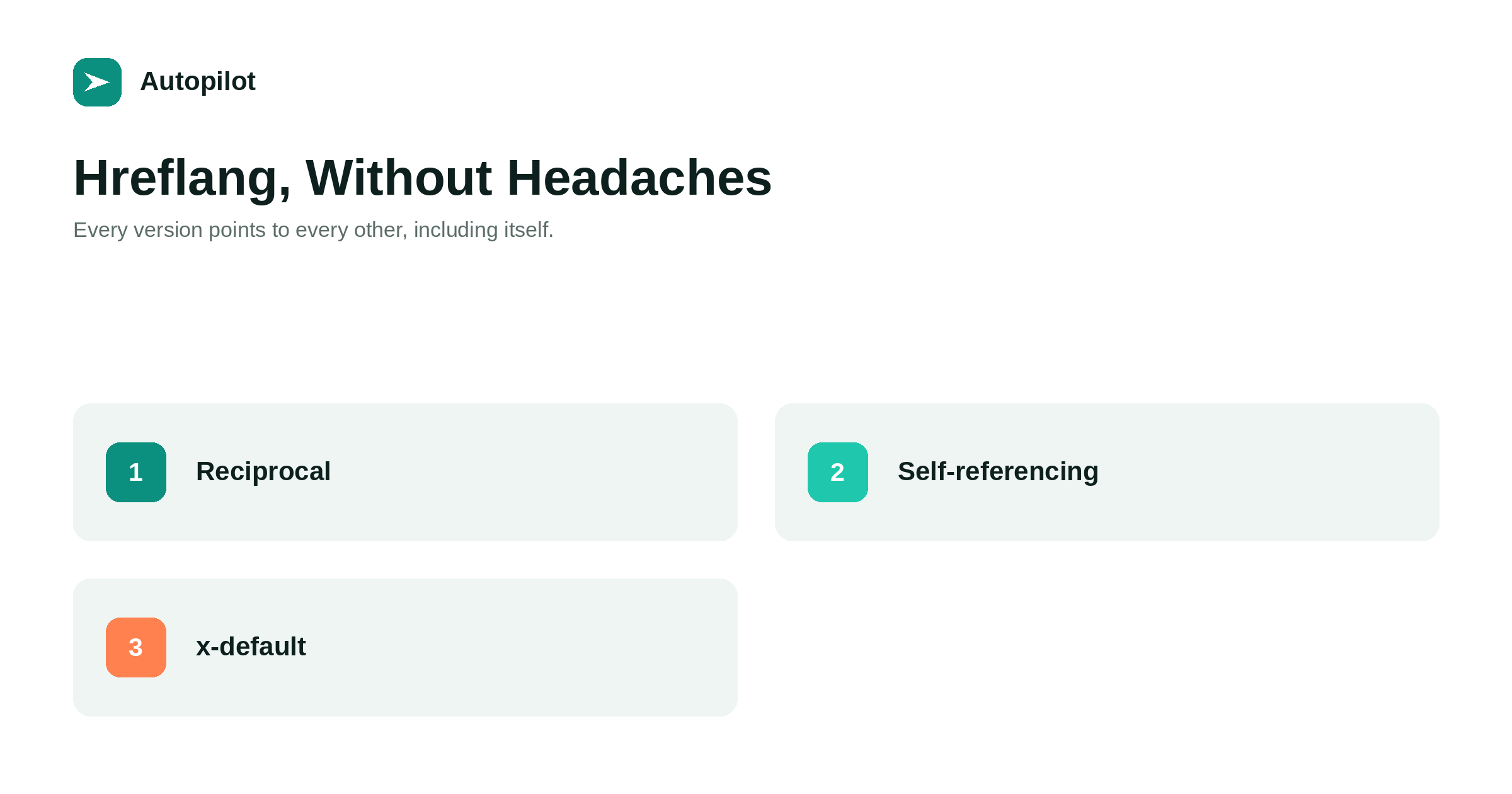
Short answer: hreflang annotations tell search engines that several pages are language or regional versions of the same content, so each searcher is shown the right one. Every version must list every other version and itself, with correct language codes, and the links must be reciprocal: if A points to B, B must point to A. Each version should have a self-referencing canonical, not a canonical to the English page. Add an x-default for users whose language you do not cover. Most multilingual plugins generate this; the job is checking it is complete and consistent.
A blog published in several languages has a specific problem: search engines need to know that the German and French articles are versions of the same content, not duplicates, and which one to show to which searcher.
Hreflang is the mechanism for that. It is simple in principle and easy to get subtly wrong, which is why it has a reputation for headaches.
What hreflang does
Hreflang annotations are link elements, usually in each page’s head, that list the language and regional versions of the page with their URLs.
They do not make pages rank; they help search engines choose the right version to show. A searcher in Germany searching in German sees the German article rather than the English one, even if the English one is stronger overall.
They also tell search engines the versions are intentional alternatives, which prevents them being treated as duplicates competing with each other.
The rules that matter
Most hreflang errors break one of a few rules.
| Rule | What goes wrong without it |
|---|---|
| Every version lists all versions | Some versions are ignored |
| Each version lists itself | The set is incomplete |
| Links are reciprocal | Unconfirmed pairs are ignored |
| Correct language codes | Annotations are invalid |
| URLs are canonical and return 200 | Annotations point at redirects or errors |
Reciprocity is the rule most often broken: page A lists B, but B does not list A, usually because one version was published or updated later.
Language and region codes
Language codes use the two-letter ISO 639-1 standard: en, de, fr, lt. A region can be added with an ISO 3166-1 country code: en-GB, en-US, pt-BR.
Only add a region when you genuinely have different versions for different countries in the same language. A single English version should be en, not en-US, unless another English version exists. Invented codes, such as en-UK instead of en-GB, are simply ignored.
Canonical and hreflang together
Each language version should have a canonical pointing to itself. A common mistake is pointing every translation’s canonical at the English original, which tells search engines the translations are copies and should not be indexed.
Canonical says this is the preferred URL for this content; hreflang says here are the other language versions. They work together, each on its own page. canonical tags covers canonicals.
x-default
An x-default annotation names the page to show users whose language or region you do not cover: often the English version, or a language selector page.
It is optional but useful, and it belongs in the same set on every version, like the other annotations.
Three places to put it
Hreflang can be declared in the page head, in HTTP headers, or in the XML sitemap. Choose one method and use it consistently; mixing them makes errors harder to find.
For WordPress, multilingual plugins usually add head annotations automatically. For large sites, the sitemap method keeps page heads lighter — XML sitemaps mentions it.
When versions do not match
Hreflang assumes each version is equivalent. If the German article covers a different subject from the English one, they should not be linked as versions.
This matters more when each language is written natively rather than translated, since natively written articles may diverge. Link versions only when they answer the same question; otherwise treat them as separate articles. translating or writing natively covers the trade-off.
Checking it
View the source of a few pages in each language and confirm the set: every version listed, itself included, codes correct, URLs working. Then check that the same set appears on each version.
Several free and paid tools check hreflang across a site and report missing return links. Check after adding a language, after publishing a batch of translations, and after changing plugins.
URL structure for languages
Hreflang works with any URL structure, but some structures are easier to manage than others. The common options are a folder per language on one domain, such as /de/ and /fr/, a subdomain per language, or a separate country domain per market.
Folders on one domain are the simplest for most businesses: one site to maintain, one set of links benefiting all languages, and a clear pattern for hreflang. Separate country domains make sense mainly for businesses operating as distinct local entities. Whatever you choose, choose it before publishing in the second language, because changing it later means redirecting every translated URL.
Avoid relying on automatic redirection by browser language or location. Search engines crawl mostly from one location and may never see the other versions, and readers who want a different language find it frustrating.
Language selectors
A visible language selector lets readers switch versions themselves. Link each option to the equivalent page in that language, not to that language’s homepage, so a reader switching mid-article lands on the same subject. Label languages in their own names — Deutsch, Français — rather than flags, since flags represent countries rather than languages.
What hreflang cannot do
It does not make a weak translation rank, and it does not substitute for content that suits the local market. It also cannot guarantee that the correct version is always shown; it is a strong hint that search engines usually follow.
Get the content right for each language, then use hreflang to make sure the right people see it.
Related reading
If this was useful, these cover the questions that usually come next.
- Publishing in several languages — the wider strategy
- Translating or writing natively — what goes into each version
- Canonical tags — the tag hreflang is often confused with
The bottom line
List every language version on every version, including itself, with correct codes and working canonical URLs, and keep the links reciprocal. Give each version a self-referencing canonical, add an x-default, use one method consistently, and link only versions that genuinely answer the same question. Check after every new language or batch.
FAQ
What is hreflang?
Annotations telling search engines that pages are language or regional versions of the same content, so they can show each searcher the right one.
Does hreflang improve rankings?
Not directly. It helps search engines show the right version to the right audience and prevents versions being treated as duplicates.
What is the most common hreflang mistake?
Missing return links: page A lists page B, but B does not list A, so the pair is ignored.
Should translations have a canonical to the original?
No. Each language version should have a self-referencing canonical.
What language codes should I use?
Two-letter ISO 639-1 language codes, optionally with an ISO 3166-1 region, such as en, de or en-GB.
What is x-default?
An annotation naming the page for users whose language or region you do not cover, often the English version or a language selector.


