ENEnglish
 LTLietuviškai
 DEDeutsch
 FRFrançais
 RUРусский
 ESEspañol
 PLPolski
 ITItaliano
 UKУкраїнська
 CSČeština
 PTPortuguês
 JA日本語
JA日本語 LVLatviešu valoda
 ETEesti
 HUMagyar
 IDBahasa Indonesia
 TRTürkçe
 HIहिन्दी
 ELΕλληνικά
 ARالعربية
 THไทย
THไทย VITiếng Việt
 RORomână
 MSBahasa Melayu
 BNবাংলা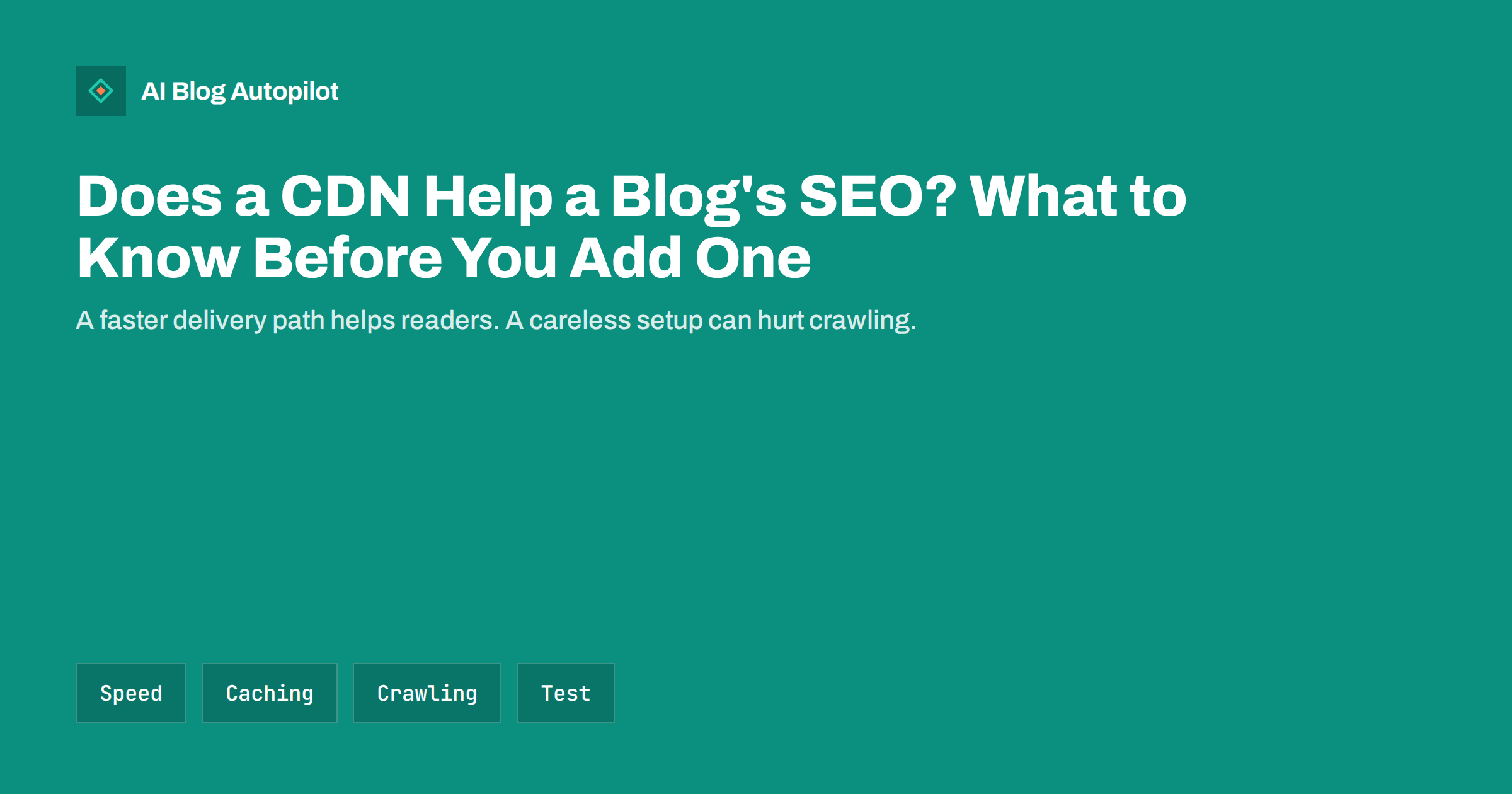
Short answer: a content delivery network, or CDN, stores copies of your files on servers close to your readers, so pages and images load faster for people far from your host. It is not a ranking trick, but better speed can improve the reader experience that search engines care about. Add one if your audience is spread across regions or your pages are heavy, and test the cache, the crawling rules and the security settings carefully.
The word CDN sounds technical, and many blog owners add one because a plugin or a hosting plan suggests it. In most cases it is a sensible step, but it changes how your site is delivered, and that deserves a few checks. This article explains what a CDN does, who benefits, what can go wrong for search and how to test the result without special tools.
What a CDN actually does
Without a CDN, every visitor connects to the server that hosts your blog. If that server is in one country and a reader is on another continent, each request travels a long way, and the delay adds up across the many files that make up a page. A CDN keeps copies of your files, such as images, stylesheets and scripts, in many locations. The visitor receives them from a nearby point, and your own server does less work.
Some CDN services can also keep copies of the pages themselves, which makes the first response much faster, and they often compress files and convert images to lighter formats. Others only handle static files. The details depend on the service and your settings, so read what your provider offers before assuming a particular feature.
A CDN is different from hosting. It sits in front of your host and does not replace it. If the host is slow because of weak resources or a heavy plugin, a CDN helps with files but not with the work done to build each page. For that, see web hosting and SEO.
Does it help SEO?
There is no ranking boost for the word CDN. Search engines look at the result: how quickly the page responds and how stable it is when it loads. Those measures are part of the page experience signals described in core web vitals for bloggers. If a CDN shortens the time to first response and the time to display the main image, the experience improves, and that can help at the margin.
The help is largest when your readers are far from your server, when you serve large images, or when you have bursts of traffic, for example after a social post goes well. A local blog whose readers live in the same city as the host may see little change. Measure before you decide, using real visitor data where it is available and not only a single lab test.
Speed also affects what happens after the click. Faster pages tend to keep readers longer and lose fewer of them before the first screen appears, which helps every goal you have for the blog. Keep expectations modest: a CDN speeds delivery, but it cannot fix a page that is heavy or badly built. Our guide to page speed for content sites covers the other levers.
Risks for crawling and indexing
The main risk is a setup that confuses crawlers. If a security rule treats search engine bots as suspicious and shows them a challenge page, they may not reach your content, and your pages can drop from the index. Check that the verified bots of the major search engines are allowed, and look at the crawl statistics in your search tools after any change.
Another risk is serving the same content on more than one hostname. If images or pages can also be reached through the CDN’s own address, make sure that canonical tags point to your real domain and that the CDN address is not indexed. See canonical tags explained for how this works. If you use a custom subdomain for media, keep file names meaningful, as described in image SEO for blog posts.
A third risk is the wrong redirect setup, such as a loop between the CDN and the host when both try to force a secure connection. This shows as an error or a page that never loads. Test the main address, the version with and without the www prefix and the secure and insecure versions, as covered in www, https and trailing slash URLs.
A practical way to judge the benefit is to look at where your visitors are. Your analytics will show the countries and regions of your readers. If most of them are near your host, the gain is small. If a large share come from far away, the same page may load several times faster for them with a CDN, and that is where the effort pays off. Pair that view with the device split, because readers on mobile connections feel every extra file the most.
Caching and fresh content
When a CDN stores pages, a change on your site does not always show at once. A corrected typo, a new price or a freshly published article can stay hidden for hours if the cached copy is not cleared. For a blog that publishes on a schedule, this matters, because a new post must reach readers and crawlers on time.
Look for a setting or plugin that clears the cache automatically when you publish or update. Check that the home page, category pages, feeds and the sitemap refresh as well, not only the post itself. Test with a small edit and check from a device that has not visited the page before.
Be careful with pages that must not be cached, such as login screens, previews and anything that shows a personal state. Most services and WordPress plugins have sensible defaults, but your theme or other plugins can add exceptions that need attention. If something looks stale for you but not for others, a cache is the first suspect.
Images, fonts and scripts
The easiest and safest use of a CDN is for static files. Images are usually the heaviest part of a blog page, so serving them from a nearby point has a large effect on loading time. Combine it with sensible sizes and modern formats, as in WebP and AVIF images, and with lazy loading for pictures below the first screen.
Fonts and scripts can also be served from a CDN, but each extra connection to another domain has a cost, and third-party services bring privacy questions. If you can host fonts yourself behind the same CDN, you often save a step. Our guide to web fonts for blogs explains the trade-offs.
Keep an eye on the cache lifetime. Files that never change, such as a logo with a version number in its name, can be kept for a long time. Files that change often should have shorter lifetimes or a version in the file name, so that visitors always get the right one.
Do not forget the less visible files. Feeds, the sitemap and downloadable documents such as PDFs also pass through the CDN, so confirm that they still return the right content and the right type. A sitemap that returns an old cached version can delay the discovery of new posts, and a feed that is cached for too long can make your newsletter or social tools publish late.
A checklist before switching it on
Take a backup first, using the steps in backups for a blog. Record your current speed on a few typical pages, such as an article with images, a category page and the home page, from the places where your readers live. Then connect the CDN in a quiet period, not in the middle of a launch.
After the change, check these items: the pages load over the secure connection with no warnings, images show everywhere, the sitemap and robots file are reachable, search engine bots are not blocked, canonical tags use your own domain, new posts appear on time and forms and comments still work. Look at the crawl and indexing reports over the next two weeks for sudden changes.
If anything looks wrong, you can usually pause the CDN or bypass the cache while you investigate. Write down the settings you used, so that a future change of host or provider does not become a mystery. If you later move the whole site, the notes in blog migration without losing traffic will help.
Choosing a service without overspending
Many hosts include a CDN, and several providers offer free plans that suit a small blog. Compare what you need rather than what is advertised: simple static file delivery, easy cache clearing, a clear way to allow search bots and support that you can reach. Avoid paying for features that your blog will never use, such as complex security rules or advanced traffic management.
Think about the people who will maintain it. A setup that needs a specialist for every change is a poor fit for a small team. Pick the plugin or service that the person responsible for the blog can understand, and write a short note on how to clear the cache and how to switch it off.
Finally, remember the privacy side. A CDN handles requests from your visitors, so mention it in your privacy notice where your rules require that, and check that its data settings suit your audience.
How AI Blog Autopilot helps
AI Blog Autopilot writes full SEO articles for your WordPress blog from the topics, keywords, audience and tone you set, with FAQ sections, tags and SEO meta included, and it shares each one to your social networks. When a scheduled post goes live, the cache settings you chose here decide how fast readers see it, so test them once and then let the articles keep coming. Approval mode lets you read each article first. See the pricing page for plans.
Related reading
- Page Speed for Content Sites
- Web Hosting and SEO: What Matters for a Blog
- Core Web Vitals for Bloggers
The bottom line
A CDN is worth adding when your readers are far from your host or your pages are heavy. Test the cache and the bot rules, keep canonical tags on your own domain and compare speed before and after.
FAQ
Will a CDN improve my search rankings?
Not directly. It can improve loading speed, which supports a better reader experience that search engines value.
Do small blogs need a CDN?
Not always. It helps most when readers are far from the host or pages carry large images.
Can a CDN block search engines?
A strict security rule can. Allow verified search bots and check the crawl reports after any change.
Why does my new post not show up?
A cached copy may still be served. Clear the cache or set it to clear automatically when you publish.
Should images use a separate CDN address?
It is fine if canonical tags and file names are tidy. A custom subdomain on your own domain is often simpler to manage.