ENEnglish
 LTLietuviškai
 DEDeutsch
 FRFrançais
 RUРусский
 ESEspañol
 PLPolski
 ITItaliano
 UKУкраїнська
 CSČeština
 PTPortuguês
 JA日本語
 LVLatviešu valoda
 ETEesti
 HUMagyar
 IDBahasa Indonesia
 TRTürkçe
 HIहिन्दी
 ELΕλληνικά
 ARالعربية
 THไทย
 VITiếng Việt
 RORomână
 MSBahasa Melayu
 BNবাংলা
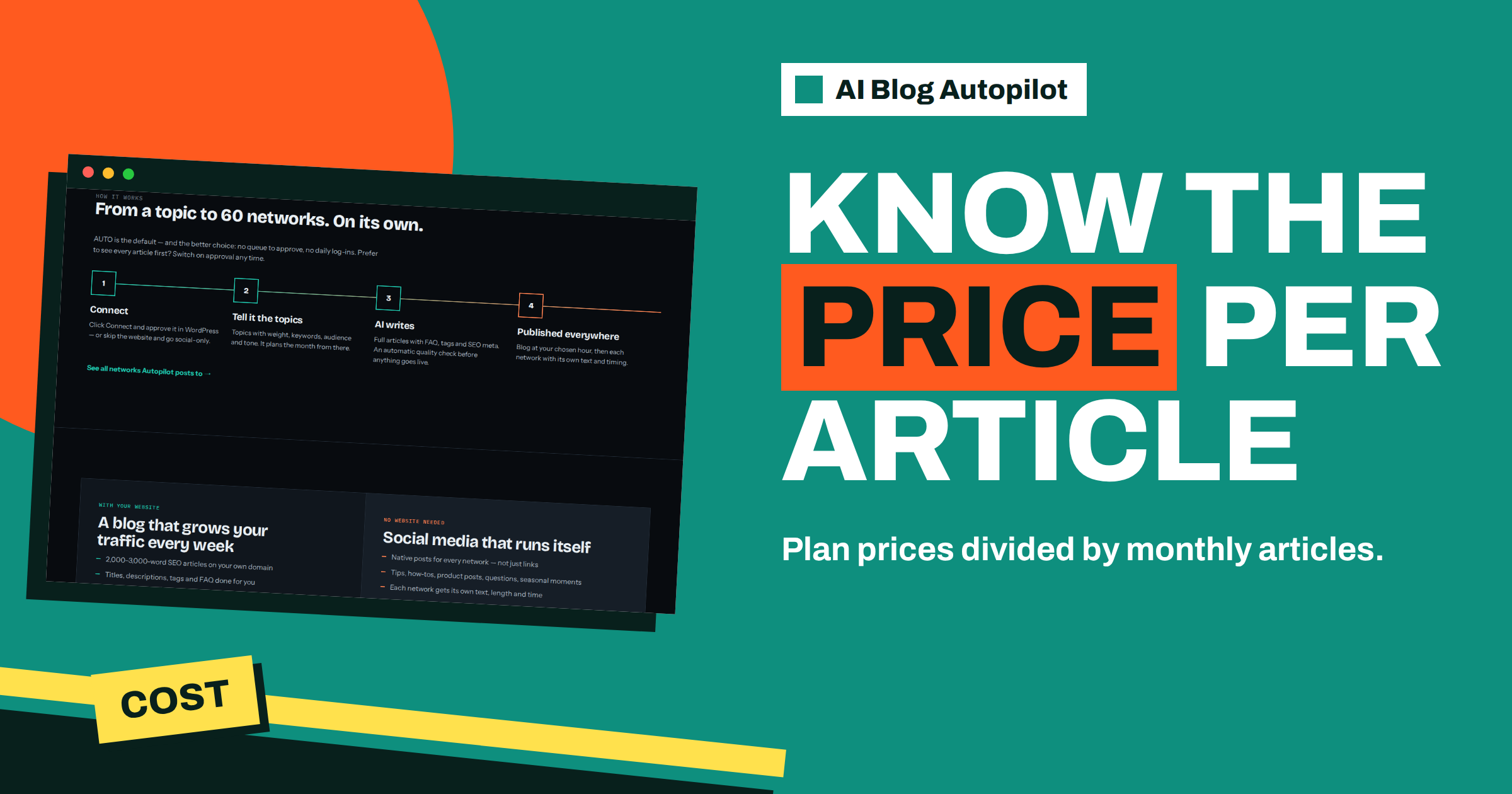
Short answer: On the listed prices, AI Blog Autopilot works out at about 2.38 euros per article on Starter, 1.63 on Growth, 1.41 on Pro and 1.25 on Agency, before VAT, if you use every credit. Credits are monthly and do not roll over, so the real cost per article rises when you use fewer than your plan includes. Choose the plan that matches the number of articles you will actually publish.
Plan pages show a monthly price and a number of articles. They do not show the one figure many owners want: what a single article costs. That is simple arithmetic, and it is worth doing before you subscribe, because it changes how you compare the plans and how you compare Autopilot with other ways of getting articles written.
This guide does the sums using only the prices and limits on the pricing page and home page. It also explains the catch, which is that an unused credit costs the same as a used one. Treat the figures as a planning tool, and check the current prices on the site before you decide.
The listed prices and limits
The pricing page lists five plans, in euros per month with VAT added at checkout. Social costs 15 euros for 60 social posts a month with no website needed. Starter costs 19 euros for 8 articles and 1 website. Growth costs 49 euros for 30 articles and 2 websites. Pro costs 99 euros for 70 articles and 5 websites. Agency costs 249 euros for 200 articles and 20 websites.
The page also notes that articles run up to 3,000 words, that credits are monthly and do not roll over, and that the first 3 articles are free. A switch above the plans shows a yearly option with a 20 percent reduction. The sums below use the monthly prices, because they are the plain figures on the page.
Each article credit buys a full article, planned around a search query, with FAQ, tags and SEO meta. The home page also says each article is shared to your networks. So the credit covers more than the blog post alone, which matters when you compare it with a writer who delivers only text.
The sums, plan by plan
Divide the price by the number of articles. Starter: 19 divided by 8 is 2.375, about 2.38 euros. Growth: 49 divided by 30 is 1.633, about 1.63 euros. Pro: 99 divided by 70 is 1.414, about 1.41 euros. Agency: 249 divided by 200 is 1.245, about 1.25 euros.
Social is different because it counts posts, not articles. Fifteen euros for 60 posts is 0.25 euros a post. Do not compare that figure with the article prices, because a social post and a 3,000-word article are different products.
The pattern is clear. The cost per article falls as the plan grows, but the monthly total rises. A cheaper unit price is only a saving if you use the units. The next section explains why that is the whole question. Rounding is up to you, so keep three decimals in your own sheet and round only when you present the figure to anyone else, such as a manager or a client.
Why unused credits raise the real cost
The pricing page says credits do not roll over. If you pay for 30 articles and publish 20, you have paid 49 euros for 20 articles, which is 2.45 euros each, more than the Starter price per article. The cheap unit price on Growth disappears when the plan is too big.
The same applies at the lower end. A Starter user who publishes 6 of 8 articles has paid 19 euros for 6, about 3.17 euros each. So the honest cost per article is the plan price divided by the articles you really publish, not by the articles on offer.
The lesson is to size the plan to your steady output, not to your best month. If you will use 8 articles most months, Starter is the efficient choice. If you will use 25 to 30, Growth is. The article on planning your monthly credits shows how to schedule credits so that few are wasted.
What the figure leaves out
A price per article is a useful number, but it is not the whole value. The credit also covers the planning, the quality check, the publishing and the sharing to your networks. Each network gets its own text and timing, according to the home page. A writer who delivers text only leaves those jobs to you.
The plans also differ in more than article counts. Growth lists all 60 social networks, 3 languages and evergreen reshares. Pro adds all 25 languages and the Search Console topic import. Agency adds team and client approval and API and white-label reports. If you need those features, the comparison is not unit price alone. The article on choosing an AI Blog Autopilot plan covers who each plan suits.
On the other side of the ledger, the figure leaves out your own time. The product is designed so that AUTO mode needs no manual steps, but you should still review the content map and check an article now and then. A short weekly check is part of the real cost.
Comparing with other ways of getting articles
To compare fairly, get a quote for the same thing from another source: a 2,000 to 3,000-word article, with research, headings, FAQ, meta description, tags, publishing and social posts. Then divide by what you receive. Many quotes cover only the text, and some charge extra for editing, images and scheduling.
Do not assume a lower price means lower quality or a higher one means higher. Judge the output. The article on your first three free articles explains how to use the free trial to judge Autopilot on your own subject, so the comparison rests on real examples and not on a price alone.
Also compare consistency. A freelance writer’s capacity changes with their other work. A product that publishes on a schedule keeps the same pace. For a blog, a steady pace over many months is worth more than a burst of articles followed by silence.
Picking a plan from your output
Start by counting how many articles you can sensibly publish each month. For a small business, eight is a common target, which is two a week. Count also how many websites you run, which languages you need and whether you want Search Console topic import or evergreen reshares.
Then choose the smallest plan that covers all of it. Check in your account how a change of plan works, and avoid buying capacity you do not need, because unused credits in a month are lost. A good habit is to review your actual usage after three months, then pick a different plan if the gap between credits and articles is large.
If you publish only to social networks, the Social plan lists 60 posts a month, with no website needed. If you later add a blog, the home page says your plan moves with you, so there is no need to guess too far ahead.
A worked example for a small business
Take a small accountancy firm that wants two articles a week. That is about eight a month, so Starter at 19 euros fits, working out at about 2.38 euros an article. In a month with a holiday the firm publishes seven, so the real cost rises to about 2.71 euros each. Compare that figure with a quote for a 2,000-word article from a writer.
A growing online shop wants one article a day. That is about 30, so Growth at 49 euros fits, at about 1.63 euros each. If it publishes 24 in a quiet month, the cost is about 2.04 euros each. The shop could also tell whether it needs the second website and the extra languages that Growth lists.
The examples are illustrations that use only the prices on the pricing page. They do not promise results, and your own costs and output will differ.
Measuring your real cost each month
To keep the figure honest, count at the end of each month. Open the content map, which the home page describes as a calendar of every article and a matrix of every network post, and count the articles that went live. Divide the plan price by that number. Write the result in a simple log, with the month and the plan.
After three months, you will have a clear view. If the figure sits close to the listed unit price, the plan fits. If it is much higher, either the plan is too large or articles are being held back for review. The quality gate holds weak articles instead of publishing them, so check the held ones and fix the cause, whether that is a thin brief or a missing fact.
It also helps to log what you did with the saving. If a plan costs less per article than your previous method, the difference can pay for a review hour, a better photo or a promotion. Money saved on text is best spent where a person adds most value, such as checking facts and adding your own examples.
How AI Blog Autopilot helps
The product writes, checks, publishes and shares the articles in your plan, and its content map shows what was published each month, so you can count your real output. Try it with the three free articles on AI Blog Autopilot, no card needed, and see the plans on the pricing page.
Related reading
- Choosing an AI Blog Autopilot Plan: Social to Agency
- Planning Your Monthly Credits in AI Blog Autopilot
- Your First 3 Free Articles in AI Blog Autopilot: A Walkthrough
The bottom line
Divide the plan price by the articles you will really publish, not by the articles on offer, because credits do not roll over. Use the free articles to judge quality, then pick the smallest plan that covers your steady output.
FAQ
How much does one article cost on Autopilot?
On the listed monthly prices, about 2.38 euros on Starter, 1.63 on Growth, 1.41 on Pro and 1.25 on Agency, if every credit is used. VAT is added.
Do unused articles carry over?
No. The pricing page says credits are monthly and do not roll over, so unused articles raise your real cost per article.
Is the yearly option cheaper?
The pricing page shows a yearly switch with a 20 percent reduction. Check the exact figure at checkout before you decide.
Does the price include social posts?
The home page says each article is shared to your networks. The number of networks depends on the plan, so check the pricing page.
Can I change plans later?
Review your usage after a few months and choose the plan that fits. Check in your account how a change takes effect, because unused credits in a month are lost.