ENEnglish
 LTLietuviškai
 DEDeutsch
 FRFrançais
 RUРусский
 ESEspañol
 PLPolski
 ITItaliano
 UKУкраїнська
 CSČeština
 PTPortuguês
 JA日本語
JA日本語 LVLatviešu valoda
 ETEesti
 HUMagyar
 IDBahasa Indonesia
 TRTürkçe
 HIहिन्दी
 ELΕλληνικά
 ARالعربية
 THไทย
THไทย VITiếng Việt
 RORomână
 MSBahasa Melayu
 BNবাংলা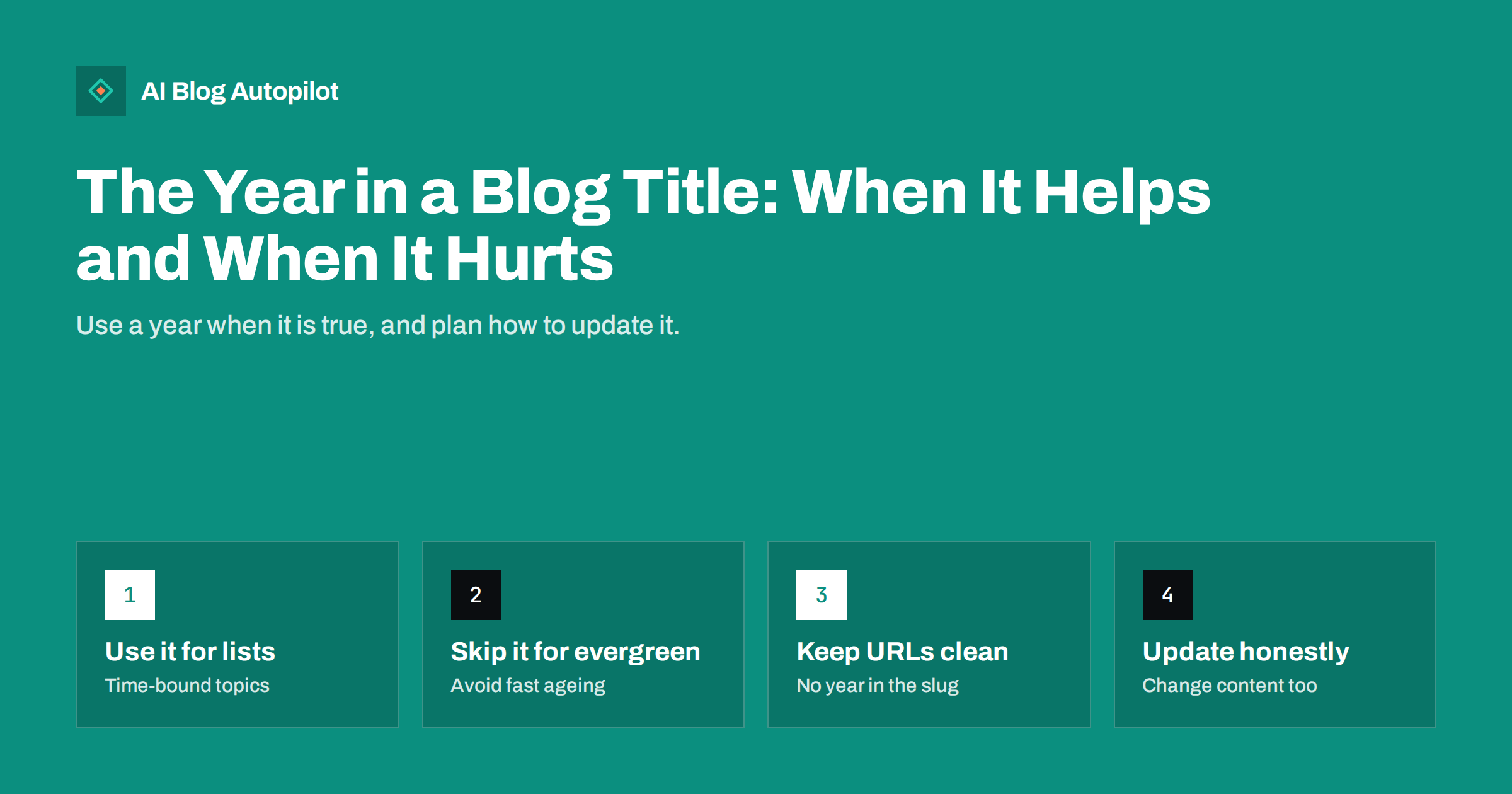
Short answer: put the year in a blog title only when the content really depends on it, such as a yearly list, a set of prices or a guide to rules that change. For evergreen topics a year makes the title look old once the year passes. Keep the year out of the URL, plan to update the title only when you have genuinely updated the article, and never change the year alone to make an old post look fresh, because readers and search engines can tell.
Adding the current year to a title is a habit with real reasons behind it. Searchers often type a year when they want recent information, and a year in a title signals that the page is current. The same habit creates a maintenance job and a risk: next January the title is a year old, and a page that promises “2026” in a world that has moved on looks neglected. This article explains when a year helps, when it hurts, how to handle the URL and the date, and how to update titles safely at scale.
Why people add a year to a title
There are three common motives, and each has some merit.
- Searchers use years. For topics that change, people add the year to their query to avoid outdated results. A title that includes it matches the wording they used and signals relevance at a glance.
- Freshness cues in results. A visible year can make a result look current next to older-looking competitors, which may raise the share of people who click.
- Honesty about scope. A statement such as “prices as of 2026” tells readers what period the information covers.
None of these is a ranking trick. A year in the title does not make a page better, and a search engine will not reward a title for containing a number. The benefit comes from matching what the searcher wants and from setting an accurate expectation.
When a year helps
A year earns its place when the content is tied to a period. Examples include:
- Annual lists and round-ups, such as the best tools of the year or the main trends of the period.
- Prices, rates and fees that are revised regularly.
- Rules, deadlines and regulations that change by year, such as tax thresholds or reporting dates.
- Events and seasons that repeat, such as a conference or a holiday guide.
- Statistics and survey results that belong to a specific year of data.
In each case the reader benefits from knowing the period, and the article must be reviewed every year anyway. The title is a promise that the content has been checked for that year.
When a year hurts
For evergreen subjects, such as how to write a headline or how to structure an article, the year adds little and costs a lot.
- It ages the page. A “2024” title in 2026 looks stale even if the advice is still correct, and readers may skip it.
- It creates work. Every year you must update the title, check the content and decide what to do with the old version.
- It can mislead. If the year changes but the content does not, the title promises something the page does not deliver.
- It narrows the match. The page may rank for queries with the year this year, and then lose the long-term value of the topic if you have to republish.
A good test: if the first paragraph would still be true in three years, leave the year out. You can still show freshness elsewhere, through an honest “last updated” date on the page.
Keep the year out of the URL
Even when the title carries a year, the address should not. A URL with a year in it must be changed when you update the page, and changing a URL means redirects, lost links and a risk to the traffic you built. A stable address lets you update the title and content freely.
- Use a descriptive slug without the year, for example “best-project-tools” and not “best-project-tools-2026”.
- If you already have year URLs, do not rush to change them. Weigh the benefit against the redirect work, and when you do change them, use permanent redirects and update internal links.
- For a series that really is a new edition each year, such as a yearly review, a new page with its own address can be correct. Link the editions to each other and point older ones to the newest.
The same thinking applies to category names and tag names. Do not build the structure of the site around a year.
Dates, updates and what counts as fresh
A year in the title and the dates on the page should agree. Show a published date and, if you have made real changes, an updated date. Guidance from search engines is that dates should reflect what happened, not be adjusted for appearance.
- Update the content first. Check facts, figures, screenshots, links and examples. Remove what is wrong and add what is new.
- Then update the title, if the year is part of it, and the meta description to match.
- Then change the updated date, which now reflects real work.
- Add a short note on what changed, which helps returning readers.
- Do not touch the year in a title alone. A title that says a new year with last year’s content is a promise that is not kept.
If you find that you cannot afford to keep up with this, that is a sign that the title should not contain the year.
Updating many titles safely
If several articles carry years, handle them as a project. List them in a sheet with the current title, the URL, the date of the last real review and the next planned review. Then work through them in order of traffic.
- Start with the pages that bring the most visits, since a stale year costs them the most clicks.
- Review the content and update it, then change the title and the date together.
- Check Search Console after a few weeks to see whether clicks and impressions for those pages moved, keeping in mind that search engines may also rewrite titles on their own.
- For articles you do not plan to update, remove the year from the title if the content is evergreen, or consider merging or redirecting if the page is no longer useful.
- Set a calendar reminder each year so that this is routine work.
One more point concerns how titles appear in search results. Search engines may shorten or rewrite a title, and a year placed at the end can be cut off on a narrow screen. If the year matters to the click, put it nearer the front or in a position that survives truncation, and check how the title looks in the results a few weeks after publication. Do not stretch the title just to include it; a clear subject comes first, and the year follows only where it adds meaning.
A worked example
Imagine a small accounting firm that publishes a guide to filing deadlines for self-employed clients. The deadlines change from year to year, so the title “Self-Employed Filing Deadlines for 2026” is accurate and useful, and the firm schedules a review each December. The URL stays as “self-employed-filing-deadlines”. In January the team checks every date against official sources, replaces the table, changes the title to 2027, updates the date and adds a line at the top saying what changed.
The same firm also publishes “How to Keep Receipts for Your Tax Return”. The advice has not changed in years, so it has no year in the title. It shows a visible updated date, and the team checks it once a year at the same time as the deadlines guide. Two articles, two different treatments, and one simple routine. Readers see a dated guide where the date matters and a stable guide where it does not, and neither page promises more than it delivers.
The lesson is to decide the treatment when you first plan the article, not after it has aged. Ask whether the content will need to be rewritten when the year ends. If yes, give it a year and a review date. If no, leave the year out and keep it simple.
Alternatives to the year
If you want freshness without a yearly job, other options exist.
- An “updated” line on the page and in structured data, which is maintained alongside real edits.
- A date in the introduction, such as “This guide reflects the rules as of October 2026”, which readers can see and which you can change in one place.
- Words that describe currency, like “updated” or “current”, used sparingly and honestly.
- A change log, especially for pages where updates matter, such as pricing or product comparisons.
How AI Blog Autopilot helps
AI Blog Autopilot writes each article with a title, SEO meta, a FAQ and tags, so you start with a complete package for every post. It plans topics from your instructions, so you can tell it to avoid years in evergreen titles. The yearly review of dated articles remains your decision, since only you know what has changed in your business. See the pricing page for plans.
Related reading
- Publish Dates, Updated Dates and Freshness in Search
- Why Google Rewrites Your Titles and Meta Descriptions
- How to Write a Headline People Actually Click
- Annual Round-Ups: When They Are Worth Writing
The bottom line
A year in a title is useful when the content depends on the period and unhelpful when the topic is evergreen. Keep it out of the URL, tie it to real updates and avoid changing it alone to look new. For dated articles, set a yearly review routine, and for everything else rely on clear titles and an honest updated date. Your readers will trust a page that says what period it covers and actually covers it.
FAQ
Does adding the year to a title improve rankings?
Not directly. It can improve clicks when searchers want recent information, and it sets an expectation. The page still has to deserve to rank.
Should the URL include the year?
Usually not. A year in the URL forces a change of address when you update, which brings redirects and risk. Keep the slug free of years.
Can I change the year in an old title to make it look fresh?
Only if you have genuinely updated the article. Changing the year alone promises something the page does not offer and may cost you trust.
What if my titles already contain old years?
Review them by traffic. Update content and title together for pages that matter, remove the year where the topic is evergreen, and redirect or merge pages that no longer serve readers.
Will search engines show my title as I wrote it?
Not always. They sometimes rewrite titles, so write a clear title and keep the page content consistent with it.