 ENEnglish
 LTLietuviškai
 DEDeutsch
 FRFrançais
 RUРусский
 ESEspañol
 PLPolski
 ITItaliano
 UKУкраїнська
 CSČeština
 PTPortuguês
 JA日本語
JA日本語 LVLatviešu valoda
 ETEesti
 HUMagyar
 IDBahasa Indonesia
 TRTürkçe
 HIहिन्दी
 ELΕλληνικά
 ARالعربية
 THไทย
THไทย VITiếng Việt
 RORomână
 MSBahasa Melayu
 BNবাংলা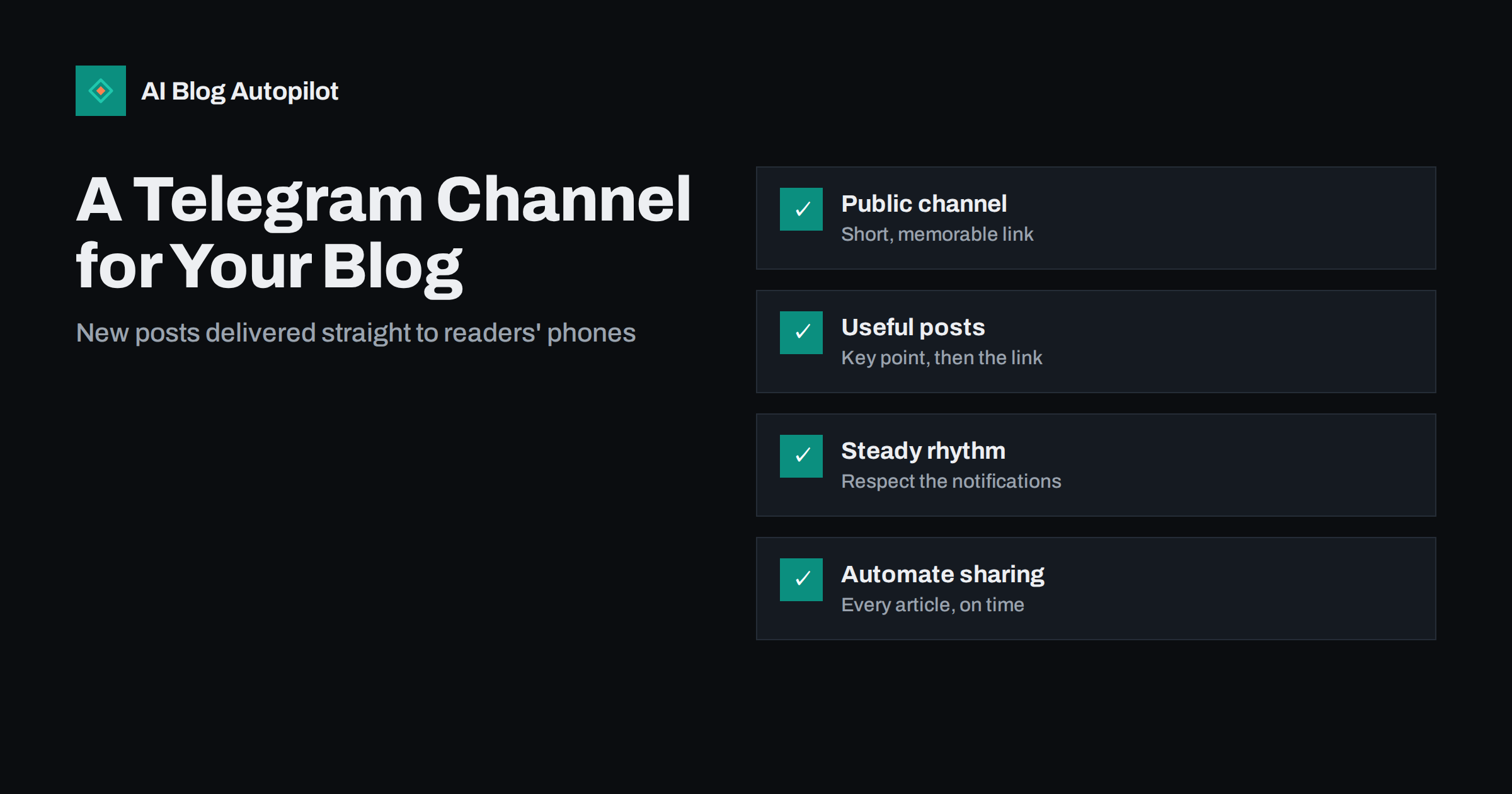
Short answer: a Telegram channel is a one-way broadcast feed where you post and subscribers receive your messages in the Telegram app, often with a notification. For a blog it works like a lightweight newsletter: create a public channel with a clear name and short link, post each new article with a sentence or two on why it is worth reading, keep a steady but not overwhelming rhythm, and promote the channel on your site. Posting can be automated so every article appears on the channel when it is published.
Email newsletters and social feeds are the usual ways to tell readers about new posts. Telegram channels offer a third option that is popular in many countries and communities, particularly in technology, finance, news, education and many regional markets. Subscribers see your posts in a chat-like list alongside their conversations, with no algorithm deciding who sees what.
This guide explains how Telegram channels work, how to set one up for a blog, what to post, how to grow it and how to decide whether it is worth your time.
How Telegram channels work
Telegram offers several ways to communicate with groups of people. The two most relevant for a blog are:
- Channels: one-to-many broadcasts. Only admins can post; subscribers read, react and, if you enable it, comment in a linked discussion group. Telegram’s own channels FAQ explains the basics.
- Groups: many-to-many chats where members talk to each other. Useful for a community, but noisy as a way to announce articles.
For publishing blog posts, a channel is the right tool. You can link a discussion group to it later if you want readers to comment on posts.
Channels can be public, with a username and a link such as t.me/yourblog that anyone can find and join, or private, joinable only through an invite link. For a blog that wants readers, public is the obvious choice.
Key characteristics that matter for publishers:
- Posts are delivered to all subscribers in chronological order. There is no ranking algorithm hiding your posts.
- Subscribers can mute the channel, so a notification is not guaranteed, but the post still appears in their chat list.
- Links generate previews using your page’s title, description and image.
- Channels show view counts on each post, giving you a simple measure of reach.
Setting up a channel for your blog
- Create the channel in the Telegram app: choose New Channel, add a name and a description.
- Use your blog’s name or a clear variation of it, so subscribers recognise the source.
- Write a specific description. Say what readers will get and how often: “New articles on practical SEO for small businesses, two or three times a week.”
- Make it public and choose a short username. The username becomes your t.me link. Keep it short, memorable and consistent with your other profiles.
- Add your logo as the channel image, so it stands out in a crowded chat list.
- Add a link to your website in the description.
- Decide on comments. If you want discussion, link a group for comments. If you do not have time to moderate, leave it off.
- Add co-admins carefully, only people who need to post, and use two-step verification on admin accounts.
What to post
A channel that only contains bare links feels like an automated feed, because it is one. A little effort per post makes a big difference to how many people open the article.
For each new article:
- A bold first line with the headline or the core idea.
- One to three sentences on why the article is useful or what the reader will learn.
- The link, which generates a preview with your featured image.
- Optionally, a relevant emoji or two as visual markers, used sparingly.
Beyond new articles, consider occasional posts that make the channel valuable on its own: a quick tip, a short checklist, a link to an older article that has become relevant again, or a note about an important change in your field. Telegram supports text formatting, images, documents and polls, so a channel can carry more than links.
Keep in mind that channel posts are read on phones. Short paragraphs and a clear first line matter even more than on other platforms.
An example post
For an article about choosing between a subdomain and a subfolder for a blog, a channel post might read: a bold first line, “Subdomain or subfolder for your blog?”; then two sentences, “Search engines can handle both, but for most business blogs a subfolder is simpler to run and measure. The article explains when a subdomain makes sense and how to move safely if you change your mind.”; then the link. It takes a minute to write, tells the subscriber exactly what they will get, and the link preview adds the title and featured image underneath.
Compare that with a post containing only the URL. The preview still appears, but the subscriber has no reason to choose this article over everything else in their chat list. The summary is what earns the tap.
How often to post
Because posts land directly in subscribers’ chat lists and may trigger notifications, frequency matters. Too many posts and people mute or leave the channel. Too few and they forget why they joined.
- For most blogs, one post per new article plus the occasional extra is a sensible baseline.
- If you publish several articles a day, space them out rather than posting them all at once.
- Telegram lets you send a post silently, without a notification. Use this for less important posts or at night in your audience’s time zone.
- Use the built-in scheduling to publish at times your readers are likely to be online.
Watch views per post over time. A steady or growing number suggests the rhythm works; a decline may mean you are posting too often or the posts are not relevant enough.
Growing your subscriber base
Telegram offers limited discovery for new channels, so most subscribers will come from places you already reach:
- Your blog. Add a Telegram link in the header, footer or sidebar, and a short invitation at the end of articles.
- Your newsletter and other profiles. Mention the channel to readers who prefer messaging apps to email.
- Relevant communities. Where it is allowed, mention the channel in Telegram groups and other communities in your field, without spamming.
- Cross-promotion. Channels on related topics sometimes recommend each other. Choose partners whose audience genuinely overlaps with yours.
- A QR code on printed materials or at events for local businesses.
Avoid buying subscribers. Fake subscribers inflate the numbers, do not read anything and make your view counts look poor relative to the subscriber count.
Is a Telegram channel worth it for your blog?
Telegram is a strong channel when your audience already uses it. Usage varies a great deal by country, age group and industry, so the first question is whether your readers are there. Ask them, look at where competitors and peers publish, and check whether visitors from Telegram already appear in your analytics.
Compared with an email newsletter, a Telegram channel is quicker to set up and free, delivers posts instantly and has no spam folders. On the other hand, you do not own the subscriber list the way you own an email list, and you depend on one platform’s rules and availability. Many publishers run both: email for a weekly digest, Telegram for new posts as they appear.
Measuring what the channel brings
Telegram shows view counts on each post, and larger channels get a statistics page with subscriber growth, views and shares over time. On your site, add UTM parameters to links you post in the channel so your analytics can separate Telegram visitors from other sources. Over a few months, compare the number of readers the channel sends, how long they stay and whether they subscribe, enquire or buy, with the time the channel takes. That comparison is the honest test of whether to keep investing in it.
Automating your channel
Posting every article manually is manageable for a blog that publishes weekly. For a blog publishing daily or more, automation saves time and ensures nothing is missed. Automated posting to a channel works through a bot that you add to the channel as an admin with permission to post. Tools that connect to Telegram use this method.
When automating, keep the quality of each post in mind: a short summary and a good preview image make automated posts look intentional rather than mechanical. Check the first few automated posts on your phone to confirm the formatting and link previews look right.
How AI Blog Autopilot helps
AI Blog Autopilot shares every article it publishes to the social networks you connect, and Telegram is one of them. Each network gets its own text and timing, so the Telegram post is written for Telegram rather than copied from elsewhere. You set up and grow the channel as described above; the articles and the posts about them can then go out without manual work. See how AI Blog Autopilot works.
Related reading
- Building a Newsletter From Your Blog Posts
- Auto-Post Every New Blog Article to Social Media Automatically
- Bluesky, Threads and Mastodon: Sharing Blog Posts There
- Turning an Article Into Social Posts That Get Read
The bottom line
A Telegram channel is a simple, free way to deliver new blog posts straight to readers who use Telegram. Create a public channel with a clear name, short link and specific description, post each article with a useful summary and a good preview, keep a rhythm that respects notifications and promote the channel where your readers already are. If your audience is on Telegram, it can become one of your most direct channels; automation keeps it running as your publishing grows.
FAQ
What is the difference between a Telegram channel and a group?
A channel is a one-way broadcast where only admins post and subscribers read. A group is a chat where all members can talk. For announcing blog posts, a channel is the better fit, optionally with a linked group for comments.
Is a Telegram channel free?
Yes, creating and running a channel is free. Telegram offers optional paid features, but a standard public channel for a blog does not require any payment.
How often should I post in my Telegram channel?
For most blogs, one post per new article plus occasional extras works well. If you publish a lot, space posts out and use silent posts for less important updates so subscribers do not mute the channel.
Can I post blog articles to Telegram automatically?
Yes. Automated posting works through a bot added to the channel as an admin with posting rights. Many publishing and social media tools use this to post new articles automatically.
How do I get my first Telegram subscribers?
Promote the channel on your blog, in your newsletter and on your other profiles, and mention it in relevant communities where allowed. Avoid bought subscribers, which do not read and distort your statistics.


