ENEnglish
 LTLietuviškai
 DEDeutsch
 FRFrançais
 RUРусский
 ESEspañol
 PLPolski
 ITItaliano
 UKУкраїнська
 CSČeština
 PTPortuguês
 JA日本語
JA日本語 LVLatviešu valoda
 ETEesti
 HUMagyar
 IDBahasa Indonesia
 TRTürkçe
 HIहिन्दी
 ELΕλληνικά
 ARالعربية
 THไทย
THไทย VITiếng Việt
 RORomână
 MSBahasa Melayu
 BNবাংলা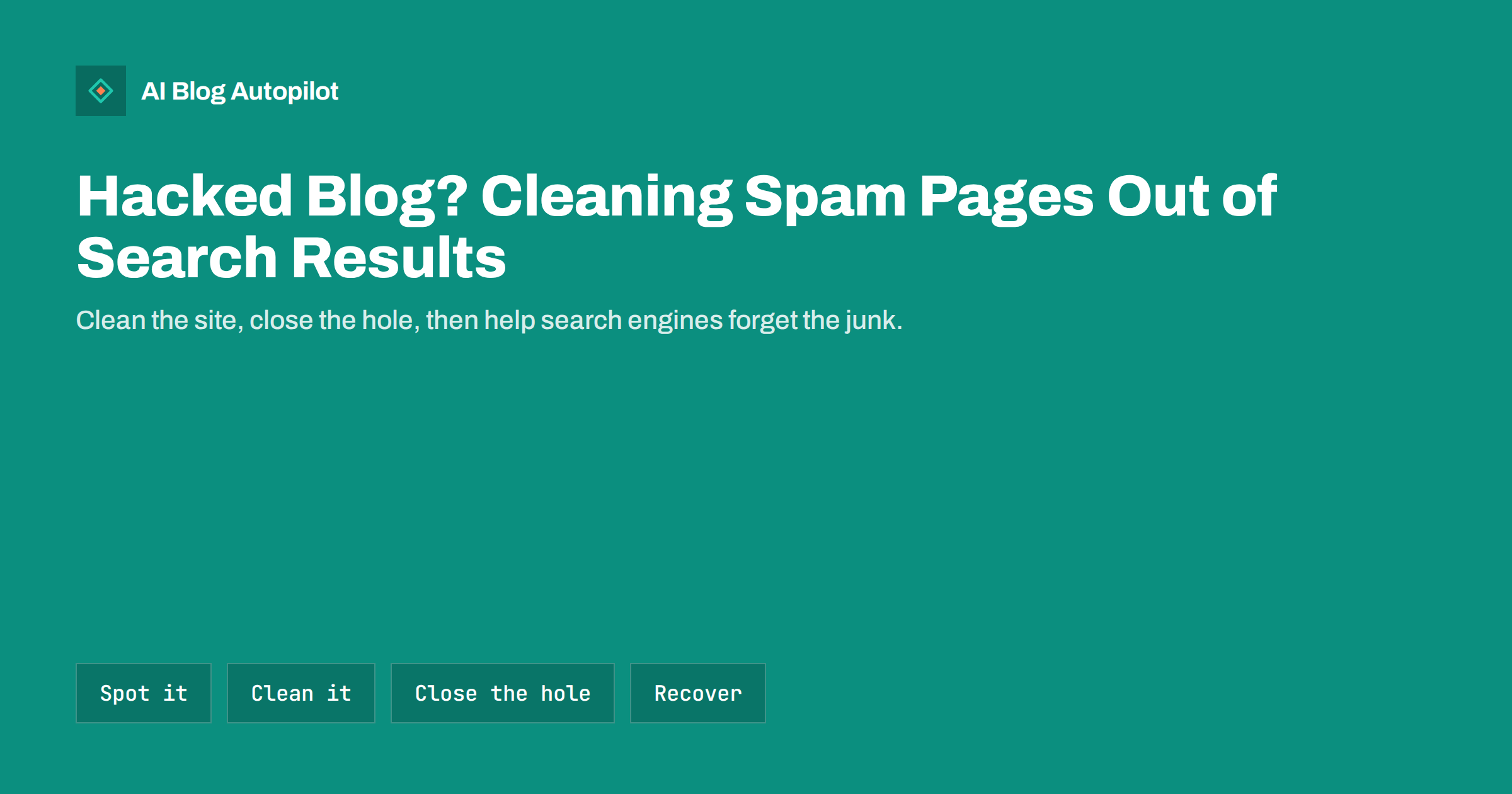
Short answer: if search results for your site show pages you never wrote, often in another language or about pharmacy, gambling or counterfeit goods, your blog has probably been hacked with spam. Put the site into maintenance or take it offline if needed, restore a clean backup or remove the injected files and database entries, update everything, change every password and find out how the attacker got in. Then make sure the spam URLs return 404 or 410, check the Security issues report in Search Console, request a review if there is a warning, and monitor until the junk disappears from search.
Spam hacks are among the most common attacks on small WordPress sites. Attackers do not usually want your content; they want your domain’s reputation, so they can publish thousands of spam pages under it or redirect your visitors elsewhere. Many site owners notice only when a customer mentions strange search results or when Search Console sends a warning. This guide walks through how to recognise the problem, clean it up and recover your search presence.
Signs that your blog has been hacked with spam
Spam hacks are designed to stay hidden from the site owner, so the signs are often outside the dashboard:
- Strange search results. Searching
site:yourdomain.comshows titles in another language, product names you do not sell or pages about pharmacy, loans or gambling. - Search Console warnings. The Security issues report lists hacked content, malware or deceptive pages, or you receive an email about it.
- A sudden jump in indexed pages. The Pages report shows thousands of new URLs you did not create.
- Odd queries in the Performance report, such as product names or phrases that have nothing to do with your blog.
- Redirects for some visitors. People arriving from search or on mobile are sent to another site, while you, logged in, see nothing unusual.
- Browser warnings that the site is unsafe.
- Unknown admin users, plugins or files, or files changed recently that you did not touch.
Some hacks use cloaking: they show spam only to search engine crawlers and normal content to everyone else. The URL Inspection tool in Search Console shows the page as Google sees it, which can reveal content you cannot see in your browser.
First steps: contain the damage
Before cleaning, stop the problem from getting worse and protect yourself:
- Do not panic and do not delete everything. You may need evidence of how the attacker got in, and a hasty deletion can remove real content.
- Tell your host. Many hosts can help identify infected files, and some will isolate the site while you work.
- Consider maintenance mode or taking the site offline if visitors are being redirected to harmful sites.
- Change passwords from a clean device: hosting account, FTP or SFTP, database, every WordPress administrator and your email account linked to the site.
- Make a copy of the current, hacked site, files and database, and keep it separately. It helps with investigation and is a fallback if the cleanup goes wrong.
Google’s guidance on malware and hacked sites describes the overall recovery process and links to its detailed help for site owners.
Cleaning the site
There are two main approaches, and the right one depends on your backups.
Restore a clean backup. If you have a backup from before the hack, and you know roughly when the hack happened, restoring it is often the quickest route. Check the restored site carefully, because some infections sit unnoticed for weeks before spam appears, and an older backup may already contain them. You will lose any legitimate changes made since the backup, so note new posts and comments to restore by hand.
Clean the current site. Without a reliable backup, clean in place:
- Replace WordPress core files with fresh copies of the same version.
- Delete and reinstall every plugin and theme from official sources, rather than trusting the existing files.
- Check the uploads folder for PHP files, which should not normally be there.
- Look for unfamiliar files in the site root and for changes to .htaccess, wp-config.php and index.php.
- Search the database for injected content: unknown admin users, spam posts or pages, suspicious options and scripts added to posts or widgets.
- Remove plugins and themes you no longer use; inactive code can still be vulnerable.
Security plugins and malware scanners can speed this up by flagging known infections, but they do not catch everything. If the site is important and the infection is complex, a professional cleanup service is often worth the cost.
Close the hole the attacker used
Cleaning without finding the cause usually means the spam returns within days. Common entry points on small blogs are:
- Outdated plugins or themes with known vulnerabilities, especially abandoned ones.
- Nulled or pirated premium plugins and themes, which often come with backdoors built in.
- Weak or reused passwords on admin accounts, hosting or FTP.
- Compromised accounts of former staff or freelancers that were never removed.
- Other infected sites on the same hosting account, which can spread to yours.
Server access logs, if your host keeps them, can show requests to unusual files or login pages around the time of the hack. After cleaning, update everything, enable two-factor authentication for administrators, remove old accounts and follow the WordPress hardening guide for the basics.
Getting spam URLs out of search results
Once the site is clean, the spam pages should no longer exist. The way they disappear from search matters:
- Make sure spam URLs return 404 or 410. Visit a few of the spam URLs from the search results. They should show a “not found” page with the correct status code, not your home page and not a redirect. A 410 “gone” status can signal more clearly that the page was removed on purpose.
- Do not redirect spam URLs to your home page. Mass redirects of junk URLs can be treated as soft 404s and keep them in the index longer.
- Do not block the spam URLs in robots.txt. If crawlers cannot fetch them, they cannot see that they are gone, and the URLs can stay indexed longer.
- Clean the sitemap. Some hacks add spam URLs to sitemaps or create fake sitemap files. Make sure your sitemap lists only real content, and remove any unknown sitemaps you see in Search Console.
- Use the Removals tool for urgent cases. It can hide URLs from Google results temporarily, for about six months, while they drop out naturally. It does not remove pages permanently and is not a substitute for cleaning.
Search engines need to recrawl the spam URLs to see that they are gone. On a site with thousands of junk pages this can take weeks or months. Removing the URLs from the sitemap does not slow this down; crawlers will revisit known URLs anyway.
Security warnings and review requests
If Google detected the hack, the Security issues report in Search Console lists the problem, sometimes with example URLs. Search results may show “This site may be hacked”, and browsers may show a warning before visitors reach your site.
After cleaning:
- Confirm the issues are fixed on every example URL the report lists.
- Click Request review and describe what you found and what you did: the type of hack, how it was removed and how the hole was closed.
- Wait for the review result. If it is rejected, the report usually says more about what remains.
Reviews for hacked content often take several days or more. Keep monitoring the site during that time, because a reinfection during review means starting again.
Recovering rankings and trust
Most sites recover their normal visibility once the hack is cleaned and the spam has dropped out of the index, though the timing varies. A few steps help the recovery:
- Check that your real posts and pages are intact, with correct titles, content and internal links.
- Review the Performance report over the following weeks: spam queries should fade and your normal queries return.
- Look for backlinks pointing to spam URLs. They usually do not need action, but a very large number of spammy links created during the hack can be reviewed.
- Tell readers or customers briefly if they were affected, for example if they were redirected to a harmful site.
- Publish and update content as usual. A healthy, active site recovers trust faster than one that goes quiet.
Preventing the next hack
Prevention is far cheaper than cleanup:
- Keep WordPress, plugins and themes updated, and remove what you do not use.
- Use only plugins and themes from reputable sources; never use pirated premium code.
- Give each person their own account with the lowest role they need, with strong passwords and two-factor authentication for administrators.
- Keep automatic, off-site backups with several restore points, and test restoring one occasionally.
- Monitor Search Console for security issues and sudden jumps in indexed pages.
- Search
site:yourdomain.comnow and then to see what search engines have indexed.
How AI Blog Autopilot fits in
AI Blog Autopilot connects to WordPress in one click: you click Connect and approve it in WordPress. It then publishes articles with FAQ, tags and SEO meta at your chosen hour. After a cleanup, a steady flow of fresh articles keeps the blog active while the spam drops out of search. See the pricing page for plans.
Related reading
- Security Basics for a Business Blog
- Backups for a Blog: The Boring Thing That Saves You
- Manual Actions in Search Console: What a Blogger Should Do
- Soft 404 Errors: What They Are and How to Fix Them
The bottom line
A spam hack uses your domain’s reputation to publish junk, and the fix has three parts: clean the site, close the hole and help search engines forget the spam. Restore a clean backup or rebuild core files, plugins and themes from official sources, change every password and find how the attacker got in. Let spam URLs return 404 or 410 without redirects or robots.txt blocks, request a security review if Google flagged the site, and keep updates, backups and monitoring in place so it does not happen again.
FAQ
How do I know if my blog has been hacked with spam?
Search site:yourdomain.com and look for pages you did not create, often in another language or about pharmacy, gambling or counterfeit goods. Search Console’s Security issues report, a sudden jump in indexed pages and strange queries in the Performance report are other signs.
Should I redirect hacked spam URLs to my home page?
No. Let spam URLs return a 404 or 410 status. Redirecting thousands of junk URLs to the home page can be treated as soft 404s and may keep them in search results longer.
Should I block spam URLs in robots.txt?
No. Crawlers need to fetch the URLs to see that they no longer exist. Blocking them can keep them indexed longer. Use the Removals tool only to hide urgent URLs temporarily.
How long does it take for hacked pages to disappear from Google?
It varies with the number of URLs and how often your site is crawled. Small hacks may clear in a few weeks; large ones with thousands of URLs can take months.
How do I remove the This site may be hacked warning?
Clean the site, fix the vulnerability, then open the Security issues report in Search Console and request a review describing what you did. The warning is removed once the review confirms the site is clean.