 ENEnglish
 LTLietuviškai
 DEDeutsch
 FRFrançais
 RUРусский
 ESEspañol
 PLPolski
 ITItaliano
 UKУкраїнська
 CSČeština
 PTPortuguês
 JA日本語
JA日本語 LVLatviešu valoda
 ETEesti
 HUMagyar
 IDBahasa Indonesia
 TRTürkçe
 HIहिन्दी
 ELΕλληνικά
 ARالعربية
 THไทย
THไทย VITiếng Việt
 RORomână
 MSBahasa Melayu
 BNবাংলা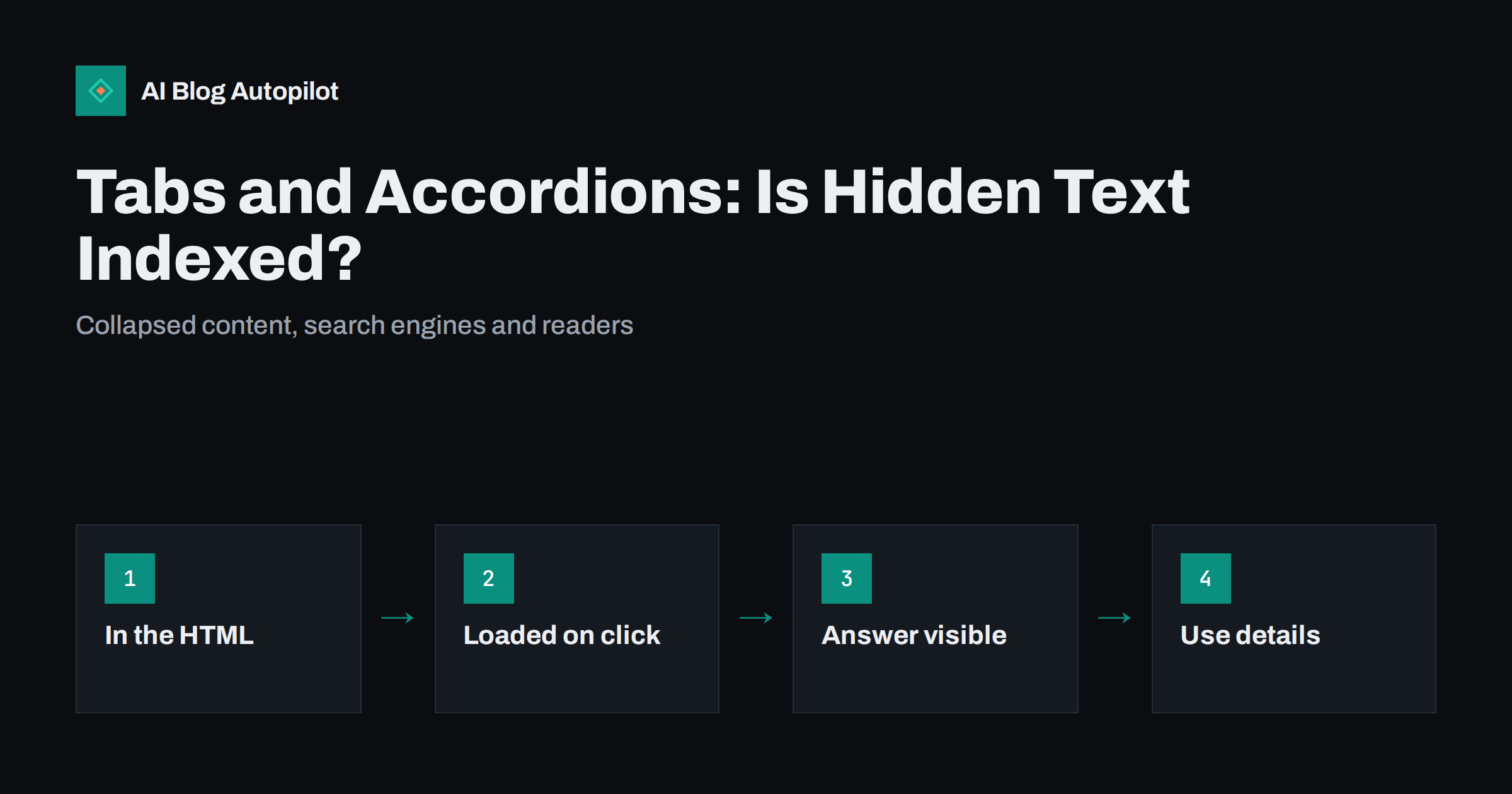
Short answer: text inside tabs, accordions and “read more” toggles is generally indexed by major search engines as long as it is present in the page’s HTML when it loads, and Google has said such content is treated like visible content on mobile-first indexing. The risk comes when the hidden text is only fetched from the server after a click, because crawlers do not click. For blog posts, keep the main answer and key sections visible, use collapsible elements for secondary detail such as FAQs, and prefer the native HTML details element.
Collapsible content is everywhere on modern websites. FAQ sections open one question at a time, product pages hide specifications in tabs, and long articles sometimes show only a preview with a “read more” button. It keeps pages tidy, especially on phones. It also raises a question every site owner eventually asks: if the text is hidden, does it still count for search?
The answer used to be complicated. Today it is mostly reassuring, with a few important exceptions. This guide explains how search engines handle hidden content, when collapsing text is a good idea on a blog and how to implement it without creating problems.
How the question used to be answered
In the era when search engines indexed mainly the desktop version of pages, content hidden behind tabs or accordions was often treated as less important than content visible on load. The reasoning was sensible: if the author hid it, it probably was not the main point of the page. Some SEO advice from that period recommended never hiding important text.
Mobile-first indexing changed this. On phones, collapsing content is often the only practical way to present long pages. Google has stated that content hidden for user experience reasons on mobile, such as in accordions or tabs, is treated normally and receives full weight, as long as it is in the page. That statement is the basis for current best practice.
What makes hidden content indexable
The key question is not whether the content is visible, but whether it is in the page when search engines render it.
- Present in the HTML, hidden with CSS or the details element: the text is part of the page. Crawlers see it, and it is generally indexed.
- Present after JavaScript runs on load: usually indexed as well, since major search engines render JavaScript, though rendering can be delayed and errors can prevent it. Google explains how this works in its JavaScript SEO basics.
- Loaded from the server only when the user clicks: crawlers do not click buttons or tabs, so this text may never be seen. Treat it as not indexed.
You can check which case applies by viewing the page source (not just the inspector, which shows the live page after interactions) and searching for a sentence from the hidden section. If it is in the source or in the rendered HTML shown by Search Console’s URL inspection tool, it is available to be indexed.
When collapsing content helps readers
Hidden content is not good or bad in itself. It helps when it lets readers get to what they need faster without losing access to detail.
- FAQ sections. A list of questions that expand into answers lets readers scan for their question. This is the most common and least controversial use.
- Optional detail. Technical notes, step-by-step explanations for beginners or edge cases that most readers do not need can be tucked away.
- Alternatives. Instructions that differ by platform, such as WordPress versus another system, work well as tabs so each reader sees their version.
- Long reference content on mobile. Glossaries, specifications or long lists become manageable when collapsed.
When hiding content works against you
For blog articles, hiding the main content usually hurts more than it helps.
Hiding the answer. If the core answer to the article’s question sits in a collapsed section, readers who arrive from search have to hunt for it. Many will not bother. Keep the main answer and the key explanation visible.
“Read more” truncation of the whole article. Showing a short preview and hiding the rest behind a button adds friction for no real benefit on a blog post. Readers came for the article.
Hiding text to stuff keywords. Collapsed sections full of repetitive keyword text are a spam pattern. Hidden text meant to manipulate search rather than help users is against search engine spam policies.
Snippets and highlights. Search engines can link to specific text on a page and sometimes highlight it. When that text is inside a closed accordion, the visitor may land on the page and not see the highlighted passage unless the page opens the section automatically. It is one more reason to keep important passages open.
Building accordions and tabs the right way
The implementation matters for search, accessibility and maintenance.
- Prefer the native details and summary elements. HTML’s details element creates a collapsible section with a clickable summary, without any JavaScript. The content is in the HTML, it is keyboard accessible by default, and modern browsers can even open it automatically when a user searches the page for text inside it.
- If you use JavaScript components, keep the content in the HTML. The script should only toggle visibility, not fetch the text on demand.
- Use proper headings inside or around the toggles where the sections are substantial, so the page outline still makes sense.
- Make toggles accessible. Custom components need the right roles and states, such as aria-expanded, so screen reader users know a section can be opened and whether it is open.
- Avoid nesting toggles inside toggles. Deeply nested collapsible content is hard to use and hard to maintain.
- Consider opening the first item by default in an FAQ or tab set, so readers immediately see how it works and some content is visible on load.
A practical rule for blog articles
If you want a simple rule to apply across a blog, ask one question for every block of content: would a reader who arrived from search for this article’s main question be disappointed if they had to click to see it? If yes, keep it open. If no, it may be a candidate for collapsing.
Applied to a typical how-to or explainer article, that usually means:
- Always visible: the title, the short answer or introduction, the main sections that explain the topic, the key steps and any comparison table that supports the decision.
- Could be collapsed: long code samples, platform-specific variations, detailed background for beginners, full lists of sources and a long FAQ.
- Should not exist at all: hidden blocks of repeated keywords, text only for search engines and content that duplicates what is already visible.
This keeps the article honest and easy to read, and it means nothing important depends on how a particular crawler or browser handles hidden elements. It also makes the page more robust when themes change, because a redesign that alters how toggles work will not hide the core of your content.
FAQ sections: open or collapsed?
FAQ sections at the end of blog posts are a special case, because they are often marked up with FAQ structured data and are a natural source of short answers for search and AI systems. Both open and collapsed FAQs can work:
- Open FAQs are simplest. Every answer is visible, easy to read and easy for any system to extract. On a blog post, where the FAQ is typically four to six questions, the space cost is small.
- Collapsed FAQs make sense when there are many questions, such as on a dedicated FAQ page. Make sure the answers are in the HTML and that the structured data matches the answers exactly.
Whichever you choose, the questions and answers in any FAQPage structured data should match what users can see or reveal on the page. Structured data describing content that is not on the page at all is misleading.
Checking your own pages
- Open a page with collapsed content, view the source and search for a sentence from inside a closed section.
- Use Search Console’s URL inspection tool to view the rendered HTML Google sees.
- Search for an exact sentence from a hidden section in quotation marks, with a site: filter for your domain, to see whether it appears in results once the page has been indexed.
- Test the toggles with the keyboard only: tab to each one, open it with Enter or Space, and make sure focus behaves sensibly.
- Look at the page on a phone as a first-time reader would and ask whether the most important content is visible without tapping.
How AI Blog Autopilot handles this
Articles from AI Blog Autopilot are published into WordPress as plain HTML: the answer, sections and FAQ are all in the page, with FAQ structured data that matches the visible questions. Nothing is loaded on click. If your theme styles FAQ sections as accordions, the text remains in the HTML either way, which keeps it available to search engines and readers. See how AI Blog Autopilot works.
Related reading
- A Separate FAQ Page or FAQs in Every Article?
- Tables of Contents for Long Articles
- Reading a Blog on a Phone: What to Fix First
- Semantic HTML for Blog Posts: Markup That Helps Search
The bottom line
Content in tabs, accordions and toggles is generally indexed when it is part of the page’s HTML, and it receives normal weight under mobile-first indexing. What is not indexed is text that only loads after a click. On a blog, keep the main answer and key sections visible, use collapsible elements for secondary detail and long FAQs, build them with the native details element or accessible components, and check the source to confirm the text is really there.
FAQ
Does Google index text inside accordions?
Yes, generally, when the text is present in the page’s HTML on load. Google has said that content hidden for user experience reasons on mobile, such as in accordions, is treated like visible content.
Is hidden content given less weight in rankings?
Under mobile-first indexing, content collapsed for usability is treated normally. However, readers may miss hidden content, so keeping the most important information visible is still better for the page overall.
What about content that loads when a tab is clicked?
If the text is fetched from the server only after a click, crawlers are unlikely to see it, because they do not click. Load all tab content with the page and use the tabs only to show and hide it.
Should the FAQ at the end of a post be collapsed?
Either works if the answers are in the HTML and match any FAQ structured data. For a short FAQ of four to six questions, leaving answers open is simplest for readers and search engines.
Is the details element good for SEO?
It is a sound choice. The content is in the HTML, it works without JavaScript and it is keyboard accessible by default. It does not boost rankings, but it avoids the problems of poorly built toggles.


