ENEnglish
 LTLietuviškai
 DEDeutsch
 FRFrançais
 RUРусский
 ESEspañol
 PLPolski
 ITItaliano
 UKУкраїнська
 CSČeština
 PTPortuguês
 JA日本語
 LVLatviešu valoda
 ETEesti
 HUMagyar
 IDBahasa Indonesia
 TRTürkçe
 HIहिन्दी
 ELΕλληνικά
 ARالعربية
 THไทย
 VITiếng Việt
 RORomână
 MSBahasa Melayu
 BNবাংলা
Short answer: AI Blog Autopilot lets you start with social posts only and add a blog later, and the home page says your plan moves with you. Move when your social presence is steady, you have a website ready on WordPress or another supported route, and you can review articles. Prepare the site first, connect it, choose an article plan and use your best social posts to pick the first topics.
Many small businesses begin on social networks because it is the fastest way to be seen. A page, a few photos and a regular rhythm of posts can bring customers within weeks. A blog feels like a bigger commitment: it needs a website, a theme, a domain and a longer kind of writing. So starting social-only is a sensible first step, provided you plan the next one.
This guide explains when to add a blog, how to prepare your website, how to connect it and what changes in your plan. The product facts come from the home and pricing pages. Choices about your own site depend on your situation, so treat the preparation advice as a checklist to adapt.
Why start social-only
The home page offers social-only mode for people with no website. In that mode, the product creates native posts for each network: tips, how-tos, product posts, questions and seasonal moments, each with its own text, length and time. The Social plan lists 60 social posts a month for 15 euros, with 1 brand, 5 networks and 1 language.
It is a low-risk way to learn. You find out which topics your audience likes, which networks bring responses and how much review time the routine takes, before committing to a website and articles. If it does not suit you, cancelling is possible at any time, according to the pricing page.
It also gives you something that a new blog lacks: an audience and evidence. A few months of posts show which subjects get comments and shares. That is valuable input for the first articles. The article on social-only mode describes the setup from the beginning.
Signs that it is time for a blog
Several signals suggest you are ready. Customers ask the same detailed questions that do not fit in a short post. Your posts get views but do not lead to enquiries, because people want more information before they act. You want to appear in search results, which social posts rarely do. You have a website, or want one, and need regular content for it.
Another sign is capacity. If your social routine is running smoothly, with a review habit and a clear tone, you are ready to take on longer content. If it is still chaotic, fix that first, because a blog multiplies the effort.
Think about your goals as well. If the aim is local awareness among followers, social may be enough. If you want to be found by people who have never heard of you, search matters, and a blog is how you earn it. The article on what content automation actually means gives the wider picture.
Prepare the website
A blog needs a home. The home page lists WordPress as a one-click connection, with a webhook or API option and more platforms coming soon. If you do not have a website yet, the simplest route is a WordPress site on reliable hosting, with a clean theme and a domain that matches your brand.
Before you connect, make sure the basics are in place: an address that uses HTTPS, pages for your services, contact details, an about page, and a blog section that shows posts clearly. Test the site on a phone. Choose a theme that is fast and readable, with a layout that shows long articles comfortably. The article on choosing a WordPress theme for a content blog offers a checklist.
Think about who will manage the site. The connection needs an account that can publish posts, and someone should keep WordPress and its plugins updated. The article on updating WordPress safely gives a short routine.
Connect the site
The home page describes the connection as a click on Connect, followed by an approval in WordPress, and says you can also paste an application password manually. Do this in your account once the site is ready. Check afterwards that the connection shows as healthy.
Plan the first article for a time when you can watch. Look at how the article appears on your blog: the title, headings, image, tags and category, and how it looks on a phone. If anything is off, fix the theme or plugin setting that causes it. The article on connecting WordPress to an automated publishing tool safely explains the safeguards.
Your networks stay connected, since you connected them once in your account, as the networks page says. From now on, each article on the blog will also become a native post on each network, with its own text and timing.
Choose the plan
Moving from the Social plan to a plan with articles changes the price and the limits. The pricing page lists Starter at 19 euros a month with 8 articles, 1 website, 5 networks and 1 language. Growth costs 49 euros and lists 30 articles, 2 websites, all 60 networks, 3 languages and evergreen reshares. Check how the change is made in your account, and what happens to the current billing period.
Most businesses starting a blog should begin with Starter. Eight articles a month is a good volume for a new blog, and it leaves room for review. If you already have a strong social following in several languages or on many networks, Growth may fit. Do not choose by ambition; choose by what you can check.
Remember that credits are monthly and do not roll over, so use the articles each month. The article on choosing an AI Blog Autopilot plan compares the options.
Use social results to choose the first topics
Look back at your social posts. Which got the most comments, shares or clicks? Which questions did people ask in the replies? Which seasonal posts were popular? These are signs of real interest, and each can become the seed of an article. A post about storing bread that got dozens of comments suggests a full guide on the subject.
Group the best posts into a few topics, and give each a weight, keywords, audience and tone in the brief. Add the customer questions you noted. Avoid turning a social post directly into an article, because articles need depth and structure, but let the post show you what matters.
Keep the same tone. Your followers are used to a certain voice on social networks, and the blog should sound like the same business. If the tone in the social settings has worked, carry it over. The article on brand voice guidelines for AI content explains how to describe it.
The first month on the blog
Treat the first month as a trial. Switch on approval, as the home page says it is available any time, and read every article. Check the facts against your fact sheet, the tone against your social voice and the structure against your site. Log what you change, and fix the brief.
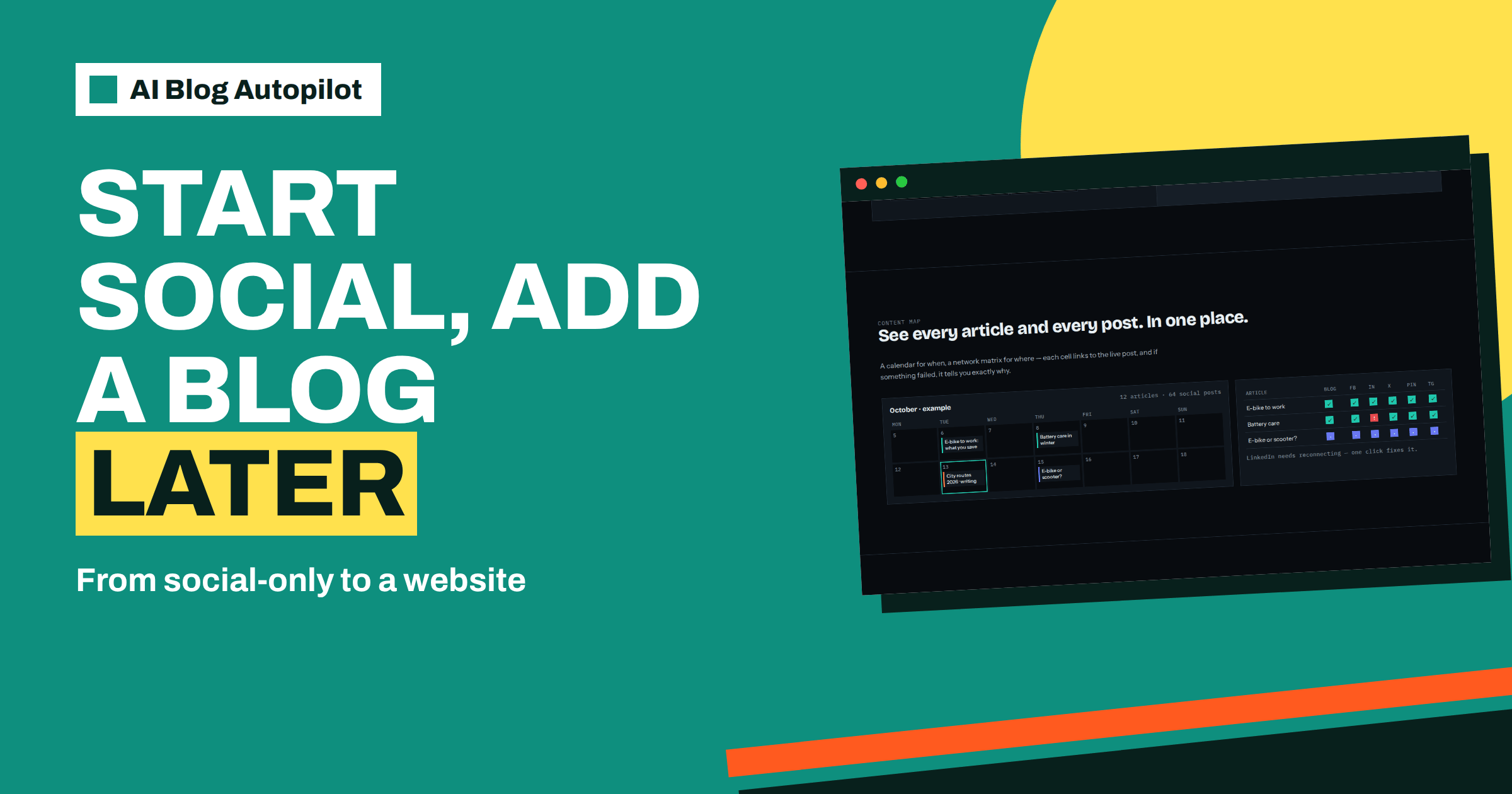
Look at how articles and social posts work together. Each article should now appear as a post on your networks. Check that the posts send readers to the right place, and that the blog has something useful when they arrive. Look at the content map, which shows each article and each post and links every cell to the live post.
At the end of the month, compare the result with your goals. How many readers came from the networks? How many looked at more than one page? Did enquiries change? These early figures are small, but they set a baseline for the following months.
Consider a short story. A yoga teacher runs her classes through a social page for a year, posting tips twice a week. Her best post, about easing back pain after long drives, draws forty comments, and a handful of people ask where they can read more. She sets up a simple WordPress site with a class timetable and a contact page, connects it in one click and chooses the Starter plan. Her first four articles come from her top posts: back pain, sleep, beginner mistakes and breathing. Because the topics already proved interesting, the blog starts with readers who care, and her social posts now point to something deeper than a caption.
The lesson is that the order is an advantage. Social-only gave her evidence, a voice and an audience. The blog gave that evidence a lasting home that search engines can find. Neither replaced the other.
What to keep doing on social
Adding a blog does not mean stopping your social presence. Continue to reply to comments, to share photos and to join conversations that are not about the blog. Automatic posting supports your presence, and people still expect real replies.
If you were using the Social plan to publish posts without articles, think about whether you still need the same number of posts. With articles, each article generates a post on each network, so the mix of content changes. You can adjust the brief to keep a balance between article posts and other kinds of posts, if the plan you choose allows it. Check the details in your account.
How AI Blog Autopilot helps
The product lets you begin with social posts and add a blog when you are ready, without starting again, since your plan moves with you. Try it with the three free articles on AI Blog Autopilot, no card needed, and see the plans on the pricing page.
Related reading
- Social-Only Mode: Automated Posting Without a Website
- Choosing an AI Blog Autopilot Plan
- Choosing a WordPress Theme for a Content Blog
The bottom line
Start social-only to learn cheaply, add a blog when your routine is steady and your site is ready, connect WordPress, pick the plan you can review and let your best social posts choose the first articles.
SSS
Can I add a blog after starting with social posts only?
Yes. The home page says you can add a blog later and your plan moves with you.
How do I connect my website?
The home page says to click Connect and approve it in WordPress, or paste an application password manually.
Which plan should I choose when I add articles?
Many start with Starter, which lists 8 articles and 1 website for 19 euros. Choose by what you can review.
Do my social networks stay connected?
Yes. You connect each network once in your account, and articles then become posts on each network.
Should I approve articles at first?
It is sensible. AUTO is the default, but approval can be switched on any time.