 ENEnglish
 LTLietuviškai
 DEDeutsch
 FRFrançais
 RUРусский
 ESEspañol
 PLPolski
 ITItaliano
 UKУкраїнська
 CSČeština
 PTPortuguês
 JA日本語
JA日本語 LVLatviešu valoda
 ETEesti
 HUMagyar
 IDBahasa Indonesia
 TRTürkçe
 HIहिन्दी
 ELΕλληνικά
 ARالعربية
 THไทย
THไทย VITiếng Việt
 RORomână
 MSBahasa Melayu
 BNবাংলা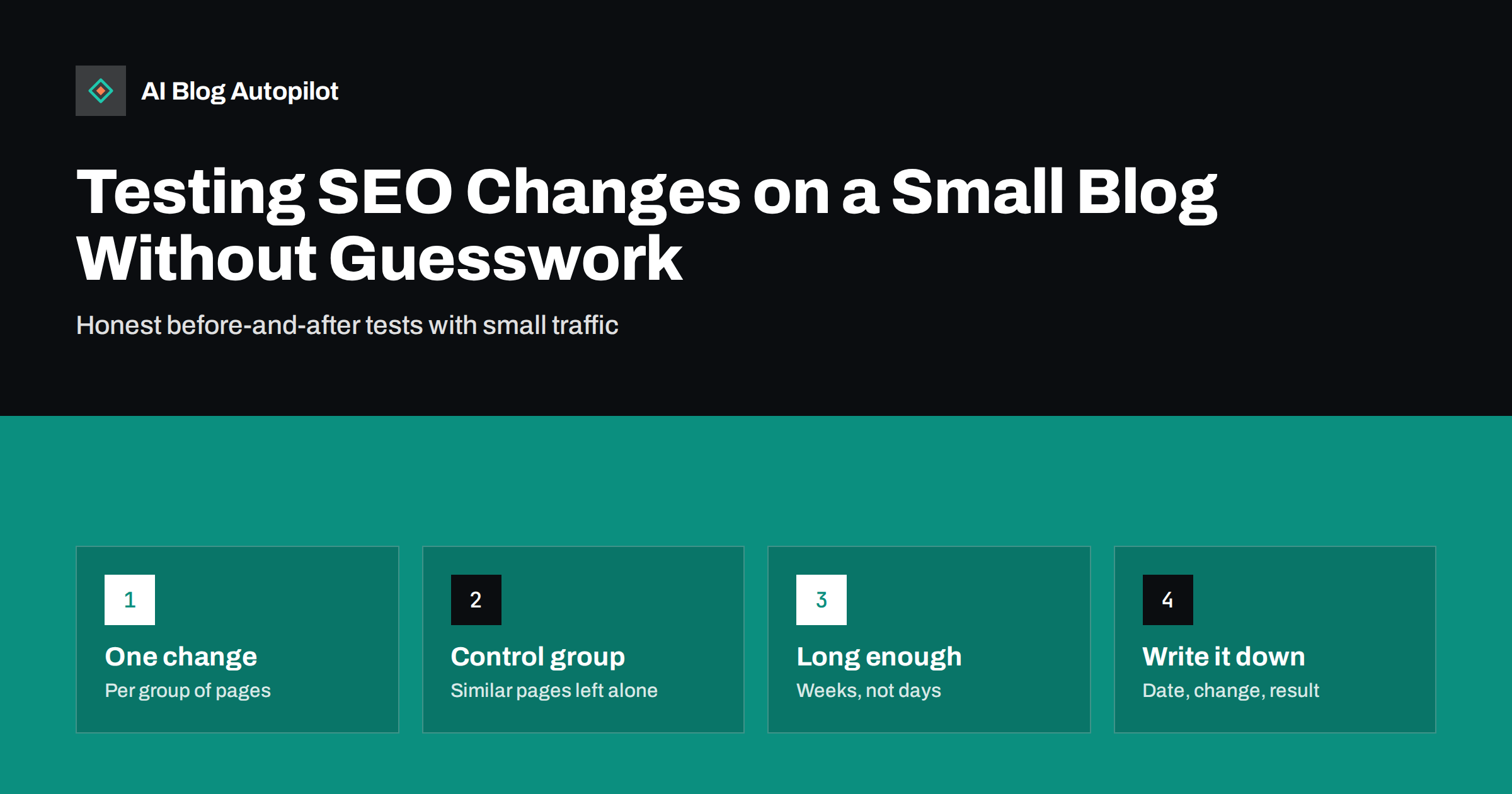
Short answer: on a small blog you usually cannot run a statistically rigorous SEO split test, but you can still test changes sensibly. Make one kind of change to a group of similar pages, leave a comparable group untouched as a control, record the date, and compare impressions, clicks and click-through rate in Search Console over at least four to eight weeks. Treat the result as evidence, not proof, and repeat changes that work on more pages.
SEO advice is full of confident claims: rewrite your titles this way, add this section, change that structure. Some of it will help your blog and some will not, and the only way to know is to try it on your own pages. The problem is that search traffic moves for many reasons at once, so a simple “before and after” comparison can easily fool you. This guide describes a practical testing method for sites with modest traffic, and the mistakes that most often lead to wrong conclusions.
Why SEO tests are hard to read
When you change a page and its traffic rises the following month, it is tempting to credit the change. But several other things could explain the rise:
- Seasonality. Many topics have predictable peaks and troughs through the year and even through the week.
- Algorithm updates. Search engines update their systems regularly, which can move rankings across the whole site.
- Changes in demand. News, trends and competitors’ actions change how often people search a topic.
- Changes in the results page. New features such as AI answers, video carousels or more ads can change clicks without any change in your ranking.
- Recrawling delays. Search engines do not see your change immediately, so the effect may start days or weeks later.
- Random variation. On pages with few clicks, normal week-to-week noise can look like a trend.
A good test is designed to separate the effect of your change from all of these.
The basic method: change group and control group
Large sites run controlled SEO experiments by splitting thousands of similar pages into test and control groups. A small blog can use a simplified version of the same idea:
- Choose a group of similar pages. For example, twenty how-to articles that each get at least some impressions every week.
- Split them into two comparable halves. Try to balance them by traffic and topic, not by choosing the “best” pages for the test.
- Apply one change to the test half only. For example, rewrite the title tags to lead with the main question.
- Leave the control half unchanged during the test period.
- Record the date of the change and request recrawling of the changed pages if you want to speed things up.
- Compare the two groups over the same period after the change, and against their own history before it.
If both groups rise or fall together, the change probably did little and something external moved traffic. If the test group improves clearly relative to the control group, the change is a likely cause.
Here is how that looks in an illustrative example. A blog has twenty-four how-to articles with steady impressions. Twelve get new titles that start with the reader’s question; twelve keep their old titles. In the eight weeks before the change, both groups had similar click-through rates. In the eight weeks after, the control group’s rate stays roughly flat while the test group’s rises noticeably, and impressions for both groups move in the same direction. That pattern points to the titles. If instead both groups had risen by the same amount, the likely explanation would be something site-wide, such as seasonal demand.
The comparison does not need advanced statistics to be useful. A weekly chart with two lines, one per group, and a vertical marker for the change date is often enough to see whether the lines separate.
What to measure
Search Console is the main source for SEO tests, because it shows what happened in search results rather than only on your site:
- Impressions: how often the pages appeared. Changes to content and relevance tend to show here.
- Clicks: the outcome you usually care about.
- Click-through rate: clicks divided by impressions. Title and description tests mostly affect this.
- Average position: useful as context, but it can mislead when pages start appearing for many new, low-ranking queries.
Filter the Performance report by page, or export the data for both groups into a spreadsheet and sum them per week. Add your analytics data for engagement and conversions if the change was meant to affect what readers do on the page. The guide to the Search Console reports that matter explains where each number lives.
How long to run a test
SEO changes take time to take effect. The page must be recrawled and reprocessed, and then enough searches must happen to see a difference. For a small blog:
- Title and meta description tests often show a CTR difference within two to four weeks, once the new titles appear in results.
- Content changes, such as adding sections or restructuring an article, often need six to eight weeks or more.
- Internal linking changes can take similar time, as crawlers revisit linked pages.
Compare full weeks, because many sites have strong weekday patterns. Avoid periods with known disruptions, such as major holidays or a confirmed algorithm update, or at least note them.
Changes worth testing on a blog
Good test candidates are changes you could roll out across many pages if they work:
- Title formats, such as question-style versus statement-style titles, or adding a specific detail like “checklist” or “examples”.
- Meta descriptions that state the direct answer versus ones that tease the content.
- A short-answer paragraph at the top of articles that lack one.
- FAQ sections added to articles without them.
- Refreshing older posts with updated information and examples, as described in the guide on refreshing old blog posts.
- Internal links from related articles to a set of under-linked posts.
Avoid testing changes you would never roll out anyway, and changes that could harm readers, such as removing useful sections to shorten pages. A test should answer a real decision you are facing. Test one type of change at a time. If you rewrite titles, add FAQs and update content in the same week, you will not know which one mattered.
A simple test log
The most valuable habit is also the simplest: keep a log. A spreadsheet with these columns is enough:
- Date of change.
- Pages changed and pages in the control group.
- What exactly was changed, with an example before and after.
- Hypothesis: what you expected to happen and why.
- Results after four and eight weeks for both groups.
- Decision: roll out, reverse or test further, and the date of that decision.
A log protects you from the most common failure in SEO: remembering that “we changed something around spring and it helped”, with no way of checking. It also stops the same ideas from being tried again every year by different people.
Common mistakes
- Testing on one page. A single page’s traffic is too noisy to tell you much. Use groups.
- No control. Without an untouched comparison, you cannot separate your change from site-wide movement.
- Stopping too early. A promising first week is often noise.
- Moving the goalposts. Deciding after the fact which metric counts as success. Write the expected outcome down first.
- Cherry-picking pages. Putting your best or fastest-growing pages in the test group inflates the result.
- Changing the control group. Editing control pages during the test, even slightly, spoils the comparison.
- Ignoring negative results. A change that made things worse is valuable information. Reverse it and note it in the log.
When the traffic is too low to test
If most of your posts get only a handful of clicks a month, even group tests will be inconclusive. In that case, rely more on established good practice, such as clear titles, direct answers, useful structure and sensible internal links, and on qualitative checks: does the page answer the query better than the current top results? Revisit testing when the blog has grown. Meanwhile, keep the log anyway; it becomes useful as traffic increases.
Low traffic also makes it more sensible to test bigger changes. A small tweak to a title will not produce a visible difference on pages with ten clicks a month, but a complete rewrite of a weak article sometimes will.
How AI Blog Autopilot fits in
AI Blog Autopilot publishes articles with a consistent structure: a direct answer at the top, clear sections, an FAQ and SEO meta. That consistency makes it easier to build comparable groups of pages for testing. On the Pro and Agency plans it can import topics from Search Console, which connects your test findings to what gets written next. See the plans on the pricing page.
Related reading
- How to Measure Whether a Blog Is Working
- Meta Titles and Descriptions: What to Write and What to Automate
- Content Decay: Spotting Articles That Are Slowly Fading
The bottom line
You do not need a large site to test SEO changes, but you do need discipline. Change one thing on a group of similar pages, keep a comparable control group untouched, wait long enough, compare the groups in Search Console and write everything down. The results will not be perfect proof, but they will be far better than guessing.
SSS
Can I run SEO A/B tests on a small blog?
Not with the statistical rigour of large sites, but you can run useful group tests. Change one thing on a set of similar pages, keep a comparable set unchanged, and compare both over several weeks.
How long should an SEO test run?
Title and description tests usually need two to four weeks after the change appears in search results. Content and internal linking changes often need six to eight weeks or more.
Which metric should I use to judge an SEO test?
It depends on the change. Title and description tests mainly affect click-through rate, while content changes affect impressions and clicks. Decide the main metric before the test starts.
Why do I need a control group?
Search traffic moves because of seasons, algorithm updates and demand changes. A control group of similar, unchanged pages shows how much movement would have happened anyway, so you can see the effect of your change.
Should I test changes on my most important pages?
Be cautious. Test first on a group of typical pages where a negative result would not hurt much, then roll successful changes out to the most important pages.
What if the results are unclear?
Treat that as a result too. It usually means the change had little effect or the traffic is too low to tell. Keep the note in your log, and prioritise changes with clearer benefits.


