 ENEnglish
 LTLietuviškai
 DEDeutsch
 FRFrançais
 RUРусский
 ESEspañol
 PLPolski
 ITItaliano
 UKУкраїнська
 CSČeština
 PTPortuguês
 JA日本語
JA日本語 LVLatviešu valoda
 ETEesti
 HUMagyar
 IDBahasa Indonesia
 TRTürkçe
 HIहिन्दी
 ELΕλληνικά
 ARالعربية
 THไทย
THไทย VITiếng Việt
 RORomână
 MSBahasa Melayu
 BNবাংলা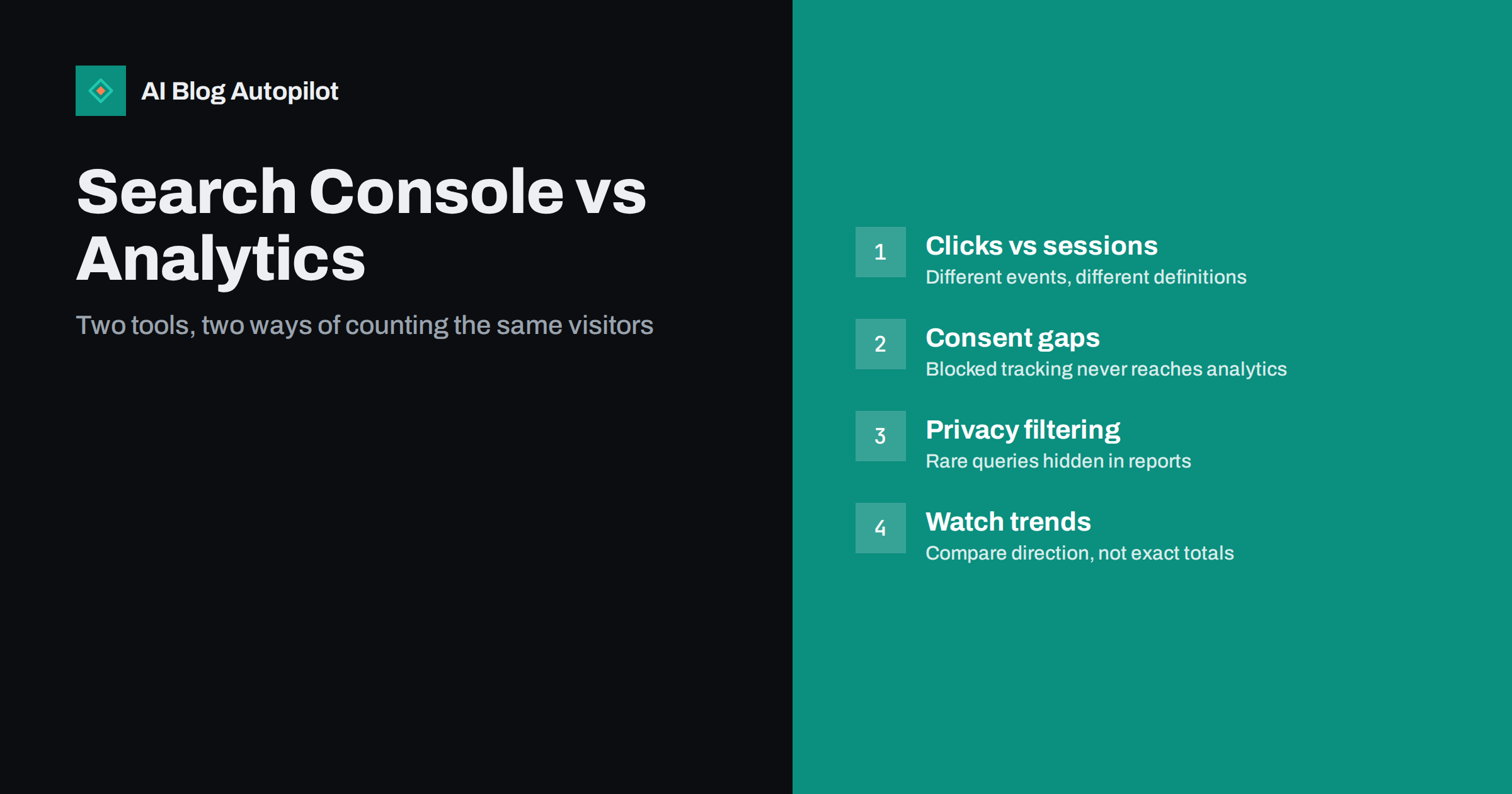
Short answer: Search Console and your analytics tool measure different things, so their numbers will not match. Search Console counts clicks from search results, recorded by the search engine; analytics counts sessions that load your tracking code, recorded by the visitor’s browser. Consent banners, ad blockers, time zones, attribution rules and privacy filtering all widen the gap. A steady difference is normal; a sudden change in the gap is what deserves attention.
Almost every blog owner eventually opens both reports side by side and finds that Search Console shows, say, 1,200 clicks for last month while analytics shows 900 organic sessions from the same search engine. The first reaction is usually that one of the tools is broken. Usually neither is.
This article explains where the differences come from, which ones are harmless, and how to use the two tools together without trying to force them to agree.
They measure different events
The most important point is that a click and a session are not the same thing.
- A Search Console click is recorded by the search engine when someone clicks your result. It happens before the visitor reaches your site. The search engine does not know whether the page loaded, whether the visitor stayed, or whether they left after half a second.
- An analytics session is recorded when your page loads in the visitor’s browser and your tracking script runs successfully. If the script does not run, there is no session, no matter how the visitor arrived.
So Search Console measures intent to visit, and analytics measures visits that your script managed to observe. Everything else in this article is a consequence of that difference.
Why analytics usually shows fewer visits
For most blogs, analytics shows fewer organic visits than Search Console shows clicks. The typical reasons are:
- Consent banners. In many countries, analytics cookies need consent. Visitors who decline, or who never interact with the banner, may not be counted at all, or only in a limited, modelled way depending on your setup.
- Ad and tracker blockers. Many browsers and extensions block common analytics scripts. Those visits simply never reach your reports.
- Visitors who leave before the page loads. Someone who clicks, sees a slow page and hits the back button is a click in Search Console and nothing in analytics.
- Script errors and missing tags. Pages without the tracking code, a broken tag manager setup or a JavaScript error can silently drop sessions.
- Attribution. A visit that analytics attributes to another channel, such as direct traffic because the referrer was stripped, will not appear under organic search even though it came from a search result.
A gap of a noticeable percentage is common and depends heavily on your audience. Tech-savvy readers block more trackers; audiences in regions with strict consent rules decline more cookies. There is no universal “correct” gap.
Why the numbers can go the other way
Occasionally analytics shows more organic visits than Search Console shows clicks. This usually has a simple explanation.
- Other search engines. Google Search Console only reports Google. Analytics organic traffic may include Bing, DuckDuckGo and others. Filter analytics to the same search engine before comparing.
- Several sessions per click. A visitor who clicks once but comes back later in the day, or whose session times out and restarts, can create more than one session.
- Property scope. If your Search Console property covers only one version of the site (for example, one subdomain or one protocol) while analytics covers everything, the totals will diverge.
Differences in dates, time zones and data freshness
Even when both tools see the same visits, their daily totals can differ because of how they draw the lines between days.
- Time zones. Search Console reports in a fixed time zone, while analytics reports in the time zone set in your property. A click at 23:30 in one zone can be tomorrow’s session in another.
- Freshness. Search Console data typically arrives with a delay of a day or two, and the most recent days can still change. Comparing yesterday’s numbers is rarely meaningful.
- Retention. Search Console keeps a limited history in the interface (around sixteen months). Analytics retention depends on your settings. Long comparisons may be comparing different windows without you noticing.
Compare whole weeks or months, not single days, and always check that the date ranges and time zones are aligned.
Why query data looks incomplete
Many people notice that the sum of clicks in the Queries table is lower than the total clicks shown at the top of the Performance report. That is expected. Search Console filters out rare queries to protect user privacy, so a share of clicks is never attributed to a visible query. Blogs with lots of long-tail traffic often see a large share of anonymised queries.
Analytics, meanwhile, generally cannot see search queries at all, because search engines do not pass them to your site. So the two tools are complementary: Search Console tells you what people searched and which page they landed on; analytics tells you what they did next.
What each tool is good for
| Question | Better tool | Why |
|---|---|---|
| Which queries bring readers to a post? | Search Console | Analytics does not receive search queries |
| How often does a post appear in results? | Search Console | Impressions and position exist only there |
| Is a page indexed, and are there crawl problems? | Search Console | Indexing data comes from the search engine |
| Do search visitors read, subscribe or enquire? | Analytics | Engagement and conversions happen on your site |
| How does search compare with social or email? | Analytics | It sees all channels, not just search |
| Is organic search growing overall? | Both | Trends in both should point the same way |
When a mismatch means a real problem
A stable gap is background noise. A changing gap is a signal. Investigate if you see any of these:
- Search Console clicks steady, analytics organic sessions suddenly down. Usually tracking: a removed tag, a theme update that dropped the script, a new consent tool, or a tag manager change. Check the page source of a few posts for the tracking code.
- Analytics organic down, Search Console clicks also down. A genuine drop in search traffic. Look at impressions and average position by page to find where it started.
- Specific pages missing from analytics. Templates without the tracking code, such as a separate layout for landing pages or AMP-style versions, can go uncounted.
- Organic traffic suddenly reclassified as direct. Often caused by redirects that strip the referrer, or a change in how your site handles HTTPS.
Before you compare anything, make sure the basics are set up the same way in both tools:
- Same site scope. Use a domain-level Search Console property if you can, so every subdomain and protocol is included, and check that analytics covers the same hostnames.
- Same search engine. Filter analytics to organic traffic from the one search engine Search Console reports on.
- Same pages. Exclude internal pages that search never sends visitors to, such as account or checkout pages, so they do not distort the comparison.
- Same period. Use complete weeks or months and leave out the last two or three days, which are often still incomplete.
With those four points aligned, the remaining gap is mostly consent, blocking and abandoned page loads, and it tends to be stable enough to be useful as a baseline.
A simple habit helps: once a month, write down Search Console clicks and analytics organic sessions for the same search engine and the same month, and note the ratio. When the ratio moves sharply, you know to look.
A practical way to use both together
Stop trying to reconcile the totals and use each tool for what it does best.
- Use Search Console to choose what to write and update: queries with impressions but few clicks, pages slipping in position, posts that are not indexed.
- Use analytics to judge whether search visitors are valuable: time on page, scroll depth if you track it, newsletter sign-ups, enquiries.
- Join them at the page level: for each important post, look at Search Console clicks and the analytics conversions from that landing page. That shows which articles attract the right readers, not just many readers.
Google documents how Search Console counts clicks, impressions and position in its Search Central documentation, which is worth a read if you want the precise definitions.
Where AI Blog Autopilot helps
AI Blog Autopilot writes and publishes SEO articles to your WordPress blog on a steady schedule, and on higher plans it can import topics from Search Console so new articles follow queries your site already appears for. Measurement remains yours: the tool does not replace Search Console or your analytics, but it keeps the publishing side running so you can spend your time reading the data. You can compare what each plan includes on the AI Blog Autopilot home page.
Related reading
- Google Search Console: The Five Reports That Matter
- How to Measure Whether a Blog Is Working
- Privacy and Analytics on a Business Blog
- Keyword Clustering: Grouping Search Queries Into Articles
The bottom line
Search Console counts clicks the search engine saw; analytics counts sessions your script saw. Consent, blockers, attribution, time zones and privacy filtering mean the numbers will never match exactly. Compare like with like, track the ratio over time, and treat a sudden change in the gap, not the gap itself, as the thing to investigate.
SSS
Why does Search Console show more clicks than analytics shows sessions?
Search Console records the click on the search engine’s side, while analytics only records a session when its script runs in the browser. Declined cookies, ad blockers, slow pages that visitors abandon and tracking errors all remove visits from analytics but not from Search Console.
Which number is correct?
Both are correct for what they measure. Search Console is the better record of search clicks; analytics is the better record of what visitors did on your site. Use each for its own purpose instead of treating one as the truth.
How big a difference is normal?
There is no universal figure, because it depends on your audience, consent setup and tracking. What matters is that the ratio stays roughly stable over time. A sudden change usually points to a tracking problem or a real traffic change.
Why don’t the query totals add up in Search Console?
Search Console hides rare queries to protect searchers’ privacy. Clicks from those queries are included in the overall totals but not listed in the Queries table, so the table always sums to less than the total.
Can I see search queries in my analytics tool?
Generally not, because search engines do not pass query text to websites. Linking Search Console data to your analytics setup, where supported, is the usual way to view queries alongside on-site behaviour.


