 ENEnglish
 LTLietuviškai
 DEDeutsch
 FRFrançais
 RUРусский
 ESEspañol
 PLPolski
 ITItaliano
 UKУкраїнська
 CSČeština
 PTPortuguês
 JA日本語
JA日本語 LVLatviešu valoda
 ETEesti
 HUMagyar
 IDBahasa Indonesia
 TRTürkçe
 HIहिन्दी
 ELΕλληνικά
 ARالعربية
 THไทย
THไทย VITiếng Việt
 RORomână
 MSBahasa Melayu
 BNবাংলা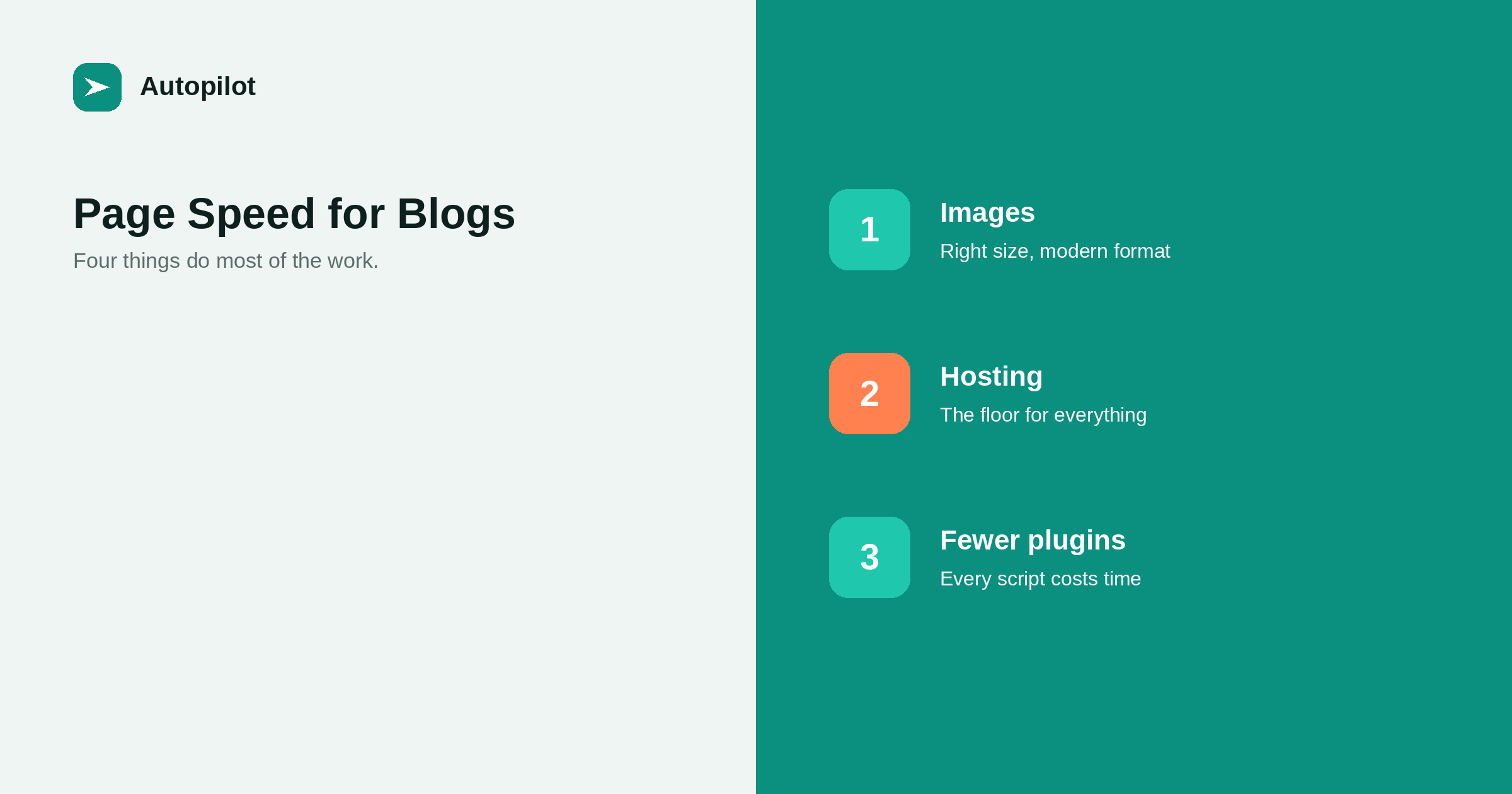
Short answer: on a content site, four things do most of the work: images sized and compressed properly and served in a modern format, reasonable hosting, fewer plugins and third-party scripts, and a lightweight theme. Caching, which most hosts or a single plugin provide, handles much of the rest. Measure with real-user data in Search Console’s Core Web Vitals report rather than chasing a perfect lab score. Speed is a real but modest factor in rankings; a fast page with weak content still loses to a slower page that answers the question.
Page speed advice is mostly written for web applications with large JavaScript bundles and complex interfaces. A blog is a much simpler thing: mostly text, some images, a theme, and whatever plugins have accumulated.
That simplicity means a short list of changes captures nearly all the benefit, and the long tail of optimisations can usually be ignored.
Images do most of the damage
On a typical blog page, images are the largest part of what gets downloaded, and they are the easiest to fix.
- Size them to their display size. A 4000-pixel photograph displayed at 800 pixels wastes most of its bytes.
- Compress them. Most images can lose half their file size with no visible difference.
- Use a modern format such as WebP where your setup supports it.
- Lazy-load images below the fold, which WordPress does by default.
- Set width and height so the layout does not jump as images load.
WordPress generates multiple sizes and serves an appropriate one automatically, provided the theme uses them. Checking that it does is a five-minute job.
Hosting sets the floor
No optimisation makes up for a server that takes a second to respond. The time before the server sends its first byte is a floor under everything else.
Cheap shared hosting is often fine for a small blog, but it varies enormously. If the server response time is consistently slow in testing, a better host or plan is usually the single most effective change available, more than any plugin.
Page caching — storing a ready-made copy of each page rather than building it on every visit — is the other half. Many hosts provide it built in; otherwise one caching plugin covers it.
Plugins and third-party scripts
Every plugin that adds something to the front end — a slider, a social widget, a chat bubble, an analytics tag, a font — adds requests and code that the browser must process.
Go through the list and ask of each: does a reader benefit from this? Chat widgets and social embeds are frequent offenders, loading substantial code on every page for a feature few visitors use.
Third-party scripts are especially costly because they come from other servers you cannot control. Keep the ones that matter, and load non-essential ones after the page is usable.
Theme choice
Themes vary from very light to very heavy. Multipurpose themes with page builders tend to load a great deal of code a blog never uses.
For a content site, a lightweight theme designed for reading is usually faster and also easier to read. If you are choosing now, test a demo page with a speed tool before committing; if you already have a heavy theme, it is often not worth switching unless speed data is genuinely poor.
Measure the right thing
Speed tools produce two kinds of data, and they answer different questions.
| Data type | Source | Use it for |
|---|---|---|
| Lab data | A single test run in a tool | Diagnosing what is slow |
| Field data | Real visitors over 28 days | Knowing whether it is a problem |
| Core Web Vitals report | Search Console, field data | Seeing which page groups need work |
A lab score below 100 is not a problem in itself. Field data showing that real visitors on phones wait several seconds for the main content is. Start with the Core Web Vitals report in Search Console, which the Search Console reports that matter mentions among the occasionally useful screens.
Core Web Vitals, briefly
Three measurements make up the set that search engines report on.
Largest Contentful Paint — how long until the main content, often the featured image or the first heading, appears. Images and hosting dominate it.
Interaction to Next Paint — how quickly the page responds when someone taps or clicks. Heavy scripts dominate it.
Cumulative Layout Shift — how much the page jumps around while loading. Images without dimensions, late-loading ads and injected banners cause it.
Each maps to one of the fixes above, which is why the short list covers most of the problem.
How much speed matters
Speed is part of how search engines assess page experience, and a very slow page is at a disadvantage. But it is a modest factor compared with whether the page answers the query.
The larger effect is on readers. People leave slow pages, especially on phones, and a reader who left never saw your content — reading on a phone covers the phone experience more broadly.
So fix the obvious problems — images, hosting, unnecessary scripts — and then stop. Chasing the last few points of a lab score rarely changes anything a reader or a search engine notices, and the time is better spent on the content.
Related reading
If this was useful, these cover the questions that usually come next.
- Reading on a phone — where speed matters most
- Writing alt text — the other half of doing images properly
- Setting up a new blog — choosing the foundation well
The bottom line
Size and compress images and use a modern format. Make sure the host responds quickly and pages are cached. Remove plugins and scripts that readers do not benefit from, and prefer a lightweight theme. Measure with field data rather than a single lab score, fix what real visitors experience, and then go back to writing.
SSS
What slows down a blog the most?
Usually oversized images, followed by slow hosting and front-end plugins or third-party scripts. Fixing those three captures most of the available improvement.
Does page speed affect rankings?
It is part of how page experience is assessed, and very slow pages are disadvantaged. It is a modest factor compared with relevance and quality, but it strongly affects whether readers stay.
Do I need a perfect PageSpeed score?
No. A lab score is a diagnostic from a single test. What matters is field data from real visitors, shown in Search Console’s Core Web Vitals report.
Do I need a caching plugin?
If your host does not provide page caching, one caching plugin is worthwhile. Do not install several, as they conflict.
What are Core Web Vitals?
Three measurements of real-user experience: how quickly the main content appears, how quickly the page responds to interaction, and how much the layout shifts while loading.
Should I switch to a faster theme?
If you are choosing now, prefer a lightweight theme designed for reading. If you already have one, switch only if field data shows a real problem the other fixes cannot solve.


