 ENEnglish
 LTLietuviškai
 DEDeutsch
 FRFrançais
 RUРусский
 ESEspañol
 PLPolski
 ITItaliano
 UKУкраїнська
 CSČeština
 PTPortuguês
 JA日本語
JA日本語 LVLatviešu valoda
 ETEesti
 HUMagyar
 IDBahasa Indonesia
 TRTürkçe
 HIहिन्दी
 ELΕλληνικά
 ARالعربية
 THไทย
THไทย VITiếng Việt
 RORomână
 MSBahasa Melayu
 BNবাংলা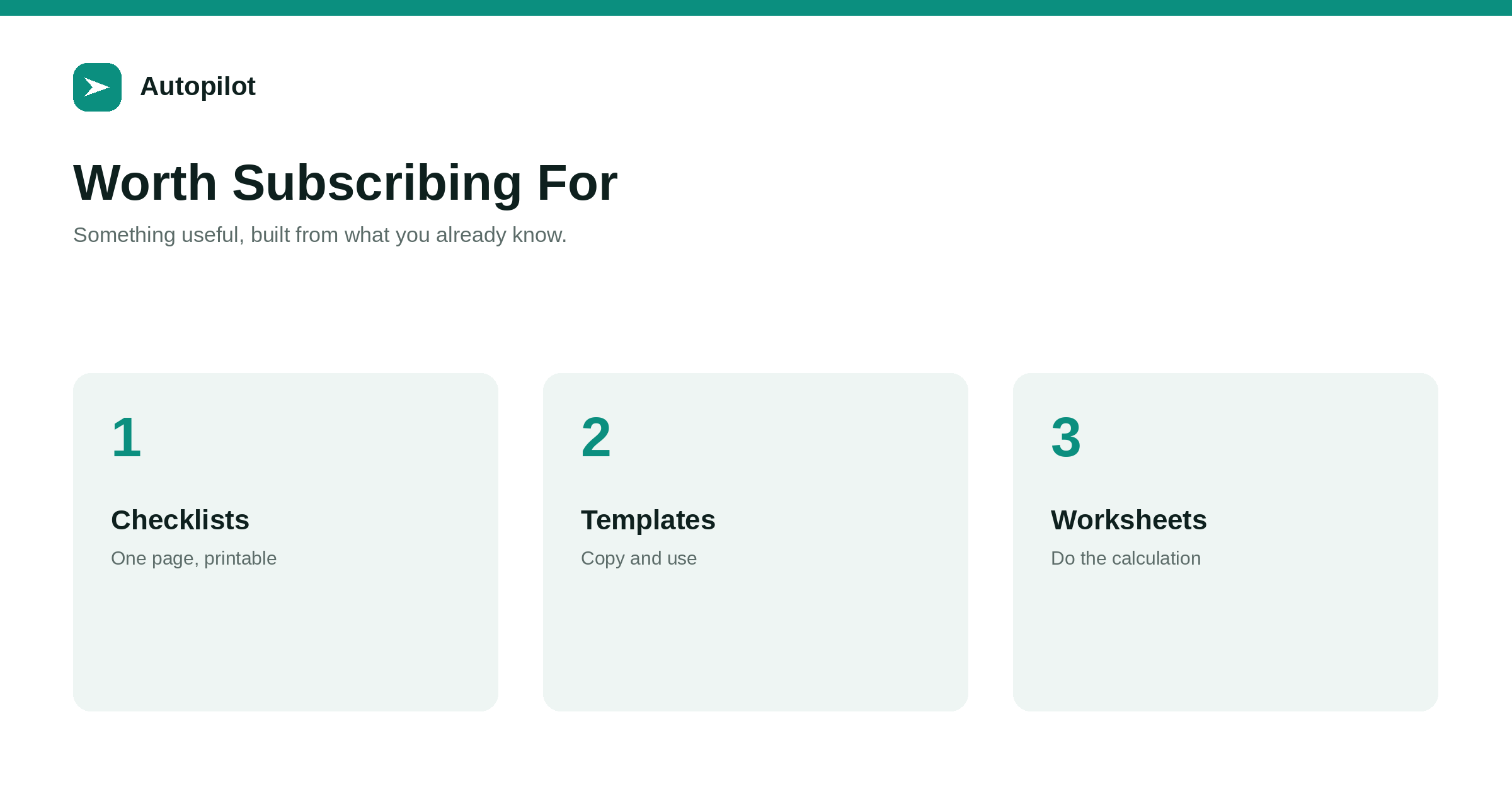
Short answer: offer something a reader can use immediately that saves them time: a checklist, a template, a worksheet, a short guide to one specific task. Build it from your best existing articles, keep it short, make it clearly more convenient than the article alone, and offer it inside the articles whose readers would need it. Say exactly what they get and that they will also receive your newsletter if that is the case. Long, vague ebooks and downloads that repeat the article add little and train people to unsubscribe.
Offering something useful in exchange for an email address is one of the oldest tactics on the web, and it still works when the something is genuinely useful. Most of the ones that fail offer a long document nobody wanted, or a download that is simply the article as a PDF.
The ones that work are small, practical and directly connected to the article the reader has just finished.
What makes a download worth an email
A reader gives their address when the download is clearly more useful than what they already have. Three properties usually make that true.
- It saves time. A checklist to follow, a template to copy, a worksheet that does a calculation.
- It is immediately usable. Not background reading, but something to use today.
- It is specific. One task, one problem, one decision.
A fifty-page guide to content marketing fails all three. A one-page pre-publication checklist passes them all.
Formats that work
A few formats cover most successful offers for business blogs.
| Format | Best for | Typical length |
|---|---|---|
| Checklist | Processes with steps that are easy to forget | One page |
| Template | Documents people must produce | One to three pages |
| Worksheet or calculator | Decisions involving numbers | A spreadsheet |
| Swipe file of examples | Writing tasks | A few pages |
| Short focused guide | One specific task done properly | Five to ten pages |
Short is almost always better. The value is convenience, and a long document is not convenient.
Build it from what you have
The best downloads are condensed from your strongest existing articles.
An article on editing drafts becomes a four-pass editing checklist. An article on content briefs becomes a brief template. An article on blog costs becomes a cost worksheet. The article explains; the download is the tool you use after understanding. repurposing an article covers extracting the substance of an article into other forms.
Because they come from articles you already wrote, they take hours rather than weeks to produce, and they match the subjects your blog already covers.
Offering it in the right place
Offer each download inside the articles whose readers would need it, after the section that explains the process. The checklist appears in the article about the process it checks.
This is the same principle as any call to action — the obvious next step for this reader — covered in calls to action that fit the article. A site-wide pop-up offering the same download to everyone performs worse and annoys readers the offer does not fit.
Being honest about what follows
Say what the reader gets, and say what else happens. If downloading adds them to a newsletter, say so at the point of sign-up. If you will contact them about a product, say that too.
Beyond being fair, it is often a legal requirement: in many jurisdictions consent to marketing email must be clear and specific. Make unsubscribing one click, and never add people to lists they did not agree to.
What happens after the download
The download is the start of a relationship, not the end of a transaction.
A short welcome email delivering the file, followed by your regular newsletter, is usually enough. Keep the first few emails closely related to the subject of the download, since that is what the subscriber showed interest in. a newsletter built from your articles covers building the newsletter itself.
An aggressive sequence of sales emails immediately after a checklist download tends to produce unsubscribes rather than customers.
What to avoid
A few patterns reliably disappoint.
The article as a PDF. Readers already have it.
The long vague ebook. Promises everything, gets opened once.
Gating essential information. Hiding the answer to the article’s own question behind a form frustrates readers who came for it and gives search engines less to show.
Inflated claims. The ultimate guide to doubling your traffic. Nobody can promise that, and readers know it.
Keeping downloads current
A checklist or template reflects how things were done when it was made. As your articles are updated, update the downloads they offer, so a subscriber does not receive advice the article has since corrected.
Put a version date in a small line at the foot of each download and review them when you refresh the host articles. It takes minutes and protects the credibility the download was meant to build.
Measuring it
Track three things for each download: how many readers of the host article take it, how many of those stay subscribed after a month, and how many later make an enquiry.
The second number is the honest test of whether the download was genuinely useful. A download with high sign-ups and heavy early unsubscribes was attractive but disappointing. No offer guarantees subscribers or customers; a useful one gives interested readers a reason to stay in touch.
Related reading
If this was useful, these cover the questions that usually come next.
- Calls to action that fit the article — where the offer appears
- A newsletter built from your articles — what subscribers receive next
- Repurposing an article — turning articles into downloads
The bottom line
Offer short, practical tools — checklists, templates, worksheets — built from your best articles, inside the articles whose readers need them. Say plainly what subscribers receive, keep the follow-up related to the download, and measure whether people stay subscribed, not just whether they sign up.
SSS
What is a lead magnet?
Something useful offered in exchange for an email address, such as a checklist, template or worksheet. It works when it is genuinely more convenient than the article alone.
What kind of lead magnet works best for a business blog?
Short, practical tools readers can use immediately: checklists, templates, worksheets and focused guides to one task. Long general ebooks usually underperform.
Where should I offer a download?
Inside the articles whose readers would need it, after the section explaining the related process. Avoid site-wide pop-ups offering the same thing to everyone.
Should I tell people they will get my newsletter?
Yes, clearly, at the point of sign-up. In many jurisdictions clear consent to marketing email is required.
Is it acceptable to gate a whole article?
Usually not for articles meant to be found in search. Gating the core answer frustrates readers and gives search engines less to show. Offer an extra tool instead.
How do I know if a download is working?
Look at sign-ups from the host article, how many subscribers remain after a month, and later enquiries. Heavy early unsubscribes suggest the download disappointed.


