 ENEnglish
 LTLietuviškai
 DEDeutsch
 FRFrançais
 RUРусский
 ESEspañol
 PLPolski
 ITItaliano
 UKУкраїнська
 CSČeština
 PTPortuguês
 JA日本語
JA日本語 LVLatviešu valoda
 ETEesti
 HUMagyar
 IDBahasa Indonesia
 TRTürkçe
 HIहिन्दी
 ELΕλληνικά
 ARالعربية
 THไทย
THไทย VITiếng Việt
 RORomână
 MSBahasa Melayu
 BNবাংলা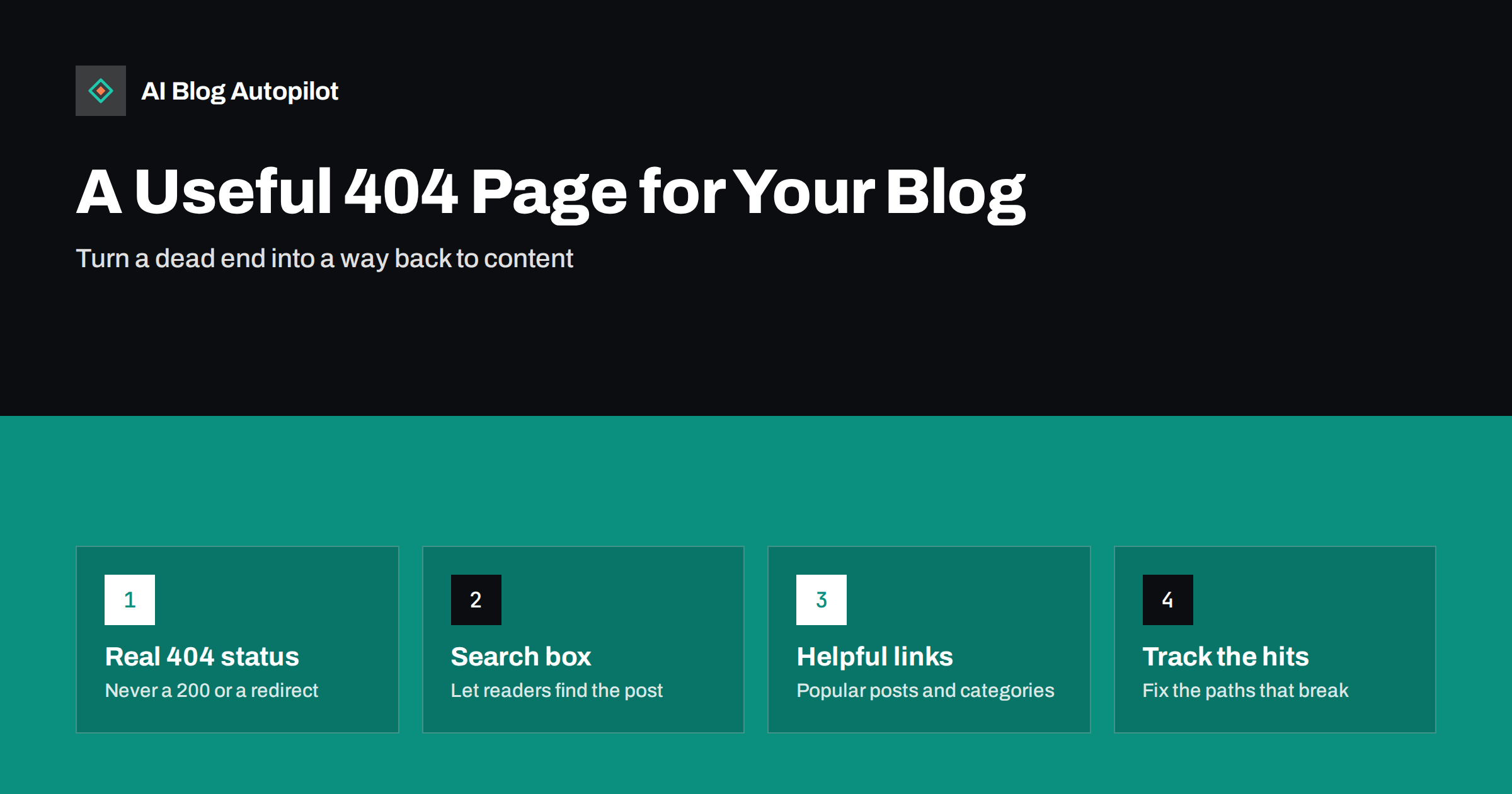
Short answer: a good 404 page for a blog does three things: it returns a real 404 status code so search engines know the page is missing, it tells visitors clearly and briefly that the page could not be found, and it gives them useful ways forward, such as a search box, links to popular posts and categories, and a route to the home page. It should use your normal site design and navigation. Track which URLs trigger it so you can redirect the ones that deserve it and fix broken internal links.
Every website has missing pages. Readers mistype addresses, other sites link to URLs that never existed, posts are deleted or merged, and old links survive in emails and social posts for years. On a blog with a few hundred articles, 404 errors are not a sign of failure. They are a normal part of running a site.
What matters is what happens next. A bare “Not Found” message loses the visitor. A helpful 404 page can bring many of them back to the content they were looking for. This guide covers what to put on the page, the technical details to get right and how to use 404 data to reduce the number of people who see it at all.
Why the 404 page deserves attention
The 404 page is often the least designed page on a site. It is left as the theme’s default, or worse, as the server’s plain error message. Yet it can be seen by a meaningful number of visitors, especially after a redesign, a migration or a content clean-up.
- It catches visitors at a moment of frustration. They expected content and found nothing. A clear, friendly page with good options keeps some of them.
- It protects the impression of your brand. A broken-looking error page makes the whole site feel neglected.
- It is a diagnostic tool. Every 404 hit is a signal: a broken link, a missing redirect or a topic readers expect you to cover.
Get the status code right first
Before thinking about design, check the technical basics. When a page does not exist, the server must return an HTTP 404 (Not Found) or 410 (Gone) status code, together with your custom page.
Two common mistakes undermine this:
- Returning 200 with an error message. If your “page not found” template is served with a 200 OK status, search engines see a normal page. They usually detect the error content and report it as a soft 404, but it creates confusion and can let error URLs linger.
- Redirecting every missing URL to the home page. Some plugins do this automatically. Visitors land on the home page with no explanation, and search engines generally treat these redirects as soft 404s anyway. It hides problems rather than solving them.
To check, visit a made-up URL on your site, such as /this-does-not-exist-2718/, and look at the status in your browser’s developer tools (Network tab). You should see 404 and your custom page.
What a helpful 404 page includes
The best 404 pages are short and practical. They acknowledge the problem in one line and spend the rest of the space on ways forward.
A clear, plain message
Say what happened in ordinary words: “We couldn’t find that page. It may have moved, or the link may be mistyped.” Avoid blaming the visitor and avoid long jokes. A light touch is fine if it fits your brand, but clarity comes first.
A search box
For a blog, search is the most useful element. The visitor usually knows roughly what they wanted. Place the search field near the top. Some setups can pre-fill it with words taken from the broken URL, which often gets the reader to the right post in one click.
Links to your best content
Offer a short list of popular or recent posts and your main categories. This gives visitors who do not want to search an easy next step, and it shows the breadth of what you publish.
Normal navigation
Use your standard header, menu and footer. A 404 page without navigation is a dead end. With it, visitors can continue as they would on any other page.
A way to report the problem
Optionally, a short line such as “If you followed a link from our site, let us know” with a contact link. It surfaces broken internal links you might miss otherwise.
An example layout
Put together, a practical blog 404 page might look like this from top to bottom: the normal site header and menu; a heading such as “Page not found”; one sentence explaining that the page may have moved; a prominent search field; a short list of five or six popular articles; a row of links to your main categories; a line inviting readers to report a broken link; and the normal footer. Nothing on it needs to be clever. Every element either explains the situation or offers a next step, and the whole page loads as quickly as any other page on the site.
If your blog serves several languages, make sure the 404 page appears in the language of the section the visitor was in, with search and links pointing to content in that language. A reader who was browsing your German articles should not be dropped onto an English error page.
What to leave out
- Automatic redirects or timers. Sending people elsewhere after a few seconds is disorienting and gives them no choice.
- Heavy media. Large animations or videos slow the page down for visitors who are already frustrated.
- Aggressive pop-ups and sign-up forms. This is not the moment to ask for an email address.
- Long explanations of HTTP errors. Most visitors do not care what a 404 is.
- Anything that makes it look like the whole site is broken. Keep the design consistent with the rest of the site.
Setting up a custom 404 page in WordPress
In WordPress, the 404 page is controlled by your theme. Most themes include a 404.php template or, in block themes, a 404 template editable in the Site Editor under Templates. You can edit it to add a heading, a short message, a search block, a latest posts or query block and a list of categories.
If your theme’s 404 template is very limited, some themes and plugins let you design the 404 page as a normal page and assign it as the error page. If you use this approach, confirm afterwards that missing URLs still return a 404 status, not 200, because some implementations get this wrong.
Also check any caching or security plugins. Occasionally they intercept missing URLs and serve their own responses, which can change the status code or the design.
Using 404 data to fix the underlying problems
A great 404 page is a safety net. The better goal is for fewer people to need it. Several sources tell you which missing URLs are being requested:
- Analytics. Filter page views by the 404 page title or template to see which URLs triggered it and where the visitors came from.
- Search Console. The page indexing report lists URLs that return 404 and that Google found through links or sitemaps.
- Server logs or a redirect plugin’s log. These record every missing URL requested, including ones analytics may not capture.
- Site crawlers. A crawl of your own site shows internal links that point to missing pages.
Then sort what you find into categories and act on each:
- Broken internal links: fix the link in your own content or template. This is always the first priority.
- Moved or merged content: add a 301 redirect to the new, genuinely equivalent URL.
- External links with typos: if another site links to a slightly wrong URL that gets real traffic, a redirect to the intended page is reasonable.
- Deleted content with no replacement: leave it as 404 or 410. Not every missing URL needs a redirect.
- Bot noise: requests for random paths such as login pages of other systems are normal on the internet and can be ignored.
- Topics people expect: if visitors repeatedly look for content you do not have, consider whether an article on that topic would be useful.
404 pages and SEO: common questions
404 errors on URLs that should not exist do not harm your site’s rankings. Search engines expect them. What matters is that pages you want indexed return 200, moved pages redirect properly, and internal links do not point to missing URLs. A large number of 404s from your own links, however, wastes crawling and frustrates readers, which is why fixing internal links matters.
The content of your 404 page itself is not indexed, because pages with a 404 status are not kept in search results. So there is no need to optimise it for keywords. Optimise it for people.
How AI Blog Autopilot fits in
AI Blog Autopilot publishes articles through WordPress, so they appear in your normal blog structure and search, and they can feature in the popular or recent posts shown on your 404 page. Each article is published at a stable URL, with its title, tags and meta prepared. Setting up the 404 template and managing redirects stays in your WordPress admin, as described above. See how AI Blog Autopilot works.
Related reading
- Soft 404 Errors: What They Are and How to Fix Them
- Content Pruning: When to Delete, Merge or Redirect a Blog Post
- What Readers Search For on Your Site, and What to Do With It
- Blog Design That Helps People Read
The bottom line
A useful 404 page returns a real 404 status, explains the problem in one plain sentence and offers clear ways forward: search, popular posts, categories and normal navigation. Avoid automatic redirects to the home page and heavy, distracting elements. Then use the data from 404 hits to fix broken internal links and add redirects where content has moved, so fewer readers need the page at all.
SSS
Do 404 errors hurt my blog’s SEO?
No, not when they are for URLs that genuinely do not exist. Search engines expect them. Problems arise when important pages return 404 by mistake or when your own internal links point to missing pages.
Should I redirect all 404 pages to my home page?
No. Redirecting every missing URL to the home page confuses visitors and is usually treated as a soft 404 by search engines. Redirect only to genuinely equivalent pages and let the rest return 404.
What should a 404 page say?
One or two plain sentences explaining that the page could not be found and why that might be, followed by a search box, links to popular posts and categories and your normal navigation.
How do I check that my 404 page returns the right status?
Visit a made-up URL on your site and open the Network tab in your browser’s developer tools. The main document request should show status 404 while your custom page is displayed.
Should I use a 404 or a 410 for deleted posts?
Either is acceptable. A 410 states that the page was removed deliberately and may be dropped slightly faster, while a 404 simply says it was not found. Many sites use 404 for everything without problems.


