 ENEnglish
 LTLietuviškai
 DEDeutsch
 FRFrançais
 RUРусский
 ESEspañol
 PLPolski
 ITItaliano
 UKУкраїнська
 CSČeština
 PTPortuguês
 JA日本語
JA日本語 LVLatviešu valoda
 ETEesti
 HUMagyar
 IDBahasa Indonesia
 TRTürkçe
 HIहिन्दी
 ELΕλληνικά
 ARالعربية
 THไทย
THไทย VITiếng Việt
 RORomână
 MSBahasa Melayu
 BNবাংলা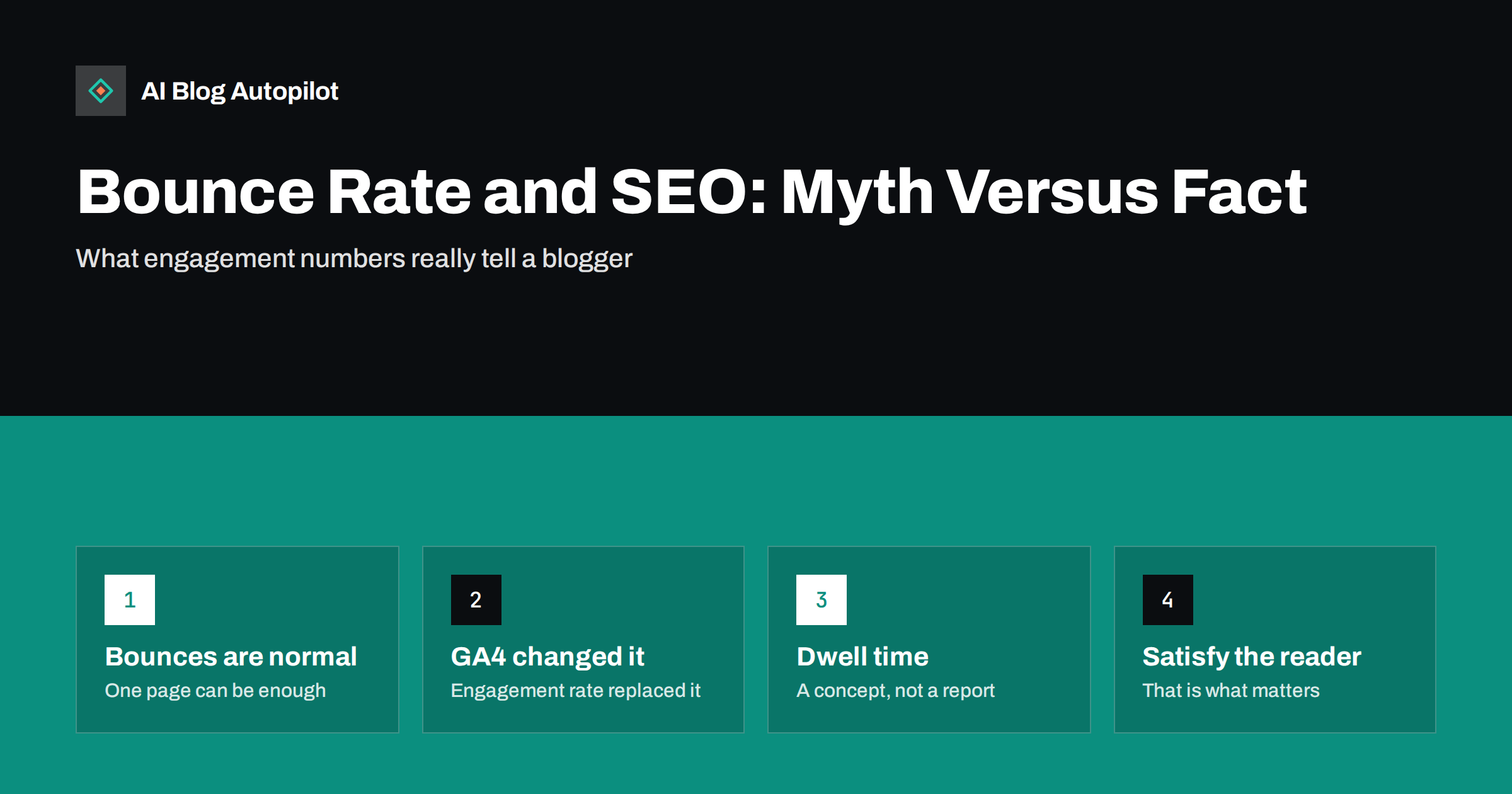
Short answer: bounce rate is an analytics metric, not a ranking factor that search engines read from your analytics account. A high bounce rate is normal for blog posts, because many readers find their answer on one page and leave satisfied. “Dwell time”, the time between clicking a result and returning to the search page, is a popular concept but not a published ranking signal. What matters is whether the page satisfies the searcher, and engagement metrics are useful mainly as clues about where it does not.
Few SEO metrics cause as much worry as bounce rate. Site owners see figures of 70 or 80 percent on their blog posts and assume search engines must be punishing them for it. Tools and articles reinforce the fear with claims that “Google uses bounce rate to rank pages” or that “dwell time is a top ranking factor”.
This guide separates what is known from what is guessed, explains what these numbers actually measure, especially since Google Analytics 4 changed the definitions, and suggests better ways to use engagement data on a blog.
What bounce rate actually measures
In older versions of Google Analytics (Universal Analytics), a bounce was a session with only one interaction, typically a single page view. Bounce rate was the percentage of sessions that were bounces. Someone who read your entire article for ten minutes and then closed the tab counted as a bounce, exactly like someone who left after two seconds.
That definition made bounce rate a poor measure of quality for blogs. Blog posts are often the only page a reader needs: they search a question, read the answer and leave. That is success, not failure, yet it showed up as a bounce.
Google Analytics 4 changed the approach. It introduced engaged sessions: sessions that last longer than a set time (10 seconds by default), include a conversion event or include at least two page or screen views. Engagement rate is the share of sessions that were engaged, and GA4’s bounce rate is simply the opposite: the share of sessions that were not engaged. Google explains the definitions in its help article on engagement rate and bounce rate. Under this definition, the reader who spent ten minutes on your article is no longer a bounce.
Other analytics tools use their own definitions, so always check what a “bounce” means in the tool you are looking at before comparing numbers.
Do search engines use bounce rate?
Google has said repeatedly over the years that it does not use Google Analytics data for ranking. Many sites do not use Google Analytics at all, and those that do can configure it in very different ways, which would make it an unreliable signal. So your analytics bounce rate is not being read by the search engine.
That does not mean user behaviour is irrelevant. Search engines run large-scale experiments and evaluate whether their results satisfy searchers, and information that became public in recent years indicates that aggregated click and interaction data plays some role in how results are refined. The details are not published, and they are about how people interact with search results in aggregate, not about the bounce rate figure in your analytics.
The practical conclusion is the same either way: you cannot and should not try to manipulate a metric. You should make sure people who arrive on your page get what they came for.
What “dwell time” means and why it is debated
Dwell time usually refers to the time between a searcher clicking a result and coming back to the search results page. The idea is intuitive: if someone clicks your result and immediately returns to try another one, your page probably did not help. If they never come back, it probably did.
The concept is reasonable, but a few cautions apply:
- Search engines have not confirmed dwell time as a named ranking factor.
- Quick returns are not always bad. Someone looking up a phone number or a definition may find it in seconds and return to search for something else.
- You cannot measure true dwell time in your own analytics, because you do not see what happens on the search results page.
Treat dwell time as a useful way of thinking about searcher satisfaction, not as a number to optimise.
When a high bounce rate is fine
For many blog pages, a high bounce rate (in the old sense) or a moderate engagement rate is completely normal:
- Quick-answer posts. A post that answers a simple question in the first paragraph may satisfy readers in under a minute.
- Reference pages. Definitions, checklists and how-to steps are often read, used and closed.
- Traffic from social media. Visitors from social feeds often read one post and return to the feed.
- Returning readers. Regulars who come for the newest post and leave have not bounced in any meaningful sense.
Comparing your blog’s bounce rate with a generic “industry benchmark” tells you very little. Pages with different purposes and traffic sources behave differently.
When engagement data points to a real problem
Engagement metrics become useful when you compare similar pages and look for outliers. Warning signs include:
- Very short engagement on long, detailed articles that should take minutes to read, particularly from search traffic.
- A sudden drop in engagement on a page that used to perform well, which may point to a technical issue, a layout change or an outdated article.
- Much lower engagement on mobile than desktop for the same page, which often signals layout or speed problems on phones.
- Low engagement for a specific search query, suggesting the page ranks for something it does not really answer.
In each case, the metric is a pointer. The next step is to open the page, look at it as a new visitor would and ask what is getting in the way.
Improving satisfaction, not the metric
The changes that genuinely help readers tend to improve engagement as a side effect:
- Answer quickly. Put the direct answer near the top. Readers who see immediately that the page has what they need are more likely to stay for the detail.
- Match the search intent. Make sure the title and opening deliver what the query promised. A mismatch causes the fastest exits.
- Make the page easy to scan. Descriptive headings, short paragraphs, lists and a table of contents for long articles help readers find their section.
- Fix speed and layout issues. Slow loading, intrusive pop-ups, layout shifts and hard-to-read text on phones drive people away before they read.
- Offer a relevant next step. Links to closely related articles and a call to action that fits the topic give interested readers somewhere to go.
- Keep content current. Outdated information makes readers doubt the whole page.
Avoid tricks aimed at the number itself: splitting articles across several pages, auto-playing videos, firing fake interaction events or forcing clicks to reveal content. These annoy readers and can distort your data so badly that it becomes useless.
A quick way to review engagement on your blog
Once a quarter, a short review turns engagement data into decisions instead of worry:
- Export your top 30 to 50 articles by sessions from organic search for the last three months, with engagement rate and average engagement time.
- Group them by type: quick answers, in-depth guides, comparisons, news or updates. Compare each article only with others of the same type.
- Mark the outliers: articles with engagement well below their group’s typical level.
- Check each outlier’s queries in Search Console. Is it ranking for something it does not answer? Has the intent behind its main query changed?
- Open each outlier on a phone. Look for slow loading, pop-ups, a buried answer or an outdated opening.
- Pick three to five articles to improve and note what you changed and when, so you can compare the next quarter’s figures.
This keeps the focus on specific pages and specific fixes, rather than on a site-wide average that mixes very different kinds of content.
Better metrics for a blog
Instead of focusing on bounce rate, consider a small set of metrics that relate to your goals:
- Engagement rate and average engagement time per article, compared with similar articles.
- Scroll depth, if you track it, to see whether readers reach the key sections.
- Clicks on internal links and calls to action, to see whether articles lead readers further.
- Conversions such as newsletter sign-ups, enquiries or trials that started on a blog post.
- Search performance in Search Console: impressions, clicks and positions for the queries the article targets.
How AI Blog Autopilot helps
AI Blog Autopilot plans each article around a real search query and writes it with a clear structure, an answer-first opening, descriptive headings and an FAQ section, all of which help readers find what they came for. An automatic quality check reviews length, structure, keywords and meta before publishing. Reading your engagement data and deciding which articles to improve remains your call. See how AI Blog Autopilot works.
Related reading
- How to Measure Whether a Blog Is Working
- Getting More Enquiries From the Readers You Already Have
- Writing Introductions That Don’t Waste the Reader’s Time
- Readability: Writing So People Finish the Article
The bottom line
Search engines do not read your analytics bounce rate, and a high bounce rate is normal for blog posts that answer a question on one page. GA4 has replaced the old definition with engagement rate, which is more meaningful. Dwell time is a useful idea about searcher satisfaction, not a confirmed ranking factor. Use engagement data to find pages that underperform compared with similar ones, then fix the real problem: intent, clarity, speed or relevance.
SSS
Does a high bounce rate hurt SEO?
Not directly. Search engines do not use your analytics bounce rate for ranking. A high bounce rate can be a symptom of a page that does not satisfy visitors, and that underlying problem is worth fixing.
What is a good bounce rate for a blog?
There is no single good number. Blog posts often have high bounce rates in the traditional sense because readers get their answer on one page. Compare similar articles on your own site rather than relying on general benchmarks.
What is the difference between bounce rate and engagement rate in GA4?
In GA4, an engaged session lasts longer than 10 seconds by default, includes a conversion event or has at least two page views. Engagement rate is the share of engaged sessions, and bounce rate is the share that were not engaged.
Is dwell time a ranking factor?
Search engines have not confirmed dwell time as a ranking factor. It is a useful way to think about whether searchers were satisfied, but you cannot measure it directly and should not try to manipulate it.
How can I improve engagement on my blog posts?
Answer the main question early, match the search intent, make the page easy to scan, fix speed and mobile layout issues and link to relevant next steps. These changes help readers and improve engagement as a result.


