 ENEnglish
 LTLietuviškai
 DEDeutsch
 FRFrançais
 RUРусский
 ESEspañol
 PLPolski
 ITItaliano
 UKУкраїнська
 CSČeština
 PTPortuguês
 JA日本語
JA日本語 LVLatviešu valoda
 ETEesti
 HUMagyar
 IDBahasa Indonesia
 TRTürkçe
 HIहिन्दी
 ELΕλληνικά
 ARالعربية
 THไทย
THไทย VITiếng Việt
 RORomână
 MSBahasa Melayu
 BNবাংলা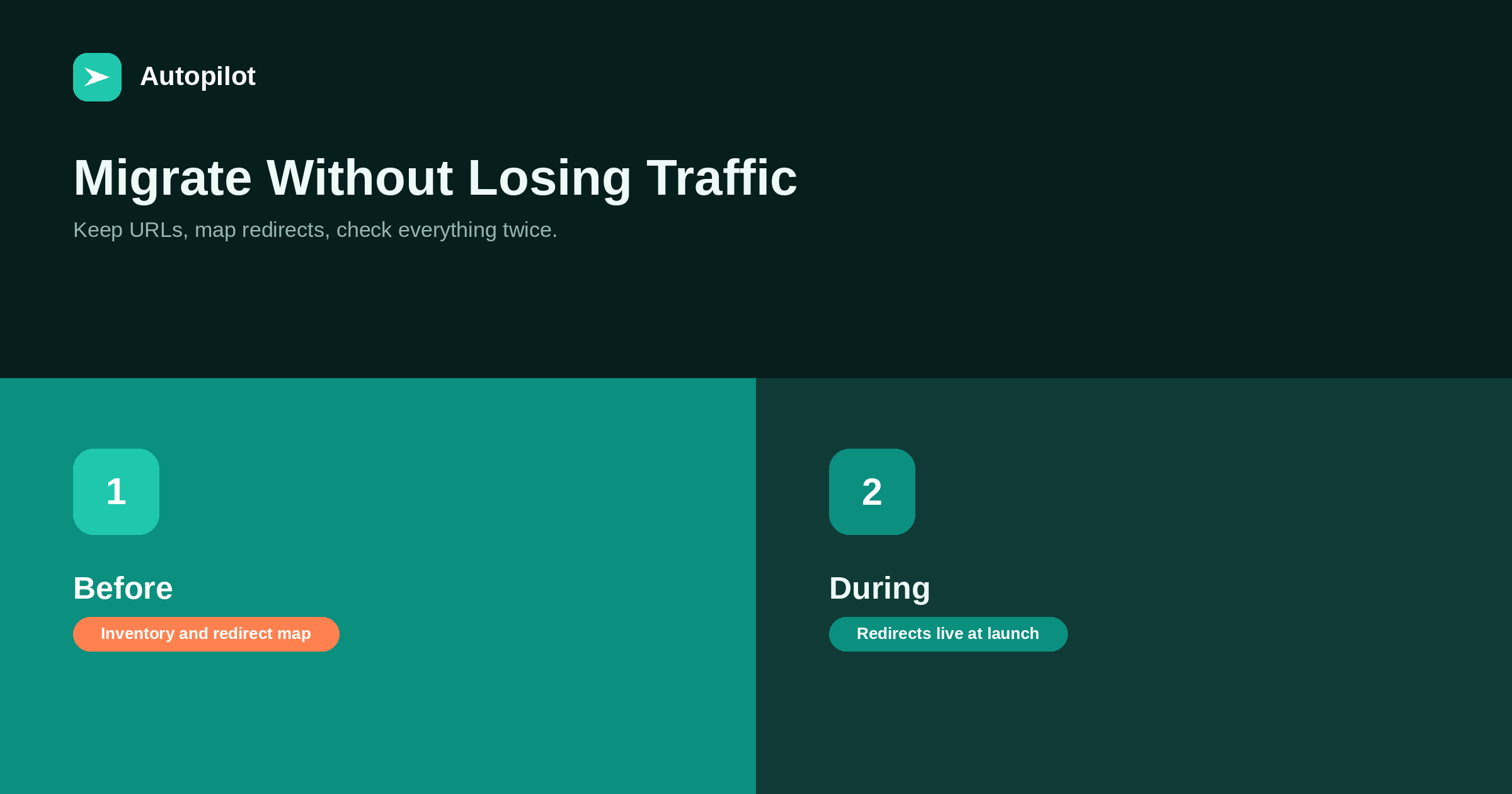
Short answer: keep URLs unchanged wherever possible, since every changed URL needs a redirect and carries some risk. Before the move, build an inventory of every URL and a redirect map from each old URL to its new equivalent. At launch, put permanent redirects in place immediately, keep titles, content, structured data and internal links equivalent, and make sure the new site is indexable. Afterwards, crawl the old URL list to confirm every redirect works, update the sitemap, and monitor Search Console for errors. Some fluctuation for a few weeks is normal.
Moving a blog — to a new platform, a new theme, a new URL structure or a new server — is one of the few routine projects that can wipe out years of search traffic in a day. Almost always, the cause is preventable: missing redirects, changed URLs, or a new site accidentally blocked from indexing.
A careful checklist avoids nearly all of it.
Keep URLs where you can
The safest migration is one where URLs do not change. If the new platform can reproduce the existing URL structure, use it.
Every changed URL needs a redirect, and redirects are where migrations go wrong. They also pass signals less reliably than an unchanged URL keeps them. writing URL slugs covers why stable URLs matter in the first place.
Before: inventory everything
List every URL on the current site: posts, pages, categories, tags, author pages, images, PDFs. Include URLs with external links or traffic even if they are not in the sitemap — Search Console and a crawl will reveal them.
Record each URL’s traffic and links, so you know which matter most. a content inventory covers building the inventory.
Before: build the redirect map
For every URL that will change, record its new equivalent: the page with the same content, not the homepage.
| Old URL type | Redirect to |
|---|---|
| Article with a new URL | The same article at its new URL |
| Merged articles | The combined article |
| Removed article with links | The closest relevant page |
| Category or tag | The equivalent archive |
| Images and files | Their new locations |
Redirecting everything to the homepage is treated much like a missing page and loses most of the value.
Before: test on staging
Build the new site on a staging server that search engines cannot access. Test the redirect map there, check titles, descriptions, structured data and internal links on a sample of pages, and compare with the old site.
Make a note to remove staging restrictions at launch; forgetting to is one of the most common migration disasters.
During: launch day
At launch, the redirects must be live at the same moment as the new site. Then immediately check:
- The site is indexable: no noindex, no robots.txt block, no search engine discouragement setting.
- A sample of old URLs redirect correctly, in one step, with a permanent redirect.
- Canonicals point to the new URLs, not staging or old ones.
- The new sitemap is live and submitted.
After: crawl the old URLs
Run the full list of old URLs through a crawler and check every response. Each should return a single permanent redirect to a working page. Fix chains, loops and errors.
Update internal links to point directly at new URLs rather than through redirects — internal linking as you publish explains why.
After: monitor
Watch Search Console for the following weeks: indexing errors, not-found pages, drops in indexed pages, and traffic by page.
Some fluctuation for a few weeks is normal as search engines process the changes. A sustained drop, or a rise in not-found errors, means something needs fixing — what to do when traffic drops covers diagnosis.
Keep content equivalent
A migration is not the moment to rewrite everything. Changing platform, URLs and content at once makes it impossible to tell which change caused any problem.
Keep content, titles and structure equivalent during the move. Improve content afterwards, in stages, once the migration has settled.
Keep redirects for a long time
Redirects should stay in place for at least a year, and ideally permanently for URLs with external links. Old links in other sites, bookmarks and emails keep being followed for years.
Store the redirect map somewhere safe; you will need it again at the next migration.
Theme changes count too
A new theme on the same platform is also a migration, even if no URLs change. Themes control headings, structured data, internal link blocks, breadcrumbs, page speed and mobile layout, and a new theme can change all of them at once.
Before switching, compare a sample of pages on the old and new themes: heading structure, title tags, structured data, navigation, related links, and speed on a phone. Problems found on staging take minutes to fix; problems found after launch can take weeks to notice.
Media and attachment pages
Images, PDFs and other files often have their own URLs and sometimes their own traffic from image search or external links. Migrations frequently move them to new paths without redirects.
Include media in the inventory and the redirect map. Some platforms also create attachment pages for each uploaded file, which should usually redirect to the file itself or to the article using it rather than existing as thin pages.
A migration timeline
For a blog of a few hundred posts, a realistic timeline is two to four weeks of preparation — inventory, redirect map, staging build and testing — followed by launch and at least a month of close monitoring. Choose a launch date away from your busiest season, so any temporary fluctuation costs as little as possible.
Assign one person to own the checklist from start to finish. Migrations fail most often in the handovers between people.
What a good migration looks like
After a well-executed migration, traffic usually settles within a few weeks at a similar level. No migration can guarantee zero impact, since search engines reassess moved pages. Careful preparation makes serious losses unlikely and problems quick to find.
Related reading
If this was useful, these cover the questions that usually come next.
- Changing a domain — the hardest kind of migration
- Writing URL slugs — why stable URLs matter
- What to do when traffic drops — if things go wrong afterwards
The bottom line
Keep URLs unchanged where possible. Inventory every URL, map each changed one to its true equivalent, test on staging, and launch with redirects live and the site indexable. Crawl the old URLs afterwards, update internal links and the sitemap, monitor Search Console, and keep redirects for at least a year.
SSS
How do I migrate a blog without losing traffic?
Keep URLs where possible, map every changed URL to its equivalent with permanent redirects, make sure the new site is indexable, and monitor closely afterwards.
Should I redirect old pages to the homepage?
No. Redirect each to its closest equivalent. Homepage redirects lose most of the value.
How long should redirects stay in place?
At least a year, and permanently for URLs with external links.
Is a traffic dip after migration normal?
Some fluctuation for a few weeks is common. A sustained drop or rising errors need investigation.
Should I rewrite content during a migration?
No. Keep content equivalent and improve it afterwards, so problems can be traced.
What is the most common migration mistake?
Missing redirects, followed closely by launching with the new site still blocked from indexing.


