ENEnglish
 LTLietuviškai
 DEDeutsch
 FRFrançais
 RUРусский
 ESEspañol
 PLPolski
 ITItaliano
 UKУкраїнська
 CSČeština
 PTPortuguês
 JA日本語
 LVLatviešu valoda
 ETEesti
 HUMagyar
 IDBahasa Indonesia
 TRTürkçe
 HIहिन्दी
 ELΕλληνικά
 ARالعربية
 THไทย
 VITiếng Việt
 RORomână
 MSBahasa Melayu
 BNবাংলা
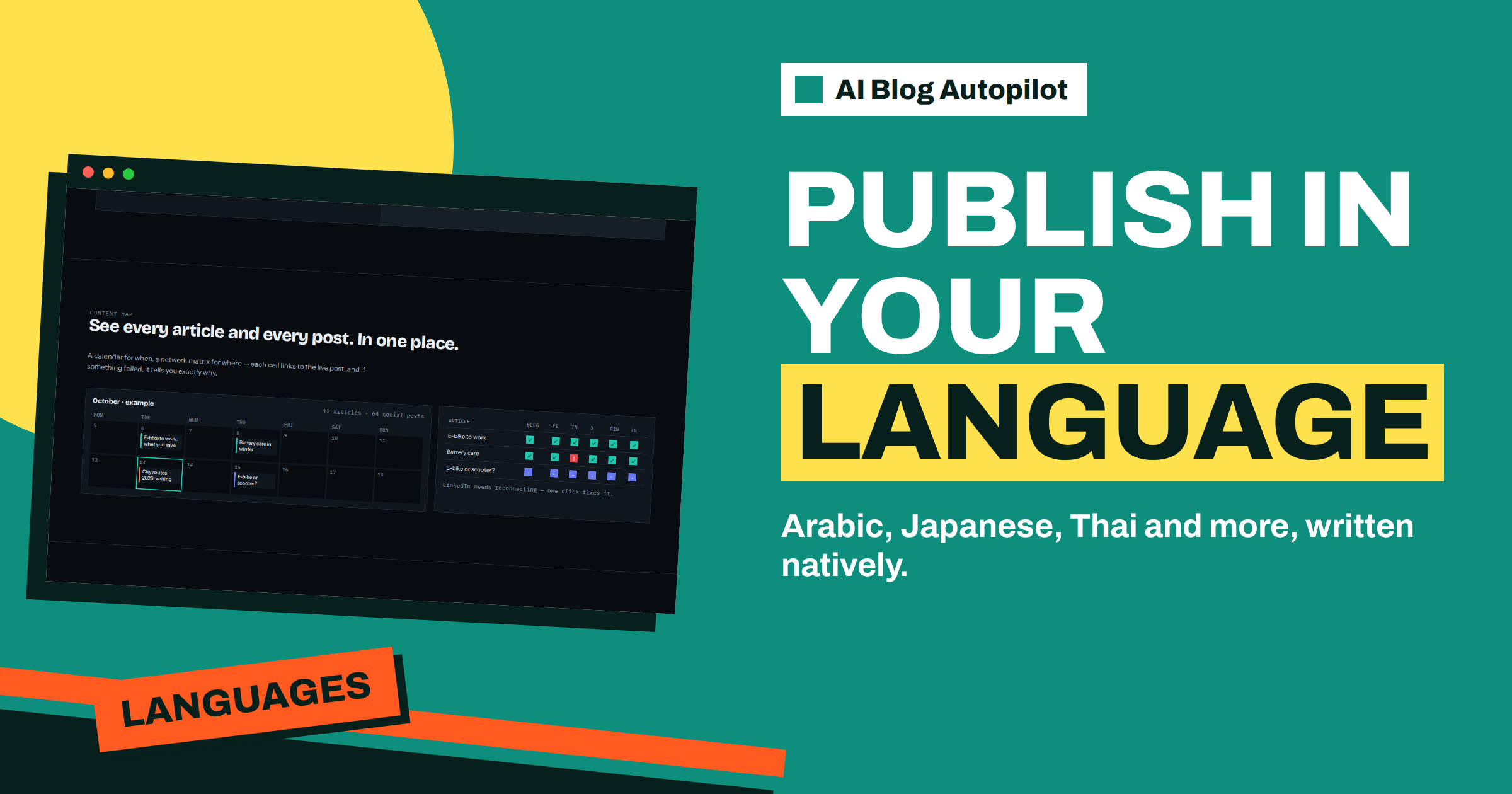
Short answer: AI Blog Autopilot writes in 25 languages, each natively and not translated from English, and its language menu includes Arabic, Japanese, Thai, Hindi and Vietnamese. Before you publish in such a language, check that your theme handles right-to-left text and non-Latin fonts, give a native-language brief, find a reader who can review and test the first article on a phone.
Many businesses plan to add languages as they grow, and the most valuable markets are not always the ones that use the Latin alphabet. A shop that sells to Japanese visitors, a tour operator with Arabic-speaking guests or a software company with Thai customers each need content that looks right and reads naturally. Writing the text is only part of the job.
This guide covers the practical checks for languages with different scripts and directions: your website, your brief, your review, your social posts and your plan. The product facts come from the home page and pricing page. The advice on scripts and layout is general web knowledge, so test it on your own site before relying on it.
What the product says about languages
The home page says Autopilot writes directly in your language, not machine-translated, and that it supports 25 languages, each written natively. The language menu shows names in their own scripts, including Arabic, Japanese, Thai, Hindi, Bengali, Vietnamese, Greek, Ukrainian, Russian and many European languages.
The pricing page sets the limits by plan: 1 language on Social and Starter, 3 on Growth, and all 25 on Pro and Agency. So a business that wants Arabic and Japanese on top of English needs at least Growth, and one that wants a wider set needs Pro or Agency.
The product handles the writing. It cannot know how your website displays the result, whether your reader community expects a formal or friendly register or how your brand name should appear in another script. Those are decisions for you, and they are the subject of this guide.
Check that your website can display the language
Start with the technical basics. Arabic and Hebrew are written from right to left, so a theme must switch the direction of text, menus and layout. Many modern WordPress themes support this, but some do not, and the result can be a page where punctuation jumps to the wrong side or the sidebar sits on the wrong edge.
Check the fonts. A theme that uses a font without Arabic, Japanese or Thai characters falls back to a default, and the page may look uneven or show empty boxes. Test with real text, including numbers, quotation marks and a link. Check that headings, lists and tables look balanced.
Think about line breaks too. Japanese and Thai do not use spaces between words in the same way as European languages, so a theme or plugin that cuts lines in the wrong place can make text awkward to read. Look at the article on a narrow phone screen, which is where most readers will see it. The article on hreflang for a multilingual blog explains how to tell search engines which page serves which language.
Write the brief in the target language
The home page says you give Autopilot topics with weight, keywords, audience and tone. For a new language, do not simply translate your English brief. Think about what readers in that market search for, which words they use and what they care about. Keywords differ, and so do the questions people ask.
Write the keywords in the target language, ideally with help from a native speaker or from search suggestions in that language. A literal translation of an English keyword may be a phrase nobody uses. Add local examples, such as familiar places, currencies and units, since the writer will otherwise default to a general setting.
Decide on the register. Japanese has levels of politeness, Arabic has formal and everyday forms, and Thai uses particles that signal tone. Describe the tone you want in plain words, and give a short sample of a sentence you like. The article on translating versus writing natively explains why starting in the language gives better results than translating.
Find a reader who can review
The most important check is human. Someone who reads the language fluently must look at the first articles, because only they can tell whether the text sounds natural, whether the register is right and whether any sentence could offend. You cannot judge this with a translation tool.
Give the reviewer a clear task. Ask them to mark anything that sounds unnatural, any wrong or missing term, any detail that does not fit local customs and any facts that need checking. Also ask them to compare the headline and meta description with how people actually search.
The home page says approval can be switched on at any time. For a new language, use it. Read every article and post for the first month, then move to AUTO only when the reviewer says the output needs few changes. If you cannot find a reviewer, wait before publishing in that language. A weak article in a language you cannot read is a risk you cannot measure.
Prepare names, numbers and dates
Small details cause the most visible mistakes. Decide how your brand and product names appear: in Latin letters, in the local script or both. Keep a glossary of names and terms, and add it to the brief. If your product has a local name, state it.
Check numbers, dates and currency formats. Some languages use different numerals or separators, and local readers expect their usual format. Decide whether prices appear in the local currency, and be careful to give only prices you control. The home page says the writer is instructed never to make up statistics, quotes or sources, but a price or a date must come from you.
Look at addresses, phone numbers and opening hours. Make sure they appear in a form that local readers recognise, and that links go to pages in the same language. A reader who clicks from an Arabic article to an English-only page will often leave.
Consider social posts and networks
Social posts follow the language of the article, and each network gets its own text, length and timing, as the networks page says. Different scripts take different amounts of space. A Japanese post can say much more in fewer characters than an English one, while an Arabic post may need more care with hashtags and direction.
Choose networks that your audience uses. For Japanese readers, the networks page lists LINE and several Japanese blogging platforms. For Arabic and Thai audiences, check which messengers and networks are popular in your target countries. The article on blogging in 25 languages with AI offers more on planning a multilingual presence.
Review each post in the target language before you trust the automation. Look at how hashtags, links and any mixed-language words display, since text that mixes left-to-right and right-to-left can look odd on some networks.
Consider a short story. A small online shop sells handmade ceramics and notices that many visitors come from Japan. The owner chooses Growth, which lists 3 languages, and adds Japanese to English. She asks a Japanese friend to write a short brief with local search words and the right level of politeness. The theme turns out to need a font with Japanese characters, so she changes it before the first article goes live. The friend reviews the three free articles, corrects two product terms and approves. After a month, the owner moves the Japanese blog to AUTO, but keeps a monthly review with her friend.
The lesson is that the language is the easy part. The preparation around it, such as fonts, keywords and a reader, decides whether the result looks professional.
Test the first article end to end
Before you promote a new language, run the first article through a complete test. Open it on a phone and a desktop screen, in two browsers. Check the title, the headings, the list formatting, any table, the author line and the date. Click every link. Look at how the page appears when shared on a network, since the preview shows the title and description in the target script.
Check how it appears in search. Search for the title in the target language and see whether the page is found and how the title and description display. Check that the language setting of the page is correct, so that browsers and search engines know which language they are reading. If you use a plugin for language versions, make sure each version links to the others.
Ask the reviewer to read the page on the live site, not in a document. Many problems only show in context: a broken line, an odd quotation mark, a menu in the wrong order. Fix what you can in the theme and the brief. Then run a second test with the next article, since a good result once does not prove the routine is stable.
Plan the rhythm and the budget
A second or third language multiplies the review effort, so plan realistically. If one reviewer can read eight articles a month, do not ask for thirty in another language. Match the plan to review capacity, and remember that credits reset every month and do not roll over, according to the pricing page.
Start with one new language and run it for a quarter. Look at visits from that country, time on page, enquiries and replies on social networks. If the language brings results, consider the next one. If it does not, find out why: keywords, topics, channels or reviewer. The article on which languages to publish in helps you decide where to look.
Keep a simple record for each language: reviewer, glossary, brief version, date of last review and notes on what to change. When a reviewer leaves or a colleague takes over, the record keeps the quality steady.
How AI Blog Autopilot helps
The product writes natively in 25 languages and adapts each social post to its network, so the same routine can serve several markets once your site and reviewers are ready. Try it with the three free articles on AI Blog Autopilot, no card needed, and compare the plans on the pricing page.
Related reading
- Blogging in 25 Languages With AI: What Changes
- Translating vs Writing Natively: Which Gives Better Blog Posts
- Hreflang for a Multilingual Blog, Without the Headaches
The bottom line
For Arabic, Japanese, Thai or any other script, test your theme for direction and fonts, write the brief natively, find a fluent reviewer, prepare names and numbers, check social posts and choose the plan that covers the languages you can review.
SSS
Which languages does Autopilot write in?
The home page lists 25 languages, including Arabic, Japanese, Thai, Hindi, Vietnamese and many European languages.
How many languages does my plan include?
The pricing page lists 1 on Social and Starter, 3 on Growth and all 25 on Pro and Agency.
Are the articles translated from English?
No. The home page says each language is written natively, not translated from English.
Does my WordPress theme need to support right-to-left text?
For Arabic, yes. Test the theme with real text before you publish, including menus and punctuation.
Do I need a native reviewer?
It is strongly advised. Only a fluent reader can judge tone, terms and local customs.