ENEnglish
 LTLietuviškai
 DEDeutsch
 FRFrançais
 RUРусский
 ESEspañol
 PLPolski
 ITItaliano
 UKУкраїнська
 CSČeština
 PTPortuguês
 JA日本語
 LVLatviešu valoda
 ETEesti
 HUMagyar
 IDBahasa Indonesia
 TRTürkçe
 HIहिन्दी
 ELΕλληνικά
 ARالعربية
 THไทย
 VITiếng Việt
 RORomână
 MSBahasa Melayu
 BNবাংলা
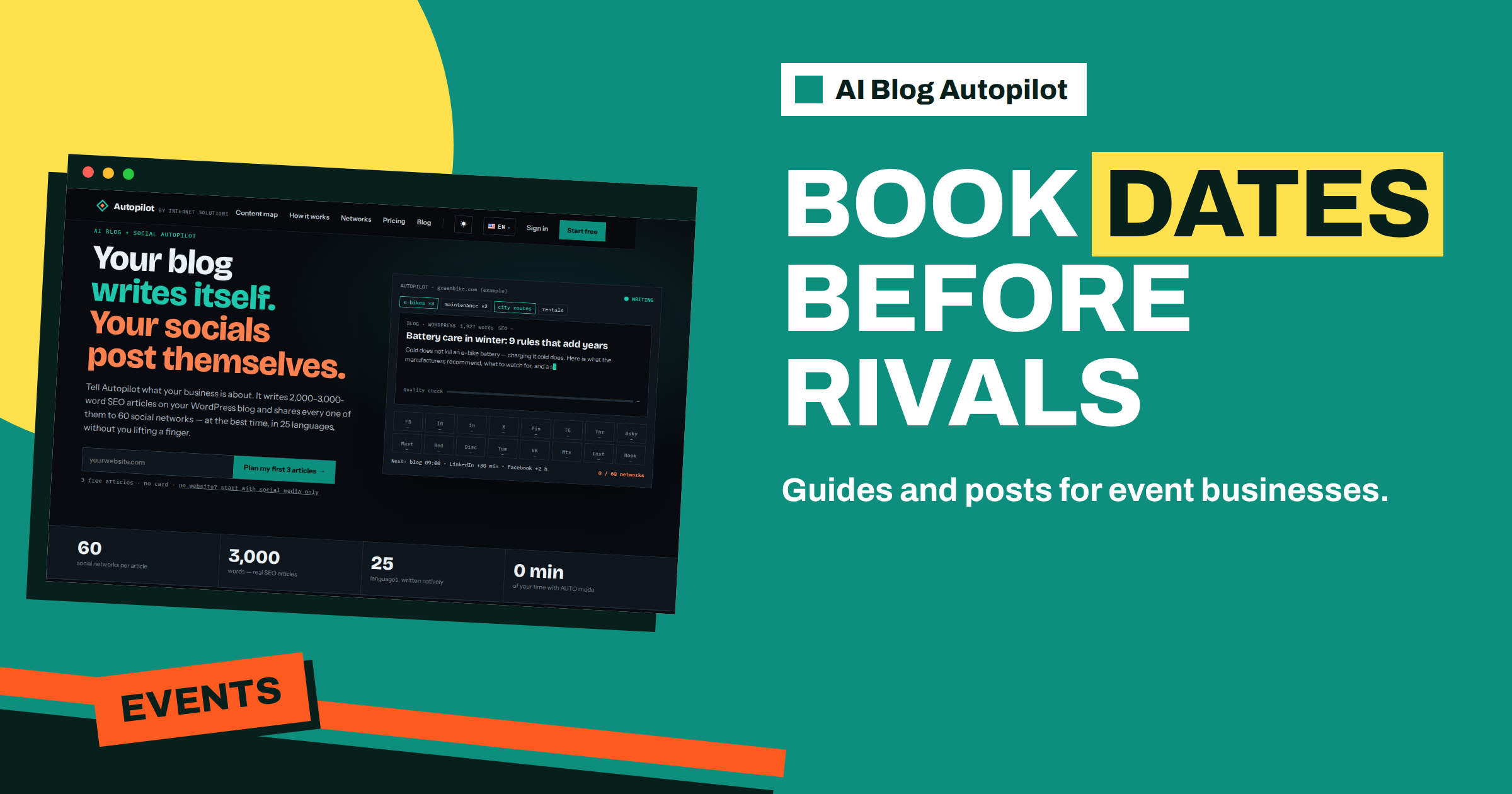
Short answer: A wedding planner, venue, caterer or event business can use AI Blog Autopilot to publish planning guides and checklists, and to share each article on Pinterest, Instagram, Facebook and other networks. Raise the weight of seasonal topics well before the busy months, supply your own packages and availability, and keep claims honest.
Couples and organisers plan early. A wedding may be booked a year ahead, a corporate event several months ahead and a birthday party a few weeks ahead. The businesses they find first, and trust most, often win the date. Yet during the season the owner is on site every weekend, and the blog is the first job to be dropped.
This guide shows how a wedding or event business can keep a blog and social presence running with AI Blog Autopilot. The product facts come from the home page, networks page and pricing page. Your packages, prices, availability and supplier details must come from you, because the product cannot know them.
How people plan and where content fits
People who plan an event move through stages. First they dream and collect ideas. Then they set a date and a budget. Then they compare suppliers and ask practical questions. Finally they book and prepare. Each stage has its own searches and its own useful content.
At the dreaming stage, articles about themes, seasons and styles attract readers who do not know you yet. At the comparing stage, guides to questions such as what to ask a venue or how to read a quote earn trust. At the preparing stage, checklists and timelines keep clients calm, and they show that you are organised.
The article on a blog for a wedding or event business covers the topics in general. This guide focuses on keeping a steady flow of them going with Autopilot when your weekends are fully booked.
Topics that suit an event business
Start with the questions clients ask in the first call. How far ahead should we book? What does a typical package include? How many guests can the space hold? What happens if the weather is bad? What should we ask the other suppliers? How do we plan a timeline for the day?
Add planning guides and checklists, such as a twelve-month timeline, a guest-list guide or a budget breakdown described in general terms. Add seasonal guides, such as ideas for a winter wedding or a summer garden party. Add practical guides to local matters, such as which areas have suitable venues or how to arrange a licence, being careful to point to official sources for rules.
For each topic, the home page says to give weight, keywords, audience and tone. Describe the audience, such as couples planning a small wedding or HR teams organising a company event, and choose a warm but clear tone. The article on setting up topics in Autopilot explains how.
Timing content to the booking calendar
Event content works only if it appears before people decide. Work backwards from your busiest dates. If most weddings are held in summer and booked the previous autumn, your wedding guides should be strongest in the months before that. If corporate parties peak in December, publish planning guides in the autumn.
The home page says Autopilot plans the month from your topics and weights. Raise the weights of topics for the next booking window, and lower those for dates that have passed. Credits do not roll over, according to the pricing page, so use each month’s articles for what matters in that month.
The article on planning your blog for the year-end holiday season gives a general calendar, which you can adapt to your own booking pattern.
Facts, availability and promises
The home page says the writer is instructed never to make up statistics, quotes or sources. It does not know your packages, your prices or which dates are free, so supply the facts yourself. Keep a fact sheet with your services, capacity, area, booking process and policies, and update it as things change. Include your cancellation and deposit rules in plain words, because couples ask about them and a wrong answer in an article can cause a dispute later.
Be careful with availability. An article that says a date is free becomes wrong as soon as someone books it. Point readers to a booking page or a contact form, and say how quickly you reply. Be careful with prices too. Describe what affects price in general terms, and let the quote carry the exact figure.
Names of other suppliers, venues and clients should appear only with permission. Do not let an article imply an endorsement that you do not have. For legal, licensing and safety rules, point to the official body and avoid giving advice that you are not qualified to give.
A short example shows the idea. A small planner who works on spring and summer weddings lists five topics: timelines, budgets, venue questions, small weddings and rain plans. In autumn she gives timelines and venue questions the highest weight, because couples start searching after the summer. In winter she adds winter-wedding ideas. After the season she reviews which guides brought the most calls and raises their weight. The blog follows the calendar of her business, not the calendar of the year.
Photographs, stories and permission
Event content is visual. Your own photographs of real events beat stock pictures, because they show what you can deliver. Always ask for permission from clients and, where relevant, from guests and other suppliers before publishing pictures, and keep a record of the permission.
Real stories help, such as how you solved a problem on the day or how you adapted a plan for a small space. Describe what happened and what you learned, without naming people who have not agreed. If you cannot share a client’s name, describe the type of event instead.
Add your own pictures to the articles you publish and use them for your social posts. Autopilot writes the text for each network, and your photographs make the posts yours.
Pinterest, Instagram and Facebook
The home page lists Pinterest, Instagram and Facebook among the networks, and says each gets its own text, length and time. For weddings and events, Pinterest is especially useful, because people save ideas there months before booking. The home page example puts Pinterest the day after the blog post, which suits content that people save for later.
Instagram suits real events and behind-the-scenes stories, and Facebook suits local news and community groups. LinkedIn suits corporate events. Connect only the networks you will maintain, and check them from time to time, since a post that failed during a busy weekend can easily go unnoticed. The article on how Autopilot writes for each network explains the difference between the posts.
Keep your own presence on the networks too. Answer comments, thank clients and share live moments. Automation provides the steady base, and your own posts give the personal touch.
Remember the clients who have already booked. A guide to the final month before the event, with a short checklist of tasks and questions, helps them feel looked after and cuts down on last-minute calls. It also gives them something to share with family. Satisfied clients who share your guides do part of your marketing for you, and their friends are often the next people to book.
A routine for a busy season
In the season, time is short, so keep the routine very small. Once a week, open the content map and check that articles and posts appeared. Read one article to check the facts. If something is wrong, note the cause and correct the brief.
In the quiet months, do the larger work: update the fact sheet, review which articles brought enquiries, raise the weights of topics for the next booking window and add new topics from the questions of the past season. The article on how to read the content map explains the calendar and network views.
If you have a team, give one person the blog and write down what they can approve alone. Many event businesses use approval for the first weeks, then switch general topics to AUTO. The article on moving from approval to AUTO sets out a plan.
Choosing a plan
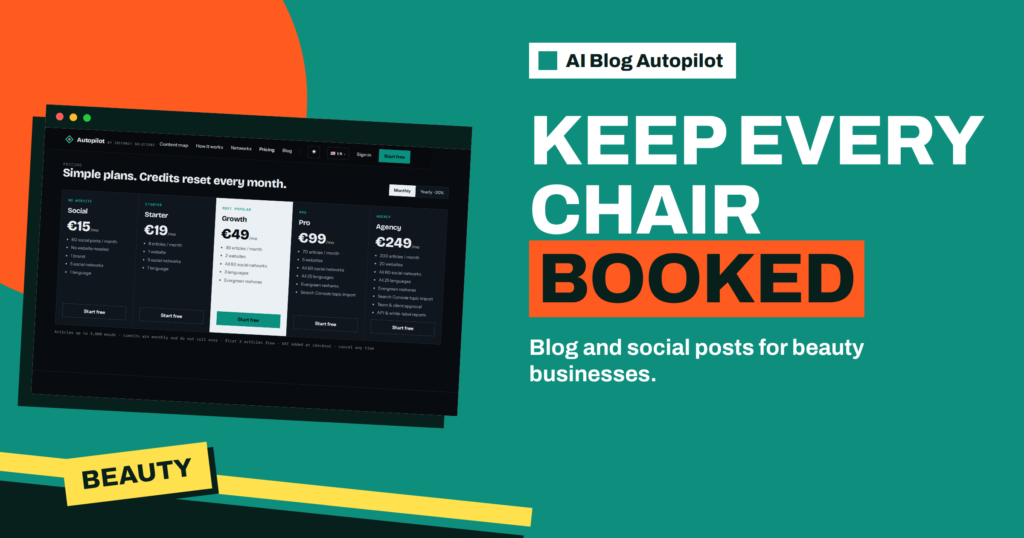
A small planner with one website can start with Starter, which lists 8 articles a month, 1 website and 5 social networks for 19 euros. A venue group or a business with several sites can look at Growth or Pro. A planner without a website can start with the Social plan, which lists 60 social posts a month, for 15 euros.
Credits are monthly and do not roll over, so choose a plan that matches the articles you will publish. The first three articles are free, which lets you test the style on your own subject. The article on choosing an AI Blog Autopilot plan compares the plans in detail.
Keep expectations realistic: a blog does not fill a diary overnight, and a plan cannot create demand that is not there. Judge the result over a booking cycle, not a week. Event decisions take months, so look at enquiries and the pages clients visited before they wrote.
How AI Blog Autopilot helps
You describe the business and its topics once, and Autopilot plans the month, writes and checks the articles, publishes them and shares each one on your networks, with approval if you prefer it. Try the three free articles on AI Blog Autopilot, no card needed, and compare the plans on the pricing page.
Related reading
- A Blog for a Wedding or Event Business: Topics That Book Dates
- Planning Your Blog for the Year-End Holiday Season
- Your First 3 Free Articles in AI Blog Autopilot: A Walkthrough
The bottom line
Publish planning guides before people decide, raise seasonal weights early, supply your own packages and availability and keep promises honest. Share to Pinterest, Instagram and Facebook, and keep a short weekly check.
SSS
Will Autopilot know my packages and free dates?
No. The writer is instructed not to invent facts, so you must supply packages and policies and avoid stating availability in articles.
How early should wedding articles be published?
Before couples decide, which for many weddings is months ahead. Work backwards from your busiest dates and raise those topic weights early.
Which networks suit an event business?
Pinterest, Instagram and Facebook are all listed, and LinkedIn suits corporate events. Connect only the ones you will maintain.
Can a planner without a website use it?
Yes. The Social plan lists 60 social posts a month with no website needed, and you can add a blog later.
Do credits carry over between seasons?
No. Credits are monthly and do not roll over, so plan each month’s articles for the dates that matter then.