ENEnglish
 LTLietuviškai
 DEDeutsch
 FRFrançais
 RUРусский
 ESEspañol
 PLPolski
 ITItaliano
 UKУкраїнська
 CSČeština
 PTPortuguês
 JA日本語
 LVLatviešu valoda
 ETEesti
 HUMagyar
 IDBahasa Indonesia
 TRTürkçe
 HIहिन्दी
 ELΕλληνικά
 ARالعربية
 THไทย
 VITiếng Việt
 RORomână
 MSBahasa Melayu
 BNবাংলা
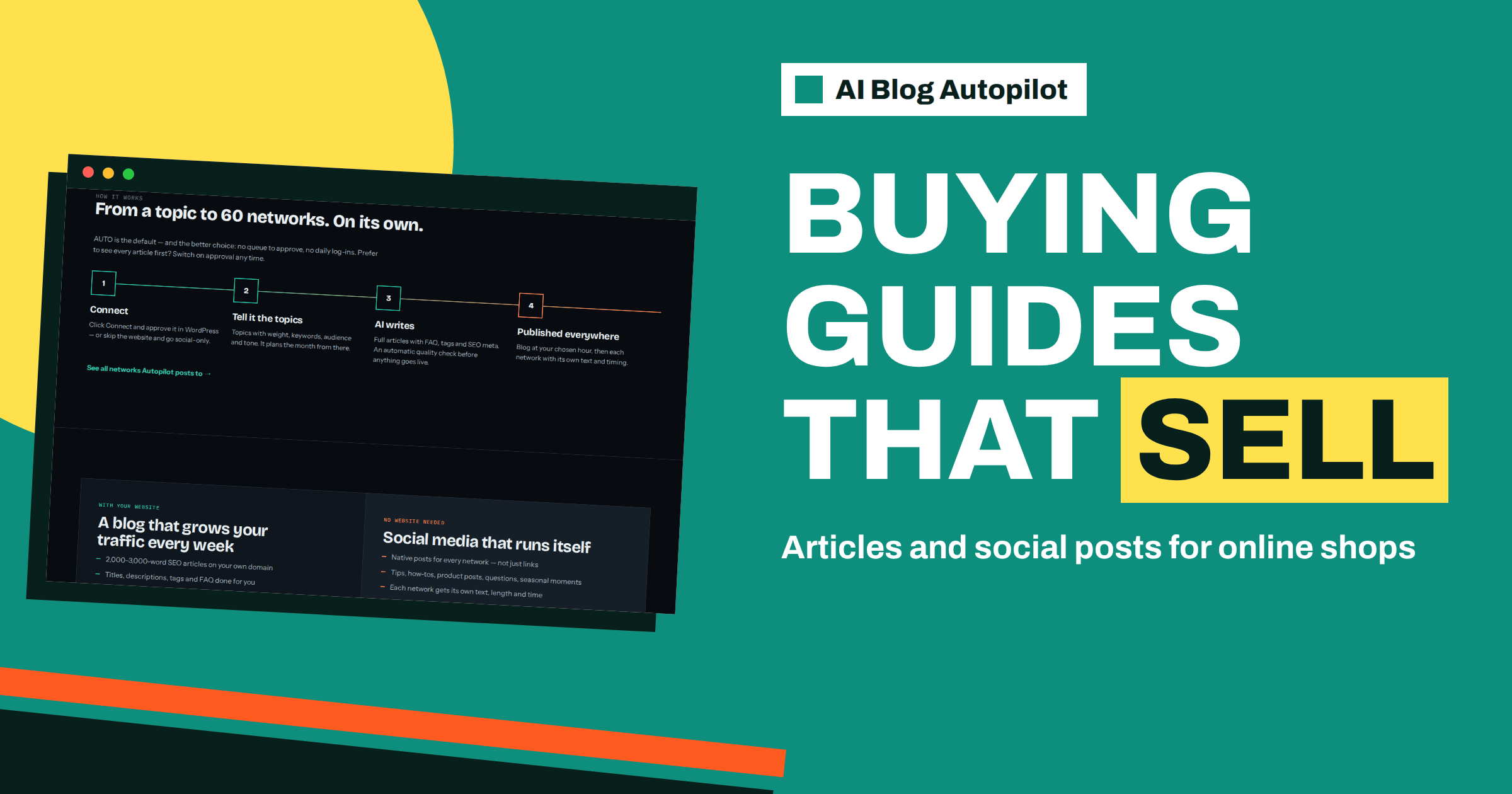
Short answer: an online shop can use AI Blog Autopilot to publish buying guides, care and use advice, comparisons and seasonal articles on its blog, with a native post for each connected network. Keep prices, stock, delivery terms and product specifications out of the brief unless you can check them every time, and link each article to the relevant category or product page yourself.
Most online shops put their effort into product pages and advertising, and leave the blog empty. Yet shoppers often start with a question, not a product name: which size, which material, how to care for it, what to give as a gift. A shop that answers those questions earns visits before the customer is ready to compare prices, and builds trust that product pages alone cannot.
This guide explains how a shop can use the product, which plan fits, what to write about, what to keep out of automatic articles, and how to measure results. It relies on the product’s pricing and home pages for plan facts. Everything about the shop itself is general advice that you should adapt to your own business.
Why a shop needs more than product pages
A product page answers one question: should I buy this? A guide answers earlier ones. A reader searching for how to choose a rucksack, how to care for a leather bag or what to look for in a coffee grinder is not yet looking at a specific product. If your shop provides the best answer, the reader meets your brand first, and may return when ready to buy.
Guides also give search engines more to index around your products. Category pages usually have little text, and product descriptions are often copied from suppliers. A set of original articles on your subject shows real knowledge and gives you more chances to appear for the long tail of questions. The article on blog strategy for an online shop expands on this idea if it is new to you.
The product’s home page describes what it produces: 2,000 to 3,000 word articles with an FAQ, tags and SEO meta, published on your WordPress blog, then shared natively to each network. For a shop, this means a flow of helpful pages around your range, plus posts that send readers to them.
Choosing the plan
The pricing page lists Starter at 19 euros with 8 articles and 1 website, and Growth at 49 euros with 30 articles, 2 websites, all 60 networks, 3 languages and evergreen reshares. Most small shops start on Starter: eight articles a month is plenty to build a useful library in a year. Choose Growth if the shop and the blog live on two separate websites that both need content, if you sell in more than one language or if you want all networks.
If your shop does not run on WordPress, check how the blog will be hosted. The home page lists WordPress as a one-click connection and also mentions a webhook or API option, with more platforms coming. Many shops keep the store on a shop platform and put the blog on a separate WordPress site at a subfolder or subdomain. That works as long as the blog is connected and the articles link into the shop.
Credits are monthly and do not roll over, so choose a number you can review. The article on planning your monthly credits shows how to spread articles through the month.
Topic families that suit a shop
Group your topics into families and give each a weight. Buying guides help a reader choose: what to look for, what the main options are, who each suits. Use guides explain how to get the most from a product, such as setting up, using and storing it. Care and repair guides keep customers happy and bring search traffic. Comparison articles explain the differences between types, without attacking competitors.
Gift guides and seasonal articles help around holidays and events, but they need to be ready weeks ahead. Problem articles answer the questions your customer service team hears most often. Story articles describe how products are made, where materials come from or what the shop stands for, provided the claims are true.
The product plans around topics with weight, keywords, audience and tone. For a shop, describe the audience in specific terms, such as first-time buyers, parents or hobbyists, and choose a tone that matches your brand. A boutique may want warm and stylish, a tools shop practical and direct. The guide to setting up topics in AI Blog Autopilot goes through each setting.
Keep volatile facts out of articles
An article stays online for years, but prices, stock, delivery times, discount codes and product specifications change. If an automatic article states a price or a delivery promise, it may be wrong within weeks. Keep such details in the brief only as rules, for example do not mention prices or discounts, and send readers to the product or category page for current details.
The home page says the writer is instructed never to make up statistics, quotes or sources. That helps, but a shop must also protect itself against unintended claims about materials, safety, sizing or origin. Provide accurate facts about your brand and range, and write down what you cannot claim, such as medical benefits, certifications you do not hold or guarantees you do not offer.
Single sources of truth work well here. Keep delivery, returns and warranty terms on dedicated policy pages, and let articles link to them in a few words, not repeat them. This prevents contradictions when you change a policy. The article on conflicting facts across your pages explains why that matters for readers and for AI answers.
Linking articles into the shop
A guide that does not lead to the range is a missed opportunity. Make sure each article connects to the right category or product page. Check whether your articles already include links to relevant pages and add or adjust them where needed, since links to category pages are usually something only the shop owner can decide. A short note in the topic description about which categories each topic supports helps.
Think about the reader’s next step. After a guide to choosing a coffee grinder, the next step is the grinder category. After a care article, it might be care products or a repair service. Give that step a clear place in the page, not hidden at the bottom. The article on internal linking on autopilot covers how links fit into a publishing routine.
Avoid turning every article into a sales page. Readers come for help, and a calm recommendation works better than constant promotion. Mention your products where they genuinely help, and be honest when a different type of product would suit the reader better.
Posts on the right networks
Because each article becomes a native post on every network you connect, choose networks where your shoppers spend time. The home page’s example mentions Facebook, Instagram, LinkedIn, X, Pinterest and Telegram, and the networks page lists many more. Visual shops often do well on Pinterest, where the home page shows posts going out the day after the blog. Social posts for a shop should show the benefit of the guide, not just a link.
The networks page explains that Autopilot writes a separate text for every network and that each post goes out with its own delay. That avoids the pattern where the same line appears everywhere at once. Check the first posts to see how they sound, and compare them with your brand voice.
Evergreen reshares are listed from the Growth plan upwards. For a shop, they suit guides that stay useful, such as how to measure a ring size or how to care for wool. Review what is reshared from time to time, and remove anything that has become out of date, for example a guide for a discontinued product.
Seasonal planning
Shops live by the calendar. Plan holiday, back-to-school, summer and winter content at least a month ahead, so that articles are indexed before demand peaks. Use the topic weights to raise the share of seasonal subjects as the date approaches, and lower it afterwards.
Prepare the facts that matter in season: last order dates, opening hours and returns policy for gifts. Put them on the policy pages and link to them, and keep articles focused on advice. If something changes, such as a new cut-off date, you update one page instead of ten articles.
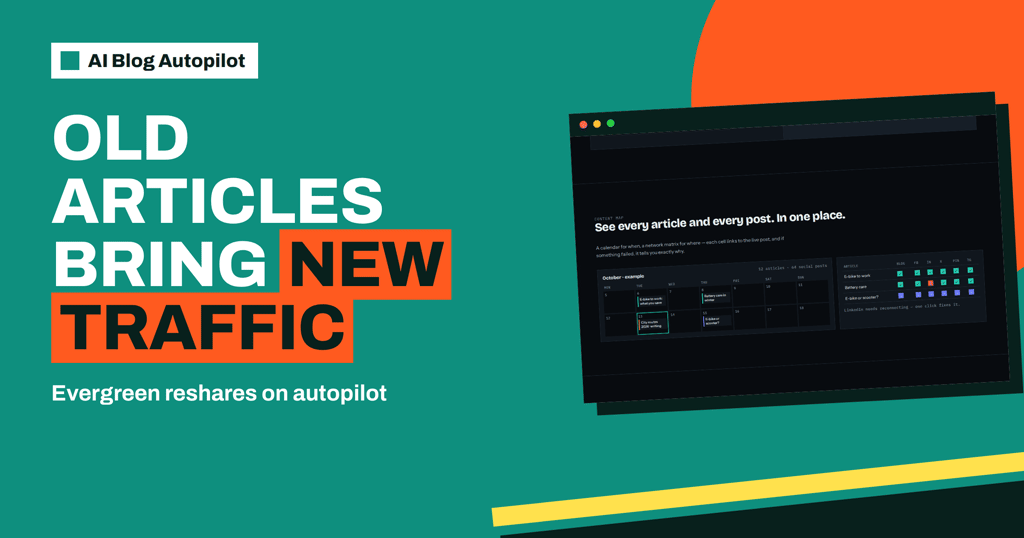
Use the content map to see the plan at a glance. The calendar shows when each article is scheduled, and the matrix shows where it was shared. If a seasonal article is missing from the calendar on the date you expected, you will notice in time to act.
Measuring results
Do not judge a shop blog on last-click sales alone. Guides often start a journey that ends days later on another page or through another channel. Look at visits to the guides, clicks to category pages, new visitors and sales that included a guide earlier in the journey. The article on assisted conversions explains how to give blog posts fair credit.
Review the topics monthly. Give more weight to families that bring engaged readers and fewer to those that do not. Ask customer service which questions are asked most often and add them to the brief. This keeps the blog tied to real demand.
Give the project time. A set of useful guides compounds, and the effect is usually visible after months, not days. Keep a small record of what you published and what happened, so that you can see which choices worked.
How AI Blog Autopilot helps
For a shop owner with no time for a content team, the product plans, writes, publishes and shares helpful articles, and shows the results on a content map. Try it with three free articles on AI Blog Autopilot, and compare plans on the pricing page.
Related reading
- Blog Strategy for an Online Shop
- Assisted Conversions: Giving Blog Posts Credit for Sales
- Conflicting Facts Across Your Pages
The bottom line
Use the product for guides, care advice and seasonal articles, keep volatile facts such as prices and stock out of them, link every article into your categories and judge results over months.
SSS
Which plan suits a small online shop?
Most small shops start on Starter, which lists 8 articles and 1 website for 19 euros. Growth suits two websites, more languages or all networks.
Should articles mention prices?
It is safer not to. Prices and stock change, so send readers to the product or category page for current details.
Can the product publish to a non-WordPress site?
The home page lists WordPress as a one-click connection and a webhook or API option, with more platforms coming soon.
Does it share articles on social networks?
Yes. Each article becomes a native post on each network you connect, with its own text and timing.
Can I sell in several languages?
Growth lists 3 languages, and Pro and Agency list all 25. Each article is written directly in its language.