 ENEnglish
 LTLietuviškai
 DEDeutsch
 FRFrançais
 RUРусский
 ESEspañol
 PLPolski
 ITItaliano
 UKУкраїнська
 CSČeština
 PTPortuguês
 JA日本語
JA日本語 LVLatviešu valoda
 ETEesti
 HUMagyar
 IDBahasa Indonesia
 TRTürkçe
 HIहिन्दी
 ELΕλληνικά
 ARالعربية
 THไทย
THไทย VITiếng Việt
 RORomână
 MSBahasa Melayu
 BNবাংলা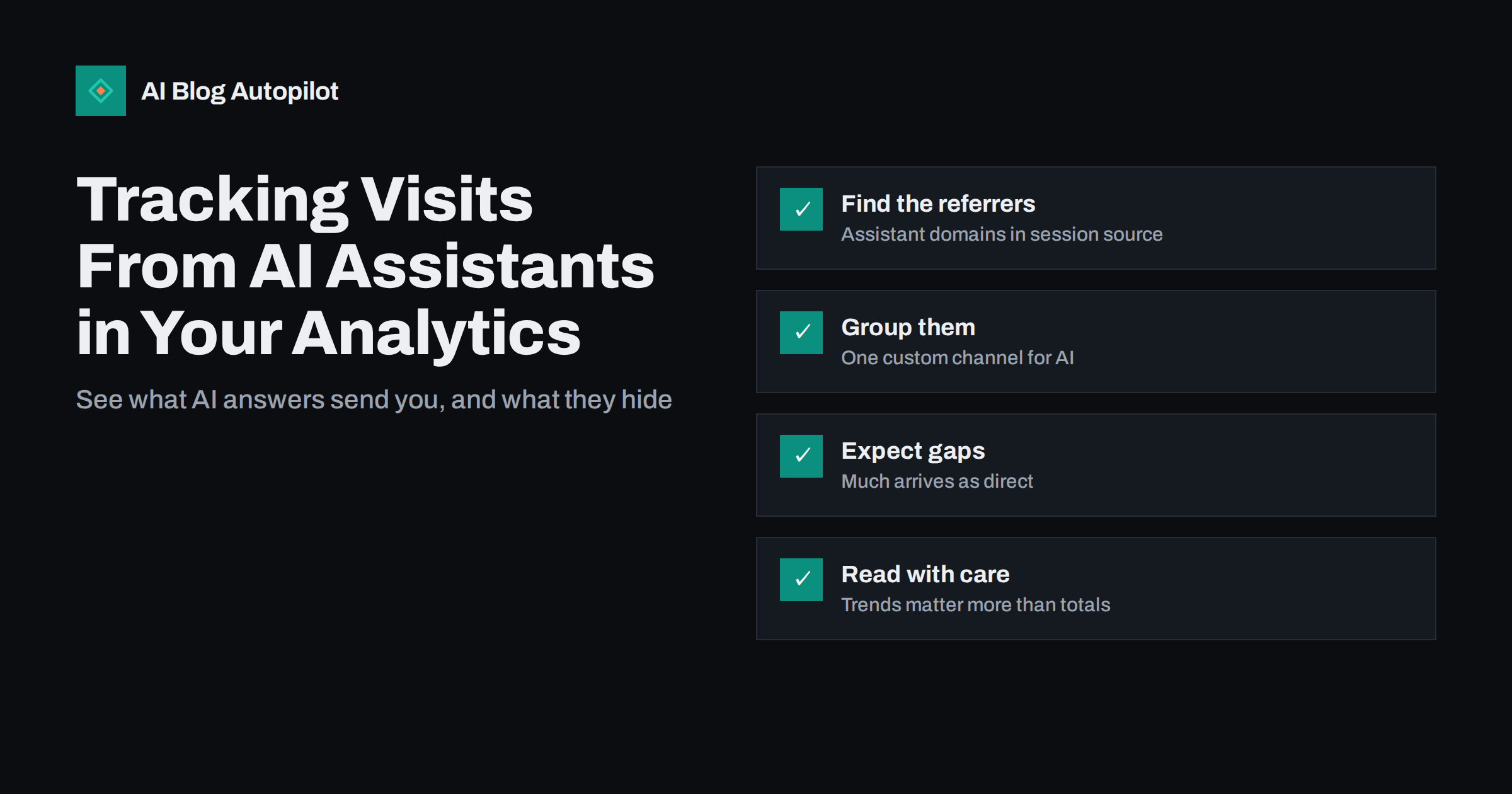
Short answer: visits from AI assistants usually show up in analytics as referral traffic from the assistant’s domain, such as chatgpt.com or perplexity.ai, sometimes with a utm_source tag added to the link. You can collect them into one report by creating a custom channel group or a saved filter that matches those sources. Some AI traffic arrives without a referrer and is counted as direct, and clicks from AI features inside a search engine are reported as ordinary search traffic. Treat the numbers as a lower bound and watch the trend rather than the exact total.
More readers now meet a blog through an AI assistant before they ever see a search results page. They ask a question, get an answer with a few sources, and sometimes click one. If your post is among those sources, you want to know.
Analytics tools were built before this kind of traffic existed, so they do not have a neat “AI” channel by default. With a little setup you can see most of it, and understand what you are missing.
Where AI traffic shows up in analytics
When someone clicks a link inside an AI assistant’s answer, their browser loads your page. Like any other click, it may carry two pieces of information:
- The referrer: the address of the page the click came from. For web-based assistants this is usually the assistant’s domain.
- Campaign parameters: some assistants append a tag such as
utm_sourceto outbound links, which analytics tools read as the traffic source.
In Google Analytics 4, these visits normally appear under the Referral channel, with the assistant’s domain as the session source. In other analytics tools they appear in the referrers or sources list. Look there first: filter sources for the names of assistants your readers are likely to use, and you will usually find some traffic already.
Why part of it is invisible
Referral data is incomplete for several reasons, and AI traffic is especially affected.
- Apps may not send a referrer. Clicks from desktop or mobile apps, rather than a browser tab, often arrive with no referrer and are counted as direct traffic.
- Privacy settings strip referrers. Browsers and sites limit how much referrer information is passed, and some pass none.
- Copied links look direct. A reader who copies a URL from an answer and pastes it into a new tab arrives as direct traffic.
- AI features inside search engines count as search. Google has said that clicks from its AI features, such as AI Overviews, are included in the Search Console performance report together with other web search traffic. They are not reported separately.
- Answers without clicks leave no trace. If an assistant uses your page to answer a question and the reader never clicks, analytics sees nothing at all.
So whatever number you find is a floor, not a total. That is fine for spotting trends and for knowing which posts are being used as sources, but it should not be presented as the full picture.
Setting up an AI channel in Google Analytics 4
Rather than hunting through the referral list every month, group AI sources together once. In GA4 you can create a custom channel group in the admin settings and add a channel, called something like “AI assistants”, defined by a rule on the session source.
A typical rule uses a regular expression that matches the domains of assistants your readers use. For example, a pattern matching sources that contain chatgpt, perplexity or copilot. Keep a few points in mind:
- Place the channel above Referral in the channel order, so matching sessions land in your new channel instead of the generic referral bucket.
- Review the list regularly. New assistants appear and domains change. Check the referral list every few months for sources you have not included.
- Do not over-match. A pattern that is too broad can catch unrelated sites that happen to contain the same letters.
- Custom channel groups apply to reports and can be used to reclassify historical data in reports, which makes before-and-after comparisons possible.
If you use another analytics tool, the same idea applies: a saved segment or filter on the source or referrer field.
Which reports are worth building
Once AI traffic is grouped, a few simple views answer most questions:
- Sessions by month from the AI channel, to see whether the trend is rising, flat or falling.
- Landing pages for the AI channel. This tells you which posts assistants cite and readers click. They are often definitions, comparisons and practical how-to guides.
- Engagement and conversions for the AI channel compared with organic search. Readers arriving from an answer have often already read a summary, so their behaviour on the page can differ.
- Landing pages that appear in both AI and organic search, which tend to be your strongest, clearest content.
If you publish in several languages, split the landing pages report by language as well. Assistants answer in the reader’s language and often cite sources in that language, so the pattern can differ noticeably between versions of the same article.
Keep the reports simple. The exact numbers are uncertain, so detailed segmentation adds more noise than insight.
Using Search Console alongside analytics
Search Console shows how your pages perform in Google Search, including clicks from AI features that appear in search results. It does not break those clicks out separately, but it still helps in two ways.
First, if impressions for a query rise while clicks fall, an AI summary or other search feature may be answering the question on the results page. Google’s page on AI features and your website explains how these features use web content and how they are reported.
Second, the queries report shows which questions your pages rank for. Posts that answer those questions clearly in their first paragraphs are also the ones most likely to be used by answer engines outside search.
Server logs: crawlers are not visitors
Many site owners look at server logs and see requests from AI crawlers. It is important to separate three kinds of activity:
- Training crawlers collect pages to build or update AI models. They do not represent readers.
- Search and retrieval crawlers fetch pages so an assistant can cite or summarise them. A rise in these requests suggests your content is being considered as a source.
- Human visitors who clicked through from an answer. These are the only ones that appear in your analytics as sessions.
Log data is useful for knowing which crawlers visit and whether your robots.txt rules are respected. It is not a measure of readers, and crawler hits should never be added to visitor counts.
Reading the numbers honestly
AI traffic is new, small for most blogs and hard to measure. A few habits keep the analysis useful:
- Compare periods of equal length and look at trends over several months rather than week-to-week changes.
- Look at pages, not just totals. Knowing which posts get cited is more actionable than knowing the channel grew by some percentage.
- Remember the invisible share. A rise in direct traffic to deep blog posts, which few people would type from memory, may partly be AI traffic without a referrer.
- Do not chase the channel at the expense of search. For most blogs, organic search still sends far more visitors. Content that is clear, accurate and answer-first tends to serve both.
- Report it as a floor. When sharing numbers with colleagues or clients, say plainly that the true figure is higher and cannot be measured exactly.
What to do with what you learn
The point of tracking is to improve what you publish. When you see which posts earn clicks from AI answers, look at what they have in common: a clear short answer at the top, specific headings, accurate definitions, comparisons in tables, honest FAQ answers. Apply those patterns to related posts, and refresh cited posts so the information assistants quote from them stays current.
It also helps to connect the data with conversions. If readers arriving from AI answers sign up, enquire or buy at a different rate from organic visitors, that tells you something about the questions they arrive with. Readers who have already read a summary are often further along in their decision, so the posts they land on may deserve a clearer next step, such as a relevant guide, a product page or a newsletter sign-up that fits the topic.
Equally, if a post you expected to be cited gets no AI traffic, check whether it answers its main question clearly in the first paragraph and whether its facts are up to date.
Where AI Blog Autopilot fits
AI Blog Autopilot writes long-form articles around real search queries, with an FAQ section and SEO meta, and publishes them to your blog on a schedule, then shares each article to your social networks. Tracking which of those posts receive visits from AI assistants is done in your own analytics, as described above, and those reports are a useful guide to which topics deserve more coverage. You can read how the system plans and publishes on the AI Blog Autopilot home page.
Related reading
- AI Answers in Search Results: What They Mean for Traffic
- Zero-Click Searches: What They Mean for a Business Blog
- How to Measure Whether a Blog Is Working
- Answer-First Writing: Structuring Posts for AI Answers
The bottom line
Visits from AI assistants are measurable, but only partly. Group assistant referrers into one channel, watch which landing pages they reach and how the trend moves, and treat the result as a minimum. Use Search Console for AI features inside search, keep crawler hits out of visitor counts, and let the posts that get cited show you what to write more of.
FAQ
How do I see traffic from AI assistants in Google Analytics 4?
Look in the Referral channel for session sources that are the domains of AI assistants. To track them over time, create a custom channel group with an AI channel defined by a regular expression on the session source, and place it above Referral in the channel order.
Why does AI traffic show up as direct?
Clicks from apps, links copied from an answer and browsers that strip referrer information arrive without a source, so analytics counts them as direct. That is why measured AI traffic should be treated as a lower bound.
Are clicks from Google AI Overviews shown separately?
No. Google includes clicks and impressions from its AI features in the Search Console performance report together with other web search traffic, and it does not break them out separately. In analytics they appear as organic search.
Do AI crawler visits in my server logs count as traffic?
No. Crawlers fetch pages to train models or to retrieve sources for answers, but they are not readers. Only people who click through to your site appear as sessions in analytics, so keep crawler hits separate from visitor counts.
Which blog posts get the most AI assistant traffic?
It varies by site, but posts that answer a specific question clearly near the top, such as definitions, comparisons and practical how-to guides, are common landing pages. Check the landing pages report for your AI channel to see the pattern on your own blog.


