 ENEnglish
 LTLietuviškai
 DEDeutsch
 FRFrançais
 RUРусский
 ESEspañol
 PLPolski
 ITItaliano
 UKУкраїнська
 CSČeština
 PTPortuguês
 JA日本語
JA日本語 LVLatviešu valoda
 ETEesti
 HUMagyar
 IDBahasa Indonesia
 TRTürkçe
 HIहिन्दी
 ELΕλληνικά
 ARالعربية
 THไทย
THไทย VITiếng Việt
 RORomână
 MSBahasa Melayu
 BNবাংলা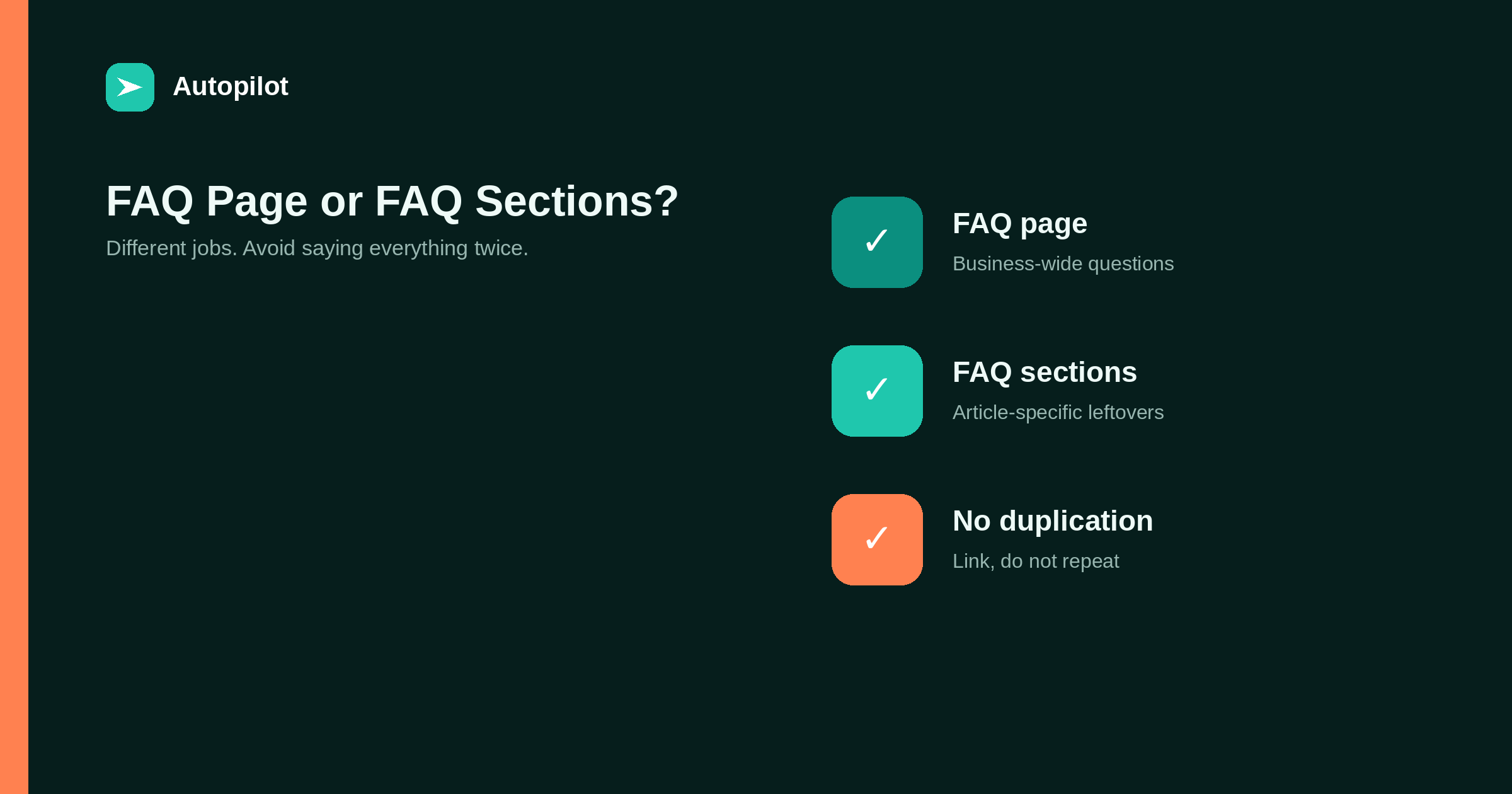
Short answer: a standalone FAQ page suits questions about the business as a whole: pricing, contracts, delivery, accounts, policies. FAQ sections at the end of articles suit short questions specific to that article’s subject that did not deserve their own section. Avoid repeating the same questions and answers in many places; link instead. Questions needing more than a few sentences deserve their own article. FAQPage markup should only describe questions and answers actually visible on each page, generated from the same text.
FAQs appear in two forms on many business sites: a standalone FAQ page, and FAQ sections at the end of articles. They are sometimes treated as interchangeable, which leads to the same questions appearing in a dozen places with slightly different answers.
Each form has a job. Giving each its job keeps both useful.
What a standalone FAQ page is for
A standalone FAQ page answers questions about the business as a whole: how pricing works, contract terms, cancellation, delivery, accounts, data handling. Readers look for these before buying or when they have a problem.
It works best as a well-organised reference, grouped by topic, with short answers and links to fuller pages where needed.
What article FAQ sections are for
An FAQ section at the end of an article catches short questions specific to that article’s subject that did not deserve a section of their own: the leftover questions readers are likely to have after reading.
writing FAQ sections covers writing them. Five or six is usually enough.
The difference in one table
The two forms differ in scope and audience.
| FAQ page | Article FAQ section | |
|---|---|---|
| Scope | The whole business | One article’s subject |
| Typical questions | Pricing, terms, accounts | Specific follow-ups |
| Reader | Prospect or customer checking | Reader finishing an article |
| Length of answers | Short, links to detail | Short, self-contained |
| Updated when | Policies change | The article is refreshed |
A question belongs in one or the other, rarely both.
Avoiding duplication
The same question answered in several places drifts: one answer is updated, the others are not, and readers find contradictions.
Answer business-wide questions once, on the FAQ page or a policy page, and link to that answer from articles. Keep article FAQs specific to the article. Pricing, in particular, should be answered in one place and linked everywhere else.
When a question needs an article
If an FAQ answer needs more than a few sentences, or keeps growing, the question deserves its own article. Replace the FAQ answer with a one-line summary and a link.
Support questions with steps usually belong in support articles — support articles.
FAQPage markup
FAQPage structured data can describe questions and answers on either kind of page, provided they are visible and written by the site. Markup must match the visible text exactly; generating both from the same source avoids drift.
Search engines have limited how often FAQ rich results appear, so treat any display as a bonus. The markup still describes the page accurately — structured data for a blog.
Organising a standalone FAQ page
Group questions by topic, put the most asked first, keep answers short, and link to fuller pages. A search box or jump links help on long pages. Check the page on a phone, where long lists of expanding questions can be hard to use.
An example of the split
For a subscription business, the FAQ page might answer: how billing works, whether credits roll over, how to cancel, where data is stored, and which languages are supported. An article on connecting a website would have its own FAQ: what role the user needs, what happens if the password is revoked, and whether several sites can be connected.
If the connection article needs to mention cancellation, it links to the FAQ page rather than answering again. Each question has one home.
Finding FAQ questions
The best FAQ questions come from real sources: support tickets, sales conversations, site search and the people also ask box. Questions invented to hold keywords read as filler and do not help readers.
Using people also ask and what readers search for on your site cover two sources.
FAQs on automated articles
Automated articles often include FAQ sections. Review them with particular care: they are where specific facts — prices, limits, deadlines — tend to appear, and where outdated or invented specifics do most harm. Link business-wide questions to the FAQ page rather than letting each article answer them separately.
Accordion or open text
FAQ answers are often shown in expanding panels to save space. That works if the answers are still in the page for readers and search engines, and if panels are keyboard accessible. For short FAQs at the end of articles, plain open text is simpler and easier to read on a phone.
Measuring FAQ usefulness
Watch which FAQ questions are expanded or linked to most, and which support questions keep arriving despite being answered in an FAQ. The first shows what readers care about; the second shows answers that are hard to find or unclear. Both are signals to reorder, rewrite or move answers into full articles.
Remove questions nobody asks. A shorter FAQ with the right questions is more useful than a long one padded with invented ones.
Linking from the FAQ page
The FAQ page is a hub: each short answer can link to the fuller article or policy. That keeps answers brief, avoids duplication, and sends readers to the depth they need.
A quick audit
Once a year, list every FAQ question across the site in one spreadsheet. Duplicates and contradictions become obvious immediately, and fixing them takes an afternoon. Choose one home for each duplicated question, update the answer, and replace the others with links.
The same audit usually reveals a few questions that have grown into mini-articles inside an FAQ; move those into proper articles with their own titles.
Keeping both current
Review the FAQ page when policies, prices or processes change. Review article FAQs when the article is refreshed, since FAQs are where specifics age fastest.
Neither form guarantees rankings. Both, kept accurate and non-duplicated, make answers easy to find.
Related reading
If this was useful, these cover the questions that usually come next.
- Writing FAQ sections — how to write the answers
- Structured data for a blog — FAQPage markup in context
- Support articles — when a question needs more than an FAQ
The bottom line
Use a standalone FAQ page for business-wide questions and article FAQ sections for short, article-specific follow-ups. Answer each question in one place and link to it elsewhere, move long answers into articles, keep FAQPage markup identical to the visible text, and review both whenever policies or articles change.
FAQ
Should I have an FAQ page or FAQ sections in articles?
Often both, with different jobs: a page for business-wide questions, sections for article-specific follow-ups.
Can the same question appear in several FAQs?
Avoid it. Answer once and link, so answers do not drift apart.
How many questions should an article FAQ have?
Five or six is usually enough.
When should an FAQ answer become an article?
When it needs more than a few sentences or keeps growing.
Can I use FAQPage markup on a standalone FAQ page?
Yes, if the questions and answers are visible on the page and written by the site.
Do FAQ rich results still appear?
Less often than they once did. Treat any display as a bonus.


