ENEnglish
 LTLietuviškai
 DEDeutsch
 FRFrançais
 RUРусский
 ESEspañol
 PLPolski
 ITItaliano
 UKУкраїнська
 CSČeština
 PTPortuguês
 JA日本語
 LVLatviešu valoda
 ETEesti
 HUMagyar
 IDBahasa Indonesia
 TRTürkçe
 HIहिन्दी
 ELΕλληνικά
 ARالعربية
 THไทย
 VITiếng Việt
 RORomână
 MSBahasa Melayu
 BNবাংলা
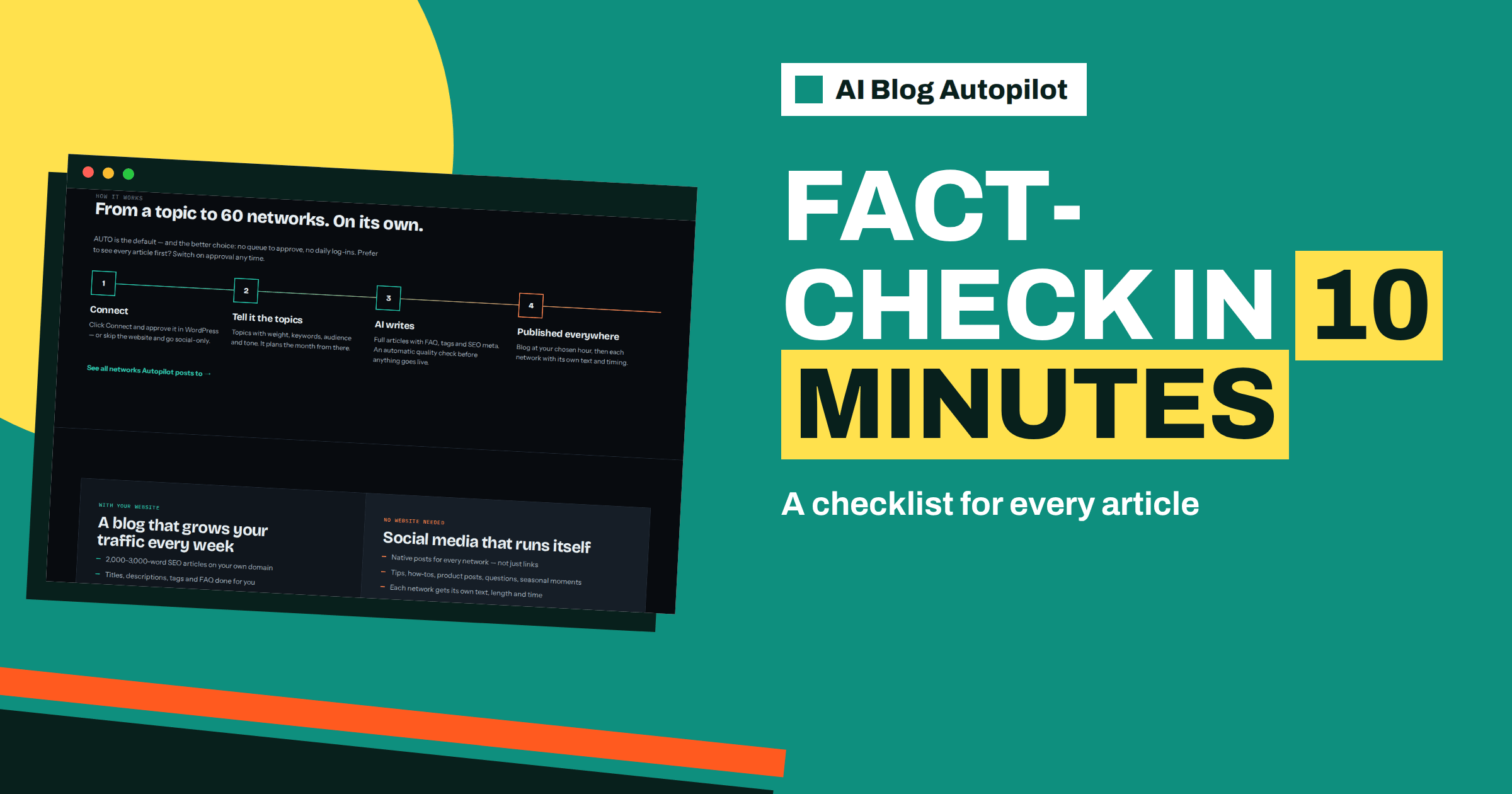
Short answer: AI Blog Autopilot’s writer is instructed never to make up statistics, quotes or sources, and an automatic quality check looks at length, structure, keyword and meta, but only you know whether statements about your business are true. A good routine is a ten-minute read with a fact sheet, checking claims, numbers, names, promises, links and the social posts, and fixing the brief whenever you find an error.
Every automated writing process raises the same worry: what if it says something wrong? The honest answer is that any writer, human or machine, can make mistakes, and the more an article says about specifics, the more room for error. A business that publishes dozens of articles needs a repeatable way to catch problems before readers do.
This guide offers a checklist you can adapt. It is based on what the product’s home page states about the writer and the quality check, and on general good practice for fact-checking. It does not promise that errors will never occur, and it assumes that you remain responsible for what is published under your name.
What the product does and leaves to you
The home page says the writer is instructed never to make up statistics, quotes or sources. It says an automatic quality check examines length, structure, keyword and meta, and that weak articles wait for you instead of going live. These are useful safeguards, and they reduce certain risks.
They do not turn the product into a fact-checker for your business. It cannot know your current prices, your service area, your opening hours, your warranty terms or your certifications unless you tell it, and it cannot verify claims about the outside world on your behalf. Where an article makes a specific statement, a person who knows the subject should confirm it.
The balance, then, is that the product reduces invention and keeps quality up, while you protect accuracy about your own business. The article on the quality gate explains what the automatic check covers in more detail.
Build a fact sheet first
You cannot check against nothing. Before you start reviewing, write a one or two page fact sheet for your business. Include services offered and not offered, areas served, opening hours, how to book, pricing approach, guarantees, certifications and registrations, the names and roles of key people and policies on returns, cancellations and complaints. Add the main claims you are happy to make and the ones you are not.
Keep it current. Date the sheet and update it whenever something changes. A fact sheet that is a year old is worse than none, since it gives false confidence. Assign one person to own it, and tell colleagues to report changes to that person.
Use the same sheet to write the brief. The product plans from topics with weight, keywords, audience and tone, and the more accurate your descriptions, the fewer errors appear. The article on setting up topics in AI Blog Autopilot shows how to include limits and rules.
Pass one: read as a customer
Start with a quick read, as a customer would. Ask whether the article answers its question, whether it feels natural and whether anything makes you pause. Mark anything that sounds too good, too vague or too certain. This pass takes about three minutes and catches tone problems, awkward claims and obvious mistakes.
Pay attention to superlatives and guarantees. Words such as best, fastest, cheapest, always and never are promises, and you should be able to support them. If you cannot, change the brief to discourage them. The article on how to edit an AI draft describes a four-pass approach that includes this kind of reading.
Note the things you do not know. If a statement is about a regulation or a market fact and you are unsure, mark it for checking rather than assuming it is right.
Pass two: check every claim about your business
Now read slowly with the fact sheet next to you. Check each statement about your services: do you really offer this? Check each reference to location: is the area right? Check prices, times and processes: are they correct and current? Check anything about your team, history and qualifications. Check promises about outcomes, response times and guarantees.
Look for what is missing as well. An article that omits a limitation, for example an area you do not serve or a condition on an offer, can mislead by omission. If you find such gaps, add the limitation to the brief as a standing rule.
Mark each error with its type: wrong fact, outdated fact, unsupported claim, missing condition or wrong tone. The types help you see patterns, and the patterns tell you what to fix in the brief.
Check numbers, names and dates
Numbers are the most error-prone part of any article. Check every figure: percentages, prices, durations, counts and thresholds. If the article cites a statistic, find the source, and if you cannot, remove the statistic or replace it with a qualitative statement. The home page says the writer is told not to invent statistics, but an unsourced number in a draft deserves suspicion whatever its origin.
Check names: of people, places, organisations, products and laws. A misspelled or wrong name is both embarrassing and misleading. Check dates and time references, such as in 2025 or last year, which can age. If an article says something that will be wrong next year, consider rewording it so that it does not need updating.
Be extra careful with legal, tax, medical and safety content. The article on YMYL topics on a business blog explains why these deserve review by a qualified person. If you cannot supply that, avoid the topic.
Check links, quotes and sources
Open every link in the article. Internal links should lead to the right pages and external links should work and support the point. Check that nothing points to a competitor or to an irrelevant site. Look at where links go on mobile as well, since some break on small screens.
Check quotes. The writer is told not to invent them, so any quotation should be verifiable. If you cannot find it, remove it. Check that any named source actually says what the article claims. If the article mentions a study, a regulation or an authority, confirm that it exists and that the reference is fair.
Consider whether you want external links at all. A small number of high-quality references can build trust. Many links to weak sources do not. Decide on a policy and put it in the brief.
Check the FAQ, meta and social posts
The home page says articles come with an FAQ, tags and SEO meta. Read the FAQ carefully, since it is where specific facts, such as prices, limits and deadlines, often appear. Each answer must be true for your business. Check the meta title and description as well: do they describe the article accurately and without exaggeration?
Then look at the social posts. The networks page says the product writes a separate text for each network, and short summaries can lose a condition that made the article accurate. Read the posts for at least two networks, and compare them with the article. If the summary promises more than the article delivers, adjust the tone settings.
Use the content map to find the posts. Each cell in the network matrix links to the live post, so you can check what readers see. The article on reading the content map explains the screen.
Decide the severity, act and make it a habit
Not every error has the same weight. Treat a wrong price, a false guarantee or a safety error as serious: fix or withdraw immediately. Treat a small wording problem as minor: note it and fix the brief. Treat a style preference as optional.
If you use approval, the article has not gone out yet, so you can decide before readers see it. If you use AUTO and find a serious error afterwards, correct the article on your site promptly and, if needed, delete or correct the social posts. Then find the cause in the brief and fix it, so that the same error does not recur.
Keep a simple log with the date, article, error type and what you changed. After a month, the log shows whether errors are falling, which is the best test of whether your brief is improving. The article on quality control at volume describes routines for larger operations.
A ten-minute check on one article a week, plus a scan of the content map, is realistic for most small businesses. If your subject is sensitive, check every article. If you publish a lot, check a sample and rotate topics so that every topic is checked regularly. The home page says AUTO is the default and approval optional, so choose the mode that matches the risk.
Ask a colleague to check occasionally. A second pair of eyes catches what you stop seeing. Customers and staff are also a good source: invite them to tell you if they spot something wrong, and thank them when they do.
To make the routine stick, attach it to something you already do. If you check email at a certain time each morning, check the new article straight afterwards. Use a short template for the log, so that recording an error takes thirty seconds, not five minutes. And share the log with whoever writes or updates the brief, so that the learning is not trapped in one person’s head.
How AI Blog Autopilot helps
The product instructs the writer not to invent facts, runs an automatic check and keeps weak articles for you, which leaves you with a short, focused review. Try it with three free articles on AI Blog Autopilot, and compare plans on the pricing page.
Related reading
- The Quality Gate in AI Blog Autopilot
- How to Edit an AI Draft: The Four Passes That Matter
- Quality Control When You Publish at Volume
The bottom line
Keep a dated fact sheet, read each sampled article as a customer and then against the sheet, check numbers, names, links, FAQ and social posts and fix the brief every time you find an error.
FAQ
Does the product check the facts about my business?
No. The writer is instructed not to invent statistics, quotes or sources, but only you know whether statements about your business are true.
What does the automatic quality check cover?
The home page says length, structure, keyword and meta, and that weak articles wait for you instead of going live.
How long should a check take?
About ten minutes per article is realistic, using a fact sheet. Sensitive topics deserve more.
What if I find an error after publication?
Correct the article promptly, correct or remove the social posts if needed and fix the brief so the error does not recur.
Should I check the social posts too?
Yes. The product writes a separate text for each network, and short summaries can lose conditions.