ENEnglish
 LTLietuviškai
 DEDeutsch
 FRFrançais
 RUРусский
 ESEspañol
 PLPolski
 ITItaliano
 UKУкраїнська
 CSČeština
 PTPortuguês
 JA日本語
JA日本語 LVLatviešu valoda
 ETEesti
 HUMagyar
 IDBahasa Indonesia
 TRTürkçe
 HIहिन्दी
 ELΕλληνικά
 ARالعربية
 THไทย
THไทย VITiếng Việt
 RORomână
 MSBahasa Melayu
 BNবাংলা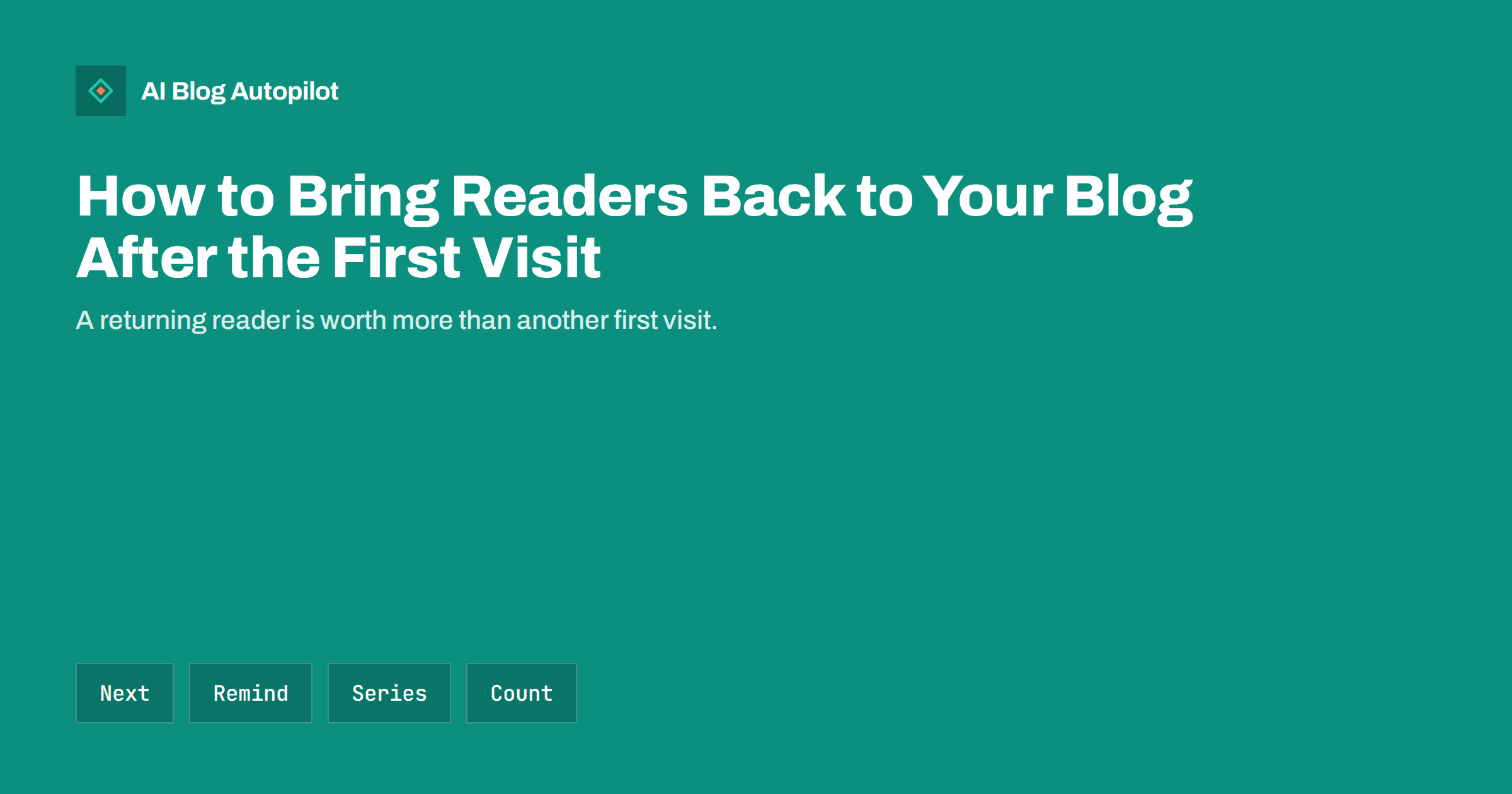
Short answer: most people who find a blog through search read one post and leave, so bringing them back takes deliberate steps: show a relevant next read inside every post, offer a simple way to be reminded such as email or a feed, publish connected series and fresh updates, and measure returning readers separately from new ones. Trust, usefulness and a steady rhythm matter more than tricks.
Search brings new visitors, and it is easy to measure them. A blog that depends on search alone starts from zero each month, because yesterday’s readers have gone. Readers who return are different: they know your voice, they are more likely to subscribe or buy and they often share your posts. This guide covers practical ways to turn a first visit into a second one.
Why readers do not come back
The reason is usually ordinary. The reader came with one question, found the answer and left satisfied. They had no reason to stay and no reminder to return. Nothing is wrong with the post, and the missing piece is an invitation.
Sometimes the problem is that the site gives no sign of what else is available, that the page is slow or cluttered, or that the reader cannot tell who is behind it. Visitors who cannot see why your blog differs from the others have no reason to remember it. A clear purpose and a visible author, as discussed in the about page for a blog, make a first impression that lasts.
Understand your own numbers first. Look at the proportion of returning visitors in your analytics, and at the pages that returning readers visit. If it is very low, there is room to improve. If a particular kind of post produces return visits, write more of it.
Show the next read inside every post
The easiest return is the one that happens in the same session. At the end of each post, offer two or three relevant links with short descriptions that explain why they are worth reading. A list headed “Related reading” with clear titles works better than an automatic row of random thumbnails. Choose the links by hand or with a good rule, so that they match the topic and the stage of the reader.
Link within the text as well, where a term or a step has its own post. Descriptive anchor text tells the reader what they will find. Our guide to internal linking on autopilot explains how to keep this tidy as the blog grows, and related posts sections covers what makes them useful.
Suggest a logical next step, not just a similar topic. A reader of a beginner’s guide may want a checklist, and a reader of a comparison may want the review of one option. Think about the questions that follow, and place the answer one click away.
Offer a simple way to be reminded
People forget, so give them a reminder that they choose. The best-known option is an email newsletter: a short message when something new is published, or a monthly summary of the best posts. Ask for the email address only, explain how often you will write and what you will send, and honour the promise. Our guide to email newsletters from blog posts describes a lightweight way to start.
A feed lets people follow your blog in a reader app, and costs you nothing to keep. Make sure that the feed exists and works, and that a link to it is visible. See RSS feeds and SEO for what to check. Some readers prefer to follow on a social network, so show clear links to the accounts that you actually update.
Place the invitation where it suits the reader’s mood. A short box after the end of a helpful post is well timed, while a pop-up that covers the text on arrival annoys people and may harm the page’s performance in search. Our guide to pop-ups and interstitials explains what to avoid, and CTAs that fit a blog post shows how to place calls to action politely.
Write in series and connected groups
A set of posts that belong together gives a reason to come back. A five-part guide, a monthly review or a regular question-and-answer post creates an expectation. Number the parts, link them to each other and publish them at a steady pace, so that a reader who enjoyed part one knows when to expect part two.
Series also help search engines to understand your topic and give you natural internal links. Our guide to blog post series and SEO covers the structure, and content clusters and pillar pages shows a related way to group posts around a central subject.
Do not promise a series that you cannot finish. An abandoned series is a bad signal, and readers remember it. If plans change, say so in a short note and tidy the links.
Keep content fresh and reliable
People return to sources they trust to be current. Update your most visited posts when facts change, and show the date of the update. Our guide to how to refresh old blog posts describes a routine. Remove or merge posts that are out of date and no longer useful, as covered in content pruning.
Publish on a rhythm that you can keep. Readers who return once a week should find something new or newly improved. A blog that posts twice in a month and then disappears for a quarter teaches people not to check. Choose a rate that fits your resources, as discussed in how often to publish blog posts.
Accuracy is part of freshness. A reader who finds a wrong or stale statement once may not come back. Correct mistakes openly, using the practice in handling corrections.
Make the site easy to use
Small usability problems stop return visits. A slow page, a layout that jumps, a menu that hides the blog or text that is too small makes a second visit unlikely. Test the site on a mid-range phone with an ordinary connection, and fix the biggest problems first. See blog design for reading for a list of points to check.
Help people find old posts. A search box, clear categories and a “start here” page that guides new readers to your best work make the archive useful, as described in the start here page. People who have read your recent posts often want to look back.
Make the author and purpose visible. A short bio, a photograph and a line about what the blog offers let readers decide whether you are worth following. Do not exaggerate: clear and honest is more convincing than grand.
Think about different kinds of returning readers
Not everyone returns for the same reason. A customer may come back to read the instructions for a product they bought, a student may follow a topic over several weeks, a colleague may use your guide as a reference every month and a hobbyist may simply enjoy your writing. Each of them needs something slightly different from the site.
Reference readers want pages that are easy to find again: clear titles, a stable address, a table of contents and a visible date of the last update. Learners want a path from basic to advanced, which a start page or a series supplies. Fans want new material and a sense of personality. Customers want accurate, current help. Look at the kinds of readers that you already have, and make sure that each has a clear way back.
Ask them. A one-question survey at the end of a post, an email to subscribers or a note in a reply can show why people return. Even a handful of answers will show patterns that no dashboard reveals, and they often suggest topics that you would not have thought of. See reader surveys for blog topics for how to run one without annoying anyone.
Respect the reader’s attention. More reminders do not mean more returns. A weekly email that is useful keeps people; a daily email full of weak content makes them leave. Promise less, and deliver it reliably.
Measure returning readers
In your analytics, separate new and returning visitors, and look at how they behave: pages per visit, time on page, the posts they read and the actions they take. Compare the share of returning visitors month by month, rather than reading too much into a single day. Understand that privacy tools and cookie choices mean that the data is incomplete; our guide to GDPR and blog analytics explains the limits.
Track the signals that you control: newsletter sign-ups, feed subscribers if you can see them, followers on social networks and clicks on next-read links. Link these to particular posts, and learn which topics and formats bring people back. A post that brings many one-time visitors may differ from a post that brings subscribers, and both have value.
Set modest goals. If one reader in twenty returns this quarter and one in fifteen next quarter, you are making progress. Share the numbers with whoever works on the blog, and adjust the plan together.
Say thank you in small ways. A short reply to a comment, a mention of a reader’s question in a later post or a note to subscribers who suggested a topic makes people feel part of the blog. These gestures cost little and are remembered, and they turn a passing visitor into someone who feels that the site is partly theirs.
Review the results every quarter with one question in mind: what would make a reader of our best post want to read a second one? Change one thing, such as the closing section, the next-read links or the invitation to subscribe, and see whether the numbers move before you change anything else.
How AI Blog Autopilot helps
AI Blog Autopilot writes full SEO articles for your WordPress blog on a steady schedule, with FAQ sections, tags, SEO meta, and shares each article to your social networks, which gives readers a reason and a place to follow you. A regular rhythm is one of the best reasons for readers to return. See the pricing page for plans.
Related reading
The bottom line
Give every reader a relevant next read and a simple way to be reminded, publish connected and current content at a steady pace and track returning visitors apart from new ones. Return visits come from trust, and trust comes from being useful again and again.
FAQ
What is a good returning-visitor rate for a blog?
There is no single number. Compare your own rate over time and improve it step by step.
Is an email newsletter necessary?
It is the most reliable reminder, but a feed or a social follow can serve readers who prefer them.
Do pop-ups help bring readers back?
Intrusive pop-ups often hurt the experience. A polite box at the end of a useful post works better.
How often should I publish to keep readers?
Choose a rhythm you can maintain, such as weekly or fortnightly, and keep to it.
How do I count returning readers?
Use the new versus returning view in your analytics and remember that cookie choices make it incomplete.