 ENEnglish
 LTLietuviškai
 DEDeutsch
 FRFrançais
 RUРусский
 ESEspañol
 PLPolski
 ITItaliano
 UKУкраїнська
 CSČeština
 PTPortuguês
 JA日本語
JA日本語 LVLatviešu valoda
 ETEesti
 HUMagyar
 IDBahasa Indonesia
 TRTürkçe
 HIहिन्दी
 ELΕλληνικά
 ARالعربية
 THไทย
THไทย VITiếng Việt
 RORomână
 MSBahasa Melayu
 BNবাংলা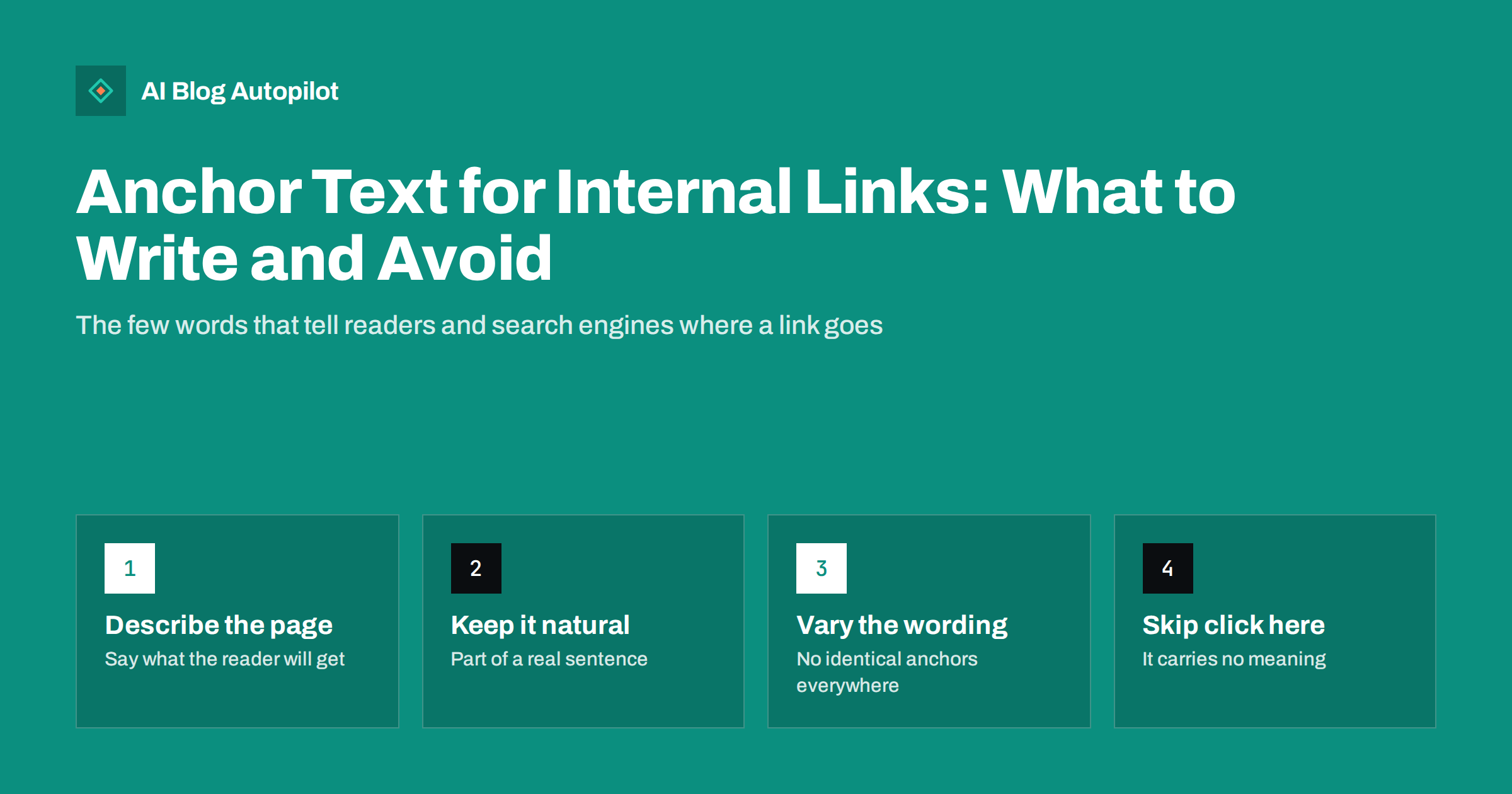
Short answer: anchor text is the clickable wording of a link, and for internal links it should describe the page it points to in a few natural words, such as “our guide to canonical tags” rather than “click here”. Descriptive anchors help readers decide whether to follow the link and help search engines understand what the target page is about. Unlike links from other sites, internal anchors are fully under your control, so use them consistently for each topic but let the exact wording vary with the sentence. Avoid generic phrases, stuffed keywords and anchors that promise something the page does not deliver.
Internal links are one of the few ranking factors a blogger controls completely, and anchor text is the part of each link that carries meaning. Yet most blogs write anchors without thinking: “here”, “this post”, “read more”, or a whole sentence turned blue.
A few simple habits make internal links far more useful to readers and clearer to search engines. This guide covers what good anchor text looks like, what to avoid and how to fix the anchors you already have.
What anchor text is and why it matters
In HTML, a link looks like <a href="/canonical-tags-explained/">canonical tags explained</a>. The words between the tags are the anchor text. Readers see them as the underlined or coloured words; search engines read them as a short description of the target page.
Google’s guidance on making links crawlable describes good anchor text as descriptive, reasonably concise and relevant to both the page it sits on and the page it links to. That is a helpful summary of the whole topic.
Anchor text matters for three reasons:
- Readers decide whether to click. A link that says what it leads to earns clicks from interested readers and saves everyone else a wasted visit.
- Search engines learn what the target is about. Across many links, anchor text helps them understand the topic of each page and which page on your site covers which subject.
- Accessibility. Screen reader users often navigate by listing all links on a page. A list of ten links all called “here” is useless to them.
What good internal anchor text looks like
Good anchors share a few qualities. They are:
- Descriptive. They name the subject of the target page. “How to write alt text” tells you exactly where you are going.
- Concise. Usually two to six words. Long enough to be meaningful, short enough not to swallow the sentence.
- Natural. They read as part of the sentence, not as a keyword bolted into it.
- Accurate. The target page delivers what the anchor promises. An anchor saying “pricing comparison” should not lead to a general product overview.
- Specific to the context. The words fit what the current paragraph is discussing, so the link feels like a natural next step.
Compare three versions of the same sentence:
- Weak: “We covered this before, click here to read it.”
- Stuffed: “Read our best SEO canonical tag guide canonical tags SEO.”
- Good: “If two URLs show the same content, a canonical tag tells search engines which one to index.”
Exact, partial and descriptive anchors
SEO writing often divides anchors into types. For internal links, a simple version is enough:
| ประเภท | Example for a page about keyword research | When to use it |
|---|---|---|
| Exact match | keyword research | When the phrase appears naturally in the sentence |
| Partial match | researching keywords for a small blog | Most of the time: specific and natural |
| Descriptive phrase | how to pick topics people actually search for | When the sentence is about the reader’s goal |
| Title of the page | Keyword Research for an Automated Blog | Related reading lists and references |
| Generic | read more, this article, here | Avoid in body text |
With links from other sites, too many exact-match anchors can look manipulative. Internal links are different: you are describing your own pages, and search engines expect you to do that plainly. Still, a natural mix reads better and gives search engines a fuller picture of what each page covers.
Mistakes that weaken internal links
These are the patterns worth fixing first:
- Generic anchors. “Click here”, “this post”, “read more” and “learn more” tell nobody anything. Rewrite the sentence so the link sits on the words that describe the destination.
- The same anchor pointing to different pages. If “content calendar” links to one post in some articles and a different post in others, you are sending mixed signals about which page covers the topic. Pick one owner per topic.
- Different pages targeted with identical anchors on the same page. Two links with the same words going to different places confuse readers and screen reader users alike.
- Whole sentences as anchors. A 25-word link is hard to scan and dilutes what the link says.
- Keyword stuffing. Forcing a target keyword into every anchor, even when it reads badly, helps nobody and makes the writing worse.
- Misleading anchors. Promising a checklist and linking to a sales page erodes trust quickly.
- Image links without alt text. When an image is the link, its alt attribute acts as the anchor text. An empty alt leaves the link unlabelled.
How many internal links, and where
There is no ideal number, but some practical guidance helps. A typical blog post of 1,500 words or more usually has room for several contextual internal links, placed where a related topic comes up naturally. Add a short related-reading list at the end for readers who want to go further.
Placement matters:
- Links in body text carry the most meaning because the surrounding sentence adds context.
- Early links are seen by more readers, since many people never reach the end of an article.
- Navigation and footer links help discovery but say less about the relationship between two specific pages.
Avoid linking the same target twice from one article unless the second link genuinely helps; one clear link is usually enough.
Writing anchors while you write
The easiest time to get anchor text right is while drafting, not afterwards. A few habits help:
- Keep a list of your key pages and the main topic each one owns. When a draft mentions one of those topics, that is where the link goes.
- Link the noun, not the verb. “Our guide to URL slugs” is better than “read our guide to URL slugs”.
- Rewrite the sentence if needed. If the natural words for the link do not exist in the sentence, change the sentence rather than forcing a generic anchor.
- Read the anchors alone. Before publishing, look only at the linked words. Each one should make sense without the rest of the paragraph.
Anchors outside the body text
Not every internal link sits in a paragraph. Several other places on a blog generate links automatically, and their anchor text deserves a look too.
- Related-reading lists. Using the target post’s title as the anchor is clear and honest. Make sure the titles themselves are descriptive, because here the title is the anchor.
- Related-posts blocks from plugins or themes. These usually use post titles as well. Check that the selection is actually related; a block that links cooking tips from an SEO article confuses readers regardless of the anchor.
- Breadcrumbs. Category names become anchors. “Blog / SEO / Technical” says more than “Blog / Category 3”.
- Tag and category archives. Tag names appear as links across the site, so a tag called “misc” or “stuff” produces meaningless anchors everywhere it appears.
- Buttons and cards. A card with an image, title and a “Read more” button is fine if the title is also a link; the title gives the context the button lacks.
Fixing a template or a category name improves hundreds of anchors at once, which makes these the highest-leverage anchor fixes on many blogs.
Auditing the anchors you already have
Older posts often contain weak anchors, and fixing them is quick work with a clear payoff.
- Crawl your site with a crawler that exports internal links with their anchor text.
- Sort by anchor. Filter for generic phrases such as “here”, “click here”, “this”, “read more” and “link”. Rewrite each one in context.
- Sort by target page. For each important page, look at the anchors pointing to it. Do they describe the page accurately? Are there any that describe a different topic?
- Look for conflicts. The same anchor pointing to several different pages is a sign of overlapping content and may point to a cannibalisation problem.
- Fix the highest-value pages first. Start with pages you most want to rank and the posts that link to them.
Search Console’s links report also lists your top internally linked pages, which is a quick way to see where your link attention currently goes.
How AI Blog Autopilot fits in
AI Blog Autopilot writes and publishes full SEO articles to your blog on a schedule, with FAQ, tags and SEO meta, and shares each one to your social networks. As the number of articles grows, the anchor text habits in this guide are what keep the links between those articles meaningful, so it is worth running the anchor audit above every few months. You can see how the publishing works on the AI Blog Autopilot home page.
Related reading
- Internal Linking on Autopilot: Building Link Structure as You Publish
- Orphan Pages: Finding Blog Posts Nothing Links To
- Keyword Cannibalisation: When Your Own Posts Compete
- Accessibility for a Blog: The Fixes That Matter Most
The bottom line
Anchor text is a small thing with a large effect. Describe the destination in a few natural words, keep one page as the owner of each topic, vary the phrasing with the sentence, and never use “click here”. Write anchors carefully as you draft, then audit older posts once in a while so every link on the blog tells readers and search engines exactly where it goes.
FAQ
What is anchor text in an internal link?
Anchor text is the visible, clickable wording of a link. In an internal link it points to another page on your own site, and it should describe that page in a few natural words so readers and search engines know what they will find.
Is exact-match anchor text bad for internal links?
No. Using the exact topic phrase for an internal link is normal when it fits the sentence. Problems arise only when anchors are forced or stuffed with keywords. A natural mix of exact, partial and descriptive anchors reads best.
Why is click here bad anchor text?
It says nothing about the destination. Readers cannot judge whether to follow it, screen reader users hear a list of identical links, and search engines get no information about the target page. Put the link on words that describe the page instead.
How long should anchor text be?
Usually two to six words. That is enough to describe the target page clearly while keeping the link easy to scan. Avoid turning whole sentences into links.
Should all internal links to a page use the same anchor text?
They should describe the same topic, but the exact wording can vary with each sentence. Consistency about which page owns a topic matters more than repeating identical words.


