ENEnglish
 LTLietuviškai
 DEDeutsch
 FRFrançais
 RUРусский
 ESEspañol
 PLPolski
 ITItaliano
 UKУкраїнська
 CSČeština
 PTPortuguês
 JA日本語
 LVLatviešu valoda
 ETEesti
 HUMagyar
 IDBahasa Indonesia
 TRTürkçe
 HIहिन्दी
 ELΕλληνικά
 ARالعربية
 THไทย
 VITiếng Việt
 RORomână
 MSBahasa Melayu
 BNবাংলা
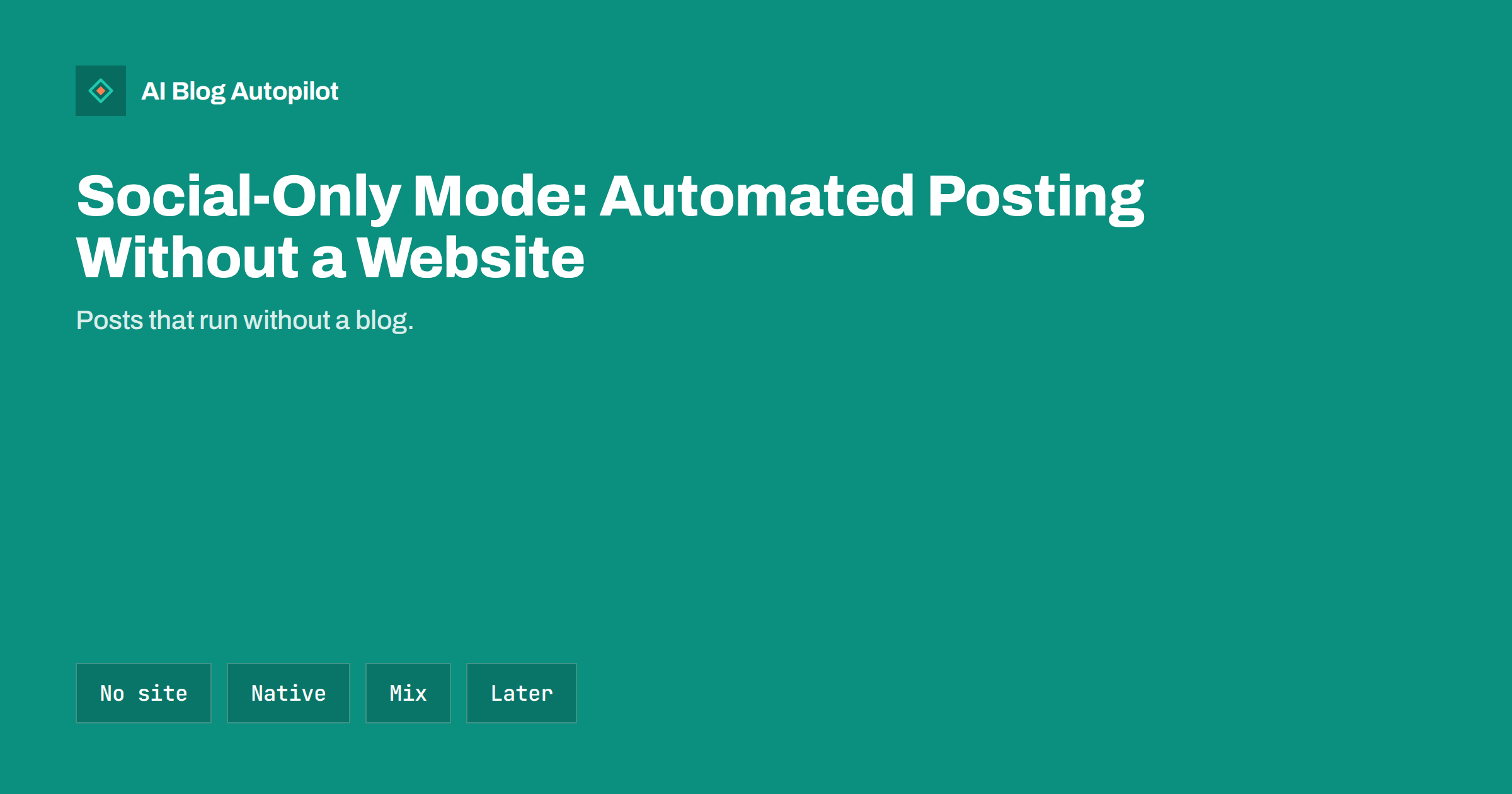
Short answer: AI Blog Autopilot has a social-only mode for businesses that have no website, or do not want a blog yet. It creates native posts for each of your networks, with their own text, length and timing, and posts them for you. The Social plan costs €15 a month and includes 60 social posts a month, and you can add a blog later with your plan moving with you.
Not every business has a blog, and not every business needs one on day one. A hairdresser, a food stall, a freelance trainer or a small shop may reach customers mostly through social networks and have no website to connect. Waiting until a website exists should not stop them from showing up regularly.
This guide explains how social-only mode works inside AI Blog Autopilot, what you set up, what it posts, and how to decide whether it is the right starting point. The facts here come from the product’s own pages, so check the current plan details before you subscribe.
Who social-only mode is for
Social-only mode suits anyone who wants a steady presence on social networks without writing every post by hand. That includes owners of local shops and services, creators who are building an audience, consultants who want to stay visible between projects, and people who are preparing a website but want to start posting now.
It also suits businesses whose customers are on social networks more than on search engines. A florist or a street-food seller may get more enquiries from a photo and a short message than from a long article. For them the main job is to post often, in the right style, on the right networks.
It is not a good fit if you need long articles on your own domain to attract search traffic. In that case you would use the blog side of the product, which writes 2,000 to 3,000-word articles for your WordPress site. The good news is that you do not have to choose forever, as a later section explains.
What the Social plan includes
On the pricing page the Social plan is listed at €15 a month. It includes 60 social posts a month, needs no website, covers 1 brand and 5 social networks, and works in 1 language. Credits are monthly and do not roll over, so unused posts do not carry into the next month. The product also states that the first three articles are free and that you can cancel at any time.
Those limits are worth planning around. Sixty posts a month is about two a day, which suits a small business that wants to be active without flooding followers. One brand means one set of topics and one voice, and five networks means you choose where to focus. If you need more networks or languages, the larger plans offer them, and the pricing page lists the differences.
VAT is added at checkout. Always read the current pricing page before you decide, since plans can change and this article cannot replace it. The comparison in the plans table on the pricing page shows how each plan differs.
How the posts are made
You start by telling Autopilot what your business is about: topics, with weight, keywords, audience and tone. From that it plans the month and creates native posts. Native means each network gets its own text, length and style, not just a link pasted in everywhere. A short punchy line suits one network, a longer explanation suits another, and the product handles that difference for you.
The product says the posts cover a mix of formats: tips, how-tos, product posts, questions and seasonal moments. A mix matters because a feed that only sells quickly becomes tiring. Tips and questions give followers a reason to stay, product posts give them a way to buy, and seasonal moments keep the feed current.
AUTO is the default mode, so posts go out without a queue to approve and without daily log-ins. If you prefer to see posts first, you can switch on approval at any time. Many owners start with approval to check the tone, then move to AUTO once they trust the results.
Setting it up step by step
First, create your account and choose the social-only option, which means starting without a website. Second, connect the networks you want to use, up to the number your plan allows. Each network asks you to approve the connection, so you stay in control of access. If a connection expires later, the product tells you which network needs reconnecting.
Third, describe your business and your topics. Be specific: say who your customers are, what you sell, what you want to be known for and what tone you prefer, such as friendly, expert or playful. Specific input produces specific posts. Vague input produces vague posts, as with any writing tool.
Fourth, choose approval or AUTO. Then let the first week run and look at what was posted. Adjust the topics, weights and tone based on what you see. A short review after the first week saves a lot of corrections later, and it teaches you which kinds of posts your followers prefer.
Timing for each network
Autopilot sets timing per network, so posts do not all appear at the same minute. The product describes this as posting each audience when it is online. When you also publish a blog article, the default pattern is the blog at your chosen hour, LinkedIn thirty minutes later, Facebook after two hours and Pinterest the next day. In social-only mode the same idea applies: each network gets its own time.
This matters because followers on different networks behave differently. Some check a professional network during the working day, others scroll an image-led network in the evening. Spreading posts across the day also prevents a flood of identical content from appearing at once, which feels automated and tends to be ignored.
For general advice on when to post, see the guide to the best time to share a blog post.
Watching what is posted
The product includes a content map: a calendar that shows when things go out and a matrix of networks showing where each item was posted. Each cell links to the live post, and if something failed it tells you why. That means you can check at a glance what went out, on which network and whether anything needs attention.
The same view helps you plan. If you notice that a network gets fewer posts than you intended, or that one kind of post dominates the month, you can change the topics and weights and the next plan will reflect it. Treat the map as a dashboard for your own decisions, not just a log.
Make a habit of a weekly look. Open the calendar, scan the posts, and note replies or comments that need an answer. Automation posts for you, but it does not answer your followers. Replying to comments and messages is still your job, and it is often where sales and good relationships begin.
If a network disconnects, reconnect it promptly so you do not lose days of posting. The product tells you when a connection needs attention, so check for those notices.
Choose your five networks with care. Look at where your customers already spend time, and where competitors get replies. It is better to be consistent on a few networks than thin on many. If a network does not bring results after a couple of months, swap it for another and watch the difference.
Adding a blog later
Social-only mode is a starting point, not a dead end. The product states that you can add a blog later and that your plan moves with you. When you have a WordPress site, you connect it, and Autopilot can then write full SEO articles and share each one to your networks as well.
That path fits many small businesses. Start by posting regularly, learn what your followers respond to, then build a website and a blog on those topics. The posts you have seen perform well are a good guide to the articles worth writing first.
If you are unsure whether you need a blog at all, the guide on whether you still need a blog if you are active on social media compares the two and explains what each does best.
Keeping your social presence honest
Automation does not remove responsibility. You are still the voice of your business, so read the first posts carefully, correct facts that are wrong, and remove anything that does not sound like you. The writer is instructed never to invent statistics, quotes or sources, but you should still check dates, prices, opening hours and offers before they appear.
Tell Autopilot clearly about anything it should not mention, and update your topics when your business changes: a new product, a holiday closure or a price change. A feed that shows last month’s offer looks careless, even when it was posted automatically.
Think too about what your followers want from you. A feed that mixes useful tips with a few product posts feels generous. Ask a question now and then, and answer the replies. Over time the replies show you what your customers care about, and that feedback is worth more than any statistic. Feed those lessons back into your topics each month.
Finally, keep your profiles complete. A clear name, bio, link and contact details turn followers into customers. The guide to consistent social profiles lists what to check on each network.
How AI Blog Autopilot helps
AI Blog Autopilot offers social-only mode so you can start posting without a website. See the pricing page for the Social plan, and note the three free articles to try the product.
Related reading
- Auto-Post Every New Blog Article to Social Media Automatically
- Do You Still Need a Blog If You Are Active on Social Media?
- Which Social Networks Should a Business Blog Use?
The bottom line
You can start with social posts alone, review the first week, and add a blog when you are ready, without changing plans.
FAQ
Do I need a website to use AI Blog Autopilot?
No. Social-only mode works without a website, and you can add a blog later.
What does the Social plan include?
According to the pricing page, 60 social posts a month, 1 brand, 5 social networks and 1 language, for €15 a month.
Does every network get the same text?
No. Each network gets its own text, length and time, not just a pasted link.
Do I have to approve every post?
No. AUTO is the default, and approval is optional if you want to see posts before they go out.
What happens to unused posts?
Credits are monthly and do not roll over to the next month.