ENEnglish
 LTLietuviškai
 DEDeutsch
 FRFrançais
 RUРусский
 ESEspañol
 PLPolski
 ITItaliano
 UKУкраїнська
 CSČeština
 PTPortuguês
 JA日本語
 LVLatviešu valoda
 ETEesti
 HUMagyar
 IDBahasa Indonesia
 TRTürkçe
 HIहिन्दी
 ELΕλληνικά
 ARالعربية
 THไทย
 VITiếng Việt
 RORomână
 MSBahasa Melayu
 BNবাংলা
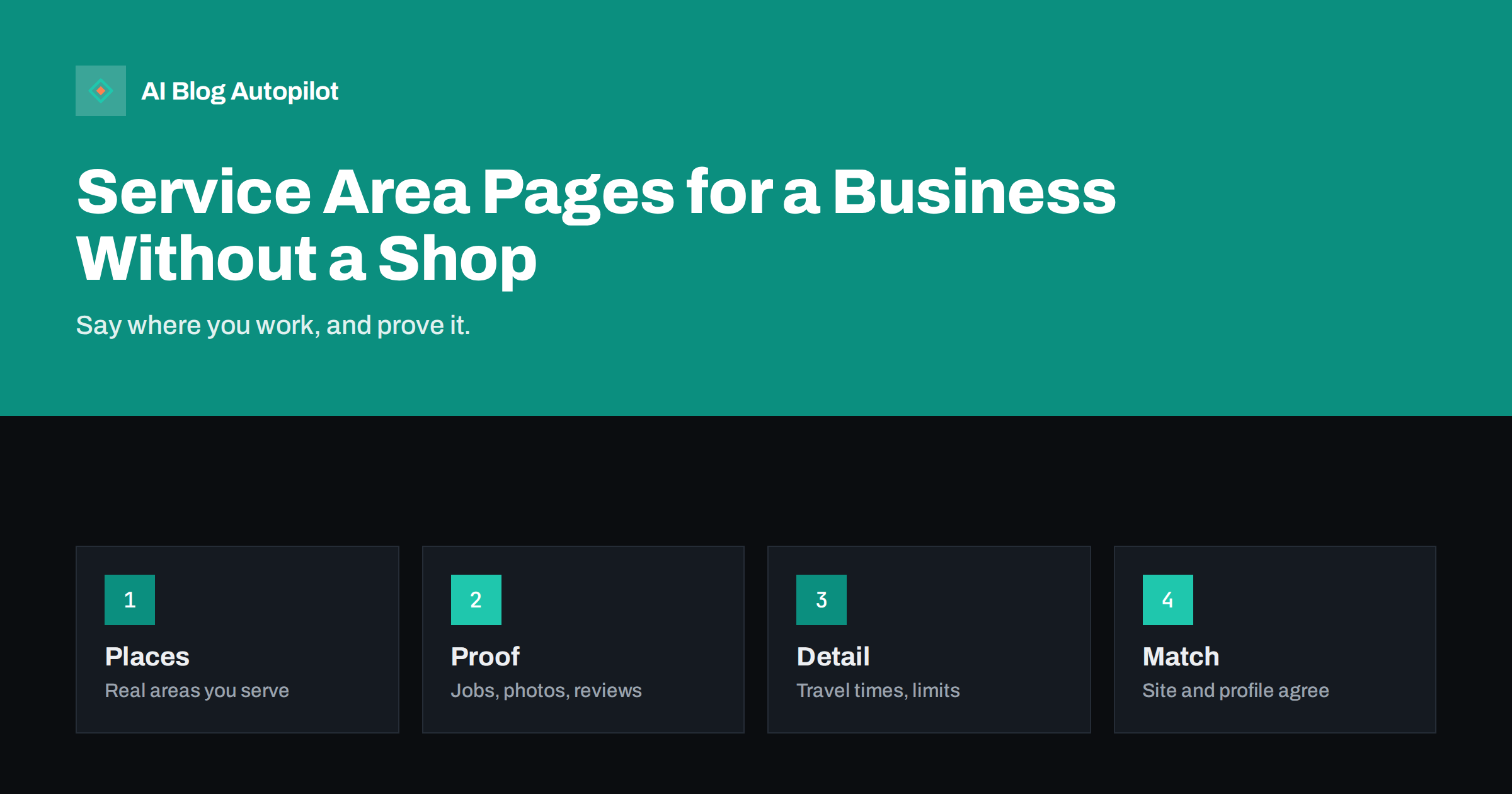
Short answer: a business that travels to customers, such as a plumber, cleaner, mobile groomer or consultant, should publish service area pages only for places it really serves, and each page should say something true and different about that place: how you work there, typical jobs, travel limits, response times, local rules and real examples. Avoid copying one page and changing the place name, keep your address policy consistent with your business profile and make contact easy.
Many businesses have no shop that customers visit. They go to homes, offices or sites, or they work online with customers in many places. When a customer searches for a service plus a town, they want to know whether you work there, how soon you can come and what it costs to get you to their door.
This guide explains how to write pages about the areas you serve without falling into the trap of thin, repeated pages. It covers choosing places, what to include, how to prove you work there, how to link them and how to keep them honest.
Why service area pages exist
A service area page answers a simple question: do you work where I am? A visitor who searches for a plumber in a small town wants confirmation, not a general company history. A short page that names the town, the nearby areas, the typical response time and the services available answers that quickly.
These pages also help search engines understand where you operate. A site that mentions a place only in a footer list gives little signal, while a page with real local detail shows that the business is active in that area. The detail matters more than the place name itself.
They also help you decide what you really offer. Writing a page forces you to ask whether you want to serve that area, how long travel takes and whether the work pays. Some businesses find that they are better off with fewer, stronger pages than a long list of places they never visit.
The difference from a branch page is important. A branch page, as described in the article on location pages for a business with several branches, belongs to a place where customers can visit. A service area page describes where you travel to them.
Think about customers who work in one place and live in another. A business park may draw customers from several towns, while a commuter village may have many residents who work elsewhere. Write for the place where the job happens, and mention nearby places where people might look. A short note on how you handle bookings for second homes, rented flats or business sites can also prevent confusion at the first call.
Choosing which places get a page
Start with your real work. Look at the last year of jobs and group them by town or district. Places where you have done many jobs, where you have regular customers or where you want to grow deserve a page. Places you have never served, or would refuse, do not.
Think about size. A page for a large city may need several sections, perhaps one per district, while small villages may be grouped under one page for the surrounding area. Do not create a page for every postcode, since a long list of near-empty pages looks like spam and brings little value to the reader.
Consider travel limits. Say how far you will go, how travel is charged and what happens at the edge of the area. Honest limits save time for you and for customers, and they prevent disappointing enquiries.
Check your business profile. If you hide your address because customers do not visit you, set the service areas there to match those on your site, and follow the rules of the platform. The guide on Google Business Profile updates explains how to keep both in line.
Add practical details about timing. Say when you usually work in the area, how fast you can respond to an urgent call, what the typical wait is for a routine visit and how far in advance customers should book at busy times. A visitor who needs help today and sees a clear answer will call. A visitor who sees nothing will try the next result.
What each page should contain
Begin with the essentials in the first screen: the service, the area, how to contact you and when you can come. Then add detail that only someone who works there would know: typical types of property, common problems, local rules, parking, access, schedules for refuse or deliveries and the neighbourhoods you cover.
List the services available in that area with short descriptions and links to the main service pages. If some services are not offered there, say so. Add a price indication or the call-out rule if you can, with the date and conditions, as the article on writing honest articles about what things cost describes.
Explain how you work: how to book, how quickly you reply, how you confirm the visit, what you bring and what the customer should prepare. People who know what will happen are more likely to call.
Add a short set of questions that customers in that area ask. These can be real questions from your inbox. Mark up the page with structured data only where it truly applies, and do not add false addresses or fake branches.
Include a short note on safety and trust. Customers let you into their homes or onto their sites, so say how your staff are identified, whether they are vetted, what insurance you hold and how to check a visitor before opening the door. State only what is true and what you can document, and update it when anything changes.
Showing proof of local work
The strongest local signal is proof. Add photographs of real jobs in the area, with permission and without private details such as house numbers or faces. Describe the problem, what you did and how long it took. Even two or three short examples make a page different from every other.
Add real comments from customers in that area, with their consent. Do not copy reviews from other places or invent them. If you show a rating, say where it comes from. The article on customer quotes and testimonials explains how to use them honestly.
Mention local partners, suppliers, councils or organisations you work with, if true. A plumber who works regularly with a local housing association, or a cleaner who serves a local business park, shows real roots. Do not name organisations without permission.
Keep proof fresh. Add a new job when you complete one, and remove old claims that no longer apply. A page with recent work looks alive and gives a reason to return.
Avoiding thin and duplicate pages
The most common problem is copying one page across many places with only the name changed. Search engines treat such pages as low value, and visitors see the repetition. If you cannot write something true and specific for a place, do not create the page. Combine small places into one page instead.
Check each page by a simple test: if you replaced the place name with another, would the page still make sense? If yes, it is too generic. Add local detail until it would not. The article on thin content on a blog explains how to spot and fix weak pages.
Do not hide text, stuff a page with long lists of places or add fake addresses. Do not use a virtual office as a base unless it is real and allowed. Such tricks may lead to penalties or a suspended business profile.
Keep titles and headings natural. A title that reads like a list of keywords helps nobody. Write it as a person would say it, with the service and the place.
Remember mobile visitors. Most people who search for a local service use a phone, often in a hurry, so make the phone number tappable, keep the page light and put the call button where the thumb reaches. Test the page on a real phone, with a real connection, and fix anything that slows a customer down.
Linking and structure
Create a main page that lists the areas you serve and links to each area page. Make it easy for a visitor to find their place from the menu or the footer. Link back from each area page to the main service pages and the contact page, so that visitors can move on easily.
Use clear internal links with descriptive text. A link that says the area page for a town is more useful than a link that says click here, as the guide on anchor text for internal links explains. Keep the structure shallow, so that every area page is reachable within a few clicks.
Connect area pages to your blog. A local guide, such as how a particular type of housing in the area suffers from damp, can link to the page for that area and bring helpful context. Do not force a link where it does not fit.
Add a clear contact route to every page: a phone number that works from that area, a form and opening hours. The article on calls to action that fit the article offers ideas for natural invitations.
Reviewing and measuring
Review the pages every six months. Check that areas, prices, response times and contact details are right, add new proof and remove places you no longer serve. If you stop working in an area, redirect the page to the nearest one or to the main list rather than leaving it to age.
Measure what matters: calls and enquiries by area, visits to each page and the pages that attract visitors but no contact. Ask new customers how they found you and in which area they live. This is more reliable than rankings alone, as the article on how to measure whether a blog is working explains.
Decide on growth with facts. If one area brings many good jobs, add detail and perhaps a local guide. If another brings nothing after a year, consider merging it into a wider page.
How AI Blog Autopilot helps
AI Blog Autopilot can write and publish articles on your chosen topics, with FAQ sections, tags and SEO meta, and share them to your social networks. Give it your services and your real areas, and check local details, response times and prices before each article goes live. See the pricing page for plans and monthly credits.
Related reading
- Location Pages for a Business With Several Branches
- Blog Strategy for a Local Business
- How a Local Business Gets Mentioned in AI Answers
The bottom line
Create service area pages only for places you really serve, fill each with true local detail and proof, and keep them in line with your profile.
FAQ
What is a service area page?
A page that explains that you travel to customers in a place and gives true local detail about how you work there.
Do I need a page for every town?
No. Create pages only where you really work and can add specific detail, and group small places together.
Can I copy a page and change the place name?
No. Such pages are thin and add little. Each page needs something true and different.
Should I show my home address?
Follow the rules of your business profile. If customers do not visit you, set a service area instead.
How do I prove I work in an area?
Show real jobs with permission, genuine customer comments and local partners you can name.