ENEnglish
 LTLietuviškai
 DEDeutsch
 FRFrançais
 RUРусский
 ESEspañol
 PLPolski
 ITItaliano
 UKУкраїнська
 CSČeština
 PTPortuguês
 JA日本語
JA日本語 LVLatviešu valoda
 ETEesti
 HUMagyar
 IDBahasa Indonesia
 TRTürkçe
 HIहिन्दी
 ELΕλληνικά
 ARالعربية
 THไทย
THไทย VITiếng Việt
 RORomână
 MSBahasa Melayu
 BNবাংলা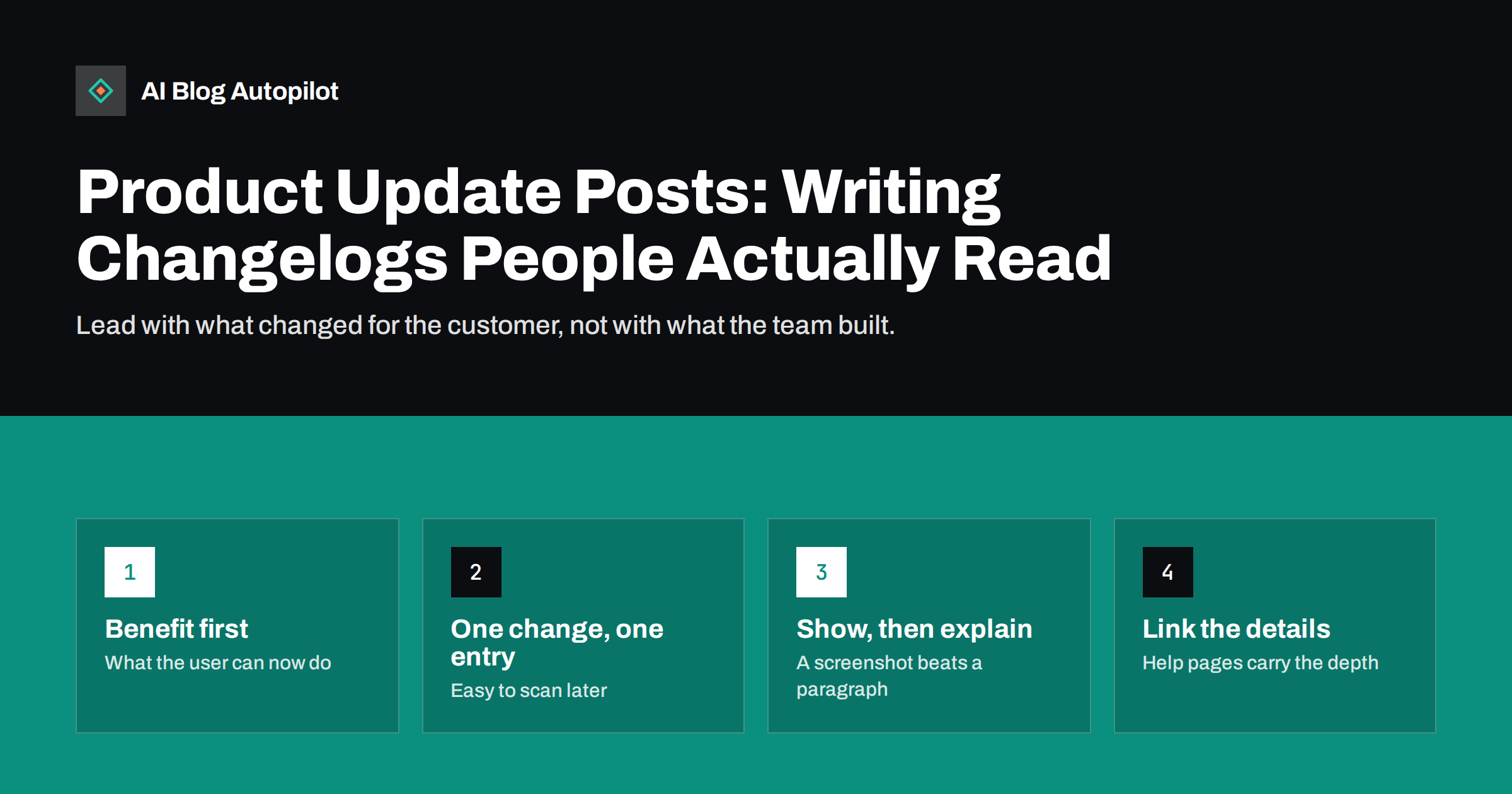
Short answer: a good product update post tells customers what changed, why it matters to them and what, if anything, they need to do. Lead each entry with the benefit in plain words, add one screenshot or short example, link to the help page for details and keep a dated changelog page that lists every update in order. Publish small updates in a running changelog and save full blog posts for changes that are big enough to explain, demonstrate or announce.
Software and online services change constantly, but most customers never notice. Features are added and nobody uses them, fixes are made and support keeps answering the old complaint. Product update posts and changelogs close that gap. Done well, they reduce support questions, help customers get more from what they already pay for and give search engines and AI assistants current facts about your product. This guide explains how to write them so people actually read them.
Changelog, release notes or blog post?
These three formats overlap, and many businesses mix them up. A simple way to separate them:
- Changelog: one dated page, or a short list of entries, that records every notable change. Brief, factual and complete. Its job is to be a reliable record.
- Release notes: a summary of what is in a particular version or release, common for software with numbered versions.
- Product update blog post: a full article about one significant change, or a monthly round-up of several, with explanation, examples and context.
Most small software businesses need a changelog and occasional update posts. The changelog covers everything; the blog posts cover what deserves explanation. Customers who want detail can read the full post, and customers who just want to know what is new can scan the changelog.
What every update entry should include
Whatever the format, a useful entry answers four questions:
- What changed? One sentence in the customer’s words: “You can now schedule reports to arrive by email every Monday.”
- Why does it matter? The problem it solves: “No more logging in to check the numbers each week.”
- Who does it affect? Which plans, roles or users, if not everyone.
- What should they do? Nothing, a setting to switch on, or a link to the help page.
Add the date and, if relevant, a version number. A short screenshot or a before-and-after image often explains more than a paragraph.
Write for the customer, not the team. “Refactored the export module” means something to developers and nothing to users. “Exports of large reports are now much faster” means something to everyone.
An example entry
Here is how a weak entry becomes a useful one. Weak: “v2.4: added scheduling to reports module, minor fixes.” Useful: “14 October. Scheduled reports: you can now have any saved report emailed to you or your team every week or month. Open a report, choose Schedule and pick the day. Available on all paid plans. Also fixed: dates in exported files now follow your account’s time zone.”
The useful version is longer, but every sentence answers a question a customer would otherwise ask support. It names the date, the benefit, the steps, who can use it and a second change that some users were waiting for.
Writing the headline of an update
Update headlines are often vague: “October update”, “New features”, “Improvements and fixes”. They give no reason to click and nothing for search engines to understand. Better headlines name the change and the benefit:
- “Scheduled email reports: get your numbers every Monday”
- “Bulk editing for product prices”
- “Faster exports for large reports”
For monthly round-ups, name the most important change in the headline and mention the rest in the introduction: “October updates: scheduled reports, bulk editing and faster exports”.
Structure of a full product update post
When a change deserves a full blog post, a predictable structure keeps it readable:
- A short answer at the top: what is new and what it does for the reader, in two or three sentences.
- The problem it solves: a short description of the situation customers were in before, ideally based on real feedback.
- How it works: a few steps or screenshots showing the feature in use.
- Who can use it: plans, roles or settings, stated plainly.
- Limits and known issues: anything it does not do yet, said honestly.
- Where to learn more: a link to the help article and, if relevant, to related features.
Keep the post focused on one change. If you need to explain three unrelated features in depth, write three posts or a round-up with a short section for each and links to the details.
Be honest about limits
Customers trust update posts that say clearly what a feature does not do. “Reports can be scheduled weekly or monthly; daily schedules are not available” prevents a support ticket and a disappointed customer. Avoid promising future features or dates in update posts unless your team has committed to them; an announced plan that slips damages trust more than silence.
How often to publish updates
The changelog should be updated whenever something notable changes, even if it is a one-line entry. A changelog that stops for months makes a product look abandoned, even if work continues behind the scenes.
Full update posts depend on how often you ship meaningful changes. Common patterns:
- Per significant feature: a post when something big launches.
- Monthly round-up: one post that summarises the month’s changes, with the most important one at the top.
- Quarterly overview: a broader look at what changed and why, useful for products with slower release cycles.
Choose a rhythm you can keep. A predictable monthly round-up builds a habit among customers who want to stay up to date.
Update posts and SEO
Update posts are rarely big traffic sources on their own, but they help search in several ways:
- Feature searches: people search for whether a product can do a specific thing. A clear update post about that feature can answer the query directly.
- Freshness: regular updates show search engines and visitors that the product is active.
- Internal links: update posts can link to help articles, feature pages and relevant blog posts, strengthening those pages.
- Accurate facts for AI answers: assistants that read your site get current information about what the product does.
To get these benefits, make sure update posts are crawlable, use descriptive titles and URLs, and update the main feature or help pages too. An update post should never be the only place where an important capability is described; the permanent feature page should say it as well.
Keeping old updates accurate
Old update posts can become misleading when features change again. You do not need to rewrite history, but add a short note at the top when something has changed significantly, such as “This feature was redesigned in a later update; see the current help page.” That keeps old posts honest and stops search engines and assistants from repeating outdated details.
Getting customers to see updates
Publishing is only half of the job. Customers need to notice:
- In the product: a small “what is new” notice or badge linking to the changelog.
- By email: a short monthly summary for customers who opt in, with links to the full posts.
- On social media: a post for each significant update, written for the network rather than copied from the changelog.
- In support replies: when a customer asks for something that now exists, link the update post.
Sales and support teams are often the best audience for updates. Make sure they read each post before customers do, so they can answer questions with confidence.
Timing matters as well. Publish the update post when the feature is actually available to everyone it applies to, not when it starts rolling out to a few accounts. If a change is released gradually, say so in the post, so customers who do not see it yet know it is coming to them rather than assuming something is broken.
Common mistakes
- Developer language that customers cannot understand.
- Vague headlines such as “Improvements” that hide the actual change.
- Burying breaking changes in the middle of a long list; anything that requires action should be at the top.
- Announcing what is not ready, or promising future dates that may not hold.
- No dates, which makes it impossible to know whether an entry is current.
- Feature pages that never get updated, so the update post contradicts the main product page.
Most of these mistakes come from writing updates in a hurry after the work is done. A short template with the four questions above, kept next to your release checklist, removes most of them. The person who shipped the change can fill it in in a few minutes, and an editor can turn it into customer language before it is published.
How AI Blog Autopilot helps
AI Blog Autopilot plans and writes articles around your topics, audience and tone, publishes them on your WordPress blog and shares each one to your social networks. For product updates, where every detail has to be exact, you can switch on approval and check each draft before it goes live; the writer is instructed never to make up statistics, quotes or sources. See the pricing page for plans.
Related reading
- Writing About Your Own Product Without Sounding Like an Advert
- Blog Strategy for a Software Business
- Support Articles That Actually Reduce Tickets
The bottom line
Product update posts work when they lead with what changed for the customer, explain why it matters and say clearly what to do and what the feature does not do. Keep a dated changelog for every notable change, write full posts for significant ones, use specific headlines and update your permanent feature pages at the same time. Then make sure customers, support and sales actually see each update.
FAQ
What is the difference between a changelog and a product update post?
A changelog is a dated list of every notable change, brief and complete. A product update post is a full article about one significant change or a round-up, with explanation, examples and context.
How often should I publish product updates?
Update the changelog whenever something notable changes. Full update posts can follow significant launches, a monthly round-up or a quarterly overview, depending on how often you ship meaningful changes.
Do product update posts help SEO?
They can answer searches about specific features, show that the product is active and support internal linking. They work best when the permanent feature and help pages are updated too.
Should update posts mention features that are coming soon?
Only if the team has firmly committed to them. Announced plans that slip damage trust, so most update posts should describe what is already available.
What should a single changelog entry include?
The date, what changed in the customer’s words, why it matters, who it affects and what action, if any, the customer needs to take, with a link to details.