 ENEnglish
 LTLietuviškai
 DEDeutsch
 FRFrançais
 RUРусский
 ESEspañol
 PLPolski
 ITItaliano
 UKУкраїнська
 CSČeština
 PTPortuguês
 JA日本語
JA日本語 LVLatviešu valoda
 ETEesti
 HUMagyar
 IDBahasa Indonesia
 TRTürkçe
 HIहिन्दी
 ELΕλληνικά
 ARالعربية
 THไทย
THไทย VITiếng Việt
 RORomână
 MSBahasa Melayu
 BNবাংলা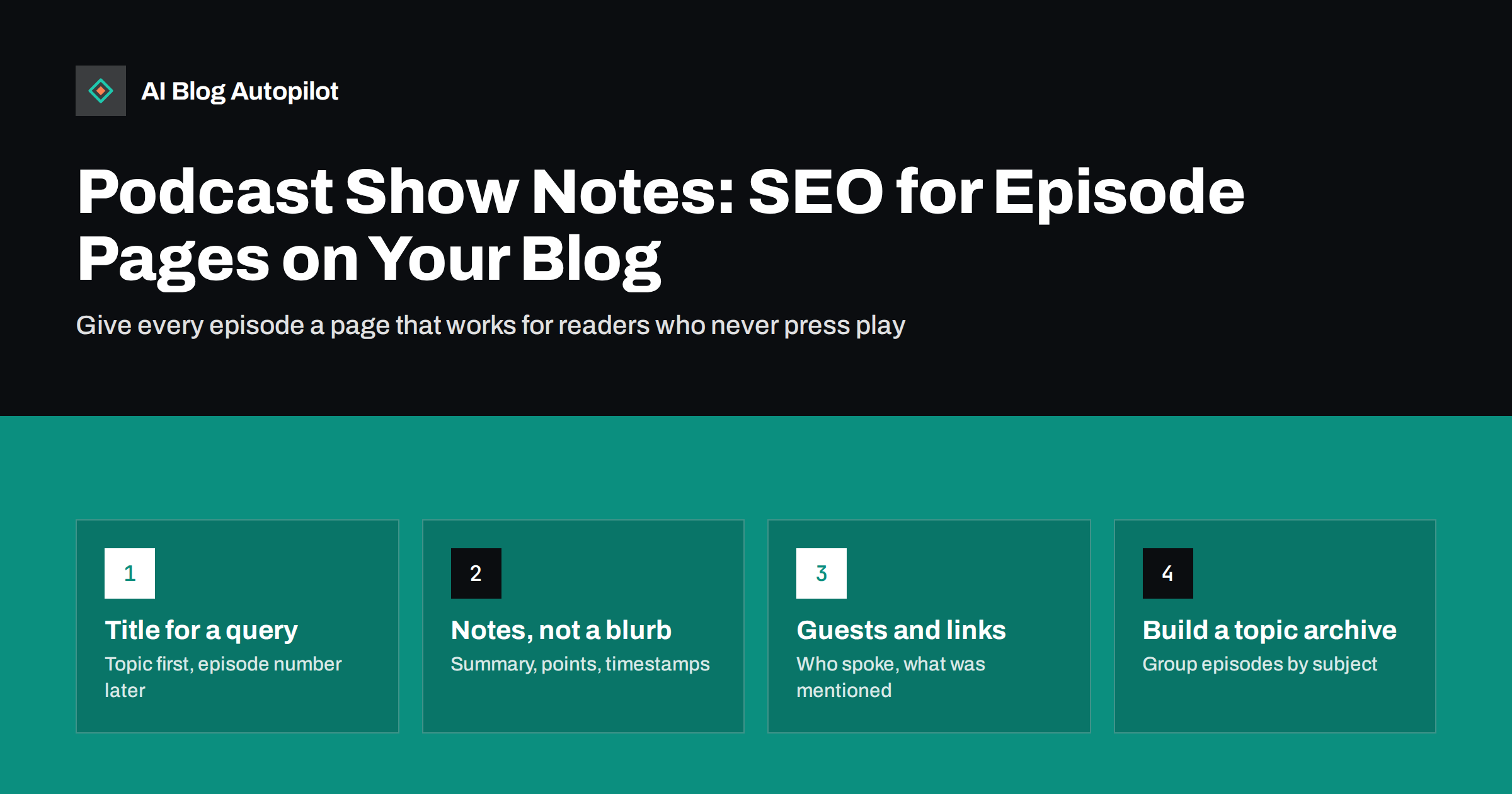
Short answer: a podcast episode is almost invisible to search unless it has a written page. Give each episode its own blog post with a descriptive title built around the topic, a short summary that answers the episode’s main question, the key points in text, timestamps, guest information, links to everything mentioned and, ideally, an edited transcript. Group episodes by topic so the archive works like a library rather than a list of numbers.
Many businesses and creators publish a podcast alongside their blog, then give each episode a page containing an audio player, the title “Episode 47” and a two-sentence blurb. The audio may be excellent, but the page gives search engines and readers almost nothing to work with.
Show notes are the fix. Written well, they turn each episode into a useful article in its own right, one that can be found in search, quoted, linked to and read by people who will never listen to the full recording.
Why episode pages need text
Search engines can do some work with audio, but most discovery still happens through text. A page with a player and little writing has three problems.
- Nothing to match. Searchers type questions. A page without text about those questions has little chance of appearing for them.
- Nothing to skim. Many visitors want to know whether an episode is worth an hour before pressing play. Without notes, they leave.
- Nothing to link to. Other sites link to specific ideas and resources. A text-light page gives them nothing specific to cite.
Podcast directories and apps have their own search, which relies on your feed’s titles and descriptions. Your own website is the place where each episode can become a full, searchable piece of content that you control.
Episode titles that work in search
Podcast titles are often written for existing subscribers: an episode number, a guest’s name, an inside joke. That is fine inside a podcast app, where people already know the show. On the web, a title needs to tell a stranger what the episode is about.
- Lead with the topic. “How to price a consulting service” is searchable. “Episode 47 with Anna” is not.
- Put the episode number and guest later. They are useful context, just not the first thing a searcher needs.
- Match how people ask. If the episode answers a common question, use the question’s natural wording.
- Keep the page title and podcast title aligned. They can differ slightly, but a listener who finds the page should recognise the episode.
A useful pattern is: topic, then a colon, then the guest or angle. For example, “Pricing a consulting service: lessons from ten years of proposals”. The episode number can live in the URL, the page body or a label rather than the start of the title.
What good show notes contain
Show notes range from a sentence to a full article. For search and for readers, the more useful end of that range looks like this.
- A summary that answers. Two to four sentences stating what the episode covers and its main conclusion or advice.
- Key points. A short list of the most important ideas, each written as a complete statement rather than a teaser.
- Timestamps. The main topics with the time they start, so listeners can jump to what interests them.
- Guest information. Who the guest is, why their view is worth hearing, and where to find them.
- Links to everything mentioned. Books, tools, articles, studies and previous episodes. This alone makes notes worth bookmarking.
- A transcript or long-form write-up. Either a lightly edited transcript or an article that expands on the conversation.
- Related episodes and articles. Links to other content on the same topic.
Not every episode needs every element, but the summary, key points and links should be standard. They take perhaps twenty to thirty minutes for someone who listened to the episode, and they transform the page.
Transcript or write-up?
Both have a place, and many shows use both.
- A transcript captures everything said, which helps accessibility and makes every detail searchable. Raw transcripts are hard to read, so edit out filler, fix names and terms, and add headings where topics change.
- A write-up reorganises the conversation into a structured article. Conversations wander; a write-up can present the ideas in a logical order with clear headings. It reads better and is often more useful for search, but it takes more effort.
A practical compromise for busy teams is detailed notes on every episode, plus a full write-up for the episodes on your most important topics. Those write-ups can become some of the strongest articles on your blog.
Page structure and markup
Treat each episode page as an article with an audio player, not as a player with a caption.
- One H1: the episode’s descriptive title.
- Summary and player near the top, so both readers and listeners find what they came for.
- Headings for each section: key points, timestamps, resources, transcript.
- Transcript in the HTML. If you collapse it behind a button for tidiness, make sure the text is present when the page loads rather than fetched on click.
- A featured image that represents the episode, with alt text, for link previews and listing pages.
Structured data can describe episodes more precisely. Schema.org defines a PodcastEpisode type with properties such as the episode number, the series it belongs to, the audio file and the date. It helps search engines understand the page, though it does not guarantee any particular display.
Building a topic archive
A long list of numbered episodes is hard to browse. Readers looking for a subject have to scroll through titles hoping to spot it. Organising by topic makes the archive far more useful.
- Use categories or tags for the main subjects your show covers, and assign each episode to the relevant ones.
- Create topic hub pages that introduce a subject and list the relevant episodes and articles, with a sentence on what each covers.
- Link between episodes. When an episode builds on an earlier one, link to it in the notes.
- Mix formats. Topic pages that include both podcast episodes and written articles show the full depth of what you have published on a subject.
Guest pages and cross-promotion
Guests are a natural source of reach. Well-prepared episode pages make it easy for them to share.
- Give guests a direct link to their episode page, not only to the podcast app.
- Include a proper bio and link to their site, so the page is something they are happy to point people to.
- If your show has had many guests, a page listing guests with links to their episodes can help people find specific conversations.
- Offer a short quote or key takeaway they can use when sharing.
Guests often link to episode pages from their own websites or press pages. Those are exactly the kind of natural, relevant links that help a site over time.
A workflow that fits a weekly show
Show notes fail most often because they are left until after the episode is published, when everyone has moved on. Building them into the production routine keeps them consistent.
- Plan the topic as a question. Before recording, write down the main question the episode will answer. It becomes the working title and the first line of the summary.
- Note links during recording. Whoever produces the episode keeps a running list of every tool, book or article mentioned, with rough timestamps.
- Generate and edit the transcript while the audio is being finalised, so both are ready together.
- Write the summary and key points last, once the edited content is fixed, so they reflect what actually made it into the episode.
- Publish the page with the episode, not days later, so listeners who look for it find it immediately.
With a template for the page, this routine adds well under an hour to each episode, and it compounds: after a year of weekly episodes, the blog has fifty substantial, well-linked pages.
Common mistakes on episode pages
- Titles made only of numbers and names. They are meaningless to searchers.
- Copying the podcast app description. A two-line teaser written for the feed is too thin for a web page.
- Raw, unedited transcripts. Walls of text full of filler words are hard to read and can contain misheard terms.
- Missing links. Mentioning a tool or book without linking to it wastes the most useful part of show notes.
- Player-only pages that load slowly. Heavy embedded players can delay the page. Check speed on mobile.
- No internal links. Episode pages that link nowhere leave both readers and crawlers at a dead end.
How AI Blog Autopilot fits in
AI Blog Autopilot writes SEO articles, publishes them to your WordPress blog and shares each one to your social networks. For a business with a podcast, it can cover the written side of your core topics steadily, while episode pages hold the conversations. The subjects your episodes explore can go in as topics and keywords, so written articles and episodes support each other and can be linked together. The writer is instructed never to invent quotes, so anything your guests said should come from your own notes or transcripts. You can see how it works on the AI Blog Autopilot home page.
Related reading
- Video Transcripts and AI Search: Making Video Readable
- Interviewing Experts for Your Articles
- Content Clusters and Pillar Pages, Explained Simply
- How to Write a Headline People Actually Click
The bottom line
An episode page with only a player and a title is nearly invisible to search. Give each episode a descriptive, topic-first title, a summary that answers, key points, timestamps, guest details and links to everything mentioned, with an edited transcript or write-up where you can. Organise episodes by topic and link them to related articles, and your podcast archive becomes a searchable library that keeps working long after each episode airs.
FAQ
Do podcast show notes help SEO?
Yes. Search engines rely mainly on text, so written show notes give an episode page something to rank for. A summary, key points, links and a transcript turn the page into useful content that can be found for the questions the episode answers.
How long should podcast show notes be?
Long enough to be useful on their own: a short summary, a list of key points, timestamps, guest details and links. Many shows add a full transcript or a write-up, which can make the page as long as a typical article.
Should I publish full podcast transcripts?
It is worth doing for accessibility and search, but edit them first. Remove filler words, correct names and technical terms, and add headings where the topic changes so the text is readable.
Should episode titles include the episode number?
The number is useful context but should not lead the title on your website. Start with the topic so searchers understand what the episode covers, and put the number later in the title or on the page.
Is there structured data for podcast episodes?
Yes. Schema.org includes a PodcastEpisode type with properties for the episode number, series, audio file and date. It helps search engines understand the page but does not guarantee any special display in results.


