 ENEnglish
 LTLietuviškai
 DEDeutsch
 FRFrançais
 RUРусский
 ESEspañol
 PLPolski
 ITItaliano
 UKУкраїнська
 CSČeština
 PTPortuguês
 JA日本語
JA日本語 LVLatviešu valoda
 ETEesti
 HUMagyar
 IDBahasa Indonesia
 TRTürkçe
 HIहिन्दी
 ELΕλληνικά
 ARالعربية
 THไทย
THไทย VITiếng Việt
 RORomână
 MSBahasa Melayu
 BNবাংলা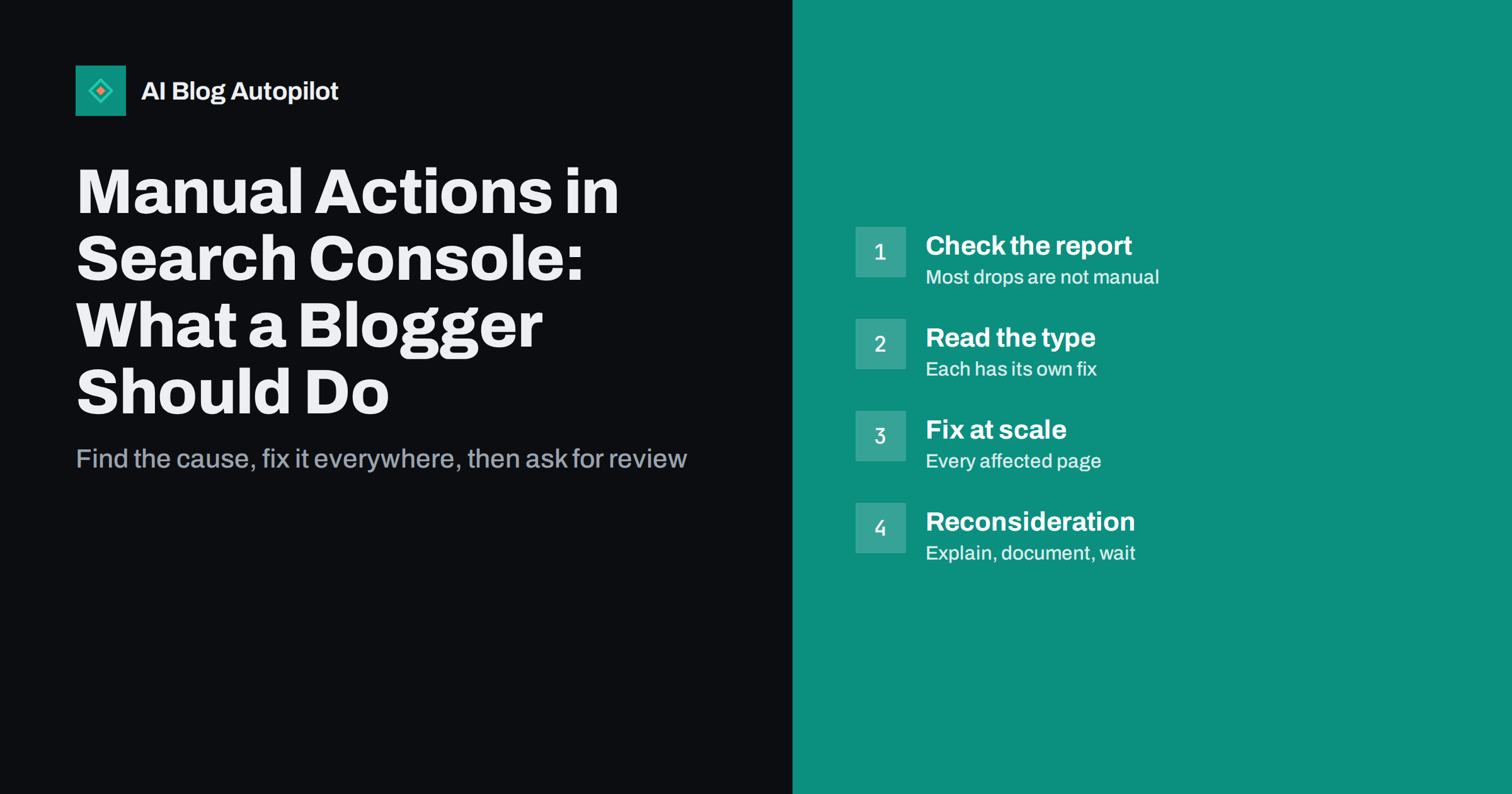
Short answer: a manual action is a penalty applied by a human reviewer at Google when part or all of a site breaks its spam policies. It is shown in the Manual actions report in Search Console, together with the type of problem and whether it affects the whole site or only some pages. To recover, fix the problem everywhere it occurs, document what you changed, and submit a reconsideration request. Most traffic drops are not manual actions, so check the report before assuming one.
The words “manual action” understandably cause alarm. They mean that someone at Google looked at your site and decided that some of it violates the rules for appearing in search. The good news is that manual actions are specific, documented and reversible. Unlike an unexplained ranking drop, you are told what the problem is and how to ask for a review. This guide explains how to read the report, what the common types mean for a blog and how to handle the reconsideration process properly.
What a manual action is, and what it is not
Google’s ranking is mostly automated. Algorithms decide what to show for each search, and algorithm updates change rankings for many sites at once without anyone looking at your pages individually. A manual action is different: a person reviewed the site and found a violation of Google’s spam policies.
Some consequences follow from that:
- A manual action always appears in Search Console, in the Manual actions report. Site owners are usually also notified by email and in the Search Console message centre.
- If the report says “No issues detected”, your traffic drop has another cause, such as an algorithm update, technical problems or changing demand.
- Actions can be site-wide or partial. A partial action affects only certain pages or sections, for example a forum with spam.
- The effect ranges from lower rankings for affected pages to removal from search results entirely, or loss of rich results in the case of structured data problems.
How to check the report
In Search Console, open the “Security & Manual Actions” section in the left-hand menu and choose “Manual actions”. You will see either “No issues detected” or one or more actions, each with:
- The type of issue.
- Whether it is site-wide or affects partial matches.
- A short explanation and a link to more information.
- Sometimes, example URLs.
Check the Security issues report on the same menu as well. Hacked content and malware are reported there, and on a WordPress blog a hack is a more common problem than a spam penalty. The guide on security basics for a blog covers prevention.
Common manual action types on blogs
The list of possible actions is long, but only a few types are likely on an ordinary business blog.
| Тип | What it usually means on a blog | Typical fix |
|---|---|---|
| Unnatural links to your site | Bought links or link schemes, often by a past agency | Remove links; disavow the rest |
| Unnatural links from your site | Selling links or paid posts without proper attributes | Remove or mark as sponsored or nofollow |
| Thin content with little or no added value | Scraped, spun or mass-produced pages | Improve, merge or remove the pages |
| User-generated spam | Spam comments, forum posts or profiles | Clean up, moderate, close open areas |
| Structured data issue | Markup that misrepresents the page | Correct or remove misleading markup |
| Hidden text or keyword stuffing | Text hidden from readers, repeated keywords | Remove hidden and stuffed text |
Other types exist for cloaking, sneaky redirects, pure spam and site reputation abuse, where third-party content is hosted mainly to exploit the host site’s ranking signals. The spam policies explain each one.
If you inherited the problem
Many site owners discover a manual action caused by something they did not do themselves: links bought by a previous agency, spam in an old forum a former colleague set up, or a site bought from someone else. The process is the same, but a few extra steps help:
- Ask previous agencies or owners for records of any link building, guest posting or paid placements.
- Look at the site’s history in public web archives to see what content and sections existed before.
- Mention in your reconsideration request that the site changed hands or suppliers, and what you did once you found out. Reviewers care most about whether the problem is fixed, but context helps them read your evidence.
Fixing the problem properly
A reconsideration request is only worth sending once the problem is genuinely fixed across the site. Reviewers look for thoroughness. A general approach:
- Read the action description carefully and follow the linked documentation for that type.
- Find every instance, not just the example URLs. Examples are illustrations, not the full list.
- Fix the cause, not only the symptom. If spam comments caused the action, delete them and also turn on moderation, spam filtering or close comments on old posts.
- Record what you did: which pages you changed or removed, which links you asked to be taken down, which settings you changed, with dates.
- Check again with fresh eyes a few days later, or ask someone who was not involved to look.
Resist the urge to send a request after fixing only the example URLs. A rejected request costs weeks, and each rejection makes the next review start from a sceptical position.
Specific advice for link-related actions
Link actions are the most common kind on sites that have worked with SEO agencies. For unnatural links to your site:
- Get a list of links from Search Console’s Links report and any backlink tools you use.
- Identify links that were paid for or built through schemes, such as private blog networks, paid guest posts or link exchanges.
- Contact site owners and ask for removal. Keep a record of each request.
- Disavow what you cannot remove, as explained in the guide to spammy backlinks and the disavow tool.
For unnatural links from your site, find sponsored posts, paid reviews and link placements you sold, and either remove the links or add rel="sponsored" or rel="nofollow". If you accept guest posts, review your policy so that it does not happen again.
Writing the reconsideration request
Once everything is fixed, click “Request review” in the Manual actions report. The request is read by a person, so write it as you would to a careful colleague:
- Explain the problem in your own words, showing that you understand what went wrong.
- Describe the fix in detail: what you removed, changed or disavowed, and how many pages or links were involved.
- Show evidence, such as a link to a shared document listing removal requests and outcomes.
- Explain prevention: what you changed in your processes so it does not happen again.
- Keep it factual. Blaming others or arguing with the policy does not help; being honest about what happened does.
You will receive a response by email and in Search Console. Reviews can take from several days to a few weeks, and link-related reviews often take longer. If the request is rejected, the response usually indicates that problems remain. Fix them and try again.
After the action is lifted, and preventing the next one
Lifting a manual action removes the penalty, but it does not return rankings to an imagined higher level. If some of your earlier visibility depended on the links or pages that caused the action, that support is gone. Expect a partial recovery over time as the site is recrawled, and focus on building value in ways that cannot cause the same problem again.
It is also a good moment for a wider review. The guide on auditing a blog helps you find other weak pages, outdated content and technical issues before they become problems of their own.
Habits that prevent manual actions
Most manual actions on small sites trace back to a handful of practices. Avoiding them is straightforward:
- Never buy links or sell them without proper link attributes.
- Moderate comments and any area where visitors can post.
- Keep structured data consistent with what readers see.
- Avoid publishing large numbers of pages that add nothing new.
- Ask any agency or freelancer exactly how they build links, and get the answer in writing.
- Check the Manual actions and Security issues reports once a month, and make sure Search Console emails reach someone who reads them.
How AI Blog Autopilot fits in
AI Blog Autopilot does not build or buy links and does not add hidden text or bulk pages. It writes long-form articles planned around real search queries, instructs the writer never to invent statistics, quotes or sources, keeps a steady publishing pace per site and runs an automatic quality check before anything goes live. Manual actions and reconsideration requests stay in Search Console, under your control. See how Autopilot works.
Related reading
- What to Do When Your Blog Traffic Drops
- Google Search Console: The Five Reports That Matter
- Algorithm Updates: What They Mean for Your Content
The bottom line
A manual action is specific and fixable. Confirm it in the Manual actions report, understand the type, fix every instance at its cause, document the work and send an honest reconsideration request. If the report is empty, your traffic problem lies elsewhere, and your time is better spent finding it.
FAQ
How do I know if my site has a manual action?
Open the Manual actions report under Security and Manual Actions in Search Console. If it says no issues detected, there is no manual action. Google usually also sends an email and a Search Console message when an action is applied.
Is every traffic drop caused by a manual action?
No. Most drops come from algorithm updates, technical problems, seasonal demand or competition. Manual actions are relatively rare and are always shown in the report.
How long does a reconsideration request take?
Typically from several days to a few weeks, and link-related requests often take longer. You receive the result by email and in Search Console. Sending multiple requests does not speed it up.
Will my rankings return after a manual action is lifted?
The penalty is removed, but rankings that depended on the removed links or pages will not come back. Recovery is gradual as the site is recrawled, and future growth depends on the quality of what remains.
Can a manual action affect only part of my blog?
Yes. The report states whether an action is site-wide or affects partial matches, such as a forum section, a set of pages or specific markup. Partial actions affect only those areas.
Should I delete my site and start again after a manual action?
Usually not. Manual actions can be resolved by fixing the problem and requesting review. Starting over loses your existing content and reputation, and the same practices would cause the same problem on a new site.


