ENEnglish
 LTLietuviškai
 DEDeutsch
 FRFrançais
 RUРусский
 ESEspañol
 PLPolski
 ITItaliano
 UKУкраїнська
 CSČeština
 PTPortuguês
 JA日本語
 LVLatviešu valoda
 ETEesti
 HUMagyar
 IDBahasa Indonesia
 TRTürkçe
 HIहिन्दी
 ELΕλληνικά
 ARالعربية
 THไทย
 VITiếng Việt
 RORomână
 MSBahasa Melayu
 BNবাংলা
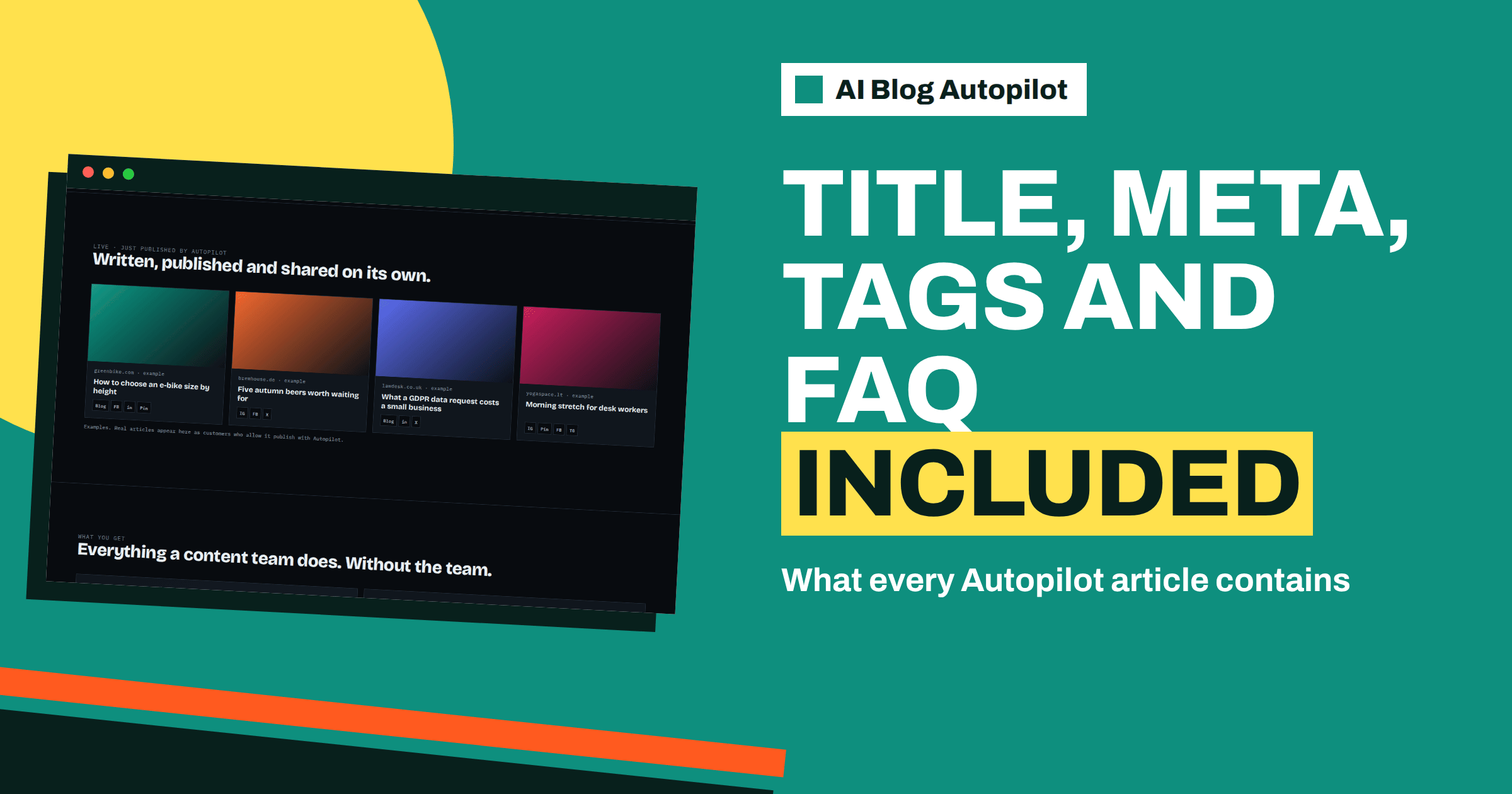
Short answer: according to the AI Blog Autopilot home page, each article is a 2,000 to 3,000 word piece planned around a real search query, with an FAQ, tags and SEO meta, and titles and descriptions done for you. An automatic quality check looks at length, structure, keyword and meta. Knowing what each part does helps you review articles quickly and spot what needs your attention.
When people see an automatically written article for the first time, they often read the body and ignore the rest. Yet the parts around the body matter a great deal: the title decides whether anyone clicks, the description shapes how the page appears in search results, the tags help organise the blog and the FAQ catches the follow-up questions that readers have. A review that looks only at the middle misses half the work.
This guide goes through each element of an article as the product describes it, explains what it is for and gives a short check for each. It does not describe the internal workings of the product beyond what its pages state, so look at a real article in your account to see how each part appears.
The search query behind the article
The home page says articles are planned around a real search query, and that the length, 3,000 words at most, is the length that actually ranks. A search query is the phrase a person types into a search engine. Planning around it means that the article has a clear purpose: to answer that question better than the pages already out there.
The query comes from the topics you set, which have weight, keywords, audience and tone. The keywords you give guide the choice of phrases, and the audience guides the way the answer is pitched. On Pro and Agency, the Search Console topic import can supply queries from your own site’s data.
When you review an article, ask what question it answers and whether it does so clearly in the first paragraph. A reader should know within seconds that they are in the right place. The article on keyword placement explains where the main phrase belongs.
The title
The home page says titles are done for you. A good title does three jobs: it tells readers what the article is about, it contains the main phrase in a natural way and it is short enough to show in full in search results. Titles that are too long are cut off, and titles that are vague attract no one.
Check the title against the content. Does it promise something the article delivers? Is it specific, or does it use vague words? Does it match your brand’s tone? If your titles often need changing, review the audience and tone settings in the brief, since they influence how titles are written. The article on writing a headline people click offers principles if you need them.
Consider consistency across your blog. A blog whose titles follow a pattern is easier to scan. If you prefer questions, or plain statements, or a certain length, say so in the brief.
The description
The home page says descriptions are done for you as part of the SEO meta. The description is the short text that can appear under the title in search results, and in some previews when a link is shared. It does not directly determine ranking, but a clear, accurate description can make the difference between a click and a scroll.
Check that it summarises the article honestly, mentions the main subject and fits within the length that search engines typically show. It should not repeat the title word for word, and it should not make promises the article does not keep. The article on meta titles and descriptions explains what to write and what to automate.
If you use an SEO plugin on your WordPress site, look at how it shows the description for a new article. Make sure that the data arrives in the place the plugin expects, and compare the preview with what you want readers to see.
The body: structure and length
The body is where the 2,000 to 3,000 words live. The home page says the quality check looks at length and structure. A well-structured article has a clear opening, headings that make sense on their own and sections that follow a logical order. Readers scan before they read, so the headings should tell the story.
Read the headings as a list. Do they cover the question from start to finish? Are any repeated or empty? Is there a good balance, or does one section dominate? If an article feels shapeless, it may point to a topic that was too broad. Narrowing the topic in the brief often helps more than editing the article.
Check the facts in the body against your fact sheet. The home page says the writer is instructed never to make up statistics, quotes or sources, but statements about your business still need a human check. The article on how to edit an AI draft describes the passes that matter.
The FAQ
The home page lists an FAQ as part of each article. An FAQ collects the short questions that readers are likely to have after reading, and answers them briefly. It helps readers who skim, and it gives search engines and AI assistants short, direct answers to quote.
Review the FAQ with extra care, because it is where specifics, such as prices, deadlines and conditions, tend to appear. Each answer must be true for your business, and should not contradict the article or your other pages. Remove any question that you would not want to answer in public.
Check that the questions are real. Good FAQ questions come from what customers ask, not from keywords. If the FAQs repeat the same ideas as the body, consider whether the article needed them. The article on a separate FAQ page or FAQs in every article explains how the two forms differ.
Теги
The home page says tags are done for you. Tags group related articles, help readers find more on a subject and give your blog a structure. Too many tags, or tags that mean almost the same thing, create clutter and thin pages. A few well-chosen tags that match the main subjects of your blog work better.
Look at the tags on a new article and ask whether they fit your existing scheme. If your blog already has a set of tags, check that the new article uses them, rather than inventing near-duplicates. If you prefer a fixed list, mention it in the brief. The product’s own site shows a tags page, so you can see how tags can be presented.
Think about how tags appear on your site. Some themes show them at the end of the article, others in a sidebar. Check that they appear in a way that helps readers.
SEO meta beyond the description
SEO meta includes the title tag and the description, and often other elements such as social sharing information. The product does the setting-up for you, but you should check the result on your site, for a sample article, using the page source or your SEO plugin. Make sure there is one title, one description and no obvious duplicates.
Check that the page has a sensible address, a clear main heading and an image if your theme uses one. Check how the link looks when shared on a social network, since the networks page says each network gets its own text and the preview image and title come from your page.
Review these details on the first few articles, and then occasionally. If the theme or plugin changes, the setup can change with it, so a periodic look keeps you safe.
The quality gate and a two-minute review
The home page says length, structure, keyword and meta are checked automatically before anything goes live, and weak articles wait for you instead. In practice, that means the article you see has passed a basic test for each part described above. It does not mean that every statement is true, or that the tone suits you, which remain your responsibility.
If an article is waiting, see why. It may be too short, badly structured or missing something. Decide whether to approve it, ask for improvement through the brief, or leave it out. The article on the quality gate explains what the check covers.
When time is short, use a quick review: read the title and description, scan the headings, read the first paragraph, open the FAQ and look at the tags. If all five look right, read a middle section for facts. This takes two minutes and finds most serious problems.
Then, on a regular schedule, do a longer review of a sample with the fact sheet, as described in the guide on quality control at volume. Combine both for a routine that is quick and reliable.
It also helps to compare two articles side by side. Open a recent article and one from a month ago, and look at the same five things in each: title, description, headings, FAQ and tags. Differences can show you whether the brief is working, whether a change in settings had an effect and whether the style is drifting. Small shifts are easy to catch when you compare, and hard to notice when you read one article at a time.
Finally, keep a short list of the corrections you make most often. If you change the same type of thing in several titles or FAQ answers, that is not a task to repeat forever but a rule to add to the brief. Over a few months, the list gets shorter, and your review gets faster.
How AI Blog Autopilot helps
The product delivers the whole package, from the title to the FAQ, and checks it before publishing, so your review can focus on what only you know. See AI Blog Autopilot and try the three free articles, then compare plans on the pricing page.
Related reading
- Meta Titles and Descriptions: What to Write and What to Automate
- The Quality Gate in AI Blog Autopilot
- How to Edit an AI Draft
The bottom line
Review every part of an article, not just the body: the query it answers, the title, the description, the headings, the FAQ and the tags, and let the quality gate handle the basics.
FAQ
What does an article include?
The home page says full articles of 2,000 to 3,000 words with an FAQ, tags and SEO meta, with titles and descriptions done for you.
What does the quality check cover?
The home page says length, structure, keyword and meta, and that weak articles wait for you instead of going live.
Are articles based on a search query?
Yes. The home page says they are planned around a real search query.
Can I change the tone of the titles?
Describe the audience and tone in your topic settings, since they influence how the article is written.
Who checks the facts?
The writer is instructed not to invent statistics, quotes or sources, but you should check statements about your own business.