ENEnglish
 LTLietuviškai
 DEDeutsch
 FRFrançais
 RUРусский
 ESEspañol
 PLPolski
 ITItaliano
 UKУкраїнська
 CSČeština
 PTPortuguês
 JA日本語
 LVLatviešu valoda
 ETEesti
 HUMagyar
 IDBahasa Indonesia
 TRTürkçe
 HIहिन्दी
 ELΕλληνικά
 ARالعربية
 THไทย
 VITiếng Việt
 RORomână
 MSBahasa Melayu
 BNবাংলা
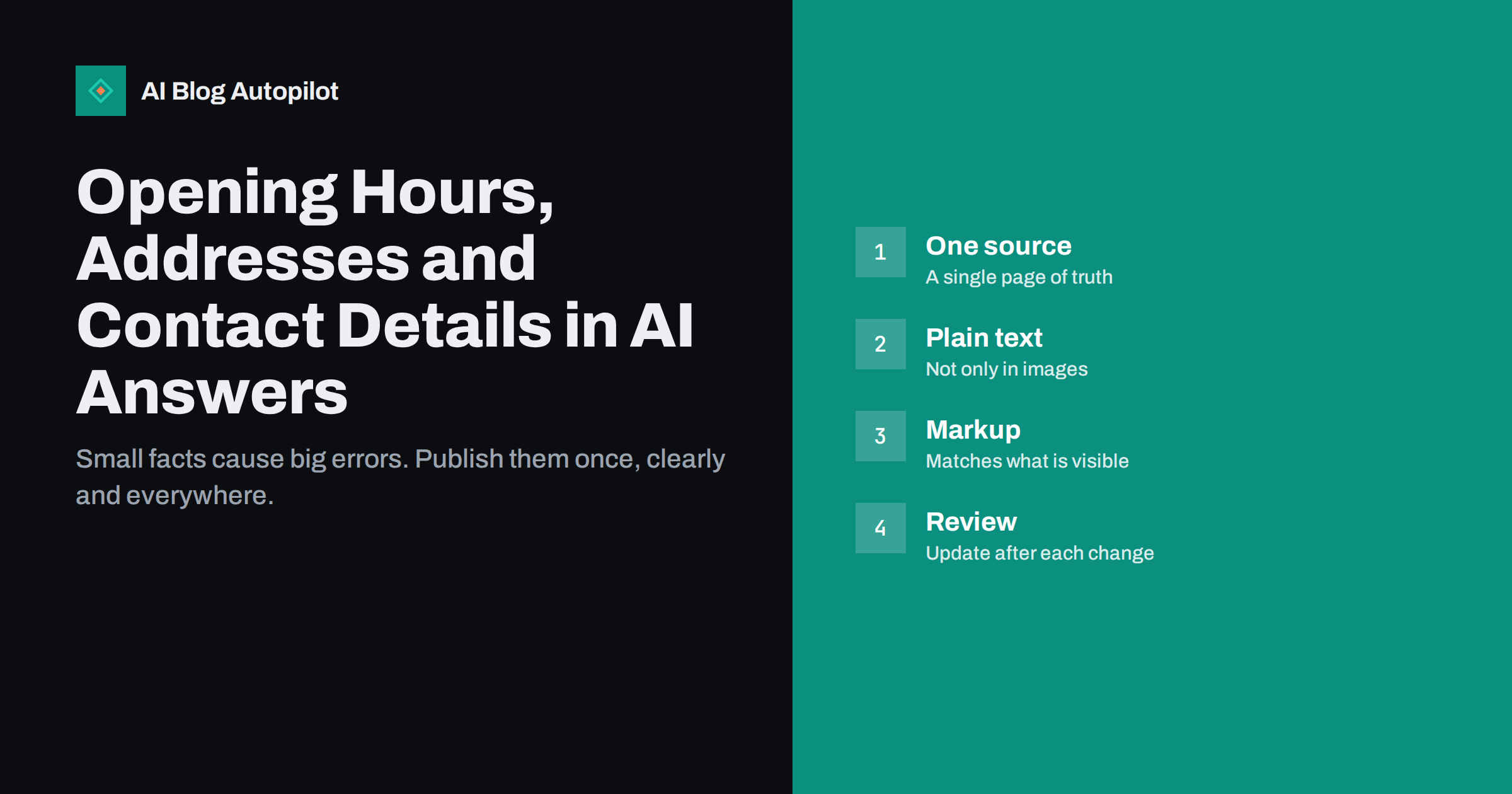
Short answer: to make AI answers report your opening hours, address and contact details correctly, publish them as plain text on one clear page, keep every profile and listing in step with that page, add structured data that matches what visitors see and update everything on the day anything changes. Errors usually come from conflicting sources, not from a single bad page, so the main work is consistency.
Few mistakes annoy a customer more than a wrong closing time or an old address. When an assistant tells someone that your shop is open on a day when it is closed, or gives a phone number that no longer works, the customer blames you. This article explains where these answers come from, how to make your details easy to read for people and machines and how to stop old facts from lingering.
The advice is written for a business with a physical place or a phone line, but it also applies to online firms that publish support hours, a postal address for legal reasons or a contact form.
Think about how a customer asks. Questions such as “is the shop open now”, “how do I get there” and “can I call on Sunday” are tied to time and place, and an assistant needs current, specific data to answer them. A site that answers these questions plainly gives the tool less room to guess, which is exactly what you want.
Where AI answers get these facts
Assistants gather facts from many places. They may use your own website, business listings, map services, social profiles, review sites, directories and news pages. When these sources agree, the answer is usually right. When they disagree, the assistant may pick one, mix them or choose the one that is easiest to read.
Old data is a common cause. A directory that you filled in years ago, a social page that nobody has touched or a press article from the time of an earlier address may still be read. Some tools keep older copies of pages, so a fact you changed last week may still be quoted from a saved version.
It follows that the fix is not a trick. You need a source that is clear and current, and you need to reduce the number of places that carry wrong data. The article on conflicting facts across your pages describes the same problem inside a single site.
Add a few extras that customers often need: parking, public transport, accessibility of the entrance, languages spoken and the way to reach a person outside opening hours. These details are rarely given by directories, so your own page is the best place for them, and assistants that need them have no better source to quote.
Publish the facts in plain text on one page
Choose one page as the reference, such as a contact page or a page for each location. Put the name of the business, the full address, the phone number, the email address, the opening hours and any special notes in plain text, in the main body of the page. Text inside an image or a map cannot be read reliably, so repeat it in words.
Write hours in a clear pattern. Use one line per day or per group of days, with a consistent time format, and say what happens on public holidays. Avoid vague phrases such as “usual hours”. If hours vary by season, state the dates of each period.
Keep the page simple and fast to load. It is one of the most visited pages on many sites, and both readers and crawlers should reach it quickly. The guide to contact, privacy and terms pages explains why this page also builds trust.
Use structured data that matches the page
Structured data lets you describe the same facts in a form that machines read easily. For a local business, the markup can include the name, the address, the telephone number, the opening hours and the geographic location. The rule is simple: the markup must match what a visitor sees on the page.
Do not describe in markup what you do not say in text. If the markup says that you open at eight but the page says nine, you have created a conflict. If you change the hours, change both together, and test the markup with a validation tool, as in structured data beyond FAQ.
Markup is not a guarantee. Assistants may use it, ignore it or give it less weight than other sources. Treat it as one helpful piece of a larger effort, and make sure that the visible page is correct first.
Do not forget your email signature, invoices, leaflets and delivery notes. Old printed details can send customers to the wrong place, and photographs of old signs and menus can also surface in search. When the details change, replace the printed items too, and ask partners who display your information to update theirs.
Keep listings and profiles in step
List every place where your details appear: your map listing, your social profiles, business directories, review sites, payment or delivery platforms, supplier pages and any partner sites that show your hours. For each, record the login, the date of the last check and who is responsible.
Use the same wording everywhere. The name should be written in one form, with the same spelling and legal ending. The address should follow one pattern, and the phone number one format. Small differences, such as “Street” in one place and “St.” in another, are usually harmless, but a different number or a different floor is not.
The profile on a map service is often the one that people see first, so keep it especially tidy, as described in Google Business Profile updates. Social pages should carry the same details, in line with the advice on consistent social profiles.
Make the habit part of normal work. Add “update the contact details” to the checklist for a move, a new phone system, a change of owner or a new opening pattern, next to tasks such as ordering stationery. If one person owns the checklist, the update rarely gets forgotten, and the cost is a few minutes.
Handle changes and special days
Changes are the moment when errors appear. When you move, change a number or alter your hours, make a list of places to update, and work through it the same day. Put the change on your own page first, since it is your reference, then update profiles, directories and any printed material.
Plan for holidays and closures. Add the special hours to your page and your listings several days in advance, and remove them afterwards. A temporary closure, such as a refurbishment or a holiday, deserves a short note on the page, with the dates of closing and reopening.
If you publish news of a change, such as a move to a new address, make it a short, clear article with the date. It gives assistants and people a dated source that explains the change, and it helps to retire the old facts. The advice in expired content on blogs covers what to do with old announcements.
Check what AI assistants say about you
Every month or two, ask a few assistants questions that a customer might ask, such as when you open, where you are and how to contact you. Write down the answers, with the date and the tool. If an answer is wrong, find the source that holds the wrong fact, which is often a listing or an old page, and correct it there.
Do not expect an instant change. Systems refresh at different speeds, and some keep old information for weeks. After you correct the source, check again after a few weeks. If a wrong answer remains, report it through the feedback option of the tool, if it has one, and give a link to your reference page.
The method in checking whether AI assistants mention your blog and the guide on what to do when AI answers get your business wrong give more detail on the routine.
If you run a seasonal business, make the season clear on the main page and not only on a news item. A line at the top such as “open from April to October” prevents wrong answers in winter, when an assistant might otherwise find summer hours and report them as current.
Special cases
If you have several locations, give each one its own page with its own address, hours and contact details, and avoid putting all of them in a single block. This helps both people and machines to match a place with its facts. The article on location pages for several branches shows how to build them.
If you work online only, say so, and give the hours when support is available and the time zone. A physical address that is only a registered office should be labelled as such, to prevent customers from visiting a place where there is no shop.
For services that are offered by appointment, state this clearly, and show how to book. A line such as “by appointment only” saves wasted trips, and it gives assistants a fact that they can repeat correctly.
How AI Blog Autopilot helps
AI Blog Autopilot writes articles for your WordPress blog from the topics, keywords, audience and tone you set, and you can use it to publish regular posts, such as a notice of a move or a seasonal change, that give a dated source for new facts. Check each fact against your own reference page before approval mode lets an article go out. See the pricing page for plans.
Related reading
- How a Local Business Gets Mentioned in AI Answers
- Conflicting Facts Across Your Pages: Why AI Answers Get Confused
- When AI Answers Get Your Business Wrong: What to Do
The bottom line
Publish your details once, in plain text, mirror them in matching markup and keep every listing identical. Update all of it on the day of any change, and check what assistants say every month or two.
FAQ
Why do AI assistants give my old address?
They may draw on old listings, directories or saved copies of pages. Correct the source that holds the old address and keep one reference page.
Should I put opening hours in an image?
No. Images cannot be read reliably by crawlers or assistants, so write the hours as plain text as well.
Does structured data guarantee correct answers?
No. It helps, but only when it matches the visible page, and assistants may still rely on other sources.
How often should I check my details?
Review all listings every quarter, and update them on the day of any change. Ask assistants about your business every month or two.
What if I have several locations?
Give each location its own page with its own address, hours and contact details.