 ENEnglish
 LTLietuviškai
 DEDeutsch
 FRFrançais
 RUРусский
 ESEspañol
 PLPolski
 ITItaliano
 UKУкраїнська
 CSČeština
 PTPortuguês
 JA日本語
JA日本語 LVLatviešu valoda
 ETEesti
 HUMagyar
 IDBahasa Indonesia
 TRTürkçe
 HIहिन्दी
 ELΕλληνικά
 ARالعربية
 THไทย
THไทย VITiếng Việt
 RORomână
 MSBahasa Melayu
 BNবাংলা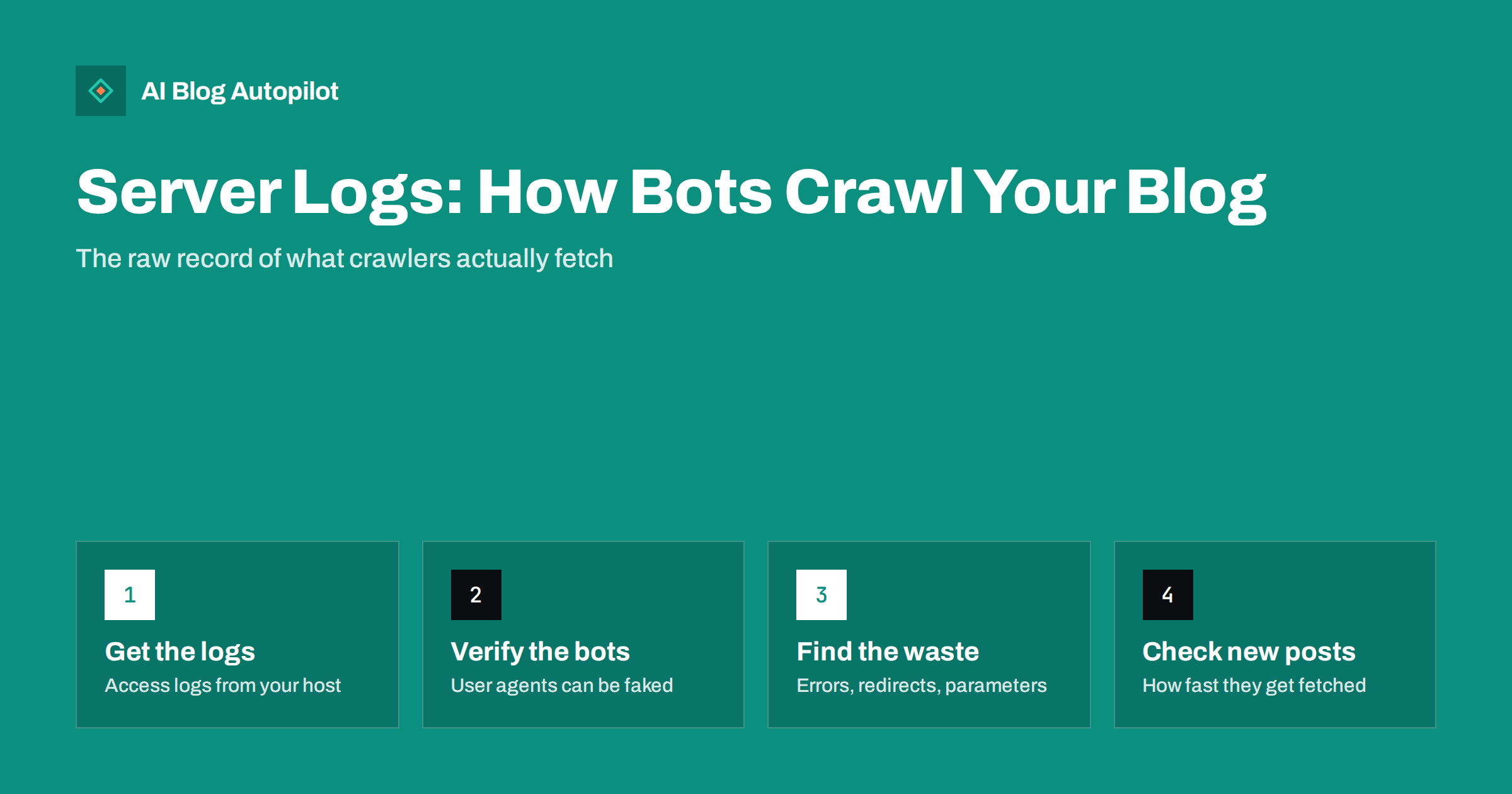
Short answer: server log analysis means reading your web server’s access logs to see exactly which URLs search engine and AI crawlers requested, when, and what status code they received. For a blog it answers questions other tools only estimate: are new posts being fetched, are crawlers wasting requests on redirects, errors or parameter URLs, and which bots visit at all. You need the raw access logs from your host, a way to filter them by user agent, and a check that the bots are genuine, because user agents are easy to fake.
Most SEO tools show what search engines report about your site: impressions, indexing status, crawl summaries. Server logs are different. They are the server’s own record of every request it received, including every request made by crawlers. Nothing is sampled or estimated.
For large sites, log analysis is a standard technical SEO practice. For a small blog, it is optional, but it can settle questions that otherwise remain guesses, especially when posts are slow to be indexed or a migration seems to have gone wrong. This guide explains what logs contain, how to get and read them and which patterns matter.
What an access log contains
Every time a browser or bot requests a file from your server, the server can write a line to its access log. A typical line in the common “combined” format includes:
- IP address of the client that made the request.
- Timestamp of the request.
- Request line: the method (usually GET) and the URL path requested, including any parameters.
- Status code returned, such as 200, 301, 404 or 500.
- Response size in bytes.
- Referrer, where the request came from, if provided.
- User agent, the string the client uses to identify itself, such as a browser name or a crawler name.
Some servers can also log the response time, which is useful for spotting slow pages. The exact format depends on your server software and configuration.
Getting your logs
How you access logs depends on your hosting:
- Shared hosting control panels often offer raw access logs for download, sometimes only for recent days. Check whether log archiving is available and switch it on.
- Managed WordPress hosts vary. Some provide access logs in the dashboard or via SFTP; others only on request or not at all.
- A VPS or dedicated server gives you full access. Logs are typically in the web server’s log directory and rotated daily or weekly.
- A CDN or proxy in front of your site may serve many requests itself. In that case the origin server logs are incomplete, and you may need the CDN’s own logs.
Collect at least two to four weeks of logs for a meaningful picture of crawling on a small site. Logs can contain personal data such as IP addresses, so store and handle them in line with your privacy obligations and delete them when no longer needed.
Filtering for crawlers and verifying them
Most lines in your logs come from human visitors and assorted automated traffic. For SEO, you want the requests from search engine crawlers and, increasingly, from AI crawlers.
The first step is filtering by user agent. Search engine crawlers identify themselves with names such as Googlebot and Bingbot, and AI companies publish the names of their crawlers too. But anyone can put “Googlebot” in a user agent string, and many scrapers do. So the second step is verification.
Google explains how to verify Googlebot: either by a reverse DNS lookup of the IP address, confirming it belongs to Google’s domains and resolves back to the same IP, or by checking the IP against the ranges Google publishes. Other major search engines offer similar methods. Requests claiming to be a search crawler from unverified IPs should be excluded from your analysis.
The questions logs can answer
Are my new posts being crawled?
Find the URL of a recent post and look for the first crawler request after publication. If it is fetched within hours or a day or two, discovery is working. If days pass without a request, the post may lack internal links or be missing from the sitemap.
Where is crawling going?
Group crawler requests by URL type: articles, category and tag pages, pagination, feeds, images, scripts, parameter URLs. If a large share goes to parameter variations, archives or feeds rather than articles, you have crawl waste worth reducing.
What status codes do crawlers get?
Count crawler requests by status code. Many 301s mean internal links or sitemaps point at old URLs. Many 404s mean broken links or a sitemap listing deleted pages. Any 5xx server errors are urgent, because they make crawlers slow down.
How fast does the server respond to bots?
If your logs include response times, look at them for crawler requests. Slow responses for certain templates or times of day can explain reduced crawling.
Which important pages are rarely crawled?
Compare the list of URLs you care about with those crawlers requested. Key articles that are hardly ever fetched may be buried too deep in the site structure.
Which AI crawlers visit?
Logs show which AI-related crawlers fetch your content and how often, which helps you decide what to allow or block in robots.txt and check whether your rules are being respected.
Tools for small sites
You do not need enterprise software for a blog. Options range from simple to more capable:
- Command-line tools. On a server, basic text tools can filter lines containing a crawler name, count status codes and list the most requested URLs. This is quick if you are comfortable with a terminal.
- Spreadsheets. For small log files, import them into a spreadsheet, split the fields into columns and use filters and pivot tables.
- Log analyser tools. Several SEO crawlers include a log file analyser that imports logs, verifies bots and produces charts of crawl activity by URL and status.
- Hosting and CDN dashboards. Some providers show bot traffic summaries, which can be enough for a first look.
Whatever you use, keep the analysis focused on a few questions. Log files are large and it is easy to produce charts that do not lead to any decision.
Common problems logs reveal on blogs
- Sitemaps listing old URLs, so crawlers keep fetching redirects or 404s.
- Internal links to redirected URLs, often in menus or old articles after a slug change.
- Parameter duplicates such as reply-to-comment links, sorting options or tracking parameters in internal links.
- Heavy crawling of feeds and archives that add little value compared with articles.
- Blocked resources: robots.txt rules that stop crawlers fetching CSS or JavaScript needed to render pages.
- Server errors at busy times, for example during backups or traffic peaks, which cause crawlers to back off.
- Fake bots generating large volumes of requests that slow the server for everyone.
Each of these has a simple fix once you know it exists: update the sitemap, change internal links, add canonical tags or remove parameters, adjust robots.txt, reschedule heavy tasks or block abusive clients.
A simple first analysis, step by step
If you have never looked at logs before, this short routine gives a useful first picture in an hour or two:
- Download two to four weeks of access logs and combine them into one file or one spreadsheet.
- Filter to lines whose user agent mentions the main search crawler you care about, then remove any from IPs that fail verification.
- Count requests by status code. Note the share of 200, 301, 404 and 5xx responses.
- List the 50 most requested URLs. Are they your important articles and category pages, or feeds, parameters and old redirects?
- Pick five recent posts and find the date and time of the first crawler request for each, compared with the publication time.
- Pick five important older posts and count how often they were fetched in the period.
- Write down three findings and one action for each. For example: “12 percent of crawler requests hit redirects from old category URLs; update menu links and sitemap.”
Repeat the same routine after you make changes, or after any major event such as a redesign or a hosting move, and compare the numbers.
Logs versus Search Console crawl stats
Search Console’s Crawl stats report summarises Google’s crawling of your site: request counts, response codes, file types and response times. It is easier to use and enough for most small blogs. Logs add detail: every individual URL, every crawler including other search engines and AI bots, and exact timing. A sensible approach is to start with Crawl stats and turn to logs when you need to answer a question the report cannot, such as whether a specific new post was fetched or which URLs account for most redirects.
How AI Blog Autopilot fits in
AI Blog Autopilot publishes articles to your WordPress site, where they appear in your normal sitemap and listings. After a publishing day, the logs are a direct way to confirm that crawlers fetch the new URLs promptly. The articles themselves come with titles, meta, tags and FAQ in place, so what you check in the logs is purely the technical side: discovery, status codes and server responses. See how AI Blog Autopilot works.
Related reading
- Crawl Budget: Does It Matter for a Small Blog?
- AI Crawlers, robots.txt and llms.txt: What Site Owners Should Know
- Soft 404 Errors: What They Are and How to Fix Them
- Google Search Console: The Five Reports That Matter
The bottom line
Server logs are the most direct evidence of how crawlers treat your blog. Get two to four weeks of access logs, filter for crawler user agents, verify the bots are genuine and then answer a few focused questions: are new posts fetched quickly, where does crawling go, which status codes do bots receive and is the server responding well. Fix what you find, and use Search Console’s crawl stats for routine monitoring in between.
FAQ
Do small blogs need server log analysis?
Not routinely. Search Console’s crawl stats are enough for most small sites. Logs become useful when you need exact answers, such as after a migration, when new posts are slow to be indexed or when you suspect crawl waste.
How do I know a Googlebot request is genuine?
Verify the IP address with a reverse DNS lookup that resolves to Google’s domains and back to the same IP, or check it against the IP ranges Google publishes. User agent strings alone can be faked.
Where can I find my server logs?
Usually in your hosting control panel, via SFTP in a logs directory, or on request from your host. If a CDN serves your site, some requests may only appear in the CDN’s logs.
How much log data do I need?
For a small blog, two to four weeks of logs usually give a representative picture of crawling. Longer periods help when comparing before and after a change such as a migration.
Can logs show whether AI crawlers visit my site?
Yes. AI crawlers generally identify themselves with published user agent names, so you can see which ones fetch your pages and how often. Verify them where the operator publishes IP ranges.


