 ENEnglish
 LTLietuviškai
 DEDeutsch
 FRFrançais
 RUРусский
 ESEspañol
 PLPolski
 ITItaliano
 UKУкраїнська
 CSČeština
 PTPortuguês
 JA日本語
JA日本語 LVLatviešu valoda
 ETEesti
 HUMagyar
 IDBahasa Indonesia
 TRTürkçe
 HIहिन्दी
 ELΕλληνικά
 ARالعربية
 THไทย
THไทย VITiếng Việt
 RORomână
 MSBahasa Melayu
 BNবাংলা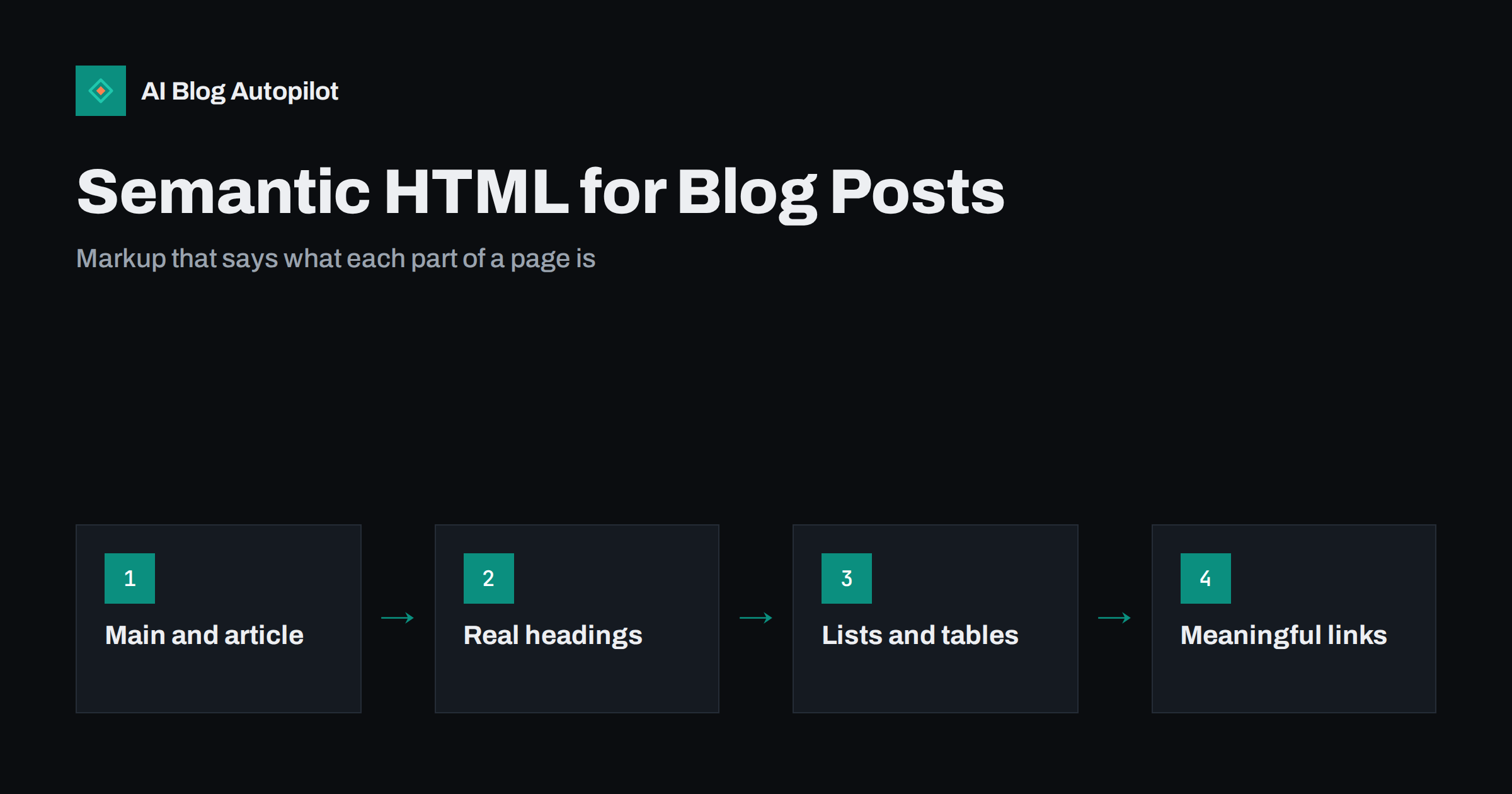
Short answer: semantic HTML means using HTML elements for what they mean rather than how they look: a heading element for a heading, a list element for a list, main and article for the main content, nav for navigation. For a blog, it helps search engines and AI systems identify the actual article text and its structure, makes the post usable with screen readers and keeps the page easier to maintain. Most of the benefit comes from a few basics: one H1, logical H2 and H3 headings, real lists and tables, and a clearly marked main content area.
When you look at a blog post in the browser, you see a title, a menu, the article, a sidebar and a footer. A search engine crawler, a screen reader or an AI system extracting passages does not see the page that way. It reads the underlying HTML and relies on the markup to understand which part is the article, where each section starts and what is navigation or decoration.
Semantic HTML is simply writing that markup honestly. It is not a ranking trick, but it removes ambiguity, and ambiguity is where machines make mistakes. This guide covers the elements that matter most on a blog, what search engines do with them and how to check your own templates.
What “semantic” means in HTML
HTML elements carry meaning. An h2 element says “this is a section heading”. A ul element says “these items form a list”. A nav element says “this block is navigation”. Browsers, assistive technologies and crawlers use that meaning. MDN’s glossary entry on semantics gives a concise explanation.
Non-semantic markup uses generic containers, typically div and span, and relies on CSS to make them look like headings or lists. The page may look identical, but the meaning is lost. A div styled in large bold text is, to a machine, just more text.
Modern page builders and themes vary a great deal here. Some produce clean semantic HTML; others wrap everything in layers of generic containers. The content you write in the WordPress block editor is usually semantic by default, because headings, lists, quotes and tables are real blocks with real elements. The theme around it is where problems more often appear.
Page landmarks: header, nav, main, article, aside, footer
Landmark elements divide the page into regions with clear roles:
- header: the site header with logo and top navigation, or the introductory header of an article.
- nav: blocks of navigation links, such as the main menu, breadcrumbs or a table of contents.
- main: the main content of the page. There should be one visible main element per page.
- article: a self-contained piece of content, such as the blog post itself. On listing pages, each post preview can also be an article.
- aside: content related to but separate from the main content, such as a sidebar or a related-posts box.
- footer: the site footer, or the footer of an article with author or tag information.
For a blog post, the ideal is simple: the post sits inside main, usually wrapped in an article element, and the menus, sidebars and footer sit outside it. That makes it straightforward for any system to find the article text and ignore the repeated template around it.
Headings: the outline of your article
Headings are the most important semantic elements in a blog post. They create the outline that readers scan, screen reader users navigate by and search engines use to understand how the content is organised.
- One H1 per page, normally the post title. Themes sometimes also mark the site logo or name as H1; on article pages it is cleaner to keep the post title as the only H1.
- H2 for main sections, H3 for subsections within them. Do not skip levels for visual effect, such as jumping from H2 to H4 because H4 looks smaller.
- Descriptive heading text. “Common causes” is less useful than “Common causes of soft 404 errors on blogs”. Headings should make sense when read alone.
- Do not use headings for styling. A line of bold text that is not a section title should not be a heading. Equally, a real section title should not be a bold paragraph.
Watch out for theme elements such as sidebar widget titles, footer column titles and “related posts” labels marked as H2 or H3. They add noise to the outline. Where you can, set them as plain text or lower-level headings inside aside and footer elements.
Lists, tables, quotes and emphasis
Within the article body, a handful of elements do most of the semantic work.
Lists. Use ul for unordered items and ol for steps or ranked items. Lines that start with a hyphen or a number typed into a paragraph are not lists to a machine. Search engines often use genuine lists when building list-style snippets, and AI answers frequently lift step sequences.
Tables. Use a real table for tabular data, with th for header cells. Do not use tables for layout, and do not recreate tables with images or div grids. A real table can be read, extracted and understood; a picture of one cannot.
Quotes. Use blockquote for quoted passages from another source, ideally with a citation. It separates your words from someone else’s.
Emphasis. strong indicates importance and em indicates stress. Use them sparingly for meaning, not to make whole paragraphs bold.
Code. Use code for inline code and pre for code blocks, so the text is preserved exactly and not mistaken for prose.
Links, images and figures
Links should be a elements with a real href, and the link text should describe the destination. Buttons that navigate using JavaScript instead of links may not be followed by crawlers, and “click here” anchors tell no one where they lead.
Images need an alt attribute that describes the image when it carries information, and an empty alt when it is purely decorative. Use img elements for content images rather than CSS backgrounds, which are invisible to image search and assistive technology.
Figures wrap an image, chart or code sample with its caption using figure and figcaption. The caption is explicitly tied to the image, which helps both readers and machines.
Time can mark up publication and update dates with a machine-readable datetime attribute, which themes often use for the post date.
What search engines and AI systems do with it
It is worth being precise here, because semantic HTML is sometimes oversold. Search engines are good at understanding messy pages, and swapping a div for a section element will not move rankings by itself. What semantic HTML does is reduce the chance of misunderstanding:
- A clearly marked main content area makes it easier to separate the article from boilerplate such as menus and footers.
- Real headings help systems understand the topic of each section, which matters for matching specific passages to specific questions.
- Real lists and tables can be extracted as structured information for snippets and answers.
- Descriptive links and alt text provide additional context about related pages and images.
Semantic HTML is also different from structured data. Structured data, usually JSON-LD using schema.org vocabulary, describes the page as a whole, for example as an Article with an author and date. Semantic HTML describes the parts of the visible page. Both are useful and they complement each other.
Accessibility: the strongest reason to get it right
People who use screen readers navigate by landmarks, headings, lists and links. A page with proper semantics lets them jump straight to the main content, skim headings to find the section they need and understand how many items a list contains. A page built from generic containers forces them to listen to everything in order.
Accessibility is also a legal requirement for some organisations and a courtesy for everyone else. Conveniently, almost every semantic improvement for accessibility also makes the page clearer for search engines.
How to check your blog’s markup
- View the page source of a typical post and look for main and article elements around the post content.
- Check the heading outline. Browser extensions and accessibility tools can list all headings on a page. Look for exactly one H1 and a logical H2 and H3 sequence, without template headings mixed in.
- Run an accessibility audit. Lighthouse in Chrome DevTools flags missing alt text, empty links, heading order problems and missing landmarks.
- Test with a screen reader briefly. Even a few minutes with the screen reader built into your operating system shows how navigable the page is.
- Fix the template once. Most problems are in the theme, so fixing a template fixes every post.
How AI Blog Autopilot helps
AI Blog Autopilot publishes articles into WordPress with a consistent structure: a clear title, H2 and H3 sections, real lists and an FAQ section with matching structured data. Because the body is clean HTML rather than styled generic containers, it fits well into a semantic theme. The theme around the article is still yours to check using the steps above. See how AI Blog Autopilot works.
Related reading
- Accessibility for a Blog: The Fixes That Matter Most
- Blog Post Structure That Works for Readers and Search
- When a Table Beats Three Paragraphs
- Structured Data for a Blog: What Is Worth Adding
The bottom line
Semantic HTML means marking each part of a page for what it is. For a blog, that comes down to a clear main and article area, one H1, logical headings, real lists and tables, descriptive links and meaningful alt text. It will not rank a weak article, but it helps search engines, AI systems and screen readers read your content correctly. Check your theme once, fix the templates and every post benefits.
FAQ
Does semantic HTML improve SEO?
It helps search engines understand a page with less ambiguity, especially which part is the main content and how it is structured. It is not a strong ranking factor on its own, but it supports everything else and improves accessibility.
Can a page have more than one H1?
HTML allows it and search engines can cope with it, but for a blog post one H1 for the title is the clearest structure. Use H2 and H3 for the sections beneath it.
What is the difference between semantic HTML and structured data?
Semantic HTML describes the parts of the visible page, such as headings, lists and the main content. Structured data, usually JSON-LD, describes the page as a whole, such as an article with an author and date. They complement each other.
Should I use section elements inside my posts?
You can, but they are optional. Clear H2 and H3 headings already create the outline. Section elements are most useful when your theme or editor generates them consistently.
How do I find semantic problems on my blog?
Run Lighthouse or another accessibility audit, list the page’s headings with a browser extension and view the source to check main and article elements. Most issues come from the theme and can be fixed once in its templates.


