ENEnglish
 LTLietuviškai
 DEDeutsch
 FRFrançais
 RUРусский
 ESEspañol
 PLPolski
 ITItaliano
 UKУкраїнська
 CSČeština
 PTPortuguês
 JA日本語
JA日本語 LVLatviešu valoda
 ETEesti
 HUMagyar
 IDBahasa Indonesia
 TRTürkçe
 HIहिन्दी
 ELΕλληνικά
 ARالعربية
 THไทย
THไทย VITiếng Việt
 RORomână
 MSBahasa Melayu
 BNবাংলা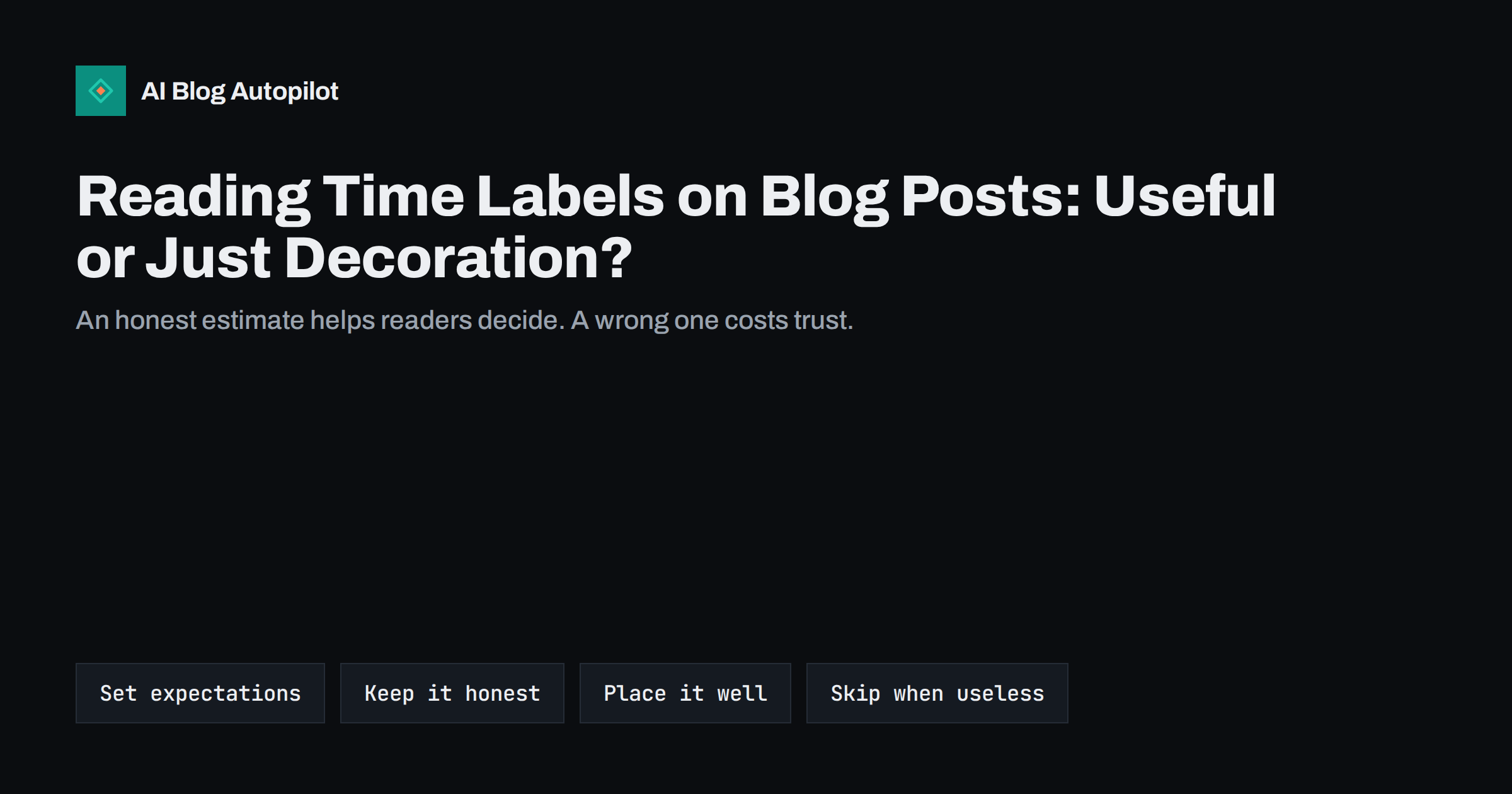
Short answer: a reading time label such as “8 min read” is a small piece of interface text that tells readers how much of their time a post will take. It is not a ranking factor, but it can help people decide whether to start now, save the post for later or skip it, and it costs almost nothing to add. Use a realistic estimate based on word count, round it sensibly, show it near the title and in listing pages, and leave it out when the post is so short that the label adds nothing.
Many blogs show reading time without ever checking whether it works. Some themes add it automatically, some plugins offer it as an option and some writers type it by hand. The result is often a number that nobody has questioned: a long guide labelled “2 min read” because the formula ignored the tables, or a short note labelled “12 min read” because the setting was wrong. This guide explains how the estimate is made, what it does for readers and the site, and how to use it without letting it become decoration.
What a reading time label is
A reading time label is a short text, usually near the title or the byline, that gives an approximate number of minutes needed to read the article. It is calculated, not measured. A tool counts the words, divides by an assumed reading speed and rounds the result. Because the method is so simple, the number is only a guide, and readers know that. What they value is the order of magnitude: a few minutes, a coffee break or a longer sit-down.
The label is related to, but different from, a table of contents or a summary. A table of contents shows the structure. A summary shows the answer. Reading time shows the cost. Together they let a visitor judge a page in a few seconds, which matters because most visitors decide quickly whether a page is worth the effort.
How the estimate is calculated
Most tools use a simple formula. They count the words in the visible text, divide by a figure for average adult reading speed on screen, and round to the nearest minute. Typical settings sit between about 200 and 250 words a minute, and different plugins and themes choose different defaults. A post of 2,000 words therefore comes out at roughly eight to ten minutes.
The formula has limits you should know about:
- Images and tables. Some tools add a few seconds per image, others ignore them. A post full of screenshots takes longer to take in than its word count suggests.
- Code and data. Code samples are read more slowly than prose. A technical tutorial may take far longer than the formula says.
- Lists and headings. People skim these, so the real time can be shorter than the estimate.
- Language. Reading speeds differ between languages and scripts, so a figure set for one language may be off for another.
- Readers. A specialist reads a familiar topic quickly, while a newcomer reads the same page slowly.
None of this makes the label useless. It means the number should be rounded, not presented with false precision. “8 min read” is reasonable. “7 min 42 s” is not.
What it does for readers
The main value is expectation setting. A reader on a phone, waiting for a train, can see that a post takes four minutes and start reading. The same reader may skip a fifteen-minute guide but come back to it later, perhaps by saving the link. Without a label, that choice is made blind, and some visitors will leave rather than risk a long page.
- Commitment. Knowing the cost lets people begin with confidence instead of hesitation.
- Return visits. Long posts get bookmarked for a better moment instead of being abandoned.
- Trust. An honest label shows respect for the reader’s time. A misleading one does the opposite.
- Accessibility. People who use screen readers or who read more slowly benefit from knowing the scale of a page in advance.
A label can also work against you. Some visitors read “15 min” and leave at once. That is not necessarily bad: a visitor who would not have read the post anyway has simply decided sooner. But if your posts are long on purpose, make sure the opening gives a reader something quickly, such as a short answer, so that the label is balanced by an immediate reward.
Does it help search?
There is no good evidence that a reading time label is a ranking factor, and you should not add one for that reason. Its effect on search is indirect, if it exists at all. It might influence how long people stay or whether they return, but those effects are small and hard to measure, and they depend on the quality of the page far more than on the label. If you test it, compare engagement for a set of similar posts with and without the label over several weeks, and be cautious about drawing conclusions from a small sample.
There is one technical point. If your theme prints the reading time inside the page, make sure it is plain text that does not confuse the structured data or the excerpt. A label that ends up in the meta description or in a social preview, such as “8 min read Short answer: …”, looks sloppy. Check how your pages appear when shared, using your normal preview checks.
Where to show it
Placement decides whether the label is noticed and whether it clutters the page.
- Near the title or byline. This is the standard position and the one readers expect. Keep it small and on the same line as the date or author.
- On listing pages. On the blog home, category pages and related posts, the label helps people choose between articles. It is arguably more useful here than on the post itself, because the choice is being made at this point.
- Not in the middle of the content. A countdown or progress indicator can be helpful on very long guides, but keep it quiet. Avoid anything that moves or distracts.
On small screens, check that the label does not wrap onto a second line or push the title down. If space is tight, a short form such as “8 min” with a clock icon, plus an accessible text alternative, may be better than the full phrase.
Wording and rounding
Choose one format and use it everywhere. A few simple rules keep the label clean:
- Round to whole minutes. For very short posts, “1 min read” is enough; avoid “0 min”.
- Use the same wording across the blog: “min read” or “minute read”, not a mixture.
- Do not claim speed you cannot back up, such as “read in 2 minutes” for a post that takes six.
- Translate the label with the rest of the interface when your blog has several languages, and adjust the speed setting if your theme allows it.
- Do not turn the label into a promise. “Quick read” on a long post will annoy people.
If your posts have a clear summary at the top, you can add a second cue such as “Short answer first”. This combination tells the reader both the cost and the reward, which is more helpful than either alone.
When to leave it out
A label is not always worth including. Consider omitting it when:
- Posts are very short, such as news items or announcements of a paragraph or two. A “1 min read” label adds clutter.
- The content is not meant to be read in sequence, such as a glossary, a list of links or a reference table.
- Your theme produces inaccurate numbers and you cannot correct them. A wrong label is worse than none.
- The page is a landing page or a product page where the aim is action, not reading.
Consistency matters more than coverage. If the label appears on some posts and not others for no clear reason, readers will wonder why. Decide on a rule, such as “all articles over 600 words”, and apply it everywhere.
How to set it up
On WordPress there are usually three routes. Your theme may already include a reading time option, in which case check its settings first. A plugin can add the label and let you set the reading speed. Or a developer can add a small piece of code that counts words in the post content and outputs the figure. Whichever you choose, follow these steps:
- Pick a reading speed that suits your audience and keep it fixed. For general web readers, a figure in the 200 to 250 words a minute range is common.
- Decide what to count. Count the main content only, not menus, comments or related posts. Check whether the tool includes the FAQ and the related reading list, since they are part of the page.
- Test on a few posts of different lengths and compare the numbers with a timed read by someone who has not seen the post.
- Check the output on listing pages, in the post header and in structured or social previews.
- Review after a theme change. A new theme may reset the option, change the speed or remove the label.
How AI Blog Autopilot helps
AI Blog Autopilot writes full articles of 2,000 to 3,000 words with a FAQ, tags and SEO meta, and each article goes through an automatic quality check on length, structure, keyword and meta before anything goes live. Long articles are exactly where a reading time label is most useful, and how it is shown stays with your WordPress theme. The articles are written natively in 25 languages. See the pricing page for plans.
Related reading
- Tables of Contents for Long Articles
- Readability and Reading Level for Business Blogs
- How Long Should a Blog Post Be for SEO?
- Blog Design for Reading
The bottom line
A reading time label is a small courtesy that helps readers decide how to spend their time. It does not rank a page, but it can set expectations and encourage people to save a long post for later. Calculate it from the word count with a sensible speed, round it to whole minutes, show it near the title and in listings, and keep the format the same everywhere. Leave it out of very short or non-linear pages, and never let it promise more speed than the page delivers.
FAQ
Is reading time a Google ranking factor?
There is no good evidence that it is. Add it for readers, not for rankings, and judge it by whether people use it.
What reading speed should I use?
Many tools use roughly 200 to 250 words a minute for general web content. Pick one figure, keep it fixed and round the result to whole minutes.
Should every post have a reading time?
Not necessarily. Skip it on very short posts, glossaries and landing pages, and apply a clear rule so the blog stays consistent.
Can a long reading time reduce engagement?
Some visitors may leave at once, but they would probably not have read the post anyway. Put a short answer at the top so the label is balanced by a quick reward.
How do I check that the number is accurate?
Ask someone who has not read the post to read it at a normal pace and time them, then compare the result with the label on a few posts of different lengths.