ENEnglish
 LTLietuviškai
 DEDeutsch
 FRFrançais
 RUРусский
 ESEspañol
 PLPolski
 ITItaliano
 UKУкраїнська
 CSČeština
 PTPortuguês
 JA日本語
JA日本語 LVLatviešu valoda
 ETEesti
 HUMagyar
 IDBahasa Indonesia
 TRTürkçe
 HIहिन्दी
 ELΕλληνικά
 ARالعربية
 THไทย
THไทย VITiếng Việt
 RORomână
 MSBahasa Melayu
 BNবাংলা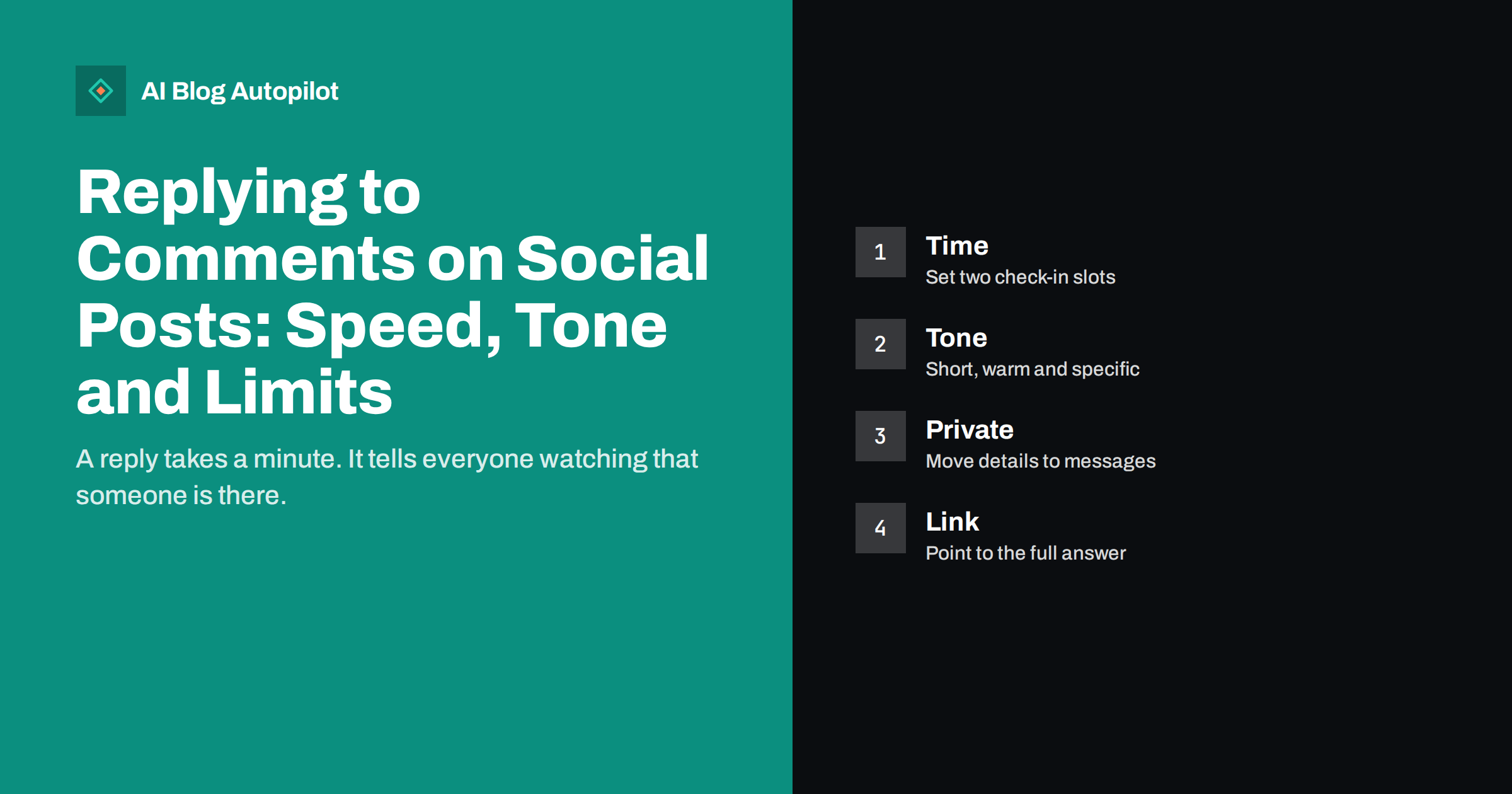
Short answer: reply to comments in two or three fixed check-in slots each day, keep answers short, warm and specific, and move anything private or complicated to a direct message or to an article. A quick reply shows that a real person is behind the account, encourages more comments and can bring readers to your blog. You do not need to answer every comment, but you should never leave a real question unanswered.
Scheduling posts is the easy part of social media. The harder part is what happens afterwards, when people begin to respond. Some accounts are silent after posting, and followers learn that comments lead nowhere. Others answer everything instantly and burn out within a month. This article offers a middle path: a short routine for replies that a small team, or one person, can keep up.
The principles apply to any network, although each has its own culture. Adjust the length and the style to the place where you are speaking.
Do not measure replies only by numbers. A single thoughtful answer to a hesitant buyer can be worth more than a hundred likes, since it removes the doubt that stood between interest and action. Treat comments as a free, public form of customer service and sales support, with the added benefit that everyone can see the result.
Why replies matter
A comment is a small act of trust. The person has stopped scrolling to say something to you, and a reply tells them that it was worth it. Over time, this builds a sense of community around your account, which is worth more than a number of followers who never speak.
Replies also help other readers. People who read a thread see how you treat the people who write to you. A friendly, accurate answer to a question can persuade a silent reader more than any advertisement, since it shows how you behave in public. Many networks also take engagement into account when deciding what to show, so a lively thread may reach more people.
For a business blog, replies give you something else: real questions in the words of your readers. Each question can become an article, as discussed in turning customer questions into blog topics. Keep a list of the questions that come in, and use it when you plan content.
Set a response time you can keep
The right speed depends on your network and your audience, but a promise of an instant reply is hard to keep. Decide on a realistic target, such as within one working day for most comments and within a few hours for questions about orders or problems. Do not publish this as a promise unless you are sure that you can honour it.
Use fixed check-in slots in place of constant watching. For example, look at your comments for ten minutes in the morning, at lunch and at the end of the day. This keeps you from being pulled away from other work, and it turns replying into a habit rather than a source of stress.
The first hour after a post often matters most, since many networks show new posts to a small group first and then widen the audience if people respond. If you can, be present soon after a post goes out. The article on the best time to share a post can help you to choose posting times when you can also reply.
Take care with tagged mentions and comments from other businesses. A friendly reply to a partner or a supplier is good practice, but think before you answer a competitor, or a person who wants to draw you into a public dispute. When in doubt, a short, polite reply or no reply at all is a safer choice than a clever one.
Which comments need a reply
Not every comment needs an answer. Questions need replies. Complaints need replies, as do thanks from customers and mentions of problems. A simple emoji or a short word of praise can be met with a like, or a brief thank you, if you have time.
Some comments should not be answered at all. Spam, abuse and attempts to start a fight are best removed or ignored, according to the rules of the network and your own policy. If a comment is hostile but contains a real issue, answer the issue calmly and leave the rest. The guide to handling negative comments covers difficult cases in more depth.
Keep a short list of rules for your team: which comments to answer, which to like, which to hide and which to pass to someone else. A page of five or six rules prevents most arguments, and it keeps the tone of the account consistent from person to person.
Prepare a few model replies, not as scripts to paste but as examples of the style you want, such as how to thank a customer, how to handle a delay and how to say that you do not know. New team members can learn the voice from these examples in minutes, and you keep the tone steady as the account grows.
Tone: short, warm and specific
A good reply sounds like a person. Use the name of the commenter where it is natural, answer the actual question and keep it short, usually one to three sentences. Avoid stiff phrases, such as “we appreciate your feedback”, which sound like a template. Say what you mean, in the same voice as your posts.
Be specific. If someone asks about delivery, give the facts that you know, or say what you will check and when you will return. If you do not know, say so, and promise only what you can do. A frank “I will find out and reply tomorrow” is better than a guess that turns out wrong.
Match the style of the network. A professional network allows slightly longer, more formal answers. A fast-moving feed rewards brevity. The notes in consistent social profiles remind you that the voice should be recognisably the same everywhere, even when the length changes.
Moving to private messages
Some replies belong in private. Anything that involves personal details, order numbers, payment or health should be moved to a direct message or to a contact form, and you should say so politely in public. A line such as “Thank you, we will message you to look at this together” is enough, without sharing details.
Do not ask people to post private information in a comment. If a customer does so, advise them to remove it, and hide the comment if the network allows it. This protects them, and it protects you from handling data in a place that you do not control.
After a problem is solved in private, consider adding a short public note, such as “this is sorted”, so that other readers see the outcome. Do this only with the person’s agreement, and without details that identify them.
Be careful with promotional replies under other people’s posts. Joining a discussion to help is welcome, but dropping links to your own articles in other accounts’ threads is often seen as spam, and some networks penalise it. Reply to your own comments first, and join other conversations only where you add something real.
Using replies to bring readers to your blog
If a question has a long answer, give a short version in the reply and link to the article that covers it. This is helpful and not pushy, as long as the short answer is complete enough to stand alone. People tend to dislike replies that only say “see our blog” without any help.
Where the network allows it, a link in the reply, as discussed in links in comments or in the post, may suit better than a link in the post itself. Test what works on each network, since rules and reach change.
If you see the same question again and again, write an article or add a section to an existing one, and then link to it each time. This turns repeated work into a lasting asset, and it saves time for you.
Review the whole routine every quarter. Look at a sample of threads from the last month and ask: were the replies helpful, was the tone right, and did any thread go wrong? Share one or two lessons with the team, and adjust the rules. Small, regular improvements keep the quality of your replies high without adding to the workload.
A routine for small teams
Write down who checks what, and when. Name one person as the owner of each account, and one person as a backup. Agree on how to pass difficult comments to a manager, and on how to record questions that deserve an article. A shared document or a simple board is enough.
Measure a few things monthly: the number of comments, the share that you answered, the typical time to reply and the number of questions that led to a new article or page. These figures show whether your effort is working, and the ideas in social media metrics for bloggers help you to choose them.
Take care of the people who reply, too. Moderating comments can be tiring, particularly when the account is large or the topic is sensitive. Share the load, take breaks and agree what to do when things get heated.
How AI Blog Autopilot helps
AI Blog Autopilot writes and publishes your blog articles and shares each one to your social networks, with text and timing suited to each network, which frees your time for the conversation that follows. Conversation with your followers is best handled by a real person, and the questions that arise can feed the topics you give to the tool. See the pricing page for plans.
Related reading
- Handling Negative Comments on Your Blog’s Social Posts
- Social Listening for a Small Blog: Finding Mentions Without Tools Overload
- Turning Customer Questions Into Blog Topics
The bottom line
Check comments in set slots, answer real questions briefly and warmly, move private matters to messages and link to a full answer when it helps. A small, steady routine beats bursts of effort.
FAQ
How fast should I reply to comments?
Aim for within one working day for most comments, and sooner for questions about problems. Choose a target that you can really keep.
Do I have to answer every comment?
No. Always answer real questions and complaints. Likes or short thanks can do for simple praise, and spam can be removed.
Should I reply publicly or privately?
Reply publicly to general questions, and move anything personal, such as orders or payments, to a direct message.
Can I put a link to my blog in a reply?
Yes, if you also give a useful short answer. Replies that only say see our blog feel pushy.
How can a small team stay consistent?
Write a one-page set of rules on which comments to answer, the tone to use and who covers each account.