ENEnglish
 LTLietuviškai
 DEDeutsch
 FRFrançais
 RUРусский
 ESEspañol
 PLPolski
 ITItaliano
 UKУкраїнська
 CSČeština
 PTPortuguês
 JA日本語
JA日本語 LVLatviešu valoda
 ETEesti
 HUMagyar
 IDBahasa Indonesia
 TRTürkçe
 HIहिन्दी
 ELΕλληνικά
 ARالعربية
 THไทย
THไทย VITiếng Việt
 RORomână
 MSBahasa Melayu
 BNবাংলা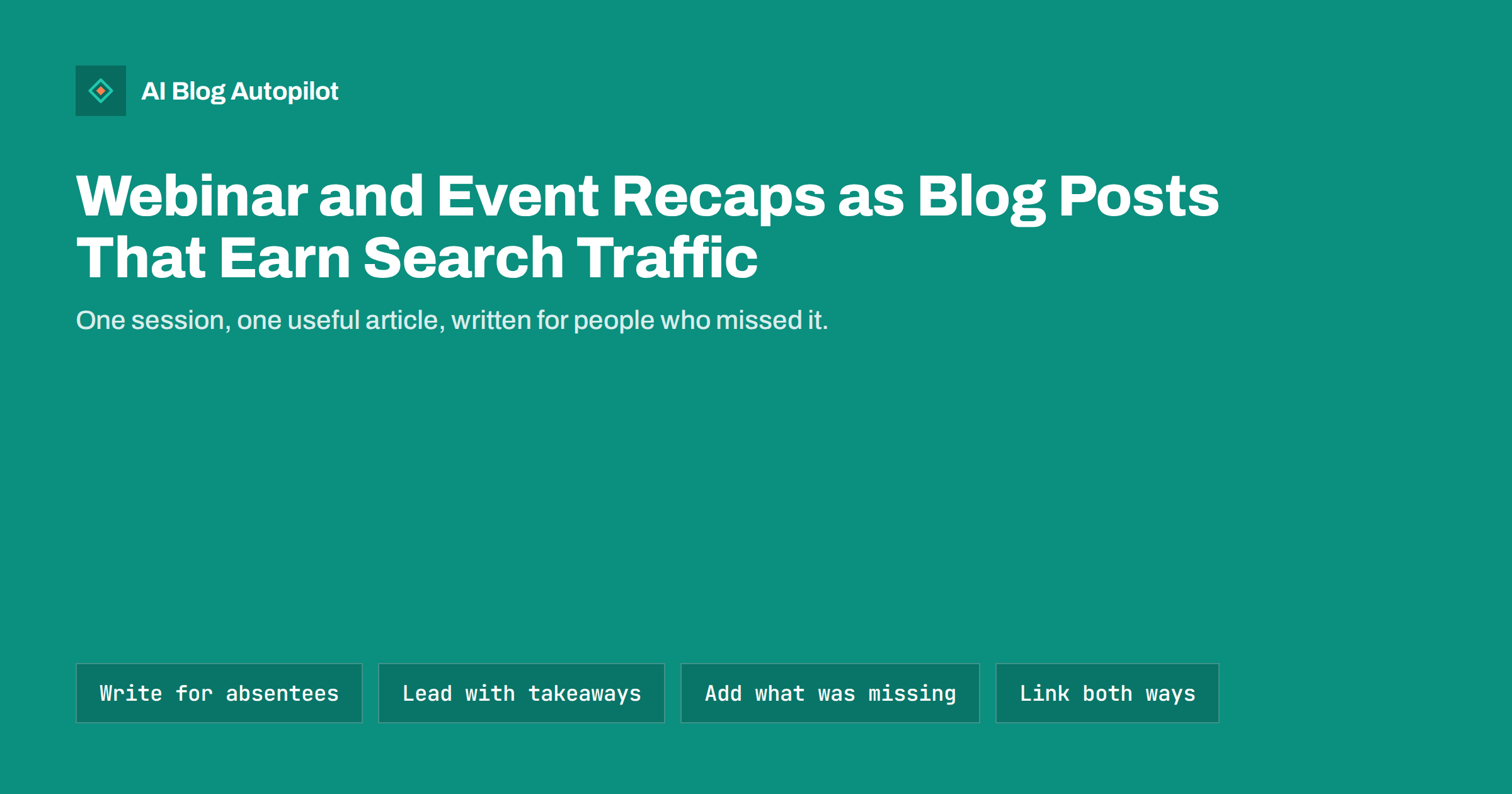
Short answer: a webinar or event recap earns search traffic when it is written as a standalone article for someone who did not attend, not as a diary of what happened. Start with the main takeaways, organise the content by question or topic instead of by minute, add the context the speakers skipped, link to the recording and to related articles, and keep the page useful after the date has passed. A recap that only says “we held a session on Tuesday” has no value to anyone searching later.
Many businesses run webinars, workshops, talks and conference sessions, and then let the material disappear. The recording sits on a platform, the slides sit in a folder, and the people who could have used the ideas never see them. A well-made recap post turns one hour of live work into a page that can answer questions for years. This article explains how to plan it, how to structure it, what to leave out, and how to keep it honest and findable.
Why recaps work when done properly
A live session is a single event with a limited audience. An article is a permanent page that can match what people search for long after the event. Three things make recaps worth the effort.
- The content already exists. You have the ideas, the examples and often a recording or transcript, so the work is editing and structuring, not starting from nothing.
- The questions were real. Attendees asked questions during the session, and those questions are usually close to what other people type into search boxes.
- It reaches people who missed it. Many registrants never watch the replay, and many potential customers never registered. A readable article takes less time than a recording of an hour.
The risk is the opposite: a thin recap that repeats the agenda and adds nothing. Search engines have little reason to show it, and readers leave quickly. The rest of this article is about avoiding that outcome.
Write for the person who was not there
The most common mistake is writing for people who attended. They already know what happened, so the recap feels redundant to them, while everyone else finds it confusing. Imagine a reader who found the page through a search and has never heard of the event.
- Name the topic in the title, not the event. “How to Prepare a Small Business for a Website Migration” is findable; “October Webinar Recap” is not.
- Explain who the session was for in one sentence, so the reader can judge whether the page applies to them.
- Define terms the speakers used without explanation.
- Avoid references to the moment, such as “as we saw earlier” or “in the chat”. They mean nothing on a page.
The date and speaker names can appear, but as supporting detail. The subject leads, because the subject is what people search for.
Structure the article by question, not by timeline
A transcript follows time. A useful article follows the reader’s questions. Go through the recording or notes and list the points that matter, then group them.
- Put the three or four main takeaways in a short summary at the top, in plain sentences.
- Give each major point its own heading, phrased as a question or a clear statement, such as “What to check before you switch hosting”.
- Under each heading, give the answer first, then the reasoning or the example the speaker used.
- Keep attributed quotes short and use them where the speaker said something better than a paraphrase would.
- Close with a short list of next steps the reader can take today.
This also makes the page easier for search engines and AI assistants to understand, because each section covers one idea and opens with a direct answer.
What to cut and what to add
Live sessions contain material that does not work in writing. Cut it without guilt.
- Introductions, housekeeping and technical problems.
- Repeated explanations that were useful for a live audience but read as padding.
- Sales segments that are not connected to the topic. If something about your product is relevant, give it one honest paragraph near the end.
- Slides that only worked with the speaker talking. Rebuild a diagram or a list instead of pasting a screenshot of a slide.
Then add what the live format could not include:
- Sources and links for any claim, statistic or tool that was mentioned in passing.
- A glossary line for jargon.
- Updates if something has changed since the session was held.
- Answers to questions that the speakers did not have time to cover. A “questions we did not get to” section is often the most valuable part of a recap.
Handle the recording, slides and transcripts
The recording is an asset, but it should support the article, not replace it. Embed or link to it near the top, and make clear how long it is, so readers can choose between watching and reading. A transcript can be published on the same page or on a linked page, but a raw transcript is rarely a good article. If you include one, place it below the written recap and label it clearly.
For slides, offer a download if the content is useful alone, and make sure any text in images is also in the page text. Add descriptive alt text for diagrams, and give the video a short written description. If the recording is behind a registration form, say so openly, and make sure the article itself stays freely readable, since the article is the part that search engines and new readers can reach.
Link the recap into the rest of the site
A recap is most useful when it is part of a topic cluster, not an orphan. Link out to the existing articles on the same subject and, after publishing, add links back from those articles to the recap, wherever it genuinely helps the reader.
- Use descriptive anchor text, such as “our guide to planning a migration”, not “click here”.
- If the session was part of a series, link the recaps to each other in order.
- Where a point deserves more depth, consider writing a separate article and linking to it from the recap, so the recap stays focused.
When the next session on the same subject happens, link the new recap to the old one and say what is different. Over time this builds a set of connected pages that show real experience with the topic.
Keep recaps useful after the date has passed
Events end, and pages about them can age badly. Decide at the start what the page is for. If it is an evergreen explanation of the topic, remove date-specific language such as “this week” and keep the date in a single line at the top. If the information may change, add a review date to your calendar. When a recap becomes out of date, update it, merge it into a better article or redirect it. Do not leave a page promising a “live” session that finished a year ago.
A short checklist before publishing helps:
- Does the title name the topic, not just the event?
- Would someone who was absent understand every section?
- Are the takeaways visible in the first screen?
- Are claims sourced and links working?
- Are there links to and from related articles?
- Is any personal information of attendees removed, and do you have permission to quote them by name?
A worked example
Imagine an accounting firm that ran a forty-minute webinar for freelancers on preparing records for the end of the tax year. The raw material is a recording, a set of slides and a list of questions from the chat. A weak recap would say that the webinar took place, name the speakers and list the slide titles. A strong recap would be titled around the problem, such as “How Freelancers Can Get Their Records Ready for Year-End”.
It would open with four takeaways, followed by sections on what records to keep, how to sort expenses, which mistakes cause delays, and what to do if records are missing. Each section would start with the answer, then show the example the speaker gave. Near the end, a section would answer the five questions nobody had time for, and a short note would link to the full recording. The firm would add links to its existing guides on invoicing and record keeping, and link back from those guides. The result is a page that helps a stranger, supports the firm’s other pages and can be reviewed once a year.
The same approach works for conference talks you attended. Write what you learned, credit the speakers, add your own view and context, and avoid copying their slides or wording beyond a short quote. Ask permission if you plan to reproduce anything substantial, since the material belongs to the people who made it.
How AI Blog Autopilot helps
AI Blog Autopilot writes full articles with a FAQ, tags and SEO meta on your WordPress blog and shares them to your social networks. It is a good fit for the evergreen articles that sit around a recap, such as the guides you link to from it. The recap itself depends on your own session, so the facts and quotes should come from you. See the pricing page for plans.
Related reading
- Repurposing an Article: One Piece, Several Formats
- Podcast Show Notes: SEO for Episode Pages on Your Blog
- Video Transcripts and AI Search: Making Video Readable
- Expired Content: Old Event, Offer and Deadline Posts
The bottom line
A webinar or event recap is worth writing when it is built for someone who was not there: topic in the title, takeaways first, sections organised by question, sources added, and links in both directions. Cut what only worked live, add what the live format could not hold, and decide how the page will be maintained. Done this way, one hour of speaking becomes a page that keeps answering questions long after the recording has been forgotten.
FAQ
Should a recap include the full transcript?
Usually not as the main content. Write a structured article first, and if you publish a transcript, place it below the recap and label it clearly.
How soon after the event should I publish?
Soon enough that the material is fresh, often within a week or two. Quality matters more than speed, because the page is meant to last.
Can I quote attendees by name?
Only with their permission. Otherwise, paraphrase the question and leave the name out.
Is it a problem if the recording is behind a registration form?
Not if the article itself is freely readable. Say clearly that the recording needs registration, and keep the useful content on the open page.
What if the event is over and the recap is no longer relevant?
Update it, merge it into a stronger article on the topic, or redirect it. Avoid leaving pages that promise sessions that already happened.