 ENEnglish
 LTLietuviškai
 DEDeutsch
 FRFrançais
 RUРусский
 ESEspañol
 PLPolski
 ITItaliano
 UKУкраїнська
 CSČeština
 PTPortuguês
 JA日本語
JA日本語 LVLatviešu valoda
 ETEesti
 HUMagyar
 IDBahasa Indonesia
 TRTürkçe
 HIहिन्दी
 ELΕλληνικά
 ARالعربية
 THไทย
THไทย VITiếng Việt
 RORomână
 MSBahasa Melayu
 BNবাংলা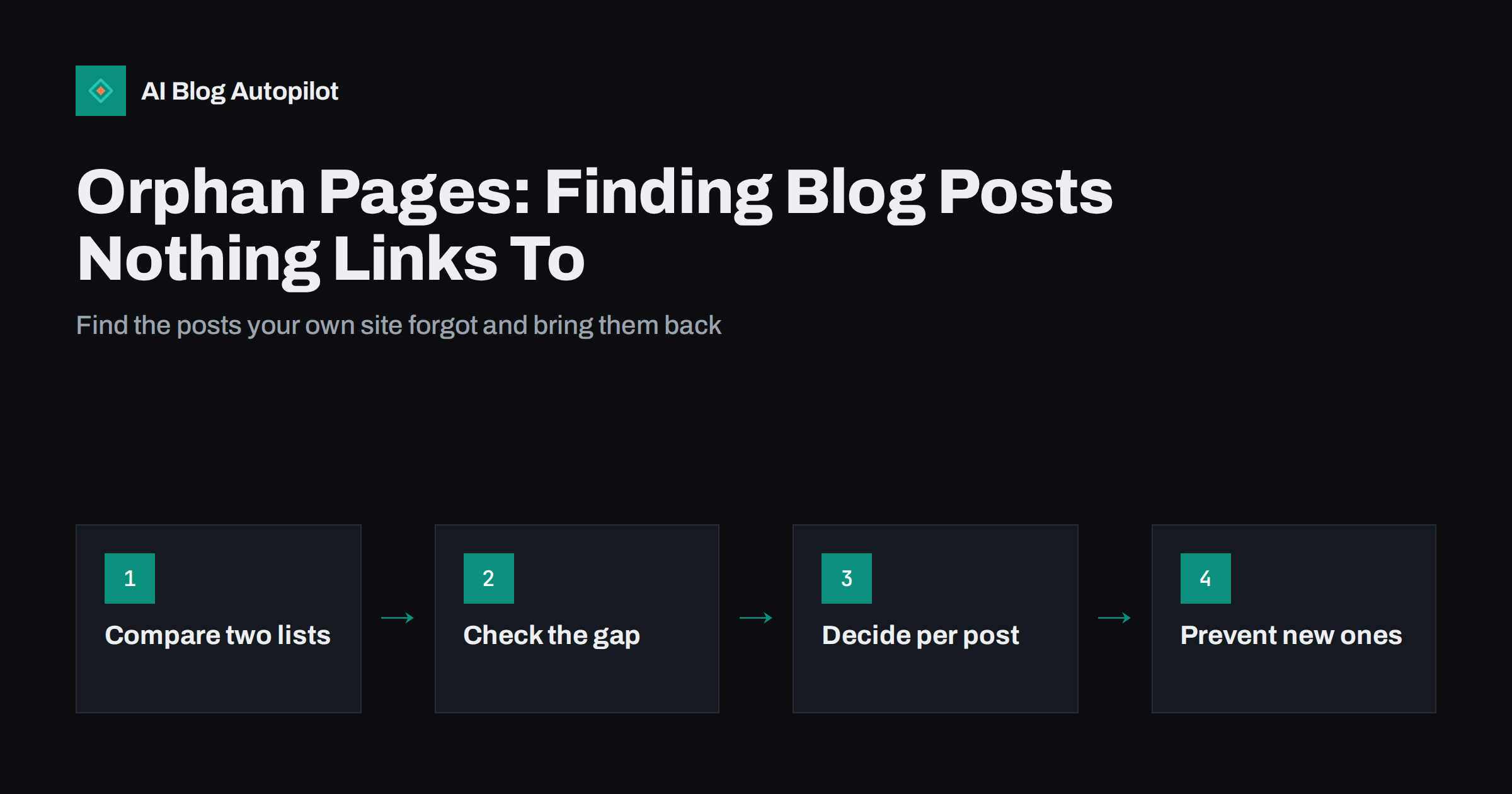
Short answer: an orphan page is a page on your site that no other page links to. Search engines may still know about it through your sitemap, but they have little reason to treat it as important, and readers can only reach it from outside. To find orphans, compare the list of URLs in your sitemap or CMS with the URLs a crawler finds by following links from your homepage; anything in the first list but not the second is an orphan. Fix each one by adding relevant internal links, merging it into a stronger post, or retiring it with a redirect.
Every blog that has been running for a while has a few posts nobody links to. They were published, maybe shared once, and then slipped out of the homepage, out of the category page’s first screen and out of everyone’s memory.
They are easy to overlook because nothing is broken. The page loads, it is in the sitemap, and it may even get the odd visit from search. But it is cut off from the rest of the site, and that costs it visibility.
What counts as an orphan page
A strict orphan has zero internal links pointing to it from anywhere on the site: not from posts, not from category archives, not from navigation. The only ways to reach it are its URL, the XML sitemap, an external link or a search result.
In practice, it is worth also looking at near-orphans: posts linked only from paginated archive pages many clicks deep, or only from one old post that itself gets no traffic. Technically they are connected; practically they are almost as isolated.
A few pages are orphans on purpose, such as a thank-you page after a form, a landing page for an email campaign or a page kept for legal reasons. Those do not need fixing, and many should be set to noindex anyway.
Why orphan pages are a problem
Internal links do three jobs for a blog, and an orphan misses out on all of them.
- Discovery. Crawlers find pages mainly by following links. A sitemap helps, but a page that appears only in the sitemap is a weaker signal than one that is linked from relevant content. Google’s documentation on crawlable links explains why links remain the main route.
- Importance. Search engines use the internal link structure as one hint about which pages matter. A page with no internal links is, by that measure, the least important page on the site.
- Readers. Readers move through a blog by following links. A post nobody links to only gets visitors who arrive from outside, and it cannot pass them on to related articles.
The result is often a post that ranks poorly, gets crawled rarely and sometimes ends up in Search Console under “Discovered, currently not indexed” or “Crawled, currently not indexed”.
How blogs end up with orphans
Orphans rarely come from a single mistake. They accumulate through ordinary operations:
- Publishing without linking. A new post goes live, appears briefly on the homepage and the blog index, and then drops out as newer posts push it down. No other article ever links to it.
- Removing a category or tag. Posts that were reachable mainly through that archive lose their path.
- Theme or menu changes. A redesign removes a sidebar widget, a related-posts block or a footer menu that used to link to certain pages.
- URL changes without link updates. A post’s slug changes, internal links still point at the old URL, and the new URL is linked only through a redirect, or not at all if the redirect was never added.
- Merging or deleting content. The only post that linked to an article is removed, and nothing replaces the link.
- Landing pages created for campaigns that were never meant to be part of the blog but stayed indexable.
How to find orphan pages
The method is always the same: compare “every page that exists” with “every page reachable through links”, and look at the difference.
Step 1: list every page that exists
Export all published post and page URLs. On WordPress you can take them from the XML sitemap, from an export tool or from the posts list. Also export the pages report from Search Console, which may include URLs you had forgotten.
Step 2: list every page reachable through links
Run a site crawler starting from the homepage. Several desktop crawlers offer a free tier that is enough for a small blog. Make sure the crawler follows only links, not the sitemap, for this step; otherwise it will “find” orphans through the sitemap and hide the problem.
Step 3: compare the two lists
Put both lists in a spreadsheet and look for URLs that appear in the first but not the second. Those are your orphans. Some crawlers can do this automatically if you give them the sitemap as a separate input and ask for URLs “in sitemap but not found in crawl”.
Step 4: add the near-orphans
From the crawl, sort pages by the number of inbound internal links and by click depth from the homepage. Posts with one inbound link, or more than four or five clicks deep, deserve the same review as true orphans.
Deciding what to do with each orphan
Not every orphan deserves rescuing. Look at each one and choose from four options.
| What the orphan is | What to do |
|---|---|
| A useful, accurate post on a topic you still cover | Add internal links from related posts and the right category |
| A useful post that overlaps a stronger one | Merge its best parts into the stronger post and redirect |
| An outdated or thin post with no traffic or links | Retire it with a redirect to the closest relevant page, or remove it |
| A deliberate standalone page, such as a thank-you page | Leave it unlinked and consider noindex |
Check each orphan’s traffic and external links in Search Console before deciding. A post that still earns search clicks despite being orphaned is often a strong candidate: a few internal links may lift it further.
How to relink an orphan properly
Adding one link from a random page is not the goal. The aim is to put the post where a reader would naturally expect it.
- Find two to four related posts that discuss the same subject or a close neighbour. A site search for the orphan’s main topic usually reveals them.
- Add contextual links in the body text, at the point where the related post mentions the topic. Contextual links carry more meaning than links in footers or sidebars.
- Use descriptive anchor text that tells readers and search engines what the post is about. “Our guide to canonical tags” is better than “click here”.
- Check its category. Make sure the post sits in a category that is itself linked from the navigation, and that the category page gives it a fair chance to be seen.
- Link back out. Update the orphan so it links to relevant posts too. A well-connected page works in both directions.
If you have a pillar page on the broader topic, a link from it is often the most valuable single addition.
After relinking, request indexing for the most important orphans with the URL Inspection tool in Search Console, then check them again a few weeks later. Relinking does not guarantee better rankings, but a post that is properly connected is crawled more often and has a fair chance to compete, which an orphan never really does.
Preventing orphans in the first place
Finding orphans once is useful; stopping new ones forming is better. A few habits do most of the work:
- Link on publish. Every new post should link to at least two related older posts, and at least one older post should be updated to link to the new one.
- Keep categories meaningful. A small number of well-defined categories, each linked from the menu, gives every post a stable path.
- Use a related-posts block carefully. It helps, but it should not be the only source of links, because its selections change as new posts are added.
- Update links when URLs change. After a slug change or a merge, search the site for the old URL and update every internal link, rather than relying on redirects forever.
- Run a crawl every few months. Compare it with the sitemap and deal with the handful of new orphans before they become dozens.
How AI Blog Autopilot handles new posts
A blog that publishes regularly produces orphans faster if nobody links new posts into the existing structure. AI Blog Autopilot writes and publishes full articles with tags, so each post also appears in its tag archives, and it shares every article to your social networks so it gets attention outside the site as well. It is still worth running a crawl every few months to check how well your posts link to each other. You can see how the publishing works on the AI Blog Autopilot home page.
Related reading
- Internal Linking on Autopilot: Building Link Structure as You Publish
- Building a Content Inventory You Will Actually Use
- XML Sitemaps Explained for People Who Publish
- Breadcrumbs and Navigation for a Growing Blog
The bottom line
Orphan pages are posts your own site has stopped pointing to. Find them by comparing your sitemap with a link-only crawl, then relink the useful ones from related posts, merge the overlapping ones and retire the rest with redirects. Linking every new post into the existing structure on the day it goes live prevents most orphans from forming at all.
FAQ
What is an orphan page in SEO?
An orphan page is a page that no other page on the same website links to. It can still be found through the sitemap, external links or search results, but it receives no internal links, so search engines and readers have little reason to treat it as important.
Does a sitemap fix orphan pages?
Not fully. A sitemap helps search engines discover a URL, but it does not tell them the page matters or help readers reach it. Internal links from related content remain the stronger signal, so orphans still need linking even if they are in the sitemap.
How do I find orphan pages for free?
Export your sitemap URLs, then crawl your site from the homepage with a free crawler that follows links only. URLs that appear in the sitemap but not in the crawl are orphans. Search Console’s pages report can add URLs you had forgotten about.
How many internal links should an orphan page get?
There is no fixed number, but two to four contextual links from closely related posts, plus correct placement in a linked category, is a sensible starting point for a typical blog post. Relevance matters more than the count.
Should I delete orphan pages?
Only if they have no value. Useful posts should be relinked, overlapping ones merged into a stronger page and redirected, and outdated thin posts retired with a redirect to the closest relevant page. Check traffic and external links before removing anything.


