ENEnglish
 LTLietuviškai
 DEDeutsch
 FRFrançais
 RUРусский
 ESEspañol
 PLPolski
 ITItaliano
 UKУкраїнська
 CSČeština
 PTPortuguês
 JA日本語
JA日本語 LVLatviešu valoda
 ETEesti
 HUMagyar
 IDBahasa Indonesia
 TRTürkçe
 HIहिन्दी
 ELΕλληνικά
 ARالعربية
 THไทย
THไทย VITiếng Việt
 RORomână
 MSBahasa Melayu
 BNবাংলা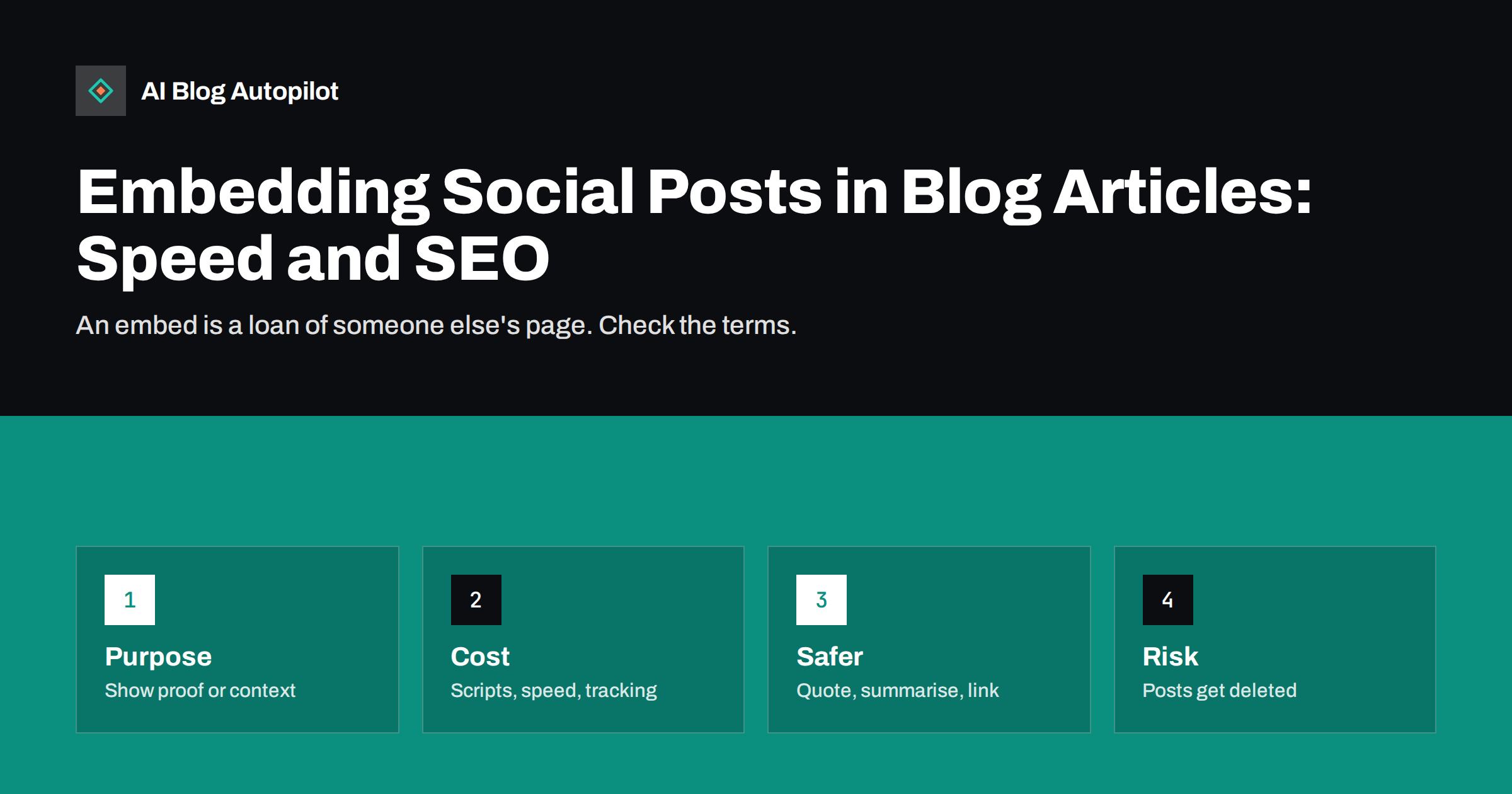
Short answer: embedding a social post in a blog article can add proof, context or a lively quote, but it loads code from another company, can slow the page, may set cookies that need consent and breaks when the original is deleted or made private. Use embeds sparingly, only where the post itself is the point, and prefer lighter alternatives: quote the text with attribution and a link, summarise the point in your own words or include a screenshot with permission and a link to the source. When you do embed, load it lazily, test the page speed and have a plan for the day the post disappears.
Embeds look tempting. They take seconds to add, they show that the content is real and they bring a second voice into the article. But each embed is a small piece of someone else’s website running inside yours. It is controlled by another company, governed by its terms and capable of changing without notice. For a business blog that cares about speed, privacy and permanence, that is a trade-off worth thinking about before it becomes a habit. This article sets out when embedding is justified, what it costs and what to do instead.
What an embed actually is
An embedded social post is usually a snippet of HTML that tells the page to fetch the post from the network that hosts it. Some embeds use a plain block of quoted text that a script then upgrades into a styled card, others load a frame that contains the entire post. Either way the browser contacts the network’s servers when the page loads, downloads the network’s code and may send information about the visitor, including their address and any existing login on that network. The result looks like part of your page, but it is not your content and not under your control.
That has practical consequences. The post can change or vanish if its author edits or deletes it. The appearance can change when the network updates its design. The network, not you, decides what the embed may do, and the rules for using them can alter. None of that matters for a single post in a single article. It matters when embedding becomes a pattern across a hundred pages.
When an embed is the right choice
Embedding is most defensible when the post itself, in its original form, is the content.
- Announcements and statements from a company, regulator or public figure that the article discusses, where readers benefit from seeing the original.
- Reactions to an event in an article about that event, where the format and the identity of the poster matter.
- Your own posts, such as a recap of a campaign or a thread you want to document, where you control the account.
- Customer or community contributions that you have asked permission to feature, which can add credibility to a story.
- Visual content such as a short video or a gallery, where the original player is the best way to view it. Our article on embedding video in blog posts covers the similar trade-offs for video.
If the point can be made with a sentence, a quote or a screenshot, an embed is probably not needed.
What embeds cost
Speed. Each embed can add scripts, styles, fonts and images from other servers. On a slow phone connection that can delay the main content, cause the layout to jump when the card finally loads and hurt the page experience measures that Google reports. Our articles on Core Web Vitals and lazy loading explain how to judge the effect.
Privacy and consent. Because the visitor’s browser connects to the network, cookies or identifiers may be set before the visitor has agreed to anything. In regions with strict rules this can require consent, and your privacy notice should describe it. Some embed tools and consent plugins can hold the embed back until the visitor accepts, replacing it with a placeholder.
Permanence. If the author deletes the post, the embed shows an error or an empty box. If the account is suspended or becomes private, the same applies. An article that relied on the embed for its meaning is then broken, and nobody tells you.
Search value. The text inside an embed may not be treated as part of your page, depending on how it is loaded. Search engines and AI assistants may therefore see an empty block where your article depends on the post. Quoting the important words in the surrounding text solves this.
Accessibility. Third-party embeds vary in how well screen readers and keyboards can use them, and you cannot fix them yourself. Provide the key text in the article so no reader is left out.
Lighter alternatives
- Quote with attribution and a link. Use a blockquote for the key sentence, name the author and link to the original post. It is fast, accessible, searchable and permanent, and keeps the evidence even if the post is deleted. Our article on pull quotes and blockquotes explains the formatting.
- Summarise in your own words, with a link, when the point matters more than the exact wording.
- Use a screenshot when the visual form of the post is important. Check that you have the right to use it, add descriptive alt text, add a caption with the author, date and a link, and consider cropping out personal details of private individuals.
- Link only, with a clear sentence about what the reader will find there.
- Use a click-to-load placeholder. A static image or text box that loads the real embed only when the reader clicks gives the visual authority of the embed without the cost at page load.
A screenshot or a quotation is also a safeguard against change. Record the date you saw the post, and keep a copy for your own records if the article makes a claim that depends on it.
Rights, permission and good manners
An embed generally works because the network’s terms allow it, and it displays content that remains the author’s. A quotation or screenshot is a different matter, and the rules on quotation and copyright differ by country. As a safe practice, ask for permission when you want to feature an individual’s post, particularly if they are not a public figure, and credit them clearly. Do not feature posts by private individuals in a way that exposes them to ridicule or harassment. Take care with images of other people, with content aimed at children and with posts that contain personal data. Our article on image rights covers related points. If a person asks you to remove their post from your article, do so promptly.
How to embed responsibly
- Embed only what the article needs. One or two per article is plenty; a wall of embeds slows the page and distracts from your text.
- Put the key words in the article text. The reader, a search engine and an assistant should understand your point even if the embed fails.
- Load them lazily or on click, and place them below the first screen so they do not delay the main content.
- Reserve space for the embed so the layout does not jump when it appears.
- Test on a phone with a throttled connection and check the effect on speed.
- Honour consent. Make sure your consent banner or plugin controls the embed.
- Review old articles from time to time for broken embeds and replace them with quotes or screenshots.
A quick decision checklist
Before adding an embed, ask these questions in order and stop at the first answer that settles the matter.
- Is the post essential to the argument? If a sentence would do, write the sentence.
- Do I have the right to show it? If not, link to it or paraphrase it.
- Will the article still make sense if the embed disappears? If not, add the key words to the text.
- What does it add to the page weight? Test it. If the cost is visible, use a screenshot or a click-to-load placeholder.
- Is it covered by my consent setup and privacy notice? If not, fix that first.
- Who will check it in a year? Add the article to a review list so broken embeds are found and replaced.
This short routine takes a minute and prevents most of the problems described above. It also encourages the habit of writing the substance yourself, which is better for readers, for accessibility and for anyone, human or machine, trying to understand what your page says. In practice, many articles that began with three embeds end up with one quotation, one link and a stronger paragraph of original explanation.
How AI Blog Autopilot helps
AI Blog Autopilot writes SEO articles in your own words for your WordPress blog from the topics, keywords, audience and tone you set, with FAQ sections, tags and SEO meta, so articles do not depend on third-party widgets to make their point. It also publishes each article to your social networks as a post of its own. If you want to feature a specific post by someone else, add it yourself, with permission, while reviewing the draft in approval mode. Plans are on the pricing page.
Related reading
- Embedding Video in Blog Posts: When It Helps
- Pull Quotes and Blockquotes: Using Quotations in Blog Posts
- Lazy Loading Images on a Blog Without Hurting SEO
- Core Web Vitals for Bloggers: LCP, INP and CLS Explained
The bottom line
Embed a social post only when the post itself is the content, and keep the main point in your own text so the article survives if the embed does not. Prefer quotes with attribution, summaries or permitted screenshots, load embeds late, respect consent and permission, and check old articles for broken ones. Your blog should stand on its own pages, with other people’s posts as occasional, well-chosen guests.
FAQ
Do embedded social posts hurt SEO?
Not directly, but they can slow the page and the text inside may not count as part of your content. Keep the key words in your own text and load embeds late.
What happens if the original post is deleted?
The embed usually shows an error or an empty box. A quote with attribution or a dated screenshot keeps your article intact.
Do I need consent to embed a social post?
Embeds can set cookies or send visitor data to the network, so in many regions they fall under consent rules. Use a consent tool that holds them back until the visitor agrees.
Is it legal to use a screenshot of someone’s post?
Rules differ by country. As good practice, ask permission, credit the author, link to the original and be careful with private individuals and personal data.
How many embeds are too many in one article?
One or two is usually plenty. More add weight, distract from the text and increase the risk of broken content later.