ENEnglish
 LTLietuviškai
 DEDeutsch
 FRFrançais
 RUРусский
 ESEspañol
 PLPolski
 ITItaliano
 UKУкраїнська
 CSČeština
 PTPortuguês
 JA日本語
JA日本語 LVLatviešu valoda
 ETEesti
 HUMagyar
 IDBahasa Indonesia
 TRTürkçe
 HIहिन्दी
 ELΕλληνικά
 ARالعربية
 THไทย
THไทย VITiếng Việt
 RORomână
 MSBahasa Melayu
 BNবাংলা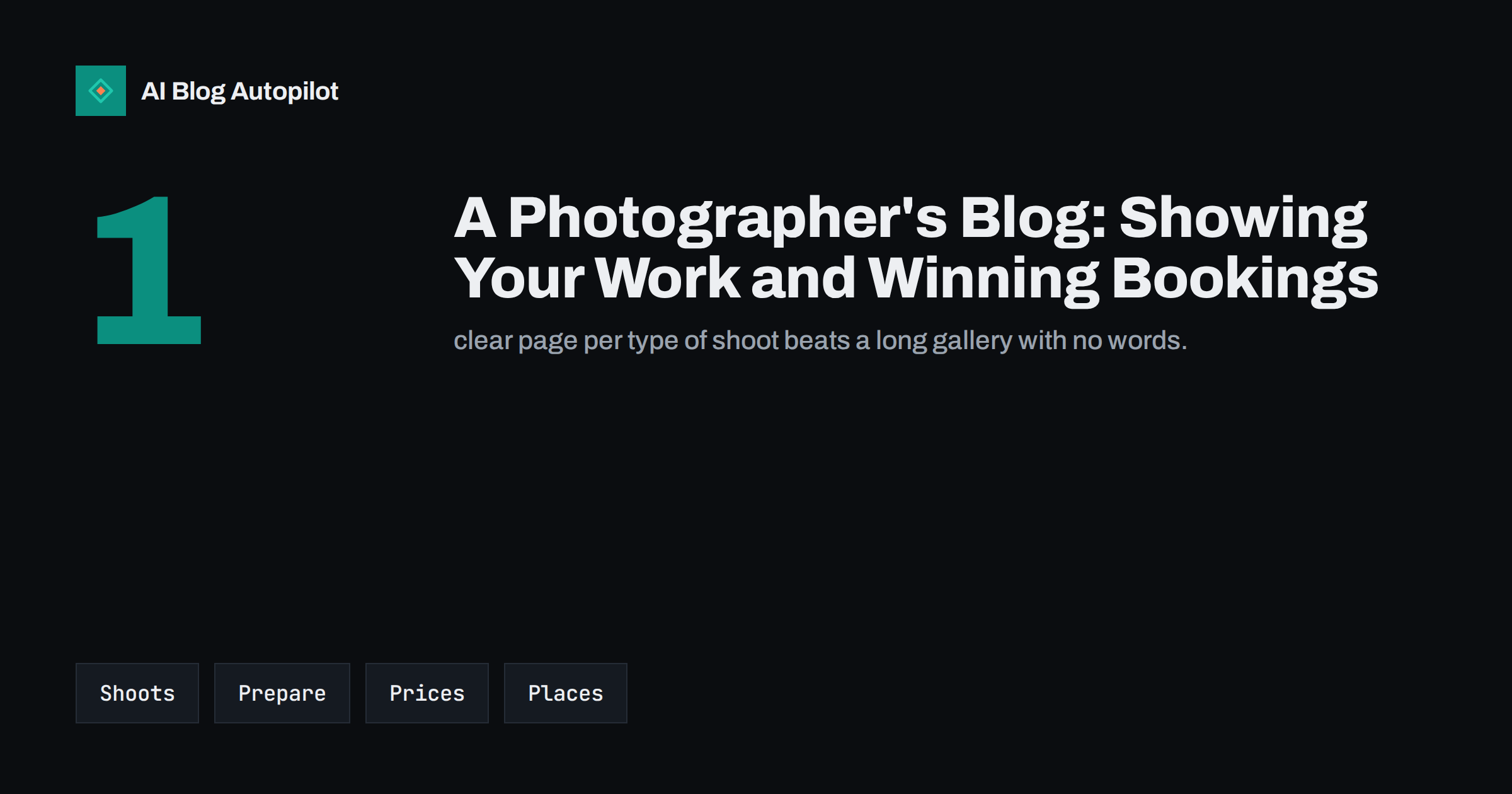
Short answer: a photographer’s blog should pair strong images with plain words. Write one page for each type of shoot, explain what is included, how to prepare, how long the delivery takes and what it costs. Add location guides, real client stories with permission and a clear booking route. Compress images carefully, describe them with alt text and keep the pages light, because a heavy gallery that loads slowly loses visitors before the work is seen.
Photographers often rely on social platforms and word of mouth, and leave the website as a portfolio with little text. That works until someone searches for a wedding, portrait or product photographer in a particular town and the portfolio has nothing for a search engine to read. A blog turns a gallery into a set of pages that answer questions, show style and make it easy to say yes.
One page for each type of shoot
Create a separate page for every service you want to be found for: weddings, family sessions, newborns, headshots, products, property, events or commercial work. On each page, explain who the service is for, what a typical session looks like, how long it takes, how many edited images are delivered and when they arrive. Add a few of your best pictures with captions that say where and why they were taken. Visitors should be able to picture the day and know the next step.
Do not try to cover every service on one page. A page about “photography” in general competes with every other photographer, while a page about “corporate headshots for small teams” speaks to a particular buyer. Use words that clients use, not studio jargon. If you work with several languages or travel for shoots, say so clearly on the relevant page.
Think about the order of information as well. Put the main question first: what the service is and who it is for. Follow with a few images that show the style, then the practical details, and finish with the booking prompt. Visitors from search often arrive on a service page without having seen the home page, so each page must stand on its own, with a short introduction, your name, your area and a way to get in touch within a few clicks. Test the page on a phone, because many enquiries start there.
Prices, packages and delivery
People rarely book a photographer without knowing roughly what it costs. Publish starting prices or package outlines, and explain what influences the final amount: time on location, travel, number of locations, the number of edited images and licensing for commercial use. State the deposit, how dates are held and what happens in case of bad weather or illness. A short page called “how booking works” removes most of the uncertainty that stops people from writing to you.
Be clear about rights. Explain what clients may do with the images, such as print them or post them online, and what requires permission or an extra fee. Make the terms readable and consistent with your contract. Our article about writing honestly about what things cost explains why openness here brings better enquiries rather than fewer.
Preparation guides that people actually read
Before a session, clients wonder what to wear, whether to bring props, how to handle children and what happens if they feel awkward. Answer these in guides: how to prepare for a family shoot, what to wear for a headshot, how to plan a product photo day or how to schedule a wedding timeline. These pages are searched, they reduce stress and they lead to better photographs, which in turn lead to better recommendations.
Each guide should end with a gentle booking prompt and links to related pages. Keep the tone friendly and practical. If your advice depends on the season, the venue or the type of event, say so. Add a short checklist that people can screenshot, but also write it in full sentences so that it can be read by search engines and assistive tools alike.
Location and venue guides
Local knowledge is an advantage that a large studio cannot copy. Write about the best places for a portrait, a wedding or a family session in your area: access, parking, permits, light at different times of day, crowds, weather and alternatives for a rainy day. Add a map link and a note about accessibility. These pages attract local searches from people who have not yet chosen a photographer, and they show that you know the ground.
Check each location’s rules before you recommend it. Some parks, venues and historic sites require permission for commercial photography, and the rules change. Link to the official page and give the date of your last check. If you have a good relationship with a venue, say so, without implying an official partnership that does not exist. Good local pages work together with a well-kept business profile, as described in our guide to reusing blog posts in a local profile.
Image habits that help search and speed
A photography site is heavy by nature, so discipline matters. Export images at the size they are shown, use modern formats where your platform supports them, and compress carefully so that quality stays high. Give each file a descriptive name and write alt text that describes what is in the picture, as explained in our guide to image SEO for blog posts. Load images below the first screen lazily, but not the main one, so that the page appears quickly.
Limit the number of pictures on a page. Twelve well-chosen images with captions usually do more than sixty in a grid. Write a short paragraph beside each group: what the brief was, what you chose to do and what the client said. Words give context that a search engine cannot get from pixels, and they help the visitor understand your approach.
Client stories, with permission
A story about a real shoot is the strongest form of proof. Ask for written permission, show the client the draft and let them remove anything they dislike. Describe the brief, the plan, the day and the result. Mention problems you solved, such as a change in the weather or a shy subject, because they show professionalism. Avoid publishing names, faces or places that could put anyone at risk, and respect requests to take a story down.
For commercial clients, a case study can show the purpose of the pictures: a product range, a restaurant menu, a team page. Describe what the business needed and how the images helped, only with facts that the client agrees to share. Short, honest stories are more convincing than a page of superlatives.
Another useful habit is to keep a library of answers to the questions that clients ask by email. How many people can be in a group shot? Can you shoot indoors? What happens to unedited files? Can I choose the pictures? Turn each answer into a short section on the relevant page or into a separate frequently asked questions page. Over a year this becomes a thorough guide to working with you, and it shortens the exchange before a booking.
If you work in more than one niche, keep the sections visually and verbally separate, so that a wedding couple does not land on a page full of product shots. Use headings and descriptive menu labels that match how people search. For example, “newborn photography” is a phrase people recognise, while “lifestyle sessions” may mean nothing to them.
Plan a rhythm that fits shoot seasons
Photographers are busiest when there is least time to write. Plan the content calendar around your quiet months and schedule posts ahead. Write the guides for the busy season in the slow season, and update them each year. A new blog post every two weeks, plus a yearly review of the main service pages, is enough for most small studios. Treat the blog as part of the workflow, in the same way as editing or invoicing, and give it a regular slot in the week.
Finally, keep track of what brings enquiries. Add a line to your contact form asking how the person found you, and note which pages they visited if you can see it in your analytics. After a few months, you will see which services and guides produce bookings and which only produce views. Put your effort into the pages that convert, refresh them every year and let the rest stay as they are.
Backups deserve a mention too. A blog that shows years of work is an asset, so keep copies of original images, edited files and the text of each page outside the website. If the site is ever damaged or you change platform, you can rebuild the pages quickly and keep the same addresses, which protects the search visibility you have earned. Treat the archive of client stories the same way, and delete anything at a client’s request promptly.
When you update an old page, keep its address and refresh the images and the details. A page that has collected links and visits over several years is more valuable than a new one, and visitors appreciate seeing recent work alongside the older examples that first made your name.
How AI Blog Autopilot helps
AI Blog Autopilot writes full SEO articles for your WordPress blog from the topics, keywords, audience and tone you set, with FAQ sections, tags and SEO meta included, and it shares each one to your social networks. For a photographer, it can keep guides, preparation advice and location pages coming while you are out shooting. The pictures and client stories stay yours to add. Approval mode lets you read each article before it goes live and place your own photographs where they belong. See the pricing page for plans.
Related reading
- Image SEO for Blog Posts: File Names, Size and Formats
- Image Captions in Blog Posts: Do They Help Readers and SEO?
- Alt Text: How to Write It and Why It Matters
- Blog Strategy for a Local Business
The bottom line
A photographer’s blog turns a gallery into a set of pages that answer questions. Write one page per type of shoot, publish clear prices and terms, add preparation and location guides, keep images light and described, and share client stories with permission. The photographs win attention, and the words make it easy to book.
FAQ
Does a photographer need a blog as well as a portfolio?
A portfolio shows style, while a blog explains services, prices and preparation in words that search engines can read. Together they work better than either alone.
Should I publish my prices?
Yes, at least starting prices or package outlines with what changes them. It saves time and attracts clients who are ready to book.
How many images should one page have?
Enough to show the work clearly, often ten to fifteen. Fewer, well-captioned images load faster and tell the story better than a very large grid.
Do I need permission to show client photos?
Yes. Ask in writing, say where the images will appear and respect any request to remove them later.
How should I name image files?
Use short descriptive names such as family-portrait-park-autumn.jpg rather than camera numbers, and add alt text that describes the content of the picture.