ENEnglish
 LTLietuviškai
 DEDeutsch
 FRFrançais
 RUРусский
 ESEspañol
 PLPolski
 ITItaliano
 UKУкраїнська
 CSČeština
 PTPortuguês
 JA日本語
JA日本語 LVLatviešu valoda
 ETEesti
 HUMagyar
 IDBahasa Indonesia
 TRTürkçe
 HIहिन्दी
 ELΕλληνικά
 ARالعربية
 THไทย
THไทย VITiếng Việt
 RORomână
 MSBahasa Melayu
 BNবাংলা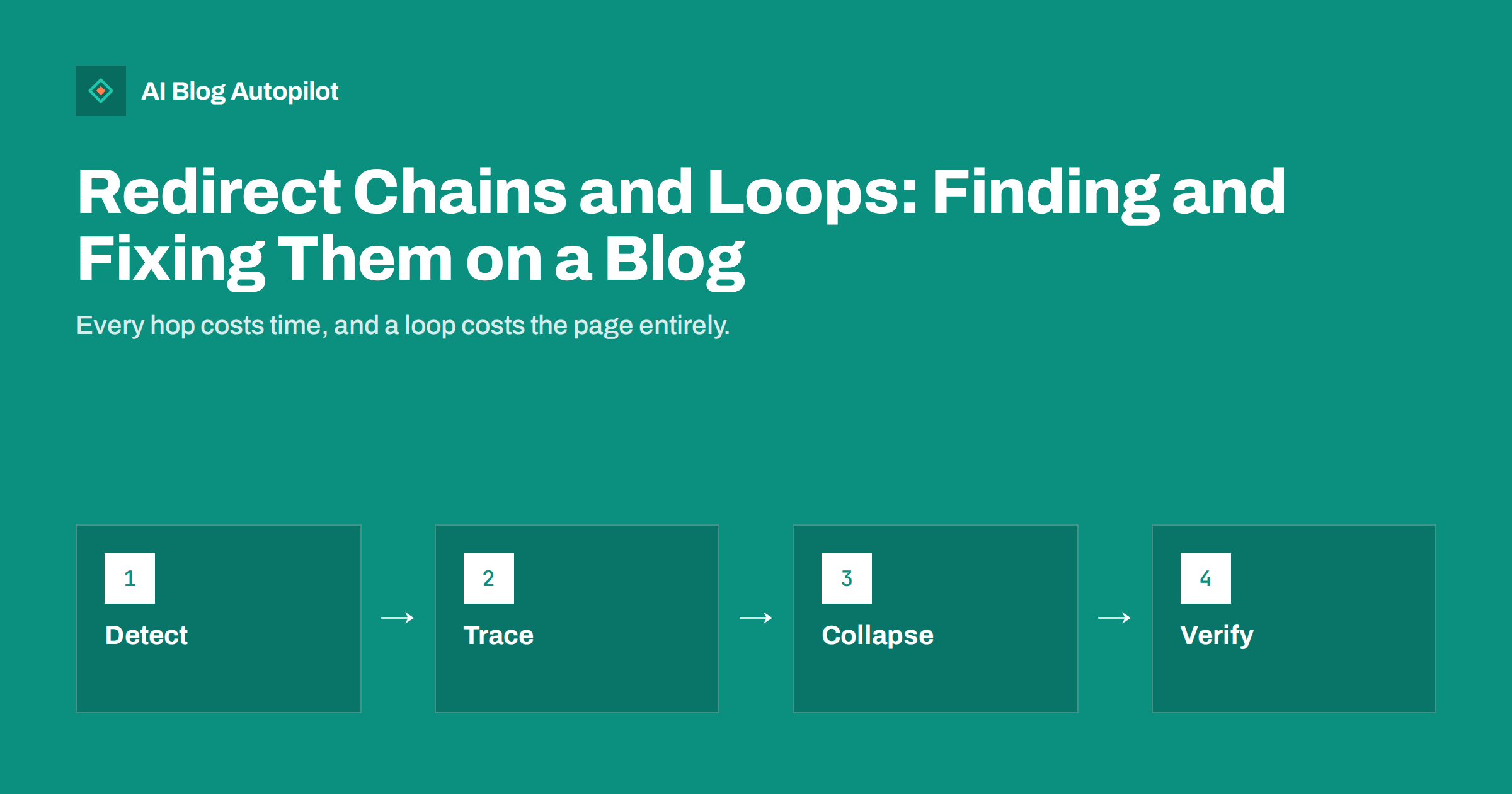
Short answer: a redirect chain is a sequence of two or more redirects between the URL someone requested and the page they finally see, and a redirect loop is a chain that circles back on itself so the page never loads. Both are common on blogs that have changed domain, moved from HTTP to HTTPS, altered permalink structure or merged articles over the years. Chains slow pages, waste crawling and can weaken the signals passed to the final page; loops produce an error for every visitor and every bot. Find them with a crawler or a command-line tool, trace each rule to its source, change every old URL to point directly at the final destination and re-check after each change.
Redirects are a normal part of running a site, and a single redirect from an old address to a new one is exactly what search engines expect. The trouble starts when redirects are added on top of each other over the years without anyone looking at the whole picture. A blog that went from HTTP to HTTPS in one year, from www to non-www in another, changed its permalinks and then merged two articles can easily send a visitor through four or five hops for a URL that is still linked from somewhere. This article explains how chains and loops arise, what they cost, how to find them and how to fix them cleanly.
How chains and loops happen
Almost every chain is the result of layering. Each change made sense alone, but nobody updated the earlier rules.
- Protocol and host changes: HTTP to HTTPS and www to non-www are usually separate rules, so an old HTTP www link hops twice before it reaches content.
- Trailing slash rules: a rule that adds or removes the slash runs after the rules above, adding a third hop.
- Permalink changes: moving from dated URLs to plain post names leaves a rule per old URL, and later slug edits add another rule on top.
- Merged or renamed articles: article A redirects to B, then B is merged into C, and A still points at B.
- Domain changes: the old domain redirects to the new one at the root, and the new domain then applies its own rules.
- Plugins and server rules together: one redirect in the web server configuration, another in a redirect plugin and a third in the SEO plugin, each unaware of the others.
Loops come from the same layering with one contradiction in it: a rule that adds a trailing slash alongside a rule that removes it, a plugin forcing HTTPS while a proxy or load balancer reports plain HTTP to the application, or two merged articles that each redirect to the other. Caching layers and content delivery services can also create loops when they rewrite the request in a way the origin server does not expect.
What chains and loops cost
A chain is not a disaster, but it is a slow leak. Each hop is an extra round trip for the visitor, which matters most on mobile connections and on the first page view, where the delay is visible. Search engines follow chains, but they do not follow them without limit; long chains may not be crawled to the end, and the final page then receives fewer of the signals that the old URL carried. Chains also waste crawl capacity, which matters little for a small blog and more for a large one. Loops are worse: browsers stop after a number of hops and show an error, bots give up and the page effectively disappears from search as its old URL stops resolving. If the looping URL is one that other sites link to, the links point at an error page.
Finding chains and loops
You cannot see a chain by looking at the final page, because the browser hides the hops. You need to follow the redirects one at a time.
- Crawl the site with a desktop crawler that reports redirect chains and loops. Crawl from the home page, and also crawl a list of old URLs: your previous sitemaps, old internal link exports, backlink reports and the “pages with redirect” list in Search Console.
- Check single URLs from the command line with a tool that shows every response without following it automatically, so that you see each status code and Location header in turn.
- Test the variants of a URL on purpose: HTTP and HTTPS, with and without www, with and without a trailing slash, upper and lower case, and with common tracking parameters. Each variant should reach the final page in one hop.
- Look at your internal links. A crawler can list links that point at a redirecting URL; these are the easiest problem to fix, because you control both ends.
- Check Search Console. The page indexing report lists pages with redirects, and the URL inspection tool shows which URL a redirect finally resolved to and whether the crawler reached it.
Record every chain in a sheet with the starting URL, each hop, the final URL and the status codes. The sheet becomes the work list for the fix and the evidence that it worked.
Tracing each rule to its source
Before changing anything, find out where each redirect comes from. On a WordPress blog there are usually several candidates: the web server configuration, a redirect plugin, the SEO plugin’s redirect feature, WordPress itself, which redirects old slugs and corrects some URLs automatically, the hosting control panel, a content delivery service and a security plugin forcing HTTPS. The order in which they run determines the chain. Server rules usually fire first, then the content delivery layer if it sits in front, then plugins. When you know which layer produced each hop, you can decide which layer should own the final rule, and the answer is usually the earliest one that can express it, so that the request is settled in a single response.
Fixing chains
The fix for a chain is always the same: make every rule point directly at the final URL.
- Combine protocol and host rules so that any combination of HTTP, HTTPS, www and non-www goes to the canonical form in one redirect.
- Update every old-URL rule to the current destination. If A pointed to B and B now points to C, change A to point to C.
- Remove rules that are no longer needed. A redirect from a URL that nothing has linked to for years and that gets no traffic can usually be retired after checking server logs.
- Fix internal links so that they point at final URLs. Do this in templates, menus, widgets and article bodies; a search-and-replace tool helps for the bodies.
- Update the sitemap so that it lists only final URLs, never redirecting ones.
- Keep the right status code. A permanent move is a 301 or 308; use a temporary code only when the move is genuinely temporary.
Work from your sheet, fix the chains that carry the most traffic or the most external links first and re-test each one immediately. Our article on choosing between 301 and 302 covers the status codes in more depth.
Fixing loops
A loop needs to be broken first and tidied later, because it is costing you the page right now. Identify the two rules that contradict each other, decide which one is correct and disable the other. Common cases:
- HTTPS behind a proxy: the application thinks the request is HTTP and redirects to HTTPS, the proxy sends it back as HTTP and the cycle repeats. The fix is to make the application trust the proxy’s forwarded protocol header, or to let only one layer enforce HTTPS.
- Trailing slash conflicts: one layer adds the slash, another removes it. Keep the rule in one place and align it with your permalink setting.
- Mutual article redirects: two merged posts pointing at each other. Pick the surviving URL and point both old addresses at it.
- Site address mismatch: the WordPress site address and home address settings differ from the actual domain, so the application keeps redirecting to a URL that redirects back.
After breaking the loop, clear any caches, test from a browser that has no cached redirects, and re-crawl the affected URLs.
Preventing the next chain
Chains return unless someone owns the redirect rules. Keep all redirects in one place where possible, and document the exceptions. Whenever you change a slug, merge an article or move a section, update any existing rule that pointed to the old URL rather than adding a new rule on top. Add a redirect check to your pre-migration and post-migration checklists, and re-crawl the whole site for chains a few times a year. Finally, avoid unnecessary changes to URLs: a slug that is slightly imperfect but stable is better than a perfect slug that needs another redirect. Our article on URL slugs explains how to choose ones that last.
How AI Blog Autopilot helps
AI Blog Autopilot publishes SEO articles to your WordPress blog with stable, readable slugs set at the time of writing, so the articles it adds do not need redirects later. It also generates the titles, descriptions, tags and FAQ for each article, and shares each one to your connected social networks. Keeping the redirect rules tidy on the rest of the site remains your job, and a crawl after any structural change is the best check. See the pricing page for plans.
Related reading
- 301 or 302 Redirect? Choosing the Right One for a Blog
- Broken Links on a Blog: How to Find and Fix Them
- One Version of Every URL: www, HTTPS and Trailing Slashes
- Changing a Blog’s Domain Name Safely
The bottom line
Redirect chains come from years of sensible changes stacked without review, and loops come from two of those changes contradicting each other. Crawl the site and your old URLs, trace each hop to the layer that produces it, make every rule point straight at the final address, fix internal links and sitemaps, and break any loop immediately. Then keep the rules in one place and update them whenever a URL changes, so that the next migration does not rebuild the problem.
FAQ
Is one redirect a problem?
No. A single permanent redirect from an old URL to a new one is normal and expected. Problems start when redirects stack into chains of two or more hops.
How many hops are too many?
Aim for one. Two is tolerable while you fix it; longer chains slow pages and may not be followed to the end by crawlers.
How do I see a redirect chain if my browser hides it?
Use a site crawler that reports chains, or a command-line tool that shows each response and its Location header without following redirects automatically.
What causes a redirect loop on WordPress most often?
HTTPS enforcement behind a proxy that reports plain HTTP, trailing-slash rules that contradict each other, mismatched site address settings or two merged posts redirecting to each other.
Should I delete old redirects to shorten chains?
Update them to point directly at the final URL first. Delete a rule only when logs show that nothing links to or requests the old address any more.