 ENEnglish
 LTLietuviškai
 DEDeutsch
 FRFrançais
 RUРусский
 ESEspañol
 PLPolski
 ITItaliano
 UKУкраїнська
 CSČeština
 PTPortuguês
 JA日本語
JA日本語 LVLatviešu valoda
 ETEesti
 HUMagyar
 IDBahasa Indonesia
 TRTürkçe
 HIहिन्दी
 ELΕλληνικά
 ARالعربية
 THไทย
THไทย VITiếng Việt
 RORomână
 MSBahasa Melayu
 BNবাংলা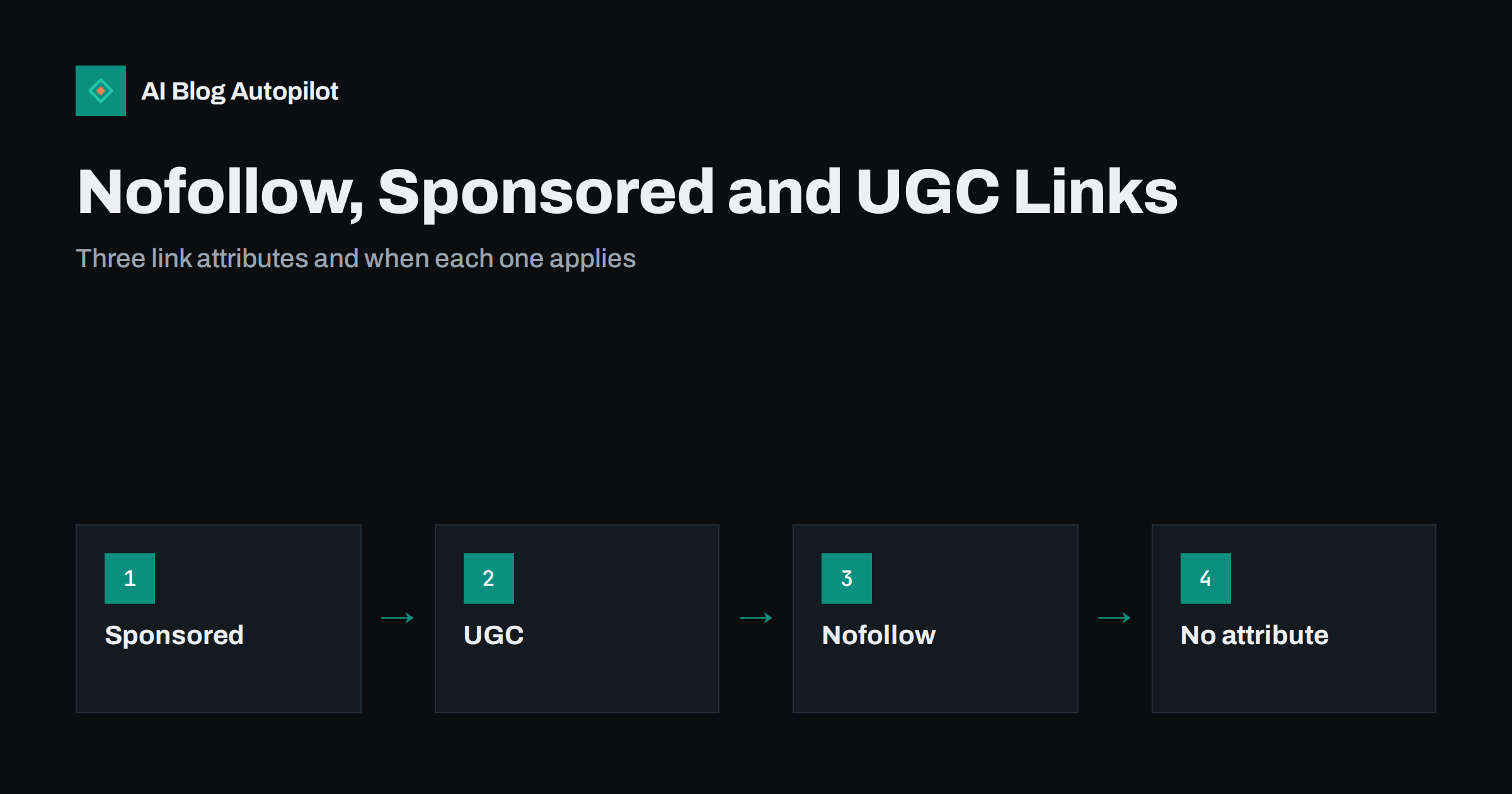
Short answer: use rel=”sponsored” on links you were paid for or that are part of an advert or affiliate arrangement, rel=”ugc” on links inside user-generated content such as comments and forum posts, and rel=”nofollow” on other links you do not want to vouch for. Normal editorial links to sources you chose need no attribute at all. Search engines treat all three as hints, and marking paid links correctly is what matters most for staying within their spam policies.
Link attributes look like a small technical detail, but they cause a surprising amount of confusion. Some site owners add nofollow to every external link out of caution. Others have affiliate links, sponsored posts and comment sections with no attributes at all. Both extremes are common, and both come from not being sure what the attributes are for.
This guide explains the three attributes in plain terms, which links on a typical blog need them, how search engines interpret them today and how to fix the most common mistakes.
What link attributes are
A link attribute is a small piece of HTML added to a link that describes your relationship with the page you are linking to. It sits in the rel part of the link tag, for example <a href="https://example.com/" rel="sponsored">. Readers do not see it. Search engines do.
By default, a link is understood as an editorial choice: you are pointing readers to a page because it is useful or relevant. That kind of link can help the destination page get discovered and understood. The attributes let you say that a particular link is not a plain editorial endorsement, because it was paid for, because a visitor added it, or because you simply do not want to vouch for the destination.
Google introduced sponsored and ugc as more specific options alongside the older nofollow in 2019. Its guide to qualifying outbound links describes all three.
rel=”sponsored”: paid and commercial links
Use sponsored for any link where money, goods, services or another form of compensation is involved. On a typical blog, that includes:
- Affiliate links, where you earn a commission when readers buy through the link.
- Sponsored posts and paid reviews, including links in articles a company paid you to publish.
- Advertisements and banner links, whether sold directly or through a network.
- Links given in exchange for free products, if the link was part of the arrangement.
This is the attribute that matters most. Search engines’ spam policies treat buying or selling links that pass ranking value as link spam. Marking paid links with sponsored, or with nofollow, keeps the commercial relationship transparent and keeps you on the right side of those policies. Google’s spam policies describe link schemes in detail.
Separately from the HTML attribute, many jurisdictions require that paid and affiliate relationships are also disclosed to readers in plain words. The attribute is for search engines; the disclosure is for people. You typically need both.
rel=”ugc”: links added by users
Use ugc for links that visitors add to your site rather than links you wrote yourself. Common examples are:
- Links in blog comments, including the commenter’s website link.
- Links in forum posts and community threads you host.
- Links in user reviews, guest submissions you did not edit, and profile pages.
User-generated content is a favourite target for spammers precisely because it lets them place links on other people’s sites. Marking these links as ugc signals that you did not editorially choose them. WordPress and most commenting systems add an attribute to comment links automatically, but it is worth checking your theme and plugins actually do so.
If a regular, trusted contributor consistently adds valuable links, some sites choose to remove the attribute for that contributor over time. That is a judgement call; the safe default is to mark user content.
rel=”nofollow”: everything else you will not vouch for
Nofollow is the general-purpose attribute. Use it when a link is not paid and not user-generated, but you still do not want to endorse the destination. Examples include:
- Linking to a site you are criticising or warning readers about.
- Linking to a source you must reference but do not consider trustworthy.
- Links in widgets or embeds where you do not control the destination.
Nofollow can also be used instead of sponsored or ugc. Search engines accept it for paid links, so older affiliate links marked nofollow do not need to be changed. The more specific attributes simply give a clearer description.
Links that need no attribute
Most outbound links on a good blog are editorial: you cite a study, point to official documentation, recommend a tool you genuinely use or link to a helpful article on another site. These links should be left as normal links.
Adding nofollow to every outbound link is a habit that lingers from years ago, when some people believed it “saved” ranking value. It does not help you, and it sends an odd message: that you do not trust the very sources you chose to support your article. Your internal links to your own pages also need no attribute. Adding nofollow to internal links only makes it harder for search engines to understand your site structure.
You can combine values where more than one applies, for example rel=”ugc nofollow” or rel=”sponsored noopener”. The noopener value is unrelated to SEO: it is a security measure for links that open in a new tab.
How search engines treat these attributes today
Originally, nofollow was treated as a strict instruction not to count a link. Since 2019, Google has treated nofollow, sponsored and ugc as hints. That means its systems may take the attribute into account alongside other signals when deciding how to treat a link, including whether to use it for discovering pages.
In practical terms for a blogger, this changes very little:
- Marked links are generally not treated as editorial endorsements, which is what you want for paid and user links.
- A nofollow link can still bring readers and still help a page get discovered, which is why a nofollow link from a relevant, popular site can be worth having.
- The attribute on your outbound links does not affect how your own page ranks.
Other search engines have their own handling, but the same three attributes are widely understood.
As a quick reference, this is how the common link types on a blog map to attributes:
| Type of link | Attribute |
|---|---|
| Citation or source you chose | None |
| Link to your own pages | None |
| Affiliate link | sponsored (nofollow also accepted) |
| Paid or sponsored post, advert | sponsored |
| Link in a comment or forum post | ugc (often with nofollow) |
| Link to a site you do not trust | nofollow |
Common mistakes and how to fix them
- Unmarked affiliate links. The most serious mistake. Audit your posts for affiliate URLs, including shortened or cloaked ones, and add sponsored. Many affiliate plugins can add the attribute to every link they manage.
- Nofollow on every external link. Remove it from editorial links. Keep it only where it has a reason.
- Nofollow on internal links. Menus, category links or “read more” links with nofollow make your own structure harder to understand. Remove it.
- Comment links without attributes. Check the HTML of a comment on your site. If links lack ugc or nofollow, update your theme or comment settings.
- Old sponsored posts. Articles published years ago under a paid agreement often lack attributes. Find them and mark the links, and add a disclosure if it is missing.
- Treating attributes as a disclosure. Readers cannot see rel attributes. Paid relationships still need a visible note.
To check a page, view its source or use your browser’s inspector and search for rel=. SEO crawlers can also list every outbound link on a site with its attributes, which makes a full audit quick.
Adding attributes in WordPress
You do not need to edit HTML by hand for every link. In the WordPress block editor, the link settings for a selected link include options to open it in a new tab and, depending on your version and plugins, to mark it as nofollow or sponsored. Popular SEO plugins add these switches to the link dialog as well.
For sites with many affiliate links, the more reliable approach is to manage them centrally:
- Affiliate link managers can add sponsored to every link they handle, so new links are marked automatically and old ones can be updated in one place.
- Search and replace in the database can add attributes to links containing a specific affiliate domain, but test it on a copy first and keep a backup.
- Theme templates control comment and author links. If your theme strips attributes, fix it once in the template rather than post by post.
After any bulk change, open a few affected posts in the browser and check the page source. The attribute should be on the links you intended and nowhere else. A bulk rule that accidentally adds nofollow to all internal links is easy to create and easy to miss.
How AI Blog Autopilot fits in
AI Blog Autopilot writes and publishes articles to your blog, and its writer is instructed not to invent sources, statistics or quotes. The articles are editorial content, so they do not contain affiliate or paid links unless you add them yourself. If your site uses affiliate programmes, the same rules apply as for any post: add sponsored to those links and a visible disclosure, whichever way the article was produced. Learn how AI Blog Autopilot works.
Related reading
- External Links in Blog Posts: When and How to Link Out
- Earning Backlinks Honestly: What Works for a Small Site
- Guest Posting: What Still Works and What Does Not
- Should a Business Blog Allow Comments?
The bottom line
Mark paid, affiliate and advertising links with sponsored, links added by visitors with ugc, and other links you do not want to endorse with nofollow. Leave normal editorial and internal links alone. Search engines treat the attributes as hints, so they are about transparency rather than control. The one thing to get right without exception is marking and disclosing paid links.
FAQ
What is the difference between nofollow and sponsored?
Sponsored specifically identifies links involving payment, adverts or affiliate arrangements. Nofollow is a general attribute for links you do not want to vouch for. Nofollow is still accepted for paid links, but sponsored describes them more precisely.
Do affiliate links need rel=”sponsored”?
Yes. Affiliate links are commercial, so they should be marked with sponsored or nofollow. Readers should also see a plain-language disclosure that you may earn a commission.
Should I add nofollow to all external links?
No. Editorial links to sources you chose should be normal links. Adding nofollow everywhere brings no benefit to your site and signals distrust of your own sources.
Are nofollow links useless for SEO?
Not entirely. Search engines treat the attribute as a hint, and a nofollow link from a relevant site can still bring visitors and help pages get discovered. It is simply not treated as a normal editorial endorsement.
Does WordPress add ugc to comment links automatically?
Current WordPress versions add attributes to links in comments by default, but themes and plugins can change this. Check the HTML of a comment on your own site to confirm.


