ENEnglish
 LTLietuviškai
 DEDeutsch
 FRFrançais
 RUРусский
 ESEspañol
 PLPolski
 ITItaliano
 UKУкраїнська
 CSČeština
 PTPortuguês
 JA日本語
 LVLatviešu valoda
 ETEesti
 HUMagyar
 IDBahasa Indonesia
 TRTürkçe
 HIहिन्दी
 ELΕλληνικά
 ARالعربية
 THไทย
 VITiếng Việt
 RORomână
 MSBahasa Melayu
 BNবাংলা
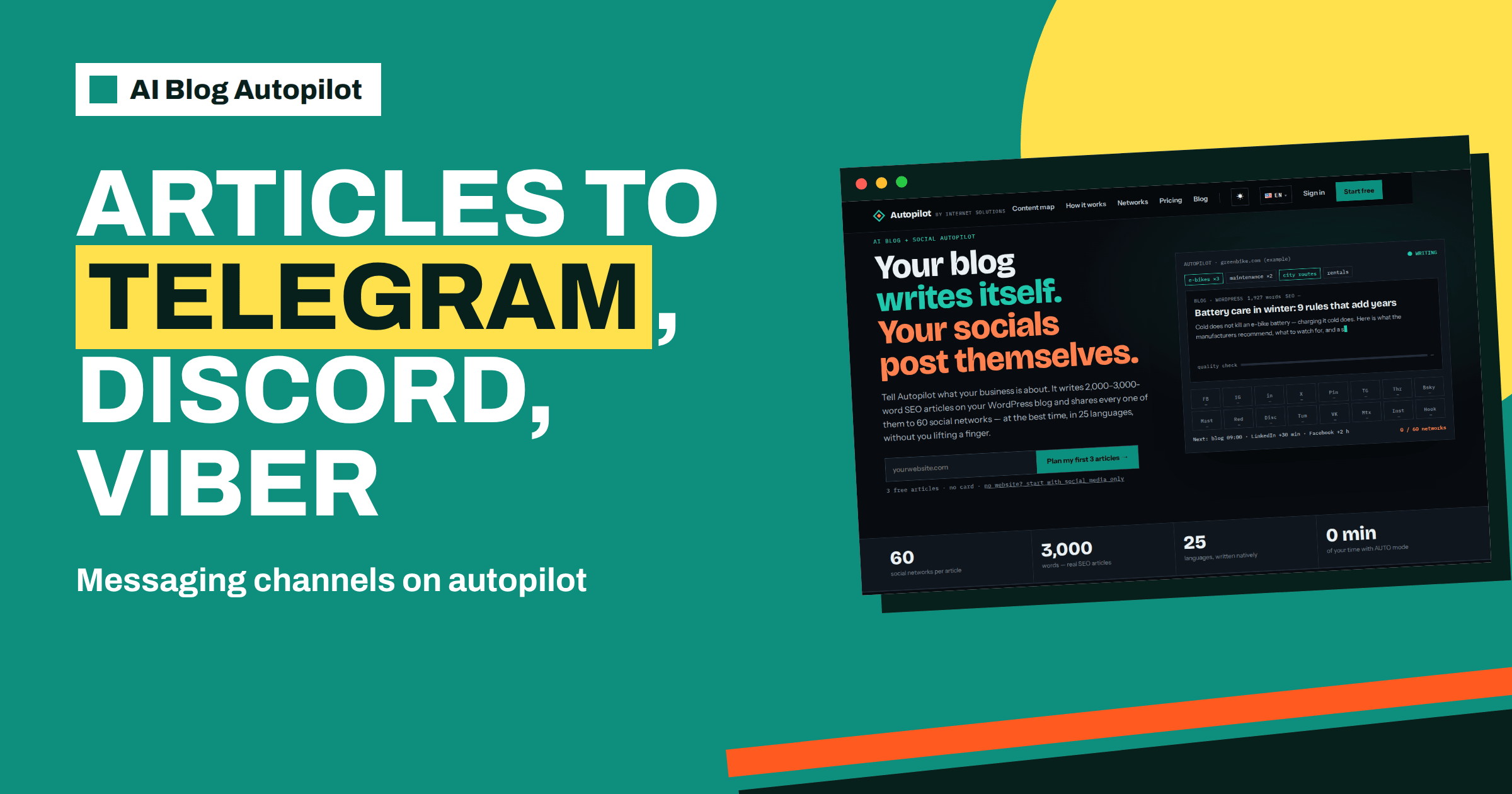
Short answer: the networks page of AI Blog Autopilot lists 11 messaging channels: Telegram, Discord, Matrix, LINE, Viber, WeChat, MAX, Bale, Eitaa, Rubika and Stoat. For Telegram, the product writes a summary with bullet points. Choose a channel by where your audience already chats, let people opt in and keep the posting rhythm modest.
Messaging channels work differently from feeds. On a social network, a post competes with thousands of others in an algorithmic stream. In a channel or community server, a member has chosen to be there, and a new message arrives in front of them without competition. That makes channels powerful for regular customers, fans and members, but also makes them easy to spoil with too many or irrelevant messages.
This guide explains which messaging channels the product supports, what suits each kind of audience, how to set up a channel properly, and how to keep it welcome. The product facts come from the networks page and home page. How you connect each channel is shown in your account.
What the networks page lists
The networks page lists networks by type, and messaging channels are one group. The 11 channels are Telegram, Discord, Matrix, LINE, Viber, WeChat, MAX, Bale, Eitaa, Rubika and Stoat. The page says that every new article on your blog becomes a native post on each network you connect, with its own text, length and timing.
The page gives one example of text for this group: a summary with bullet points for Telegram. That suits a channel where readers scan quickly and want to decide in a few seconds whether to click. The home page also names Telegram and Discord among the networks in its integrations section, and Matrix appears in the list of examples of the 60 networks.
The page adds that you connect each network once in your Autopilot account and that no other tools are needed. So adding a messaging channel is a matter of setting up the channel on the messaging side and connecting it in your account.
Channels and audiences
Messaging platforms are strongly regional and cultural. Some are used by people around the world, and others mainly in particular countries or language groups. Before choosing, ask where your customers or readers actually are. A business serving customers in one country should look at which apps those customers use daily. A global audience may need more than one.
Telegram is widely used for public channels that readers can join and mute, which makes it a natural place for regular updates. Discord is built around community servers with separate channels, which suits groups with shared interests. Matrix is an open standard, which appeals to communities that prefer open tools. LINE, Viber and WeChat are mass-market messaging apps whose business and channel features are important in some regions.
If you are not sure about a platform, ask a few customers which they use. A short question on a form or in a conversation gives you better evidence than assumptions. The article on a Telegram channel for your blog covers one of these in depth, and the one on Discord for bloggers covers another.
Opt-in is the rule
People should join a channel because they want to. Do not add people to groups without asking, and do not collect contact details for one purpose and use them for another. Privacy laws in many places restrict this, and even where they do not, unwanted messages damage your reputation. Make joining easy and voluntary: a link on your website, a mention in your emails and a line on your social profiles.
Explain what the channel offers. A short description that says what members will receive and how often sets expectations. For example: a summary of each new article, about two a week, with no advertising. Honest descriptions attract people who will value the posts and discourage those who will not.
Respect requests to leave. Make it clear how to mute or leave, and do not try to pull people back. A smaller, willing audience is worth more than a larger, annoyed one.
Setting up a channel properly
Create the channel with a clear name, a recognisable picture and a description that includes your business name and what the channel is for. Pin a welcome message if the platform allows it, with links to your website and your contact details. Decide who administers the channel, and make sure at least two people have access, so that it is not lost if one person leaves.
Then connect it in your account. The networks page says each network is connected once, and nothing else is needed. Check afterwards that the first post arrives where you expect, and in the form you expect. If you use a group or community server, choose a specific channel for article posts, so that they do not interrupt conversations.
Think about moderation. A channel that only broadcasts needs little. A group where members can write needs rules and someone to enforce them. Decide in advance which model you want. The article on spam comments and form spam explains related risks for open spaces.
What the posts should look like
A good channel post is short, clear and useful. The summary with bullet points described for Telegram does this: a line to say what the article is, three or four points to show what is inside and a link. Members can decide quickly whether to read.
Read the first posts critically. Are the bullet points accurate? Do they reflect the article’s main points? Are they in the language and tone of your community? If not, adjust the topic tone and audience settings. The product writes a separate text for each network, so improvements to the brief flow through to every channel.
Keep in mind the platform’s norms. Some communities dislike links without context, others dislike long posts. If your channel has its own culture, ask a few members what they like. The article on social media character limits explains why length varies by place.
Frequency and timing
Messaging channels are more intrusive than feeds, because a new message can trigger a notification. Members who get too many will mute or leave. Aim for a rhythm that you could defend: if members could see the whole month at once, would it feel generous or overwhelming?
The product applies a delay for each network after the blog goes live, as the networks page explains, so the post reaches a channel when its audience is active. Check in the first month whether the arrival times suit your members, and ask them. Some groups are most active in the evening, others in the morning.
If your plan lists many articles, you might not want every one in every channel. Consider connecting a channel only if its audience will value most of the content. The article on how often to post on each social network provides guidance.
Languages and regions
If you publish in several languages, each channel should match one language. A mixed-language channel is awkward for members who read only one. Growth lists 3 languages and Pro and Agency list all 25, and the home page says each article is written directly in its language. Create a channel for each language where you have an audience, and connect each with its own articles.
For channels in regional messengers, ask someone who uses the platform to read the first posts. They can tell you whether the tone and format feel natural. The same applies to the text of your welcome message and rules.
Respect local rules about messaging and data. If you are unsure, check the platform’s terms and the rules in the country you serve.
Consider a small cooking school as an example. It invites students and past participants to a Telegram channel, explains on its website that the channel carries a short summary of each new article about twice a week, and pins a welcome message with the rules and contact details. When a new article appears, members see a headline and three bullet points and can tap through. After two months, the school asks members which posts they liked, finds that practical tips get the most views and gives those topics more weight in the brief. The channel never becomes a place for advertising, and members stay because it remains useful.
That small cycle of invitation, clear promise, useful posts and feedback is the whole method. It works for a sports club, a clinic’s patient community, a local shop or a software company, with different content and the same discipline.
Checking and fixing
Open the content map regularly. Its calendar shows when articles appear, and its network matrix shows where posts went, with each cell linking to the live post. If something failed, the page says it tells you exactly why, and gives an example of a connection that needs renewing with a one-click fix. Look for warnings on messaging channels as you would for any network.
Check engagement too. Messaging platforms often show views or reactions. If a channel has many members but few views, the posts may be too frequent or poorly timed. If views are good but clicks are low, the summary may need work. Use these signals to adjust the brief.
Finally, plan for the day a channel stops being useful. Platforms change, audiences move and a channel can fade. If views fall for several months despite adjustments, retire it openly: post a last message pointing to your website or another channel, and remove the connection from your account so that it does not keep posting into silence.
How AI Blog Autopilot helps
The product writes a text for each messaging channel, posts it at the right time and shows the result on the content map, so a channel can stay active without daily effort. See AI Blog Autopilot for how it works, and the pricing page for how many networks each plan lists.
Related reading
- A Telegram Channel for Your Blog: Setup and Posting
- Discord for Bloggers: Sharing Posts With a Community Server
- Social Media in Several Languages: One Account or Several?
The bottom line
Pick messaging channels where your audience already chats, let people join by choice, set the channel up with clear rules and let the product handle posts while you watch frequency and replies.
FAQ
Which messaging channels does the networks page list?
It lists 11: Telegram, Discord, Matrix, LINE, Viber, WeChat, MAX, Bale, Eitaa, Rubika and Stoat.
What kind of post does Telegram get?
The networks page says a summary with bullet points.
Can I add people to a channel myself?
You should not add people without their agreement. Let them join voluntarily through a link.
Do I need another tool to post to a channel?
No. The networks page says you connect each network once in your Autopilot account and no other tools are needed.
How do I check that a channel received the post?
Open the content map and follow the link in the network matrix to the live post.