ENEnglish
 LTLietuviškai
 DEDeutsch
 FRFrançais
 RUРусский
 ESEspañol
 PLPolski
 ITItaliano
 UKУкраїнська
 CSČeština
 PTPortuguês
 JA日本語
JA日本語 LVLatviešu valoda
 ETEesti
 HUMagyar
 IDBahasa Indonesia
 TRTürkçe
 HIहिन्दी
 ELΕλληνικά
 ARالعربية
 THไทย
THไทย VITiếng Việt
 RORomână
 MSBahasa Melayu
 BNবাংলা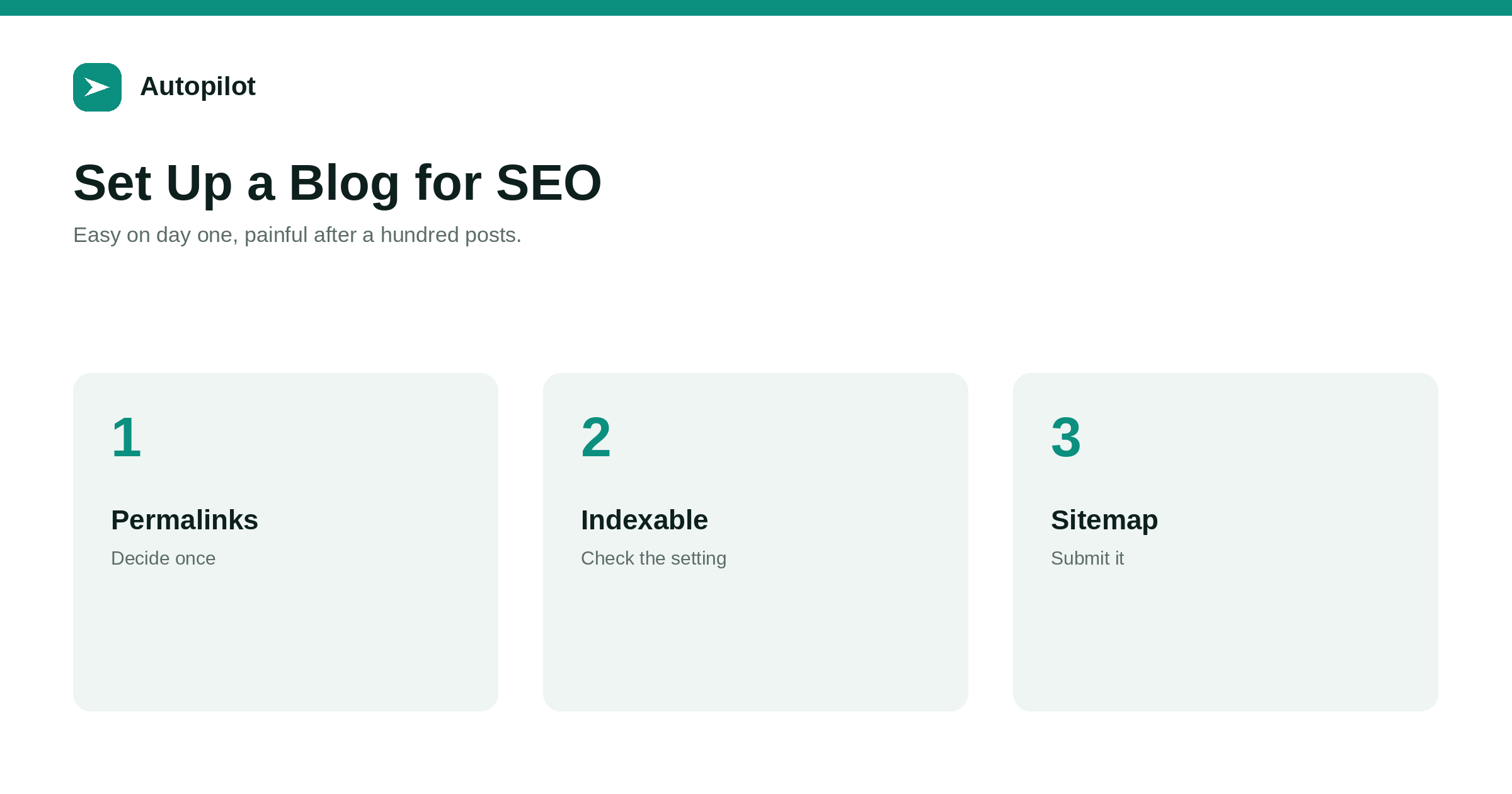
Short answer: on the first day, decide the permalink structure and do not change it, set the time zone, make sure the site is not set to discourage search engines, confirm HTTPS works on every URL, submit the sitemap in Search Console, create a handful of real categories and change the default from Uncategorized, and install one SEO plugin for titles, descriptions and structured data. Each of these takes minutes now. Several of them, especially permalinks, become projects with redirects and cleanup once there are a hundred published posts.
Most of the technical decisions a blog needs are made once, in the first hour, and then forgotten. That is fine if they were made well. If not, they surface a year later as a project nobody wants: redirecting every URL, recategorising three hundred posts, or discovering the site was never indexable.
This is the short list, in the order worth doing it, on a standard WordPress installation.
Permalinks: decide once
The permalink structure determines every URL on the site. Changing it later means redirecting all of them.
For most blogs, post name alone is right: yoursite.com/how-to-write-a-headline/. It is short, readable and does not date. Structures with the year and month make evergreen articles look old and make updating them awkward. Structures with the category break the moment you recategorise.
Set it before publishing anything, and then treat it as permanent. Slugs within the structure deserve the same care, which writing URL slugs covers.
Make sure the site can be indexed
WordPress has a setting, under Reading, called discourage search engines from indexing this site. It is often ticked during development and left ticked at launch.
Check it. Then check the robots.txt file at yoursite.com/robots.txt to make sure it does not disallow everything, and check the homepage source for a noindex meta tag.
This takes two minutes and it is the single most consequential check on the list. A site that cannot be indexed will not appear anywhere regardless of how good its content is — it is the first item in why posts do not rank for good reason.
Time zone, HTTPS and the basics
Three settings that are trivial to get right and irritating to get wrong.
- Time zone under General settings, set to where you are. Left on UTC, posts published in the evening show the wrong date and scheduling behaves unexpectedly.
- HTTPS on every URL, with the http version redirecting to https. Check that the site address settings use https so internal links are generated correctly.
- One canonical host — either www or not — with the other redirecting to it.
Mixed versions of the same URL are one of the most common sources of duplicate-content warnings, and they are entirely avoidable.
Categories before content
Create your categories before the first post, and change the default category from Uncategorized to a real one.
Five to eight categories is plenty for most blogs — broad sections a reader would recognise, not a taxonomy of every subject. Tags can handle finer grouping, and categories and tags covers the difference.
Uncategorized on a hundred posts is a tedious job to unpick, and it produces an archive page that search engines crawl and readers find useless.
Sitemap and Search Console
WordPress generates an XML sitemap automatically at /wp-sitemap.xml, and most SEO plugins replace it with their own. Find out which address yours uses.
Then verify the site in Google Search Console and Bing Webmaster Tools, and submit the sitemap in both. This is how search engines learn about new articles reliably, and it gives you the data you will need later — the Search Console reports that matter explains what to look at.
If you want new pages discovered faster by the engines that support it, IndexNow can be added through a plugin and notifies them each time you publish.
One SEO plugin, configured
Install one SEO plugin, not two. They conflict, and you end up with duplicate tags.
| Setting | What to do |
|---|---|
| Title template | Post title and site name, separated simply |
| Meta descriptions | Written per post, not auto-generated from the first sentence |
| Archive indexing | Usually noindex tag and date archives; keep categories indexable |
| Structured data | Organisation details filled in; Article on posts |
| Social cards | A default image, and per-post featured images |
The plugin does not make pages rank. It makes sure the basics — titles, descriptions, structured data — are correct and consistent, which is what titles and descriptions depends on.
What can wait
Several things feel urgent on day one and are not.
Page speed optimisation beyond choosing a reasonable theme and host. Fix real problems when data shows them.
Advanced schema. Organisation and Article are enough to start.
Author pages, until you know who will be writing. bylines and author pages covers them when it is time.
Dozens of plugins. Every one is a maintenance and security commitment. Add them when a specific need appears, and remove the ones you stopped using, because an inactive plugin that is never updated is still code sitting on your server.
A perfect theme. Pick a fast, well-maintained one that reads well on a phone and move on; content will matter far more than the design choices you agonise over in week one.
Once the site is set up, connecting a publishing tool is the next step, and connecting WordPress safely walks through doing it safely.
Related reading
If this was useful, these cover the questions that usually come next.
- Connecting WordPress safely — the next step once the site is ready
- Categories and tags — the organisation decision in detail
- Writing URL slugs — the other URL decision that lasts
The bottom line
Post-name permalinks, decided once. Indexing allowed and checked. Time zone set, HTTPS everywhere, one canonical host. Real categories with Uncategorized retired. Sitemap submitted to both search consoles. One SEO plugin, configured deliberately. Everything else can wait until there is a reason.
FAQ
What permalink structure is best for a blog?
Post name alone, for most blogs. It is short and readable and does not date articles. Avoid structures that include the date or the category, and do not change the structure once posts are published.
How do I check my WordPress site can be indexed?
Under Settings, Reading, make sure discourage search engines is unticked. Then check robots.txt does not disallow the site and the homepage source has no noindex tag.
Do I need an SEO plugin?
One is useful for managing titles, descriptions, archive indexing and structured data. Install only one, since two will conflict and output duplicate tags.
How many categories should a new blog have?
Five to eight broad sections a reader would recognise. Use tags for finer grouping, and change the default category from Uncategorized before the first post.
Should I submit my sitemap to Bing as well as Google?
Yes. Bing Webmaster Tools is free, and Bing’s index also feeds several other search and answer services. Submitting takes a minute.
What can I leave until later?
Detailed speed optimisation, advanced structured data, author pages and extra plugins. Address them when data or a real need shows they matter.