ENEnglish
 LTLietuviškai
 DEDeutsch
 FRFrançais
 RUРусский
 ESEspañol
 PLPolski
 ITItaliano
 UKУкраїнська
 CSČeština
 PTPortuguês
 JA日本語
JA日本語 LVLatviešu valoda
 ETEesti
 HUMagyar
 IDBahasa Indonesia
 TRTürkçe
 HIहिन्दी
 ELΕλληνικά
 ARالعربية
 THไทย
THไทย VITiếng Việt
 RORomână
 MSBahasa Melayu
 BNবাংলা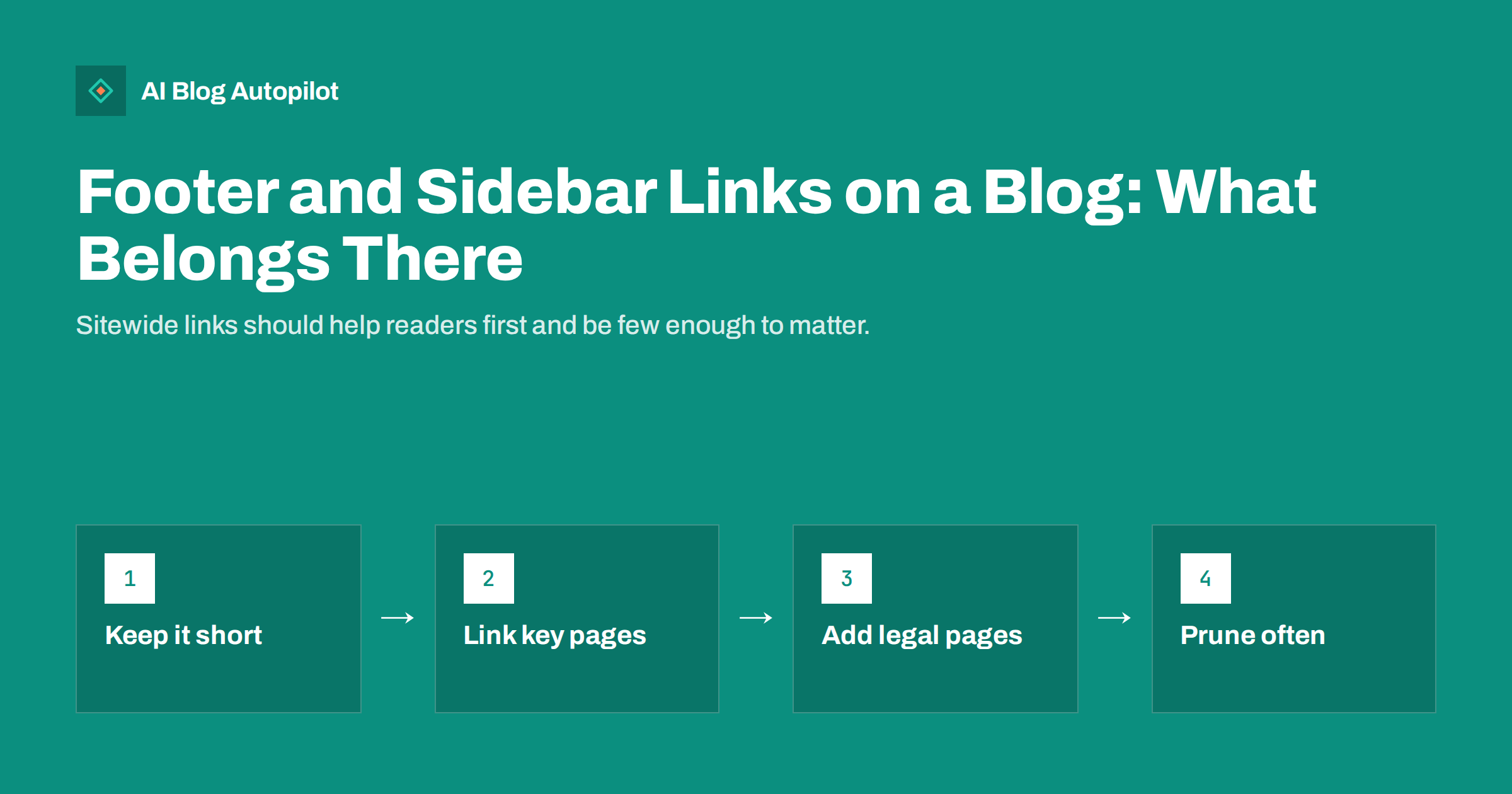
Short answer: a blog’s footer and sidebar should hold a small set of links that help readers find the essentials: the main sections, key pages such as about and contact, legal pages like privacy and terms, and perhaps a few genuinely useful posts. Sitewide links repeat on every page, so they carry weight but also noise. Keep them short, descriptive and current, avoid long lists of posts or unrelated sites, and review them whenever your content changes. Readers come first; any SEO benefit follows from a clear structure.
Footers and sidebars are easy to forget. A theme fills them with default widgets, a plugin adds a few more, and years later a page carries forty links that nobody chose on purpose. Because these links appear on every page, they shape how readers move around the site and how search engines understand it. This guide explains what to include, what to leave out and how to keep these areas tidy without much effort.
What sitewide links do
A link in the footer or sidebar appears on every page that uses the template. That has several effects:
- Navigation. Readers who reach the bottom of an article, or glance at the side, can find the next step, such as the contact page or the main categories.
- Discovery. Search engines follow these links on every page, so the pages they point to are always easy to reach from anywhere on the site.
- Emphasis. Many links to a page from many places suggest that the page matters. Choose what you want to emphasise on purpose.
- Clutter. Too many links dilute the message, push content down on small screens and make it harder to find anything.
Search engines are good at recognising repeated template links and do not treat them like links placed in the body of an article. They are useful for access and structure, but they are not a shortcut for ranking.
What belongs in the footer
The footer is where people look for the practical details. A good footer is a short, tidy list, often in a few columns.
Key pages
Include the pages visitors expect: about, contact, the main product or service page and pricing if you have one. These are the pages you want people to reach from anywhere.
Main sections
Link to your main categories or sections, such as the blog home and the top topics. Keep to the ones that are real hubs with enough content behind them.
Legal and trust pages
Privacy policy, terms, cookie information and any editorial or disclosure pages belong here. Readers and regulators expect them in the footer, and they help show that the site is run by a real organisation.
Contact and social profiles
A contact address or link, and links to the social profiles you actively maintain. Link only to profiles you update; a dead profile does more harm than none.
Add the site name and a short copyright line, and you are done. A footer that fits comfortably on one screen on a phone is a good target.
What belongs in the sidebar
Sidebars are less common on modern, mobile-first designs, and many blogs have removed them. If you keep one, give it a clear job instead of filling it with every widget available. Useful items include:
- A short description of the blog or author, so new visitors know whose site they are on.
- Search, if your blog has enough content to need it.
- Categories, as a compact list of your main topics.
- A subscription option or a single call to action that suits the blog.
- A few featured posts, chosen by hand, that introduce your best work to newcomers.
Remember that on a phone the sidebar usually falls below the article or disappears. Anything essential should not live only there.
What to leave out
Some widgets tend to cause trouble:
- Long lists of recent posts or archives by month. They add many links with little value and change constantly.
- Tag clouds. They rarely help readers and can link to thin tag pages.
- Links to unrelated sites, especially paid or exchanged links placed sitewide. Search guidelines treat paid links that pass ranking signals as a problem, so avoid them or mark them correctly.
- Old badges, counters and widgets from services you no longer use.
- Keyword-stuffed link lists that exist only to push a phrase.
- Duplicated menus, where the footer simply repeats the whole main navigation.
If a link has not been clicked and would not be missed, it probably does not belong.
Anchor text and wording
Use plain, descriptive text for links. “Pricing”, “Contact” and “Privacy policy” are fine. For topic links, name the topic in a way a reader would. Avoid stuffing the same keyword into several footer links, and do not use vague labels such as “Click here” or “More”. Wording should be consistent across the site so that a link to the same page always says roughly the same thing.
If you link to a few important articles from the footer or sidebar, choose evergreen ones and keep the list under review. A link to a post that has been merged, redirected or deleted wastes a click and may cause an error.
Sitewide links and SEO
Sitewide links affect SEO mainly through structure. They make sure key pages are crawlable from every page, and they signal which pages the site considers central. They are not a trick for ranking, and adding more of them seldom helps.
Points to remember:
- Do not rely on them alone. Contextual links within articles, placed where they help the reader, carry clearer meaning.
- Avoid overlinking. If the footer links to fifty pages, none of them stands out.
- Check that links work. Broken sitewide links produce an error on every page that carries them.
- Use real links. Menus built only with scripts may not be followed. Use standard links in the page code.
Mobile and accessibility
On a phone, the footer is often the last thing readers see, and the sidebar may sit between the article and the footer. Make sure tap targets are large enough, spaced apart and readable. Use sufficient contrast for link text and make the order logical for keyboard and screen-reader users. A well-structured footer with headings for each group, such as “Company” and “Legal”, helps everyone find their way.
Check also that cookie notices, chat widgets and floating buttons do not cover footer links on small screens.
A quick audit you can do in ten minutes
- Open three different pages on your blog, one on a phone, and look at the footer and sidebar.
- List every link and ask what it is for.
- Click each one to be sure it works and leads where the label says.
- Remove or replace anything stale, duplicated or irrelevant.
- Check that your key pages, such as about, contact and your main offer, are reachable in one click.
- Repeat after any theme change or plugin update, since defaults sometimes return.
Example: a small blog footer, step by step
Imagine a blog for a small bookkeeping firm. Its footer grew over the years to include thirty links: every category, a list of recent posts, three partner badges, the archive by month and two social buttons for profiles that were abandoned. A tidy rebuild would take about an hour.
- Start with the purpose. A visitor at the bottom of a post wants to contact the firm, see the services or read the privacy policy.
- Keep three groups. “Services” with two or three links, “Company” with about and contact, and “Legal” with privacy and terms.
- Add the active profiles only. Two social links remain, the ones that are updated weekly.
- Drop the rest. Recent posts and monthly archives already have a home on the blog page. Badges from services no longer used go too.
- Test on a phone. The new footer fits on one screen, and every link is easy to tap.
The result is smaller, faster to load and clearer. Nothing of value was lost, because the removed items were either available elsewhere or not used. The same exercise works for most blogs and rarely needs a developer, since the footer is usually edited through the theme’s widget or customiser screens.
Measuring the effect
After a change, give it a few weeks and look at simple signs. Do more visitors reach the contact or services pages? Does the average number of pages per visit change? Does the error report in Search Console show fewer broken links? These numbers are modest, and many things influence them, so use them as a sanity check, not as proof. The main gain is a cleaner site that is easier to maintain.
Keep a copy of the old footer settings before you change them, so that you can restore a link if someone misses it. Most themes let you export or screenshot widget settings, and a quick note of what was removed and why saves a debate later.
How AI Blog Autopilot helps
AI Blog Autopilot publishes articles to your WordPress site, while your footer and sidebar remain part of your theme and under your control. You decide which template links appear on every page, and the articles Autopilot publishes sit inside that structure. See the pricing page for plans.
Related reading
- Breadcrumbs and Navigation for a Growing Blog
- Anchor Text for Internal Links: What to Write and Avoid
- Orphan Pages: Finding Blog Posts Nothing Links To
- The Blog Home Page: What It Should Do for Search
The bottom line
Footer and sidebar links should be few, clear and kept up to date. Use the footer for key pages, main sections and legal information, and use the sidebar only if it has a real job. Leave out long post lists, tag clouds, unrelated or paid links and old widgets. Use plain wording, make sure every link works, check the result on a phone and review the lot whenever your theme or content changes. A tidy template serves readers and search engines better than a crowded one.
FAQ
Do footer links help SEO?
They help search engines reach key pages from everywhere and show which pages matter, but they do not work as a ranking shortcut. Contextual links inside articles carry clearer meaning.
How many links should a blog footer have?
Only a handful: key pages, main sections, legal pages and active social profiles. If it no longer fits comfortably on one phone screen, remove something.
Should a blog have a sidebar?
Only if it has a clear job, such as search, categories or a subscribe option. On phones it usually falls below the article, so essentials should not live there alone.
Are sitewide links to other websites a problem?
They can be if they are paid or exchanged and pass ranking signals. Avoid them or mark them correctly, and link only to sites that help readers.
How often should I review footer and sidebar links?
After any theme change or plugin update, and at least once or twice a year. Remove broken, stale or duplicated links.