ENEnglish
 LTLietuviškai
 DEDeutsch
 FRFrançais
 RUРусский
 ESEspañol
 PLPolski
 ITItaliano
 UKУкраїнська
 CSČeština
 PTPortuguês
 JA日本語
JA日本語 LVLatviešu valoda
 ETEesti
 HUMagyar
 IDBahasa Indonesia
 TRTürkçe
 HIहिन्दी
 ELΕλληνικά
 ARالعربية
 THไทย
THไทย VITiếng Việt
 RORomână
 MSBahasa Melayu
 BNবাংলা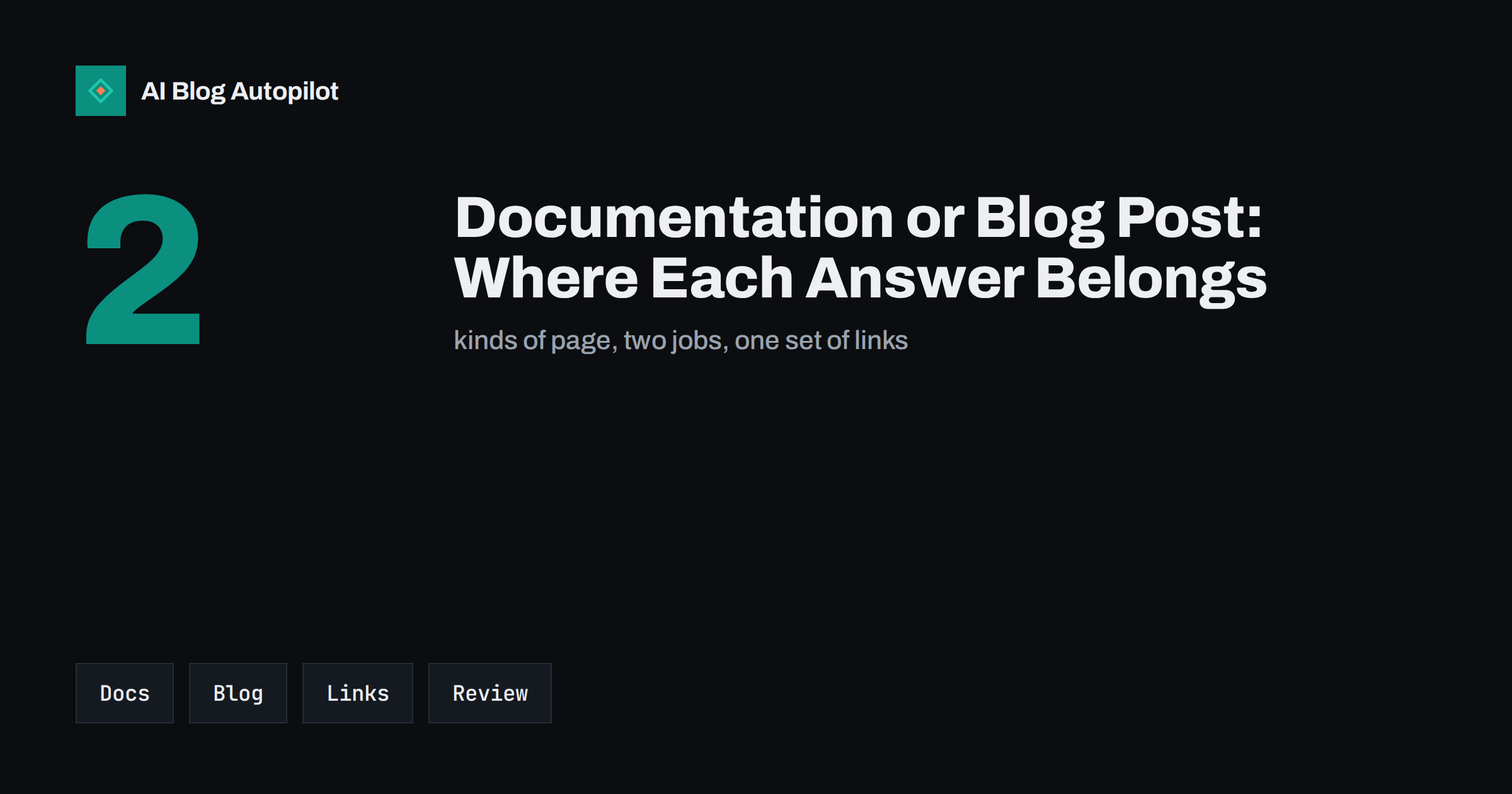
Short answer: put exact, changing instructions in documentation and put explanation, context, advice and examples in blog posts. Documentation should be complete, stable and updated whenever the product changes; blog posts should help a reader understand why and decide what to do. Link the two both ways, never copy text between them and review both whenever something changes.
Many businesses publish the same answer in several places: a help page, a blog article, a social post and a sales email. Over time the versions drift apart, and the reader meets three different answers to the same question. Search engines face the same confusion and may rank the wrong one. A clear rule about what belongs where keeps the answers consistent and saves your team from writing everything twice.
Know what each kind of page is for
Documentation answers the question “how do I do this exactly?”. It lists steps, settings, limits, error messages and definitions, and it is read by someone who is in the middle of a task. The reader wants a precise answer, quickly, and does not want a story. The page should be complete, scannable and accurate for the current version.
A blog post answers questions such as “should I do this?”, “why does it work this way?” and “what do others do?”. It gives context, compares options, shows examples and expresses a point of view. The reader is often earlier in the decision and wants to understand, not to follow a procedure. A blog post can take a little longer and use a more human voice.
Some pages sit in between, such as a getting-started guide or a troubleshooting article. Decide where they belong by asking which will change more often and which will be linked from the product. Our guide on support articles that reduce tickets explains how to write the precise ones.
Match the page to the reader’s search
People search differently at different stages. Someone who types an error message or “how to change a setting” wants documentation. Someone who types “best way to plan a content calendar” or “is automation worth it” wants a blog post. If you answer a task question with an essay or a comparison question with a list of menu clicks, the reader leaves and search engines notice.
Look at the results for your target phrase and see what kind of page appears. If the top results are step-by-step guides, write a guide; if they are comparisons or opinions, write an article. Our article on search intent explained shows how to read the signals. The same topic may need both pages, each aimed at a different intent.
Use titles that tell the reader what kind of page it is. A title that starts with “How to” suggests steps, one that starts with “Why” or “When” suggests explanation, and one that names an error suggests a fix. Clear titles reduce bounce and wrong expectations.
Write for the reader who is stuck. Begin each page with the result they want, such as “Change your notification settings”, and put the prerequisites before the steps: what access they need, what they should have ready and how long it takes. If a step can fail, say how to recognise failure and what to try next. These small details are what separate a page that solves a problem from one that merely describes a feature.
Write documentation to be stable and complete
Documentation should have a predictable structure: what it is, when to use it, the steps, the limits, common problems and related pages. Use short sentences, numbered steps and exact names for buttons and settings. Put one task on each page, because long pages that cover many tasks are difficult to link to and difficult to keep accurate.
Date the page and say which version it describes. Keep a short change log at the bottom when something important changes. If you retire a feature, do not delete the page immediately; say that the feature is no longer available and link to the replacement, following the guidance in dealing with expired content on blogs.
Use screenshots only where they help and describe them in text as well, so that the page works for readers who use screen readers or small screens. Update or remove images when the interface changes, because an outdated screenshot is worse than none. Our guide to screenshots, diagrams and charts explains how to use them well.
Blog posts are also the place for the things that do not belong in documentation: how customers use the product in practice, what trade-offs exist, which approach suits which kind of business and what the product is not designed to do. This kind of honest framing helps buyers decide, and it prevents the support requests that come from unmet expectations. Our article on honest fit statements shows how to write them.
Write blog posts to explain and persuade honestly
A blog post can take a position, tell a story and compare options. It should still be accurate, and it should not contain steps that will become wrong when the product changes. If you describe a procedure in a post, keep it short, explain the idea and link to the documentation for the exact steps. That way the post stays true even after the interface is redesigned.
Use examples from real situations and say who they apply to. When you describe features, state what is available now and what is limited, and avoid promises about what will come. For help with the tone, see writing about your own product without sounding like an advert.
Finish a post with a clear next step: read the guide, try the feature, compare plans or contact support. The step should match what the reader has just learned and should not feel like an interruption.
Link the two in both directions
A blog post that mentions a feature should link to the documentation for it, and the documentation should link to posts that explain the thinking behind it, where that helps. Use descriptive link text, not “click here”, so that readers and search engines understand where the link leads. Our guide to anchor text for internal links gives examples.
Keep related pages visible. A short “Related reading” list at the end of each page helps readers continue, and a “Learn more” box in documentation helps those who want context. Avoid long lists of links that nobody reads; choose the two or three that are most useful.
Never copy text between the two. If the same paragraph appears in both places, one of them will become wrong, and the two pages will compete in search. Write the exact answer once, in the documentation, and refer to it from elsewhere. Our guide to how to handle duplicate content explains the risks.
Give new team members a short guide to the split: where a new page goes, how to name it, which template to use and who reviews it. Without a guide, people create pages wherever is convenient, and the structure erodes within a year. A one-page rule, kept in the same place as the style guide, is enough to keep things tidy.
Decide who owns each page
Documentation usually needs the people who know the product to own it, while the blog is often owned by marketing. Both need an owner and a review date. Write down who updates what when the product changes, and include the pages in the release checklist so that nobody has to remember. Without ownership, both sets of pages drift.
Set up a simple routine: when a feature changes, someone searches the site for its name and checks every page that mentions it. A site search, or a search of the content inventory described in building a content inventory spreadsheet, finds the pages in minutes. Then update, redirect or remove them.
Measure both with the right questions
Judge documentation by whether it helps people finish tasks and reduces support requests, and judge blog posts by whether they attract the right readers and lead them to a next step. A documentation page with few visits may be fine if the feature is rarely used, and a blog post with many visits and no clicks may need a better next step.
Look at the search queries that bring people to each page. If a blog post attracts task queries, add a link to the documentation near the top; if a help page attracts comparison queries, add a link to the explanation. Adjust, then check again after a few weeks.
Keep the split simple
You do not need a complicated system. Choose a place for documentation, a place for the blog and a rule for which is which, then write the rule down. When a page does not fit, ask what the reader is trying to do: finish a task, or understand and decide. Put the page where that reader would look, link it to its partner and move on.
Review the split once a year. Look for pages in the wrong place, duplicated answers and pages that nobody owns. Merge, move or redirect them using the guidance in content pruning, and keep a short note of what you changed. A tidy structure makes every future page easier to write.
How AI Blog Autopilot helps
AI Blog Autopilot writes full SEO articles for your WordPress blog from the topics, keywords, audience and tone you set, with FAQ sections, tags and SEO meta included, and it shares each one to your social networks. That keeps the explanatory side of your content moving while your team looks after the documentation. Approval mode lets you read each article first, which matters when a post touches steps that must match the product. See the pricing page for plans.
Related reading
- Support Articles That Reduce Tickets
- Search Intent Explained for Blog Writers
- How to Handle Duplicate Content on a Blog
The bottom line
Put exact, changing steps in documentation and explanation in blog posts, match each page to the reader’s intent, link them both ways, never copy text between them and give every page an owner and a review date.
FAQ
Should help articles be on the blog?
Usually not. Put exact instructions in a documentation or help section and link to it from blog posts that explain the context.
Can one topic have both a guide and a post?
Yes, if they serve different intents. Make sure they link to each other and do not repeat the same text.
Which page should I update first when a feature changes?
The documentation, since it must match the current product, then any post that describes the feature.
How do I stop the two competing in search?
Give each a distinct purpose and title, avoid copied text and link from the explanation to the exact answer.
Who should own documentation pages?
The people who know the product best, with a review date and a place in the release checklist.