 ENEnglish
 LTLietuviškai
 DEDeutsch
 FRFrançais
 RUРусский
 ESEspañol
 PLPolski
 ITItaliano
 UKУкраїнська
 CSČeština
 PTPortuguês
 JA日本語
JA日本語 LVLatviešu valoda
 ETEesti
 HUMagyar
 IDBahasa Indonesia
 TRTürkçe
 HIहिन्दी
 ELΕλληνικά
 ARالعربية
 THไทย
THไทย VITiếng Việt
 RORomână
 MSBahasa Melayu
 BNবাংলা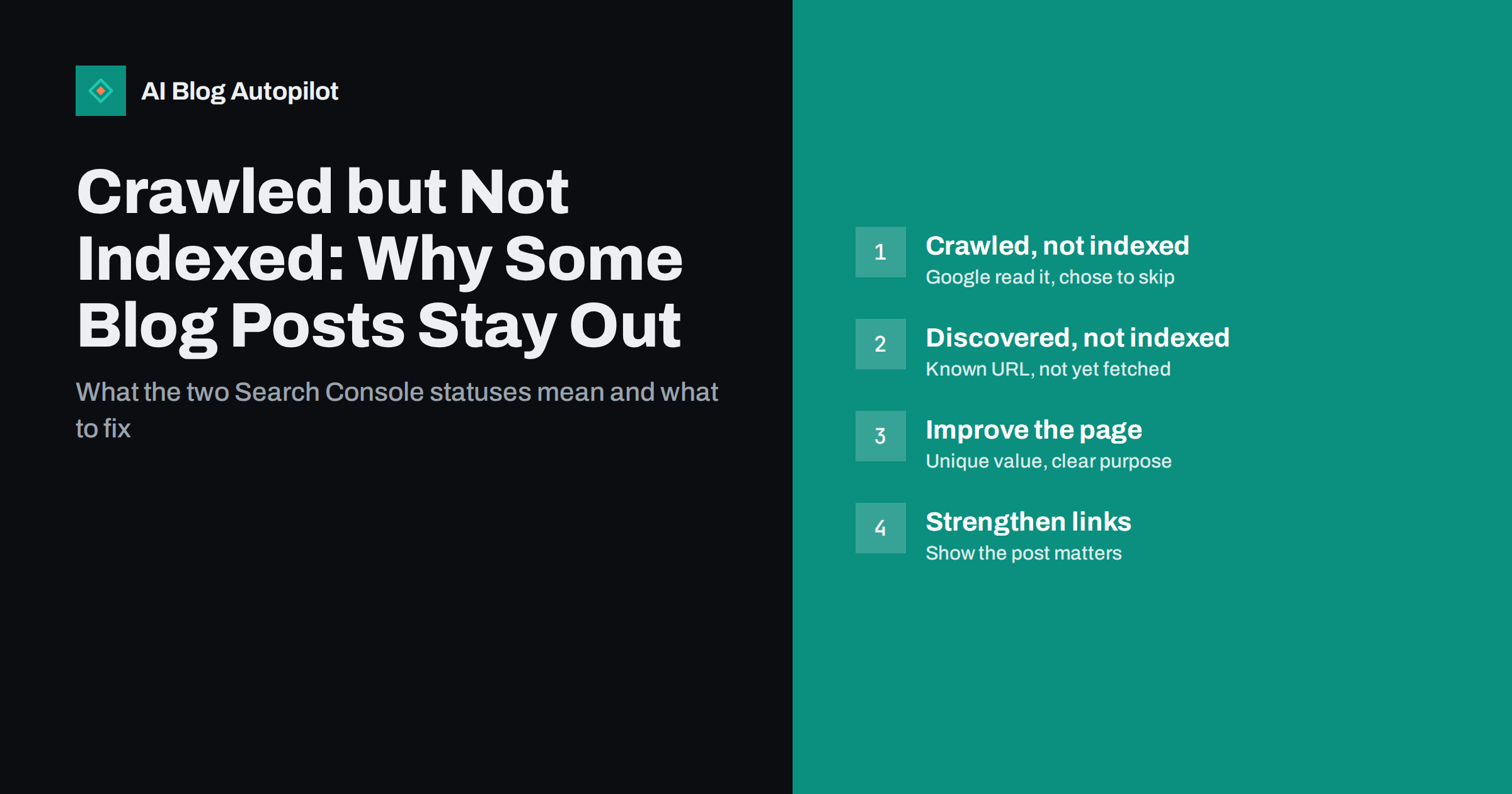
Short answer: “Crawled, currently not indexed” in Google Search Console means Google fetched the page but decided not to add it to its index, at least for now. “Discovered, currently not indexed” means Google knows the URL exists but has not crawled it yet. On a blog, the usual causes are thin or near-duplicate content, weak internal linking and pages that add little beyond what the site or the web already offers. The fixes are to make the post clearly useful and distinct, link to it from related posts, and then request indexing once; resubmitting an unchanged page repeatedly does not help.
Few things are more frustrating than publishing a careful article and finding it missing from Google weeks later. You open Search Console, check the page indexing report, and there it is under a grey label: crawled, currently not indexed.
The status is common, often temporary and rarely a sign of a penalty. It is, however, a signal worth reading correctly, because on a growing blog it can point to patterns that affect many posts at once.
What the two statuses mean
Search engines work in stages: discovering URLs, crawling them, and deciding whether to index them. Google gives a clear overview of these stages in its guide to how Search works. The two statuses sit at different points in that pipeline.
- Discovered, currently not indexed. Google has found the URL, usually through a link or your sitemap, but has not crawled it yet. Often this is simply a queue: Google chose to postpone the fetch, sometimes because it expected crawling to put load on the site or because it did not consider the URL a priority.
- Crawled, currently not indexed. Google has fetched the page and decided not to index it for now. The page may be indexed later without any change, or it may stay out until something about it or the site changes.
Neither status is an error in the technical sense. No rule is being broken. Google is making a choice about priority and value, and your job is to make the page an easier choice.
First, rule out technical blocks
Before assuming a quality issue, confirm that nothing technical is holding the page back. Use the URL Inspection tool on the affected post and check:
- Is the page returning 200? A redirect, a 404 or a server error would show a different status, but it is worth confirming the live URL.
- Is there a noindex? A leftover noindex from a plugin, a theme setting or a staging configuration shows as “Excluded by noindex tag”, not as crawled-not-indexed, but check anyway.
- Is the canonical correct? If the canonical points at another URL, Google may index that one instead. The inspection tool shows both the declared and the selected canonical.
- Does the rendered page show the content? The “View crawled page” option shows what Google saw. If the main text is missing because it loads through a script that failed, Google judged an empty page.
- Is robots.txt allowing the assets? Blocked CSS or JavaScript can make a page render badly for crawlers.
If all of this checks out, the issue is almost always about perceived value and priority, not technology.
The common causes on a blog
These are the patterns that most often lead to posts staying out of the index:
- Thin content. Short posts that restate what countless other pages already say, without examples, depth or a clear angle.
- Near-duplicates on your own site. Several posts covering the same question in similar words. Google may index one and skip the others.
- Tag and archive pages. Tag archives with one or two posts, date archives and paginated pages are frequently crawled and not indexed. This is often fine and expected.
- Weak internal linking. A post reachable only through the sitemap or a deep archive page looks unimportant.
- A new or small site. Sites with few external links and a short history often see more of their pages held back at first, simply because Google has less evidence about them.
- Publishing large volumes quickly. A sudden jump in the number of new pages, especially similar ones, can mean Google indexes a portion and waits on the rest.
- Parameter and variant URLs. Versions of a page with tracking or sorting parameters often appear here, and usually do not need fixing.
Is it worth fixing?
Not every URL in these reports needs attention. Sort them into three groups before doing anything:
| URL type | Typical action |
|---|---|
| Important blog posts you want to rank | Investigate and improve; this is where effort pays off |
| Tag, date and paginated archive pages | Usually ignore, or noindex thin tag pages |
| Parameter, feed and attachment URLs | Ignore, or fix the source of the extra URLs |
| Old, thin posts with no traffic | Merge into a stronger post or retire with a redirect |
A report showing hundreds of URLs can look alarming. After filtering out archives and variants, the number of real posts affected is often small.
How to improve a post Google skipped
For posts you care about, the question is simple: why would Google want this page in its index? Improve the answer.
- Compare it with the pages that rank. Search the post’s main query and read the top results. What do they cover that yours does not? What could you add that none of them do?
- Add genuine substance. Specific steps, worked examples, a comparison table, your own experience, screenshots, a checklist. Word count alone does not help; useful detail does.
- Make the purpose obvious. A clear title, an opening paragraph that answers the main question and descriptive headings help Google understand what the page is for.
- Remove overlap. If another post on your site covers the same question, merge the two and redirect the weaker one.
- Update facts and dates honestly. Outdated information makes a page less useful. Refresh it, and only change the visible date when the content has genuinely changed.
Give the post stronger internal signals
Internal links are the most direct way to tell search engines that a page matters.
- Link to the post from two to four closely related articles, using descriptive anchor text.
- Link to it from a relevant pillar or hub page if you have one.
- Make sure its category is linked from the site navigation and that the post appears on the category page without dozens of clicks through pagination.
- Check that it is in your XML sitemap with an accurate last-modified date.
External signals help too: a post that gets shared, mentioned or linked from other sites gives Google another reason to crawl and index it. Share new posts where your audience actually is.
Then request indexing, once
After improving a post, use the URL Inspection tool and request indexing. This asks Google to recrawl the page; it does not guarantee indexing. Repeating the request daily does not speed anything up.
For “Discovered, currently not indexed” pages, there is often nothing to do except wait, improve internal links and make sure the server responds quickly. If a large number of your URLs sit in this status for months, check whether your site produces many low-value URLs that compete for crawling, such as parameter variants or endless archives, and reduce them.
Check back after a few weeks. If the post is indexed, the report updates over time. If not, look again at what makes the page distinct.
Patterns that point to a site-wide issue
When many posts are affected, look for a common cause rather than fixing them one by one:
- Most new posts stay out for weeks. The site may be publishing faster than its authority supports, or new posts may be too similar to each other. Slow down, focus on distinct topics and strengthen internal linking.
- A whole category is affected. That category may overlap heavily with another, or its posts may be thinner than the rest of the site.
- The problem started after a change. A theme switch, a new plugin or a migration can introduce rendering problems, duplicate URLs or wrong canonicals across the site.
- Old posts are dropping out. Google periodically re-evaluates indexed pages. Posts that were once indexed and are now crawled-not-indexed may need a refresh or a merge.
Where AI Blog Autopilot fits
AI Blog Autopilot writes long-form articles of 2,000 to 3,000 words planned around real search queries, with FAQ, tags and SEO meta, and it checks length, structure, keyword and meta automatically before an article goes live. It publishes at a steady pace you choose rather than in sudden bursts, and it shares each article to your social networks after publishing. Indexing is still Google’s decision, so the checks in this guide remain worth running on any blog. You can see how it works on the AI Blog Autopilot home page.
Related reading
- Google Search Console: The Five Reports That Matter
- IndexNow: Telling Search Engines About New Pages Immediately
- How Long Before a New Blog Post Ranks?
- Orphan Pages: Finding Blog Posts Nothing Links To
The bottom line
“Crawled, currently not indexed” means Google read your page and chose to wait; “Discovered, currently not indexed” means it has not read it yet. Rule out technical blocks first, ignore archive and variant URLs, and focus on the posts that matter: make them distinct and genuinely useful, link to them from related content, and request indexing once. When many posts are affected, look for the common cause rather than resubmitting pages one at a time.
FAQ
What does crawled, currently not indexed mean?
It means Google has fetched the page but decided not to include it in its index for now. It is not a penalty or a technical error. The page may be indexed later, especially if its content becomes more distinct and useful or it receives stronger internal links.
How long does it take for a crawled page to be indexed?
There is no fixed time. Some pages move into the index within days, others take weeks, and some stay out until they are improved. If an important post is still not indexed after several weeks, review its content and internal links rather than waiting indefinitely.
Does requesting indexing fix the problem?
Requesting indexing asks Google to recrawl the page, but it does not force Google to index it. It is useful once after you have made real improvements. Requesting it repeatedly for an unchanged page does not help.
Should I worry about tag pages that are crawled but not indexed?
Usually not. Tag, date and paginated archive pages often appear in this report, and that is normal. If thin tag pages bother you, add useful descriptions to the important ones and consider noindex for tags with only one or two posts.
Can too many posts cause pages not to be indexed?
Publishing many similar or thin posts in a short time can lead Google to index only some of them. A steady pace, distinct topics and good internal linking help new posts get indexed more reliably.


