 ENEnglish
 LTLietuviškai
 DEDeutsch
 FRFrançais
 RUРусский
 ESEspañol
 PLPolski
 ITItaliano
 UKУкраїнська
 CSČeština
 PTPortuguês
 JA日本語
JA日本語 LVLatviešu valoda
 ETEesti
 HUMagyar
 IDBahasa Indonesia
 TRTürkçe
 HIहिन्दी
 ELΕλληνικά
 ARالعربية
 THไทย
THไทย VITiếng Việt
 RORomână
 MSBahasa Melayu
 BNবাংলা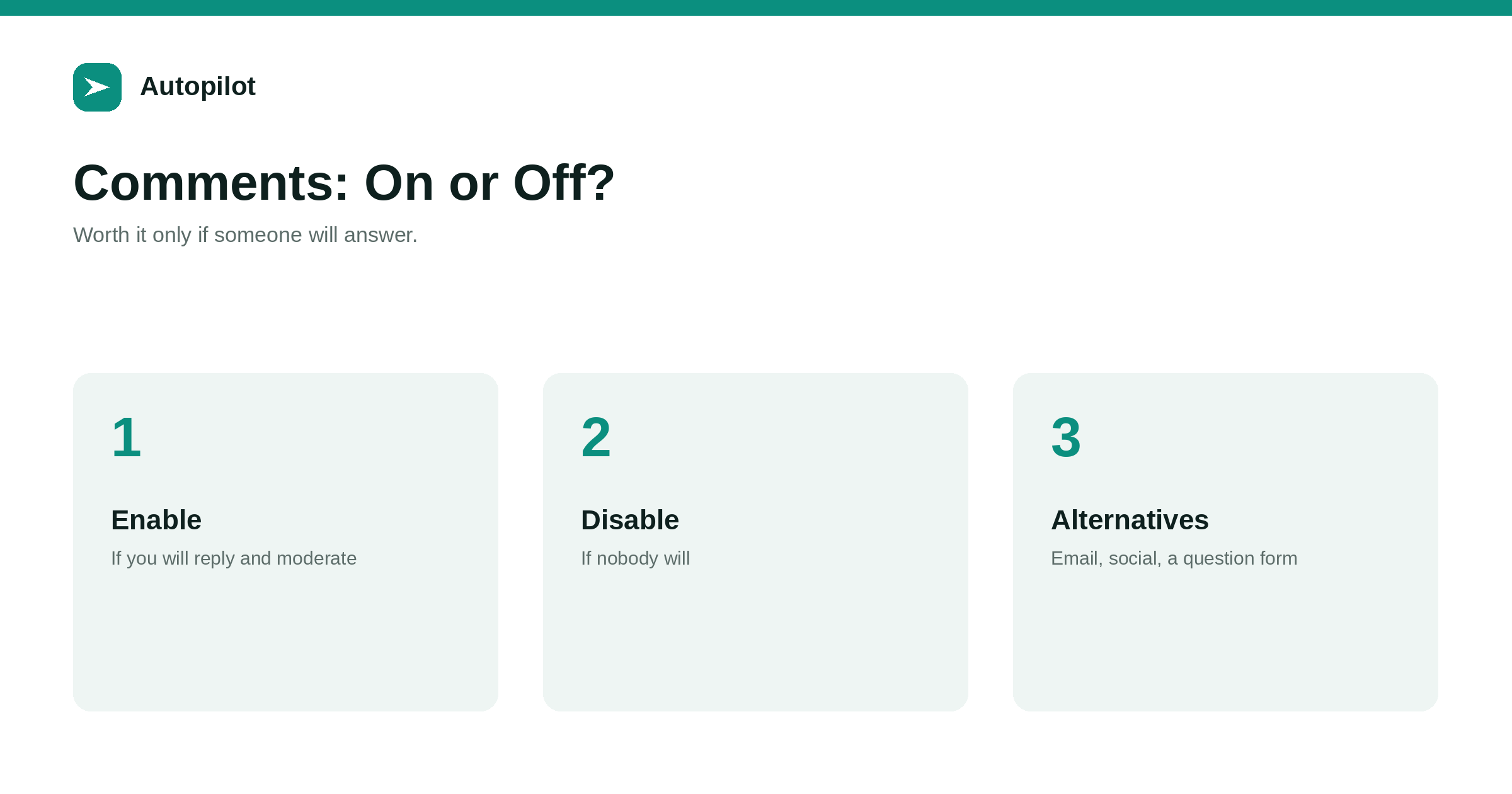
Short answer: comments are worth enabling only if someone will moderate them and reply, promptly and consistently. When that happens, they surface real questions, show that a real business stands behind the blog, and can add useful detail to articles. When it does not, they fill with spam and unanswered questions, which looks worse than no comments at all. Many business blogs do better with comments off and a simple way to send questions by email or form, plus discussion on social networks where readers already are.
Comment sections were once a standard part of every blog. On many business blogs today they are either switched off or filled with spam and questions nobody answered.
Whether to allow them is a practical decision about time and purpose, not a matter of blog etiquette.
What comments can offer
Well-run comments have real benefits.
- Questions from readers, which reveal gaps in the article and ideas for new ones.
- Visible engagement, showing that real people read and a real business responds.
- Additional detail from readers with their own experience.
- A direct line to people interested enough to write.
What they cost
The costs are mostly time.
| Cost | What it involves |
|---|---|
| Spam | Filtering and deleting, even with tools |
| Moderation | Deciding what to publish, handling abuse |
| Replies | Answering questions promptly and accurately |
| Privacy | Handling commenters’ personal data properly |
| Page weight | Comment systems can slow pages |
If nobody will do these, comments become a liability.
Unanswered comments look worse than none
A question left unanswered for months signals that nobody is paying attention. Visitors notice, and it undermines the trust the article was meant to build.
If you cannot commit to replying within a few days, turning comments off is the more professional choice.
If you enable them
Set up a few things first.
- Spam filtering and moderation before publication, at least for first-time commenters.
- Short, visible guidelines on what will be removed.
- A named person responsible for replies, with a target response time.
- Notifications so new comments are seen quickly.
- Privacy information for commenters.
Replying well
A good reply answers the question specifically, adds detail the article lacked, and links to another article if one covers it. If a question reveals a genuine gap, add the answer to the article itself or to its FAQ, and say so in the reply.
Keep replies courteous even with difficult commenters. Other readers see how you respond.
Alternatives
Many businesses capture the value of comments without the costs.
A short line at the end of articles inviting questions by email or through a form brings in the same questions privately. Discussion on social networks, where readers already are, often generates more conversation than a comment box — LinkedIn for a business blog covers one channel. A newsletter that invites replies works too — a newsletter built from your articles.
Comments and search
Comments are part of the page, so search engines may read them. Thoughtful comments can add relevant detail; spam and low-quality comments can make the page look neglected.
Links in comments should be marked as user-generated or nofollow, which most platforms do automatically. Comments are not a way to improve rankings, and nobody should enable them for that reason.
Using comments as a source of topics
Whether questions arrive as comments, emails or social replies, they are one of the best sources of new articles. A question asked in a comment is a question others have and did not ask.
Keep a running list of reader questions alongside the ones from sales and support. When the same question appears several times, it deserves an article or a new FAQ entry. Finding the gaps in your blog covers building that list into planning.
Closing comments on older articles
Many platforms can close comments automatically after a set period. Older articles attract more spam and fewer genuine comments, and closing them after a few months reduces moderation work without losing much.
If an older article still attracts genuine questions, leave it open, or add a line inviting questions by email instead.
Handling criticism
Some comments will disagree with the article or criticise the business. Publishing reasonable criticism and replying calmly usually does more for credibility than deleting it. Correct the article if the criticism is right, and say so.
Abusive comments, personal attacks and spam are a different matter; remove them under your published guidelines. The guidelines make the line clear and defensible.
Comments on automated blogs
Blogs publishing at volume generate more pages for spam to target and more questions to answer. If you publish many articles a month, plan moderation time accordingly, or leave comments off and use a single contact route that one person monitors.
Privacy for commenters
Comment systems collect names, email addresses and sometimes IP addresses. Tell commenters what is collected and why, keep only what you need, and delete it on request. Third-party comment systems may add tracking, which belongs in your privacy policy and may need consent.
A middle path
Some blogs replace open comments with a short feedback question at the end of each article — was this helpful? — plus a link to ask a question privately. It captures useful signals and questions with almost no moderation, and it never displays spam or unanswered questions to other readers.
The answers are private but valuable: articles marked unhelpful are candidates for review, and questions sent privately are candidates for new content.
Reviewing the decision
Revisit the choice once a year. If comments were enabled and produced little but spam, turn them off. If they were off and readers keep asking questions by email, consider opening them on the most popular guides.
Deciding
Ask two questions: will someone reply to every genuine comment within a few days, and does your audience actually comment on articles like yours? If both answers are yes, comments can add value. If either is no, turn them off and offer another way to ask questions.
You can also decide per category: comments on in-depth guides, off on announcements.
Related reading
If this was useful, these cover the questions that usually come next.
- A newsletter built from your articles — an alternative channel for replies
- Using people also ask — another source of reader questions
- LinkedIn for a business blog — where discussion often happens instead
The bottom line
Enable comments only if someone will moderate and reply promptly, and your readers actually comment. Set up spam filtering, guidelines, a named responder and privacy information first. Otherwise turn them off and invite questions by email, form, newsletter replies or social networks, and feed the questions back into articles.
FAQ
Should a business blog have comments?
Only if someone will moderate and reply promptly. Otherwise, turning them off and offering another way to ask questions is better.
Do blog comments help SEO?
Not meaningfully. Thoughtful comments can add detail, spam can make pages look neglected. Do not enable them for rankings.
How do I handle comment spam?
Use spam filtering, moderate first-time commenters before publication, and publish clear guidelines.
What are alternatives to comments?
An email or form invitation at the end of articles, newsletter replies, and discussion on social networks.
How quickly should comments be answered?
Within a few days. Long-unanswered questions look worse than no comments.
Can I enable comments on some articles only?
Yes. Many blogs allow them on in-depth guides and disable them elsewhere.


