ENEnglish
 LTLietuviškai
 DEDeutsch
 FRFrançais
 RUРусский
 ESEspañol
 PLPolski
 ITItaliano
 UKУкраїнська
 CSČeština
 PTPortuguês
 JA日本語
JA日本語 LVLatviešu valoda
 ETEesti
 HUMagyar
 IDBahasa Indonesia
 TRTürkçe
 HIहिन्दी
 ELΕλληνικά
 ARالعربية
 THไทย
THไทย VITiếng Việt
 RORomână
 MSBahasa Melayu
 BNবাংলা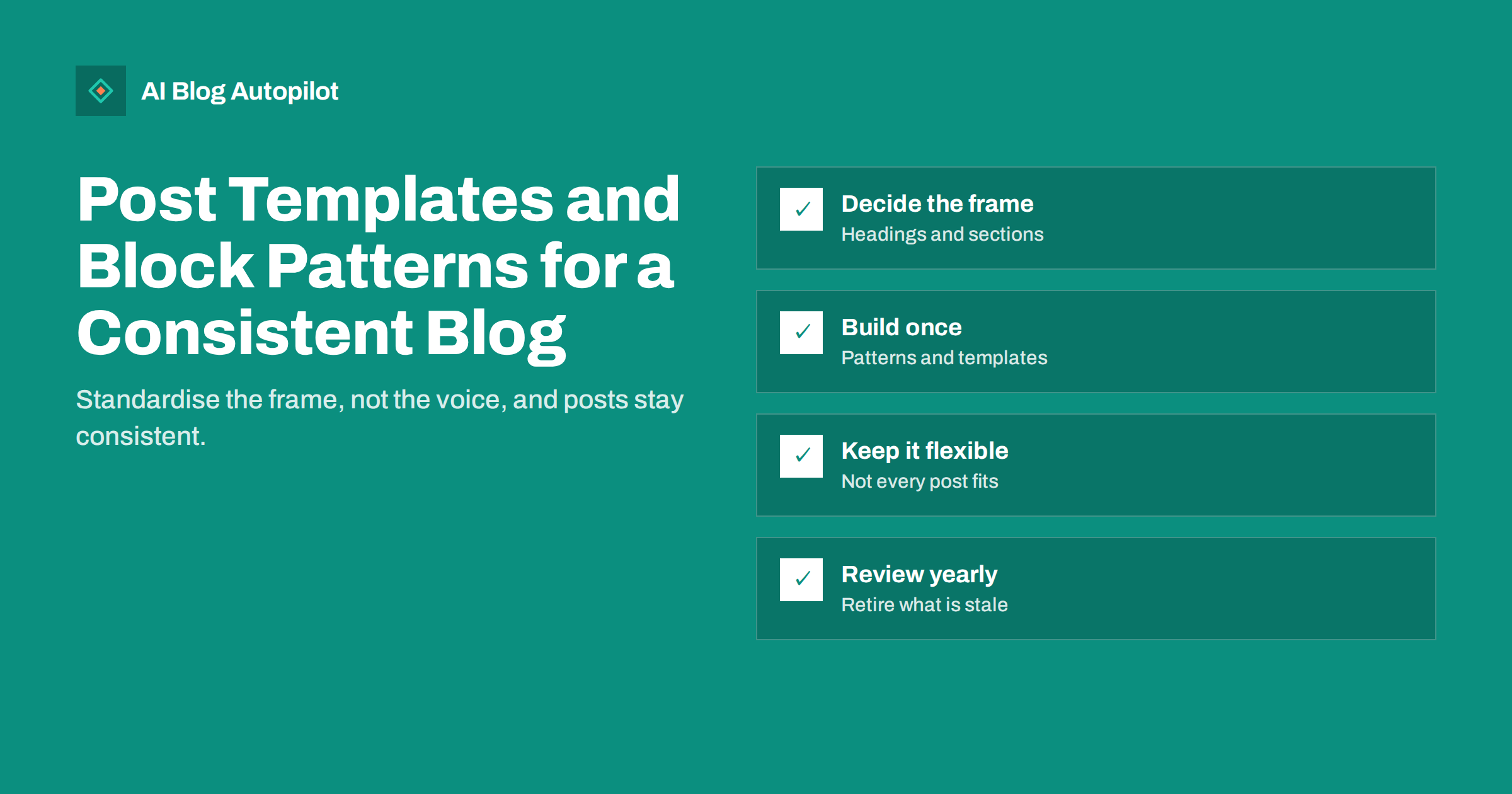
Short answer: post templates and block patterns let a WordPress blog reuse the same structure for similar posts, so every guide, review or announcement has the same sections, calls to action and formatting without being rebuilt each time. Standardise the frame, such as headings, summary box, related links and notices, but leave the content free. Build a small set of patterns for your common post types, keep them flexible, test them on a phone and review them from time to time as your blog changes.
A blog that grows past a few dozen posts begins to show its history. Older posts have one layout, newer ones another, a call to action appears in some and not others, and a notice that should be on every article is missing from half. Templates and patterns fix this at the source. They do not write the post, but they make the structure repeatable, which saves time for editors and gives readers a consistent experience. This guide explains the tools in plain terms and shows how to use them without making every post feel identical.
The tools, in plain terms
WordPress offers several ways to reuse structure. The names vary with the version and the theme, so check what your site supports.
- Block patterns. Ready-made groups of blocks, such as a heading followed by a paragraph and a button, that you insert in one step and then edit.
- Reusable or synced blocks. A block or group saved once and used in many places. When the original is changed, the copies can change too, which is useful for notices and calls to action.
- Post templates. A layout for the whole post, controlling what appears around the content: title, image, byline, related posts and so on.
- Starting content. A default structure that appears when you create a new post, so the editor opens with headings in place.
Which of these you can use depends on your theme and setup. Many modern themes support them in the site editor; older themes may need a plugin or a developer.
Why consistency matters
Consistency is not about looking neat; it has practical benefits for readers, for editors and for search.
- Readers learn where things are. If every guide starts with a summary and ends with related reading, they find what they need faster.
- Editors spend less time on layout and more on the content. New contributors need less training.
- Quality control becomes easier. A checklist can be built into the template, so required items are not forgotten.
- Search and accessibility benefit from a clean heading order and predictable markup.
A template cannot make a weak post good, but it removes many small errors that make a blog look careless.
Decide which post types you have
Start by listing the kinds of posts you publish. Most business blogs have a handful:
- How-to guides, with steps and a summary.
- Explainers, that define a topic and answer common questions.
- Comparisons or reviews, with criteria and a verdict.
- News or announcements, short and dated.
- Case studies or customer stories, with background, approach and result.
Look at your best-performing examples of each and note their common structure. That becomes the basis for a pattern. Resist the urge to design a template for every possible post; a few good ones cover most needs.
What to put in the frame
Think of a template as a frame with slots. Decide what is fixed and what changes.
Fixed elements
- A short answer or summary at the top, where the post type calls for one.
- A consistent heading hierarchy: one main title, section headings below and sub-headings beneath those.
- A related reading block near the end.
- An author or editorial note, and a dated update line if you keep one.
- A call to action that fits the post type.
- Legal or disclosure notices that must appear on certain posts.
Flexible elements
- The actual text of each section.
- The number of sections, since some posts need more and some fewer.
- Images, tables and examples that suit the topic.
The aim is to standardise what readers expect to be the same and keep freedom where the content needs it.
Build patterns step by step
- Draft a model post of the type, in the editor, with placeholder text that explains what goes in each section.
- Save it as a pattern or as starting content, depending on what your setup supports, and give it a clear name.
- Create a test post from it and check how it looks on phone and desktop.
- Ask an editor to try it and note anything confusing.
- Keep a short guide that says which pattern suits which post.
Use real words in the placeholder text, such as “Write the answer in one or two sentences”, so that people know what to do. Remove placeholders before publishing; a leftover instruction in a live post looks careless, so add this to your pre-publication checklist.
Reusable blocks for repeated items
Some items repeat in many posts: a subscribe box, a note about your editorial policy, a disclosure line or a standard call to action. Saving them as reusable blocks has two advantages. They look the same everywhere, and a change is made once. If the policy or the offer changes, you update one block instead of editing a hundred posts.
Use them with care. A synced block that appears in every post makes each page carry the same text, which is fine for a short notice but poor for substantial content. Do not use repeated blocks as a way to add the same paragraphs of text to many posts.
Avoid rigid and samey posts
Templates can go wrong when they are followed blindly. Signs of trouble:
- Every post has the same number of sections, even when the topic needs fewer or more.
- Headings are filled with generic wording because the template demands a heading in that slot.
- Posts carry sections that add nothing, such as an empty “Key takeaways” box.
- Readers and search engines see pages that are all alike, with little to tell them apart.
Treat the template as a starting point. Editors should feel free to delete a section that does not apply, add one that does and adapt the wording to the topic. Reviewing a sample of posts every few months shows whether the pattern is helping or constraining.
Technical points to check
- Heading levels. Make sure the template produces one main heading and a sensible order below it.
- Mobile display. Test columns, buttons and images on a small screen.
- Performance. Heavy patterns with many images or scripts can slow down every post that uses them.
- Theme changes. Patterns tied to one theme may look different or break after a switch, so keep notes and test.
- Updates. After a WordPress or theme update, open a few posts built from templates and check them.
- Accessibility. Check colour contrast, link text and the order of content for keyboard and screen-reader users.
Review and retire
Once or twice a year, go through your patterns. Remove those nobody uses, update those whose design or wording has aged and merge near-duplicates. Ask the people who write posts what slows them down, and fix it. A short list of well-kept patterns is much more useful than a long one of forgotten ones.
Example: a how-to guide pattern
A how-to guide pattern might contain, in order: a heading for the short answer with a placeholder telling the writer to answer the question in two sentences; a short introduction; a section for what the reader needs before starting; a numbered list of steps with a sub-heading for each major step; a section on common problems; a related reading block; a call to action; and an FAQ with space for four or five questions. None of the text is fixed. The writer fills each slot, deletes what does not apply and adds extra steps where needed.
The value is not in the layout alone. Because every how-to guide starts with the same short answer and ends with the same related reading, readers know how to use them, and the editor can check a new guide against a list of five or six items in a minute.
Getting started in an afternoon
- Pick your two most common post types.
- Find the best existing example of each and list its sections.
- Build one pattern for each, with helpful placeholder text.
- Write the next two posts from the patterns and note what feels awkward.
- Adjust the patterns, then add a third post type.
This small start is enough to see whether the approach suits your team. If it does, extend it gradually, and if it does not, you have lost very little.
One last practical point is ownership. Decide who maintains the patterns, where they are documented and how changes are announced to the people who write. Without an owner, patterns drift, copies multiply and the original purpose is lost. A named person and a short change note whenever a pattern is updated keep the system useful for years instead of months.
How AI Blog Autopilot helps
AI Blog Autopilot connects to WordPress with one click, or through a webhook or API, and publishes each article with a FAQ, tags and SEO meta, after an automatic quality check. Its articles follow a consistent structure from post to post, and the look of the page, including any templates and patterns you set up, stays with your WordPress theme. See the pricing page for plans.
Related reading
- Blog Post Structure That Works for Readers and Search
- An Editorial Style Guide in One Page
- The Pre-Publication Checklist for Every Article
- Tables of Contents for Long Articles
The bottom line
Post templates, block patterns and reusable blocks let a WordPress blog keep a consistent structure with less effort. List your common post types, decide what is fixed and what is flexible, build a small set of patterns from your best examples and test them on a phone. Use reusable blocks for repeated notices, keep templates from making posts samey and review them regularly. Standardise the frame and leave the content free.
BUJ
What is the difference between a block pattern and a reusable block?
A pattern is a ready-made group of blocks that you insert and then edit freely. A reusable or synced block is saved once and can be updated everywhere it appears.
Will templates make all my posts look the same?
Only if they are applied rigidly. Standardise the frame and let editors delete, add or adapt sections so each post fits its topic.
Do templates help SEO?
Indirectly. They keep heading order clean, ensure required elements are present and make pages consistent. They do not replace good content.
How many patterns does a blog need?
A handful, one for each common post type such as guides, explainers, comparisons, announcements and case studies.
What should I check after changing my theme?
Open several posts built from patterns and check headings, mobile layout, buttons and images, since patterns can look different or break under a new theme.